Introduction
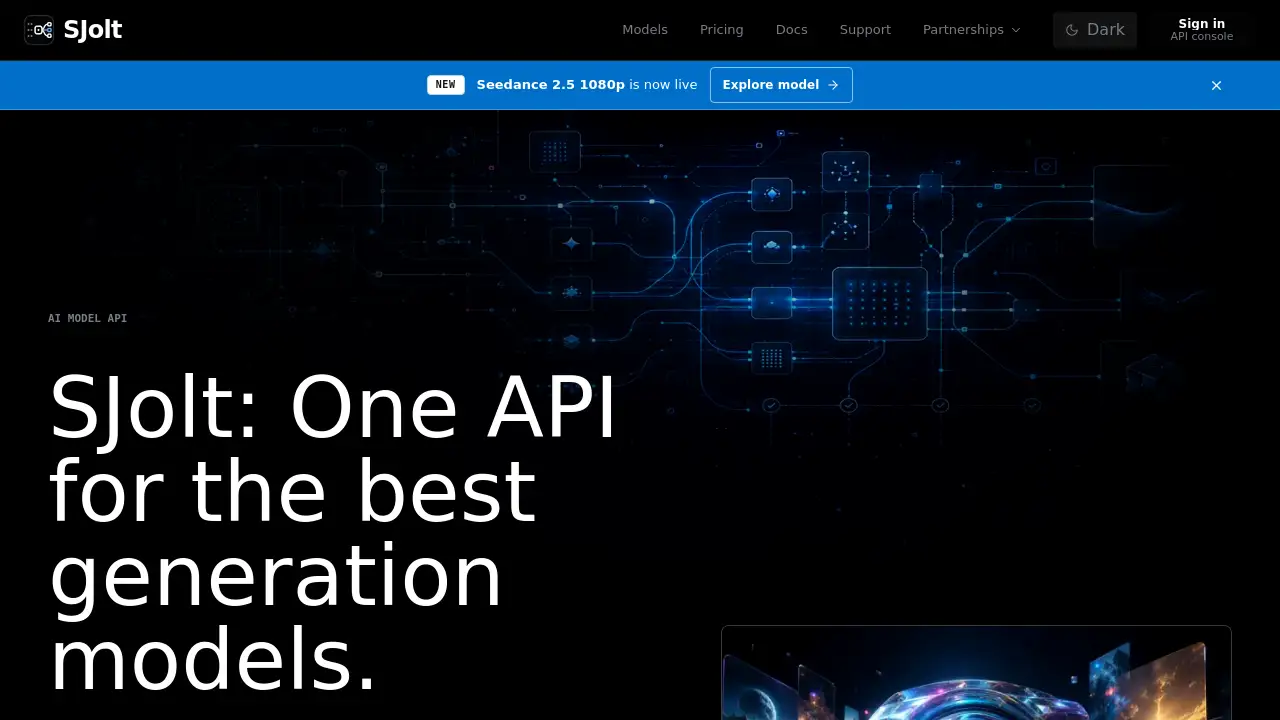
SJolt is an AI model API platform that helps developers explore image, video, and audio generation models in one playground, compare output quality and cost, and then copy the same request flow into production. It is designed for teams that want to move from model choice to production calls without switching tools. This SJolt review covers key features, use cases, pricing, and common questions.
What is SJolt?
SJolt is a model playground and unified API for generative AI. Instead of visiting separate websites for each video, image, or music model, users can browse a catalog, test models with API-ready inputs, and inspect real output samples before writing code.
The platform solves a practical problem: many AI generation models are powerful, but integrating them into a product usually means learning different APIs, managing separate billing accounts, and retesting every model. SJolt simplifies this by using one request pattern across supported generation models. A developer can test a prompt in the SJolt playground, compare output quality and cost, then copy the same API request into production code. That makes SJolt useful for anyone building with AI-generated media, from small startups to internal tools inside larger organizations.
Key Features of SJolt
Explore models in one catalog
SJolt organizes generation models by task type, such as text-to-video, image-to-video, image editing, and music generation. Users can browse models from providers like ByteDance, Google, xAI, MiniMax, Alibaba, and Suno without leaving the platform.
Test with API-ready inputs
The playground uses the same request fields as the production API. Prompts, ratios, durations, model IDs, and source assets are all visible as fields, so experiments in the model playground can be copied directly into engineering work.
Compare output quality and cost
Model pages and playground results let users judge output quality side by side. The platform also shows model-level costs and status tracking, so teams can make decisions based on both creative fit and budget.
Use one API request flow
SJolt uses one API pattern across supported models. This means a developer can switch from a video generation model to an image editing model without rewriting the whole integration. The same request structure handles model-specific pricing and task parameters.
Track usage and billing in one place
Usage billing is central to the SJolt experience. Users can check payment status, review usage records, and see model-level costs needed for finance review without opening multiple dashboards.
Copy ready-to-use API examples
Model pages include code examples for curl, JavaScript, and Python. They also explain task polling for long-running generation jobs. This helps developers ship faster once they confirm a model in the SJolt playground.
Use Cases for SJolt
Selecting the right generation model
Teams can test several image or video models before choosing one. The model playground makes it easy to compare output quality, speed, and price under realistic API conditions.
Prototyping a media feature
Product engineers can build a prototype using SJolt's one-request API flow. Because the playground uses production-style inputs, a working demo can become a real integration with minimal extra work.
Managing multi-provider AI workflows
Instead of maintaining separate API clients for each provider, teams can use SJolt as a common layer. This is especially useful for applications that generate videos, edit images, and create audio within the same product.
Monitoring model cost in production
Finance and operations teams can use SJolt's billing views to see how much each model costs. This helps avoid surprise expenses when usage grows.
How to Use SJolt
- Browse the model catalog – Start by exploring supported image, video, audio, and editing models on the SJolt website.
- Open the playground – Choose a model and test it with an API-ready prompt, duration, or source asset.
- Compare outputs – Review quality, cost, and task status to decide if the model fits your product.
- Copy the API request – Use the example code from the model page in your application. Set your credentials and model ID, then send the same request flow that worked in the playground.
Target Audience for SJolt
- Developers building AI-powered media features
- Product engineers who compare AI models
- Startups exploring video, image, or music generation
- SaaS teams adding generative AI to existing workflows
- Operations and finance teams tracking AI usage costs
Is SJolt Free?
SJolt does not publicly list a flat free tier on its homepage. Pricing appears to be usage-based, since the platform emphasizes usage billing, model-level costs, and one central balance. Interested teams should visit the official SJolt pricing page for current plans. Users can try models in the playground before committing to production integration.
| Plan | Price | Features |
|---|---|---|
| Pricing details | Not published | Usage billing, model-level cost tracking, playground access, one API flow |
SJolt's Pros and Cons
| Aspect | Pros | Cons |
|---|---|---|
| Integration | One API request flow across supported models | Limited to models available in the SJolt catalog |
| Testing | Playground uses API-ready inputs | Some advanced model features may not be exposed |
| Billing | Central usage billing and cost tracking | Public pricing details are not fully listed |
| Production readiness | Code examples and async task polling included | Requires third-party model availability and uptime |
Frequently Asked Questions about SJolt
What is SJolt used for?
SJolt is used to explore and compare AI generation models for images, videos, and audio. It also provides one AI model API flow for moving tested requests into production.
Does SJolt support video generation?
Yes. The SJolt model catalog includes video generation models from providers such as ByteDance, Google, xAI, MiniMax, and Alibaba. Some support text-to-video, reference image inputs, and native audio.
Can I compare models in the SJolt playground?
Yes. The SJolt playground lets users test model prompts, inspect output samples, and compare output quality. The platform also shows cost and status tracking for each model.
Do video generation jobs run asynchronously?
Yes. Long-running video generation jobs run through async queues. Users can poll by task ID to retrieve status and results, which is a common pattern for production media pipelines.
Can I use the same API request in production?
Yes. SJolt is designed so that the request fields used in the playground appear in the API request. Developers can copy the same SJolt API request into production after testing.
Is SJolt suitable for non-developers?
The platform is developer-focused, but the model playground is visual enough for product managers, designers, or AI evaluators to test prompts. Actual production integration still requires some API knowledge.
SJolt Tags
SJolt, AI model API, model playground, generation models, video generation API, image generation API, audio generation API, AI API playground, compare AI models, one API for AI, SJolt playground, API request flow