Introduction
Song finder by humming identifies music fast.
What is song finder by humming?
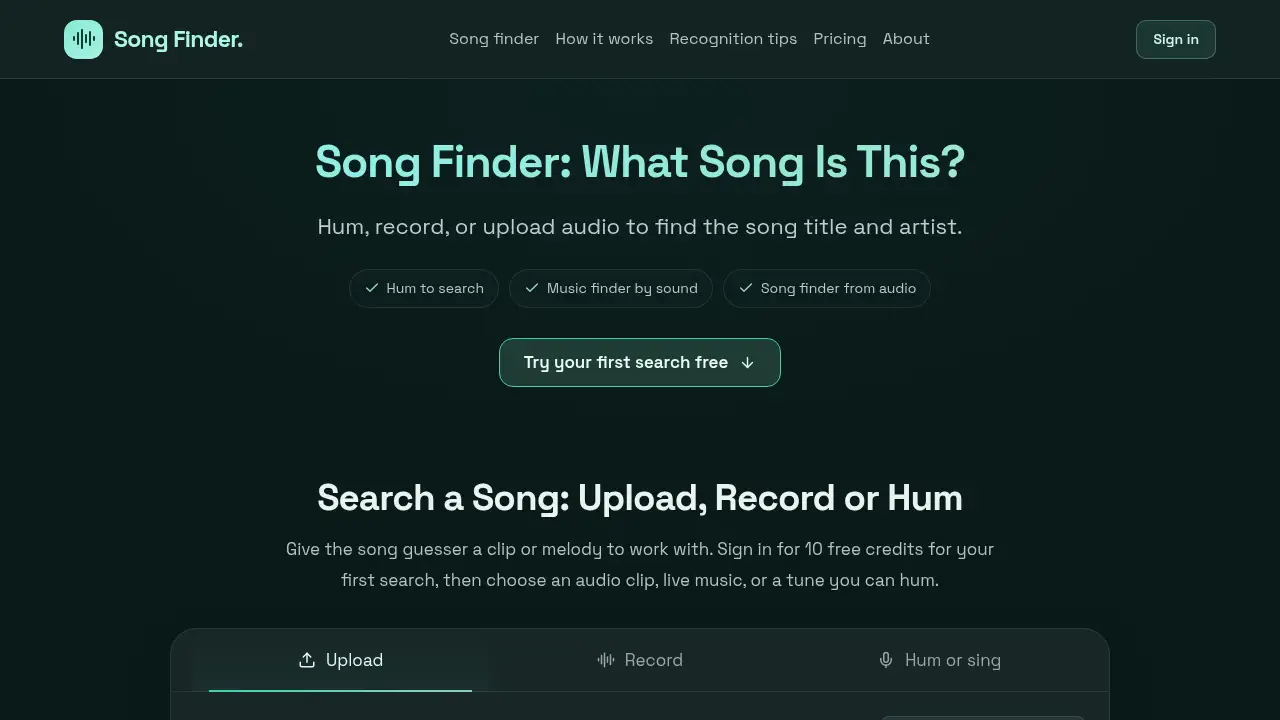
The tool is a browser-based music identification service that helps users answer “what song is this?” from a hummed melody, a live recording, or an uploaded audio clip. It is designed for people who know how a song sounds but do not know its title, artist, or lyrics. The music finder compares submitted sound with existing music and returns possible titles and artists, along with previews or listening links when available. Because it works with sound rather than typed lyrics, the song guesser is useful for tunes stuck in your head, music playing nearby, and saved clips with no metadata. It can help users find a song by humming, recording, or uploading audio, but it should be treated as a helpful starting point rather than a guaranteed answer. Clear audio improves results, while noisy clips, unusual versions, or catalog gaps can make matching harder. The service runs in a supported browser and does not require a separate app.
Key Features of song finder by humming
Hum to Search
Use hum to search when only the melody is familiar. Users hum or sing a chorus for about 15 seconds, and the tool returns possible songs based on the tune.
Record Live Music
The Record mode captures music playing nearby, such as in a café, on the radio, or on TV. Keep the microphone close to the speaker and away from conversation for a clearer song finder from audio.
Upload an Audio Clip
Upload MP3, WAV, or another browser-compatible file up to 10 MB and at least 10 seconds long. The song finder from audio clip option works with original music or humming, depending on the file.
Check Matches with Previews and Links
Review the returned title and artist, then listen to an available preview or open a listening link. This helps users confirm whether the song guesser result matches the intended version.
Browser-Based, Credit-Based Search
Run the music finder by sound in a supported phone or computer browser without installing an app. A first search is free after sign-in, and extra searches use one-time credits rather than a subscription.
Use Cases for song finder by humming
A Tune Stuck in Your Head
Use hum to search when the melody is clear but the lyrics are not. A quiet room and a familiar chorus give the tool a better chance to identify the track.
Music Playing Nearby
Use Record to name a song playing in a shop, café, or on TV. A close microphone and a clear section of the song can help the song recognizer return a useful result.
A Saved Clip Without a Title
Upload an untitled audio file to the song finder from audio and choose whether it contains original music or humming. This is useful for checking old recordings or downloaded clips that have no artist information.
Verifying a Cover or Remix
Use the music finder to get possible original songs, then compare previews and versions. Changed arrangements, live performances, or heavy edits may be harder to recognize, so checking the result matters.
How to Use song finder by humming
- Sign in to create an account and receive 10 free credits for the first search.
- Choose a mode in song finder by humming: Hum or sing, Record, or Upload.
- Provide clear audio: hum about 15 seconds, record live music, or upload a file at least 10 seconds long and under 10 MB.
- Submit the clip and review possible titles and artists. Use previews or listening links to check the match.
- Buy a one-time credit pack if more searches are needed; no subscription is required.
Target Audience for song finder by humming
- People with a tune stuck in their head but no lyrics.
- Listeners who hear music in public and want to identify it.
- Users with untitled audio clips or saved recordings.
- Casual music fans who prefer browser tools over apps.
- Users looking for one-time searches instead of a subscription.
Is song finder by humming Free?
The service is not a fully free unlimited tool, but it offers a free first search. New accounts receive 10 free credits, and each completed search uses 10 credits, including no-match results; technical failures do not use credits. After the first search, users can buy one-time credit packs. There is no subscription or automatic renewal. The official pricing page lists the available packs.
| Plan | Price | Features |
|---|---|---|
| Free first search | $0 | 10 free credits after sign-in; one completed search; account required |
| Starter pack | $5 one-time | 50 credits; 5 completed searches; no subscription |
| Regular pack | $10 one-time | 100 credits; 10 completed searches; no subscription |
song finder by humming's Pros and Cons
| Aspect | Pros | Cons |
|---|---|---|
| Pricing | Free first search and one-time credit packs | Completed no-match searches use credits |
| Features | Hum, record, and upload modes; previews and listening links | No YouTube or TikTok links; video files are not supported |
| Access | Browser-based on phone or computer; no app needed | Account and internet connection required; microphone permission needed for recording |
| Accuracy | Clear chorus and quiet room can improve results | Noisy clips, covers, remixes, or missing catalog tracks may cause no match or a wrong result |
Frequently Asked Questions about song finder by humming
Can I search without knowing the lyrics?
Yes. Choose Hum or sing in the tool and hum the main melody. It does not require a title, artist name, or typed lyrics, though a clear chorus improves the chance of a match.
How long should I hum or record for hum to search?
For humming, about 15 seconds of a clear chorus is suggested; the recorder stops automatically after 15 seconds. Uploaded audio must be at least 10 seconds long, and the browser prepares a sample of up to 20 seconds.
Is the first search free, and do I need an account?
Sign-in is required. New accounts receive 10 free credits for the first search, and each completed search uses 10 credits. Extra searches use purchased credits; there is no subscription.
What happens if the song guesser finds no match?
A completed search uses 10 credits even when no song matches. Technical failures and invalid uploads do not use credits, so check the recording mode and clip quality before trying again.
Which audio files can I upload to the song finder from audio?
Use an audio file under 10 MB with at least 10 seconds of sound. MP3, WAV, or another browser-playable format is a good starting point; video files and YouTube or TikTok links are not supported.
Can the music finder identify covers or remixes?
It may return a match, but changed arrangements, live performances, and heavily edited clips can be harder to recognize. The result may point to the original song rather than the exact version, so listen to a preview before accepting it.
song finder by humming Tags
song finder by humming, hum to search, find a song by humming, music finder, song finder from audio, what song is this, song guesser, song recognizer, music finder by sound, search a song, song finder from audio clip, song finder pricing