Introduction
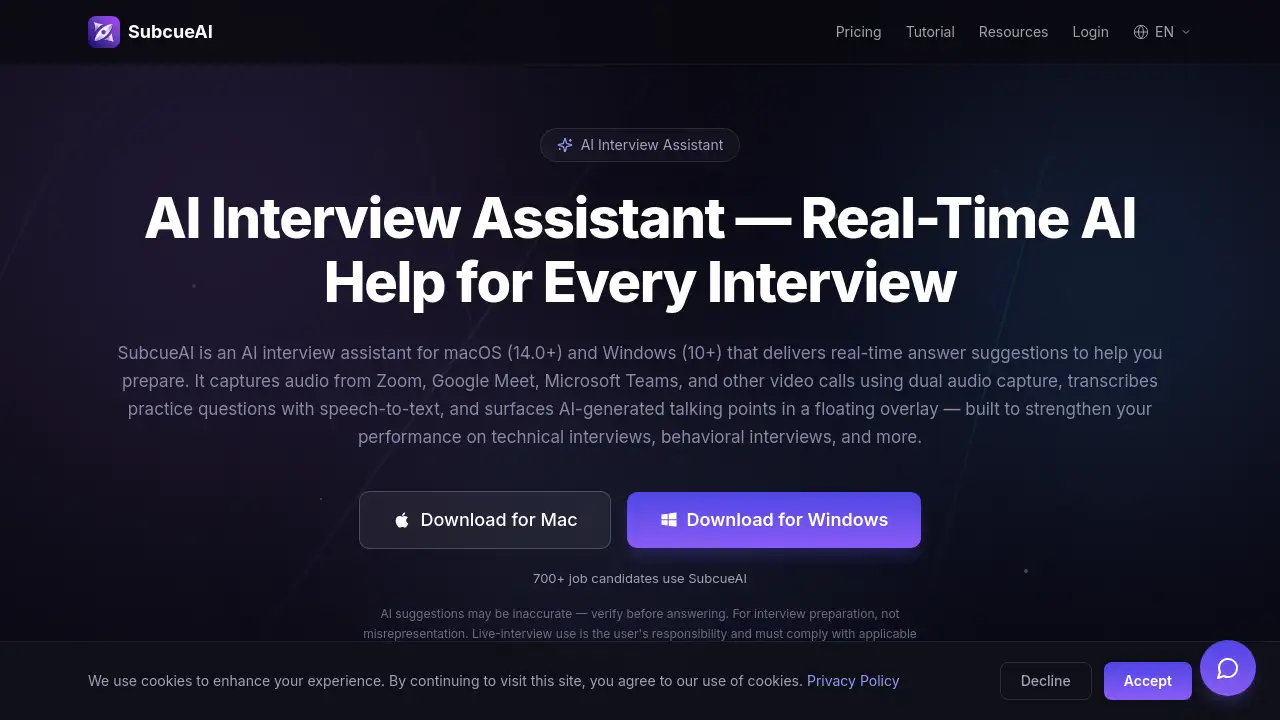
An AI interview assistant helps job seekers prepare for interviews with real-time answer suggestions and performance analytics. SubcueAI is a desktop app for macOS and Windows that captures audio from video calls, transcribes questions, and generates AI-powered talking points to improve interview preparation.
What is SubcueAI?
SubcueAI is a desktop application designed to support interview preparation by providing real-time answer suggestions during practice sessions. It captures dual audio from platforms like Zoom, Google Meet, and Microsoft Teams, transcribes questions using speech-to-text, and surfaces context-aware talking points powered by GPT-4o in a floating overlay. The tool also includes post-session performance analytics with scoring, strengths, and weaknesses. Suitable for job candidates preparing for technical, behavioral, or case interviews, SubcueAI runs locally on macOS 14.0+ and Windows 10+, ensuring data stays on the device. It fills a gap for candidates who want structured, AI-driven practice without third-party meeting bots or browser plugins.
Key Features of SubcueAI
Real-Time AI Answer Assistant
This feature delivers intelligent, context-aware answer suggestions as you practice. Powered by GPT-4o, it works for technical, behavioral, and case interview prep, helping you build confidence with AI answer suggestions.
Dual Audio Capture for Video Calls
SubcueAI captures both system audio and microphone simultaneously, making it compatible with Zoom, Google Meet, Microsoft Teams, WebEx, and other video call platforms. This dual audio capture is ideal for mock interviews with a partner.
Interview Performance Analytics
After each practice session, the app provides detailed AI analysis with scoring, strengths, weaknesses, and actionable improvement suggestions. This interview performance analytics helps track progress over multiple rounds.
Private & Local-First Architecture
Audio is processed locally on your device — no meeting bots, no browser plugins. Interview transcripts are never persisted on servers, and resume data is encrypted at rest. A quick-toggle hotkey ensures distraction-free focus.
Use Cases for SubcueAI
Technical Interview Preparation
Practice coding and system design questions with real-time AI answer suggestions that adapt to your resume-driven context.
Behavioral Interview Practice
Generate talking points for STAR-method questions, using the AI interview assistant to refine your responses based on past experience.
Mock Interviews with a Partner
Leverage dual audio capture to record practice sessions with a friend or coach, then review performance analytics to improve.
General HR Screening Prep
Prepare for common screening questions with context-aware answer suggestions that help you deliver concise, relevant replies.
How to Use SubcueAI
- Download and Install – Get SubcueAI from the official website for macOS 14.0+ or Windows 10+. No account required to start the free trial.
- Launch & Connect – Open SubcueAI before your Zoom, Google Meet, or Teams practice session. It runs quietly in the background, capturing audio from your meeting app.
- Practice with Real-Time Help – As you work through questions, SubcueAI transcribes them and surfaces AI-generated talking points in a floating overlay. Review, internalize, and rehearse your responses.
- Review & Improve – After your session, access detailed AI performance analysis to track progress and identify areas for improvement.
Target Audience for SubcueAI
- Job seekers preparing for technical, behavioral, or case interviews
- Career changers needing structured interview preparation
- Students applying for internships or graduate programs
- Professionals practicing for internal promotions or leadership roles
- Coaches or mentors conducting mock interviews
Is SubcueAI Free?
SubcueAI offers a tiered pricing model on a credits system:
| Plan | Price | Features |
|---|---|---|
| Starter | $0/month | 100 credits, standard AI model, mock interview practice |
| Pro | $20/month | 2,000 credits, smart AI model, performance analytics, resume-driven context, interview history |
| Premium | $75/month | 8,000 credits, expert AI model, advanced analytics, priority support, early access |
Optional top-up packs never expire. A free trial of the Pro plan is available.
SubcueAI's Pros and Cons
| Aspect | Pros | Cons |
|---|---|---|
| Pricing | Free tier available; top-up credits never expire | Pro and Premium plans may be expensive for casual users |
| Features | Real-time AI answer suggestions, dual audio capture, performance analytics | AI suggestions may be inaccurate — require user verification |
| Compatibility | Works with all major video call platforms (Zoom, Meet, Teams, WebEx) | Windows version requires version 10 (19041+) and Mac requires 14.0+ |
| Privacy | Local-first architecture; data stays on device | No mobile app; desktop only at present |
| Usability | Simple three-step workflow; floating overlay is non-intrusive | Requires internet connection for real-time transcription and AI generation |
Frequently Asked Questions about SubcueAI
What is an AI interview assistant and how does SubcueAI work?
An AI interview assistant is a desktop app that helps you prepare for interviews with real-time answer suggestions. SubcueAI captures audio from video calls, transcribes practice questions, and generates context-aware talking points powered by GPT-4o, displayed in a floating overlay.
Does SubcueAI work with Zoom, Google Meet, and Microsoft Teams?
Yes. SubcueAI uses dual audio capture to record system audio from any application, so it works with Zoom, Google Meet, Microsoft Teams, WebEx, and even phone calls routed through your computer.
Is SubcueAI a meeting bot?
No. SubcueAI is a native desktop app — it does not inject bots into meetings, install browser plugins, or modify your video feed. The floating overlay renders locally on your machine. Live-interview use is the user's responsibility and must comply with applicable consent laws.
Can SubcueAI help with technical and behavioral interview prep?
Absolutely. SubcueAI generates real-time AI talking points for all interview types — technical coding questions, behavioral STAR-method questions, case interviews, and general HR screening. It uses your uploaded resume for personalized answer suggestions.
How does SubcueAI protect my privacy?
SubcueAI processes all audio locally on your device. Interview audio is transcribed in real-time and never stored on servers. Your resume data is encrypted at rest. The app never shares data with third parties.
What languages does SubcueAI support?
SubcueAI supports English and Chinese for speech recognition and AI answer generation. The interface is available in 26 languages, with more coming soon.
SubcueAI Tags
AI interview assistant, real-time answer suggestions, interview preparation, dual audio capture, interview performance analytics, AI answer suggestions, SubcueAI review, job interview practice, GPT-4o interview helper, desktop interview assistant, mock interview tool, video call transcription