Introduction
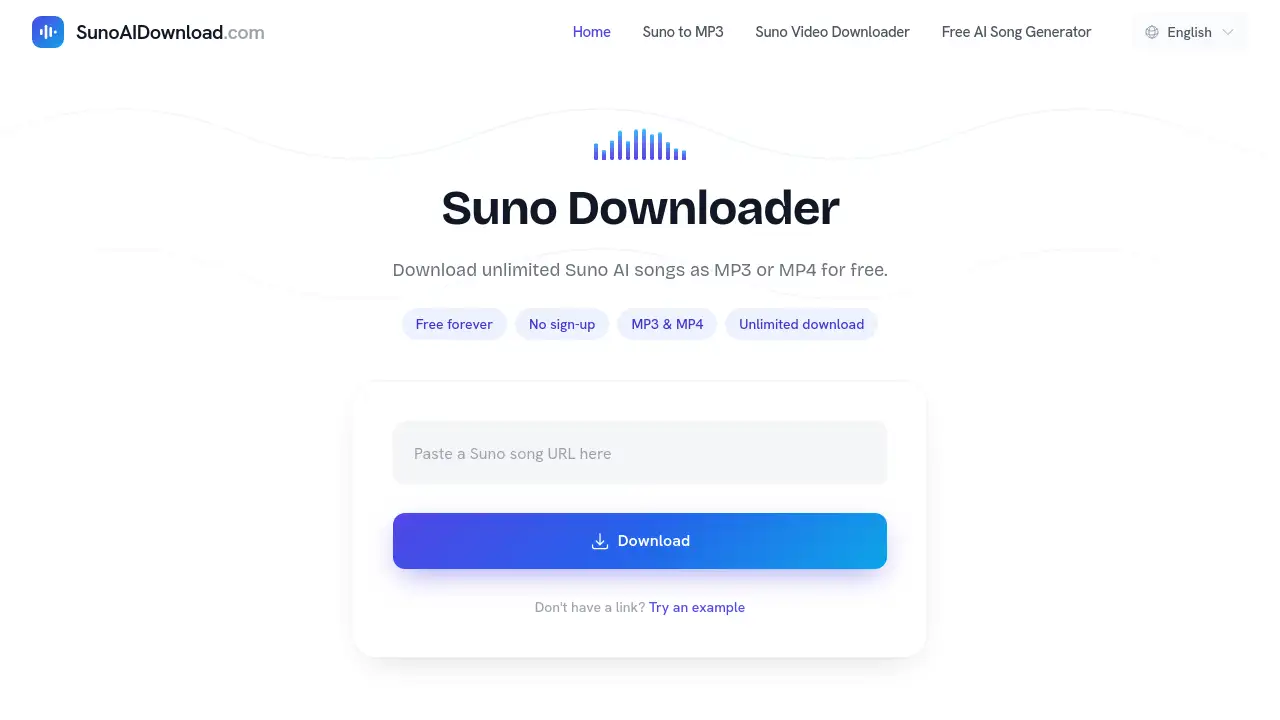
A free Suno Downloader tool lets anyone save Suno AI songs as MP3 or MP4 files quickly. This Suno Downloader works without sign-up and supports unlimited downloads from public Suno share links.
What is Suno Downloader?
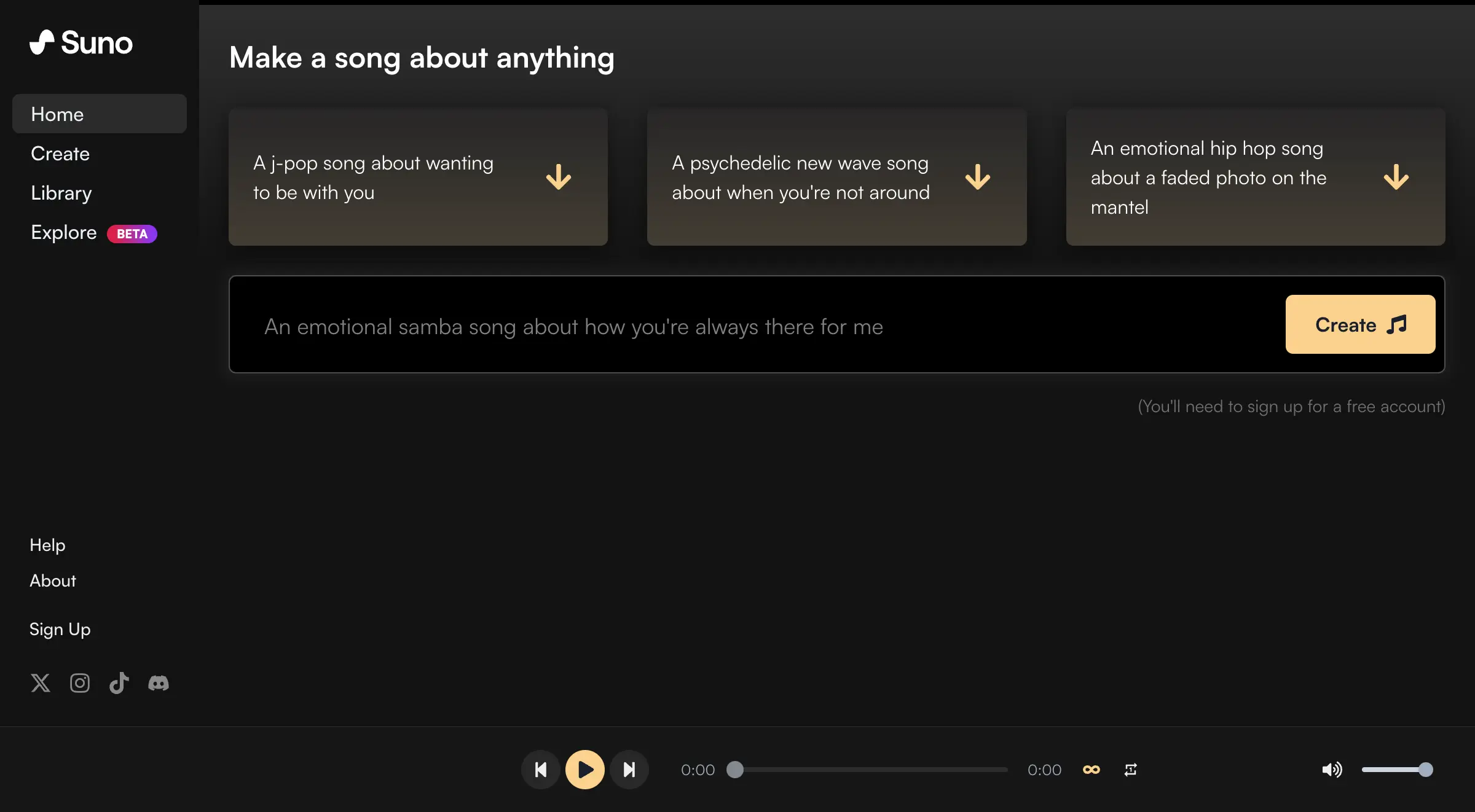
Suno Downloader is a web-based tool designed to convert public Suno AI songs into downloadable audio or video files. The main problem it solves is that Suno’s platform does not natively offer a direct download button for saving songs permanently to a device. Users who want to listen to Suno-generated music offline, share it with others, or keep a personal collection often need a separate utility to grab those files.
This free Suno downloader is suitable for musicians, content creators, AI music enthusiasts, and casual listeners. It matters because it removes the friction of needing an account or paying a fee to save AI-generated tracks. Anyone with a Suno share link can get a high-quality MP3 or MP4 file in seconds, making it a practical solution for preserving and using AI music outside the original platform.
Key Features of Suno Downloader
Free and Unlimited Downloads
This Suno downloader charges nothing for its core service. Users can paste as many share links as they want without any download limits, making it ideal for building a large music library from Suno AI.
MP3 and MP4 Format Options
Users can choose to save a Suno AI song as an MP3 audio file for pure listening or as an MP4 video file that includes the animated visual Suno generates. Both options are processed quickly after pasting the link.
No Sign-Up Required
There is no account creation, email registration, or login process. Simply paste a public Suno share link into the tool, and the download options appear immediately. This keeps the process private and hassle-free.
Works Across All Devices
The tool functions on any modern browser, including Chrome, Safari, Firefox, and Edge. It also works on mobile platforms like iPhone and Android, as well as desktop systems such as Mac, Windows, and Linux.
Fast File Processing
After pasting a Suno music link, the tool fetches the track and presents a preview within seconds. Users can then download the file instantly without waiting for long processing times.
Use Cases for Suno Downloader
Saving Favorite AI Songs for Offline Listening
People who discover a Suno AI song they love can use this free Suno downloader to save it as an MP3. This allows playback without an internet connection, such as during commutes, workouts, or travel.
Creating a Personal Music Collection
AI music enthusiasts who generate multiple tracks on Suno often want to organize them in a local folder. Using the Suno downloader, they can batch save songs as MP4 files with the original visuals, building a personal archive.
Sharing Music Outside the Suno Platform
Content creators or social media users may want to share a Suno AI song on platforms that do not support direct Suno embeds. Downloading the MP4 file makes it easy to upload the track to YouTube, Instagram, or other video-sharing sites.
How to Use Suno Downloader
Using this Suno Downloader is straightforward and requires only three steps:
- Copy the Suno song link – Open Suno, find a public song, and copy its share URL.
- Paste the URL – Go to sunoaidownload.com and paste the link into the input field.
- Download the file – Click fetch, preview the track, then choose MP3 or MP4 to save the file to your device.
No technical skills, accounts, or downloads are needed. The entire process takes less than a minute.
Target Audience for Suno Downloader
- AI music hobbyists – People who regularly explore and listen to Suno-generated tracks and want to keep their favorites.
- Content creators – YouTubers, podcasters, and social media managers who need Suno AI music for background audio or video projects.
- Offline listeners – Users who prefer to listen to music without relying on streaming or internet access.
- Researchers and educators – Individuals studying AI-generated music who need sample files for analysis or teaching.
- Casual users – Anyone who stumbles upon a Suno song and wants a quick, free way to download it.
Is Suno Downloader Free?
Yes, Suno Downloader is completely free. There are no paid plans, subscription fees, or hidden costs. The tool offers unlimited downloads of MP3 and MP4 files from public Suno share links without requiring a sign-up.
| Plan | Price | Features |
|---|---|---|
| Free | $0 | Unlimited MP3/MP4 downloads, no sign-up, works on any device, no download limits |
Suno Downloader's Pros and Cons
| Aspect | Pros | Cons |
|---|---|---|
| Pricing | Totally free with no hidden fees | No premium features or advanced options |
| Ease of Use | Simple three-step process, works instantly | No batch download option for multiple links at once |
| Accessibility | Works on all major browsers and devices | Requires a stable internet connection to fetch and download |
| Format Support | Offers both MP3 and MP4 downloads | Only supports public Suno songs; private tracks cannot be downloaded |
| Privacy | No account or sign-up needed | Does not offer metadata editing or tag customization for downloaded files |
Frequently Asked Questions about Suno Downloader
Is this Suno Downloader completely free to use?
Yes, the tool is free forever. There are no charges, hidden fees, or premium tiers. Users can download unlimited Suno AI songs as MP3 or MP4 files without paying anything.
Do I need to create an account to download Suno songs?
No account is required. Just paste a public Suno share link into the downloader, and the download options appear immediately. No sign-up, email, or login is needed.
Can I download Suno AI songs as MP4 video files?
Yes. The Suno downloader supports both MP3 audio and MP4 video formats. The MP4 file includes the animated visual that Suno generates alongside the music.
What devices can I use this Suno downloader on?
The tool works on any device with a modern web browser. This includes iPhones, Android phones, Macs, Windows PCs, Linux machines, and tablets. It is compatible with Chrome, Safari, Firefox, and Edge.
Are there any download limits when using this free Suno downloader?
No, there are no download limits. Users can download as many Suno AI songs as they want, including multiple tracks in one session, without any restrictions.
Can I download private Suno songs with this tool?
No. The Suno downloader only works with public Suno share links. Any song that has been set to private on Suno cannot be accessed or downloaded through this tool.
Suno Downloader Tags
Suno Downloader, free Suno download, Suno AI music downloader, MP3 MP4 downloader, download Suno AI songs, Suno music to MP3, Suno video downloader, save Suno songs offline, AI music download tool, no sign-up downloader, Suno share link download