Introduction
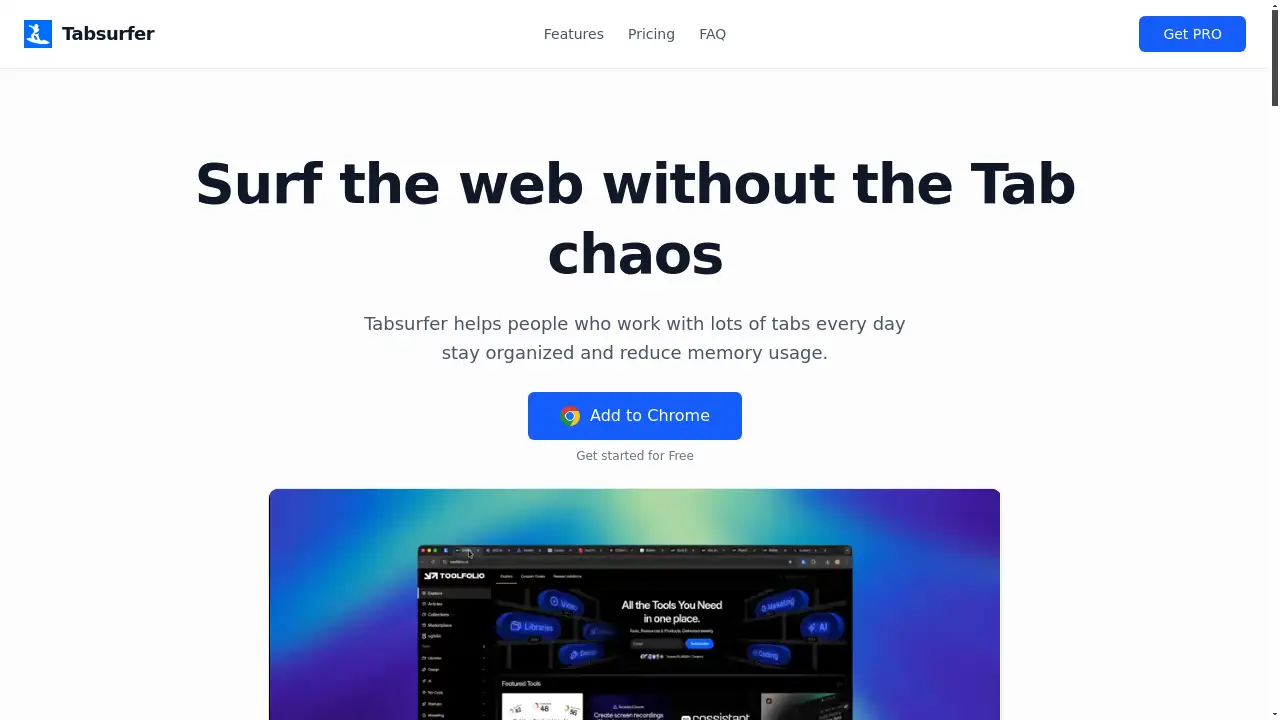
Tabsurfer is a powerful browser extension designed to keep your browser fast and organized, solving the common problem of tab overload and memory drain.
What is Tabsurfer?
Tabsurfer is a productivity-focused browser extension that helps users save, organize, and manage their browser tabs efficiently. It solves the problem of having dozens of tabs open, which slows down your browser and makes finding specific information difficult. This tab manager is suitable for anyone who multitasks online, including researchers, students, project managers, and professionals who need to juggle multiple workflows. It matters because it restores speed and clarity to your browser, allowing you to focus on your work instead of managing digital clutter.
Key Features of Tabsurfer
Collapse Tabs
Instantly collapse your entire browser session into Tabsurfer to save memory, reduce clutter, and free up system resources for a faster browsing experience.
AI Summaries
Pro users can send tab content directly to AI models like ChatGPT or Claude for instant analysis, summaries, and answers without switching windows.
Share Links
Convert a group of open tabs into a single, clean, and shareable link, making it easy to collaborate and share research or project resources with teammates.
Tag & Organize
Categorize your saved tabs with custom tags for quick filtering and retrieval, helping you find the exact tab you need in seconds.
Schedules
Set specific times for tabs or groups of tabs to auto-open automatically, perfect for daily stand-ups, recurring meetings, or scheduled work sessions.
Folders
Group related tabs into organized folders to create distinct workspaces for different projects, clients, or topics, keeping your digital workspace clean.
Pin Tabs
Pin important tabs within the Tabsurfer interface to ensure they are always easily accessible and never get lost in a sea of other saved pages.
Instant Search
Find any saved tab instantly by searching through its title or URL, providing millisecond-level retrieval of your information.
Use Cases for Tabsurfer
Academic Research
Students and researchers can save all tabs from a literature review or data-gathering session into a dedicated folder, tagged by topic, and easily return to their work later.
Project Management
Team leads and managers can organize tabs for each active project into separate folders, schedule relevant tabs to open for team meetings, and share resource links with stakeholders.
Content Creation
Writers, designers, and video editors can collect inspiration, reference articles, and tool tabs into one place, using AI summaries to quickly digest information and tags to sort by content type.
Daily Workflow Optimization
Professionals can schedule their daily tool tabs (email, calendar, task manager) to open automatically at the start of the workday and collapse all tabs at the end to preserve browser performance.
How to Use Tabsurfer
- Install the Extension: Add the Tabsurfer extension to your Chrome or Chromium-based browser (like Edge or Brave) from the Chrome Web Store.
- Create an Account: Sign up for a free account to enable syncing of your tabs and folders across devices.
- Save Your Session: Click the Tabsurfer icon and use the "Collapse Tabs" feature to instantly save all your currently open tabs.
- Organize: Drag and drop saved tabs into folders, add tags for categorization, or set schedules for automatic opening.
- Retrieve & Share: Use instant search to find tabs, or generate a shareable link for a group of tabs to collaborate with others.
Target Audience for Tabsurfer
- Students and academic researchers managing multiple sources.
- Digital professionals, marketers, and content creators.
- Project managers, product managers, and team leads.
- Developers, engineers, and data analysts working with many documentation tabs.
- Any individual who frequently has more than 10 browser tabs open and values a fast, organized browser.
Is Tabsurfer Free?
Tabsurfer offers a generous free plan that includes core functionality for managing up to 50 tabs. For users who need more advanced organization, affordable premium options are available through a one-time lifetime payment for Tabsurfer Pro. This eliminates monthly fees and unlocks unlimited folders, tags, shareable links, and AI integration, providing significant long-term value for power users.
Frequently Asked Questions about Tabsurfer
What exactly does Tabsurfer do?
Tabsurfer is a browser extension that acts as a tab manager, allowing you to save, organize, and manage your browser tabs. You can collapse sessions to save memory, group tabs into folders, schedule them to open automatically, and use tags for filtering, all synced across your devices.
Can I access my saved tabs on different computers?
Yes, when you are signed into your Tabsurfer account, all your saved tabs, folders, schedules, and tags are securely synced. You can access your organized workspace from any Chrome browser on any device.
What is the difference between the Free and Pro versions?
The free version allows management of up to 50 tabs, includes 2 folders, 1 tag, and 1 shareable link. The Pro version is a one-time purchase that unlocks unlimited folders, tags, and shareable links, plus the ability to share tab content directly with AI assistants for summaries and analysis.
Does Tabsurfer work with browsers other than Chrome?
Tabsurfer currently supports Chrome and all Chromium-based browsers, such as Microsoft Edge, Brave, Vivaldi, and Arc. Support for other browser platforms may be added in the future.
How do I organize my tabs into folders?
Within the Tabsurfer popup or dashboard, you can select multiple saved tabs and assign them to an existing folder or create a new one. This helps group tabs by project, topic, or priority for a cleaner workspace.
Can I search through all my saved tabs?
Absolutely. Tabsurfer features an instant search bar that lets you find any saved tab by typing keywords from its title or URL. Results appear in milliseconds, and you can further filter searches by folder or tag.
Tabsurfer Tags
tab manager, browser extension, organize browser tabs, productivity tool, collapse tabs, save memory, share tabs, tab groups, AI summaries, schedule tabs, tag tabs, browser organization, workflow tool, research organization, tab overload, one-time purchase, Chrome extension, team collaboration