Introduction
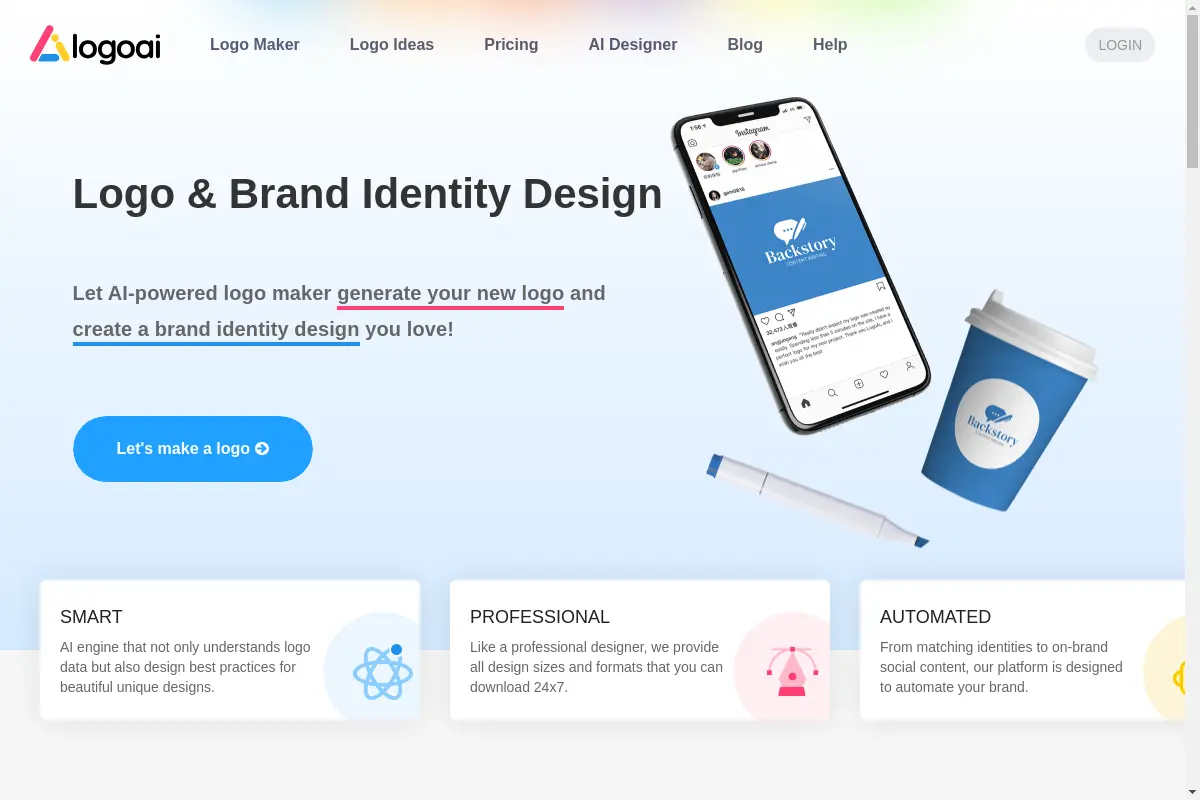
The AI Logo Creator is an online logo design tool that turns simple prompts into brand-ready logo files. It helps founders, creators, and small teams create a logo with AI in minutes. With style presets, colors, and reference images, the AI Logo Creator offers a practical path from a rough idea to a polished brand identity.
What is AI Logo Creator?
AI Logo Creator is a browser-based tool that uses artificial intelligence to generate logo concepts from a short text prompt. The platform is designed to solve the slow and expensive side of traditional logo design. Instead of waiting days for a designer, users can explore multiple logo directions in seconds. It is suitable for solo founders, local shops, ecommerce sellers, creators, agencies, and lean marketing teams. It matters because it gives non-designers a clear way to move from a rough idea to export-ready assets.
The homepage also reports that the platform is trusted by more than one million creators and top media worldwide. For anyone who needs fast visual identity concepts, the AI Logo Creator offers a more accessible starting point than hiring a professional designer or learning complex design software.
Key Features of AI Logo Creator
Prompt to Logo Generator
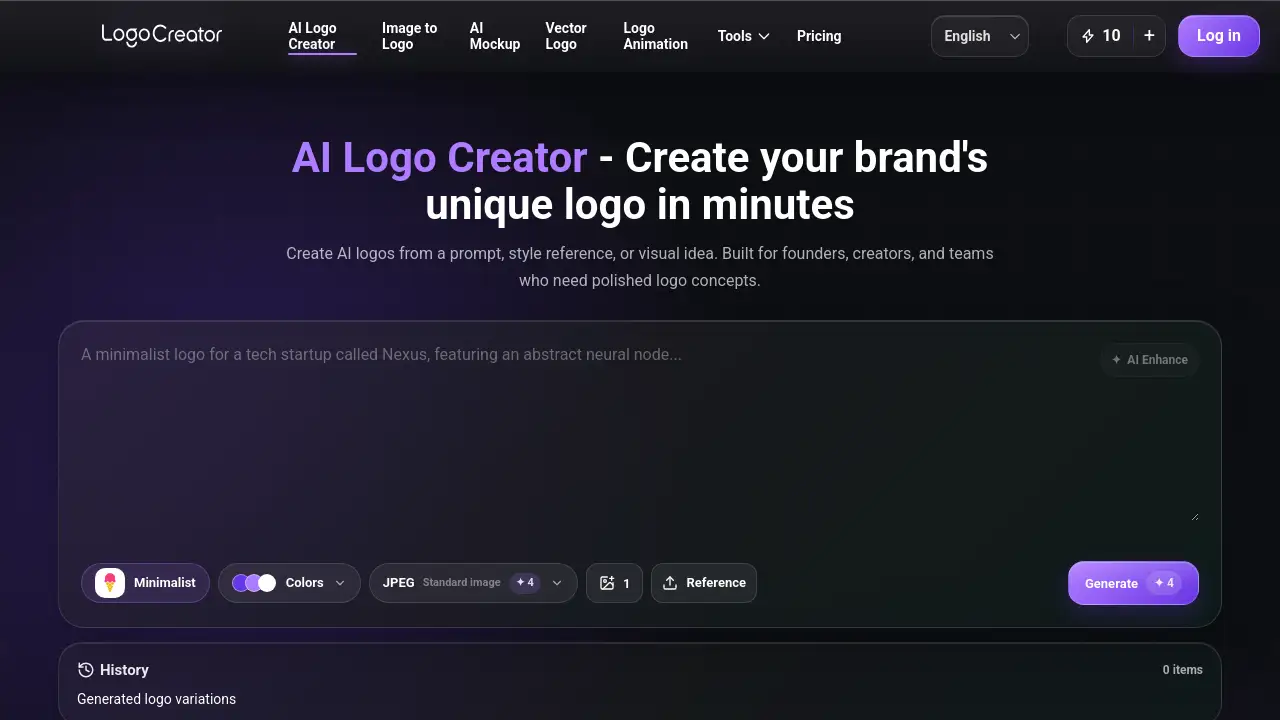
The AI Logo Creator reads plain-language descriptions and turns them into visual logo directions. Users can write a short prompt about their brand, mood, industry, symbol, or visual direction, and the tool handles the blank-page stage.
Style Preset Browser
This AI logo maker offers a style preset browser with directions like minimalist mark, luxury badge, playful mascot, retro label, or clean technology symbol. This helps users guide the AI Logo Creator more effectively and explore different branding styles without starting from scratch.
Color and Reference Control
Users can select Primary, Secondary, and Background colors, or upload a reference image. The AI Logo Creator uses these choices to shape a more relevant logo direction. This feature is useful for anyone who wants to create a logo with AI while keeping brand identity consistent.
AI Enhance for Prompts
If the first prompt feels rough, the AI Enhance feature turns it into a clearer prompt for the AI Logo Creator. It helps avoid vague results and improves the output quality for logo design.
Multiple Output Formats
Users can choose JPEG Standard, PNG Transparent, or SVG Vector files. This makes the AI Logo Creator useful for websites, social profiles, presentations, product labels, and packaging. Brand-ready export options allow users to apply the AI-generated logo across real marketing channels.
Logo Variation Generation
The AI Logo Creator can generate several logo variations at once, so users can compare ideas and choose the strongest direction. Recent generation history is saved for 7 days, allowing users to return to a strong result without starting over.
Use Cases for AI Logo Creator
Startup Brand Exploration
Founders and tech startups can use AI Logo Creator to test visual directions for apps, pitch decks, websites, and launch pages before committing to a full design process. It gives early-stage teams a fast way to see how a logo might fit into a product launch.
Small Business Branding
Cafes, salons, studios, boutiques, service businesses, and online stores can create a logo with AI for their storefront and social media. The AI Logo Creator helps them explore polished options without needing design experience, which is especially valuable for small teams with limited time and budget.
Ecommerce and Creator Branding
Online sellers and content creators can generate logo directions for storefronts, product labels, social avatars, newsletters, and packaging. This AI logo maker supports a consistent brand identity across many touchpoints, making it easier to look professional across channels.
Agency and Team Moodboards
Agencies and lean marketing teams can use the AI Logo Creator to produce fast concepts, moodboard options, and client-ready directions before deeper brand design work begins. It encourages early visual exploration and helps teams move quickly in the discovery phase.
How to Use AI Logo Creator
- Describe your logo idea in a short prompt about the brand, mood, industry, symbol, or visual direction. If the first prompt feels rough, use AI Enhance to create a clearer prompt for the AI Logo Creator.
- Choose a style preset, pick Primary, Secondary, and Background colors, or upload a reference image. The tool uses these signals to shape a more relevant direction.
- Select an output format such as JPEG Standard, PNG Transparent, or SVG Vector, then choose how many variations you want to generate. This AI logo maker creates several directions so you can compare ideas.
- Click Generate, review the logo variations, open a larger preview, edit a result, or download the best option. Recent history is kept for 7 days so you can return to strong results without starting over.
Target Audience for AI Logo Creator
- Founders and tech startups
- Small businesses and local shops
- Ecommerce sellers and creator brands
- Agencies and lean marketing teams
- Freelancers and solo creators
- Personal brands and side project builders
Is AI Logo Creator Free?
Pricing details for AI Logo Creator are not clearly listed on the product homepage. The tool appears to be aimed at users who need fast visual identity ideas, but no official free or paid plan is mentioned in the available content. Check the official website for current pricing and trial options.
| Plan | Price | Features |
|---|---|---|
| Free | Not listed | Not specified on homepage |
| Pro | Not listed | Visit official site for updated plan details |
AI Logo Creator's Pros and Cons
| Aspect | Pros | Cons |
|---|---|---|
| Speed | Generates logo variations in seconds | Limited control compared to manual design tools |
| Ease of use | Simple prompt and preset workflow | May need several attempts for precise results |
| Export options | JPEG, PNG, and SVG files for brand use | Output depends on prompt quality |
| Design guidance | Suitable for non-designers | Not a full replacement for professional brand identity work |
| Workflow | Stores recent history for 7 days | History is not permanent |
Frequently Asked Questions about AI Logo Creator
What is an AI Logo Creator?
An AI Logo Creator is an online tool that uses artificial intelligence to generate logo concepts from prompts, style choices, colors, and optional reference images. It helps people create a logo with AI without advanced design skills.
Can I use AI Logo Creator for free?
Pricing is not clearly stated on the homepage. Users should check the official website to see whether a free version or trial is available. The AI Logo Creator may have different plans for different users.
Does AI Logo Creator accept reference images?
Yes. Users can upload a reference image or choose an example from the gallery. The AI Logo Creator uses the reference to understand shape, mood, color, or composition so the result is closer to the direction you want.
What file formats does AI Logo Creator support?
The AI Logo Creator supports JPEG Standard, PNG Transparent, and SVG Vector export options. Choose the format that fits a website, social profile, presentation, product label, or brand identity system.
Is AI Logo Creator good for beginners?
Yes. The AI Logo Creator is designed for beginners, small businesses, creators, and teams that need clear logo directions quickly. Users can start with one sentence, use AI Enhance, and let the AI Logo Creator structure the idea.
How long are AI Logo Creator results saved?
Recent generation history is saved for 7 days. Users can return to a previous task, review variations, edit a result, or download a logo while history is available.
AI Logo Creator Tags
AI Logo Creator, create a logo with AI, AI logo maker, online logo generator, logo design tool, brand identity, logo with AI, AI-generated logo, SVG logo creator, logo ideas, style presets, brand-ready logos.