Introduction
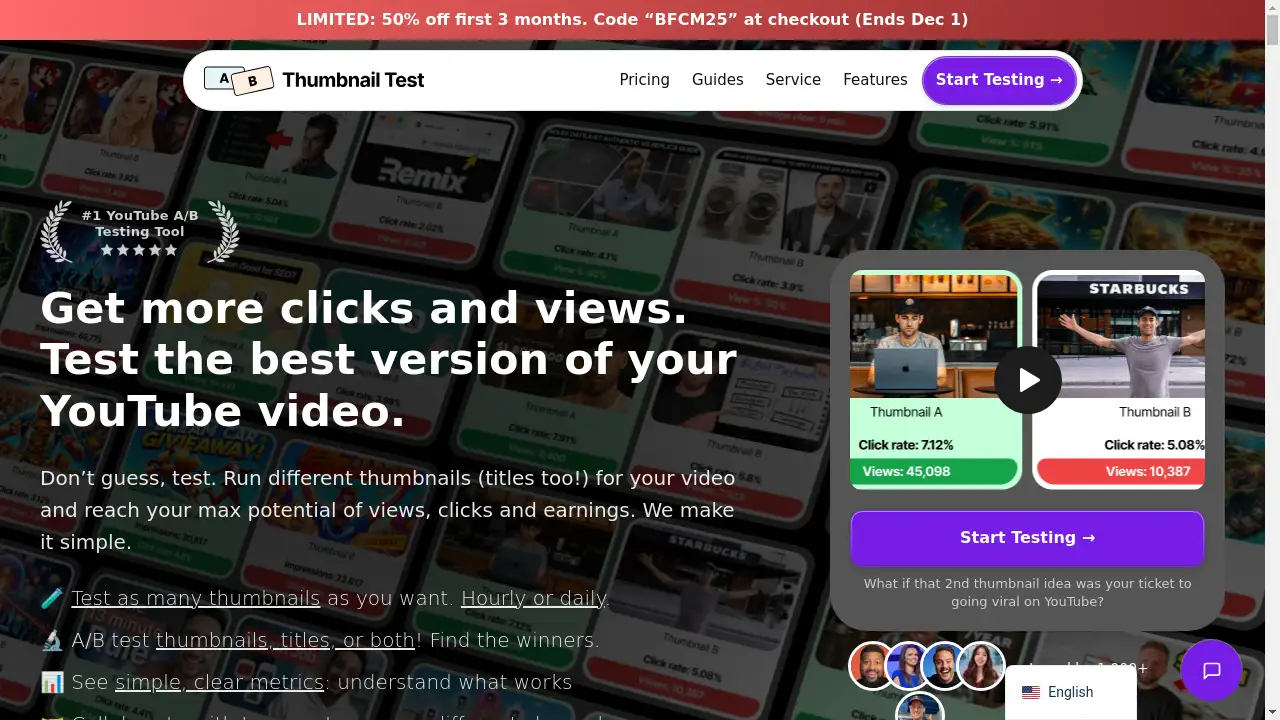
Thumbnail Test is the leading YouTube A/B testing tool for optimizing thumbnails and titles.
What is Thumbnail Test?
Thumbnail Test is a specialized software tool designed for YouTube creators. It addresses a critical challenge in content creation: determining which thumbnail or title will attract the most clicks and views for a video. The platform positions itself as the number one alternative to YouTube's native "Test & Compare" feature, offering more advanced capabilities. It is suitable for any serious YouTuber, from individual creators to larger teams, who wants to move beyond guesswork and use data to maximize their video's performance. This tool matters because the right thumbnail A/B testing can be the difference between a video that underperforms and one that reaches its maximum viral potential.
Key Features of Thumbnail Test
Unlimited A/B Testing
Users can run an unlimited number of tests, experimenting with different thumbnails, titles, or combinations of both to find the highest-performing option.
Flexible Test Scheduling
The tool allows for control over test length, enabling creators to run tests daily or hourly to gather performance data at different intervals.
Comprehensive Performance Metrics
After a test, the platform provides detailed data on various metrics, including click-through rate (CTR), views, watch time, and engagement, allowing for data-driven decisions.
Multiple Thumbnail and Title Uploads
Unlike some competing services, Thumbnail Test supports uploading numerous thumbnail and title variations for a single test, far exceeding the limits of YouTube's native tool.
AI-Powered Title Suggestions
The software includes an AI feature that generates title suggestions, helping creators brainstorm effective options for their YouTube video titles.
Video Performance Automation
For Pro and Business users, the tool offers automation features that handle the process of rotating thumbnails on a video, saving creators significant time and effort.
Use Cases for Thumbnail Test
Optimizing New Video Launches
Creators can launch a new video with multiple thumbnail and title variations to immediately identify which combination drives the most traffic and clicks.
Reviving Underperforming Content
For older videos that are not meeting viewership expectations, Thumbnail Test can be used to test new thumbnails and titles, potentially breathing new life into the content.
Data-Backed Creative Decisions
The tool helps overcome "analysis paralysis" by providing clear data on what an audience prefers, replacing gut feelings with statistical evidence for YouTube growth.
Competitive Niche Analysis
Creators in highly competitive niches can use the tool to continually test and refine their thumbnails to ensure they stand out and capture audience attention effectively.
How to Use Thumbnail Test
Using Thumbnail Test to improve your YouTube channel is a straightforward process designed for efficiency.
- Upload Thumbnails and Titles: Start by uploading the different thumbnail images and title variations you want to test for a specific YouTube video.
- Configure the Test: Set the parameters for your A/B test. You can choose the duration of the test and the frequency at which the thumbnails are rotated (e.g., daily or hourly).
- Start the Test: The tool will automatically begin the testing process, periodically changing the thumbnail and title on your live YouTube video according to your settings.
- Analyze the Results: Once the test is complete, review the comprehensive performance data provided by Thumbnail Test to see which thumbnail and title variation achieved the best results.
- Implement the Winner: Apply the winning thumbnail and title combination to your video permanently to maximize its long-term click-through rate and views.
Target Audience for Thumbnail Test
- Professional YouTubers and full-time content creators.
- Growing YouTube channels seeking to increase their viewership.
- YouTube marketing agencies and channel managers.
- Content creators in competitive niches who need an edge.
- Anyone frustrated with the limitations of YouTube's native Test & Compare feature.
Is Thumbnail Test Free?
Thumbnail Test does not offer a free plan, but it provides several tiered subscription options. The pricing is positioned as affordable, especially when compared to some competitors. The plans range from a Basic plan for a single channel to Pro and Business plans that support multiple channels and include advanced features like API access and team seats. Yearly subscriptions offer significant savings, effectively providing several months of service for free, making it a cost-effective YouTube tool for serious creators.
Frequently Asked Questions about Thumbnail Test
How does Thumbnail Test work?
The tool stores all the thumbnails you upload. At scheduled intervals (daily or hourly), it automatically changes the thumbnail on your chosen YouTube video to the next one in the test sequence. After the test concludes, it analyzes the performance data for each thumbnail, such as click-through rate and views, and presents it to you.
What is A/B testing for thumbnails?
A/B testing for thumbnails involves showing different versions of a thumbnail to your audience to see which one performs better. Thumbnail Test does this by showing thumbnail "A" for a set period, then thumbnail "B" for the same period, and so on. The version that generates more clicks and engagement is determined to be the most effective.
Can I test titles as well as thumbnails?
Yes, a key feature of Thumbnail Test is the ability to run unlimited A/B tests for titles alone or in combination with thumbnails, giving you a complete picture of what attracts viewers.
How is Thumbnail Test better than YouTube's Test & Compare?
Thumbnail Test offers several advantages, including the ability to test titles, upload more than three thumbnails, access over 20 performance metrics, and exert granular control over test length and frequency. It is designed as a more powerful, pro-level tool.
How many thumbnails can I test at once?
You can upload and test as many thumbnails as you want for a single video, though the platform recommends a maximum of five for optimal results. All uploaded thumbnails, including the original, will be included in the test.
Can I use Thumbnail Test on multiple YouTube channels?
Yes, depending on your subscription plan. The Pro plan supports up to 3 channels, and the Business plan supports up to 10 channels, with options for more.
Thumbnail Test Tags
YouTube A/B testing, thumbnail A/B testing, YouTube thumbnail tester, YouTube growth tool, optimize YouTube thumbnails, YouTube title testing, increase CTR, YouTube analytics, video SEO, content creator tools, YouTube marketing, maximize video views
