Introduction
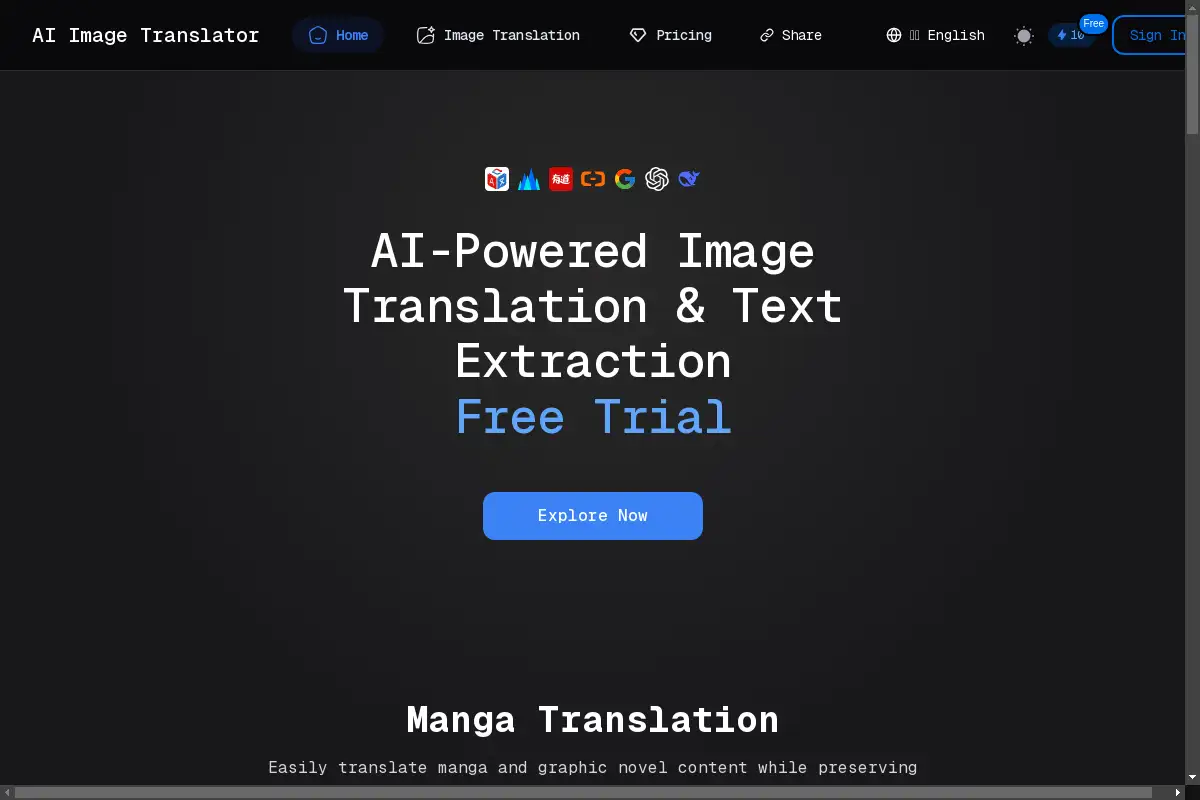
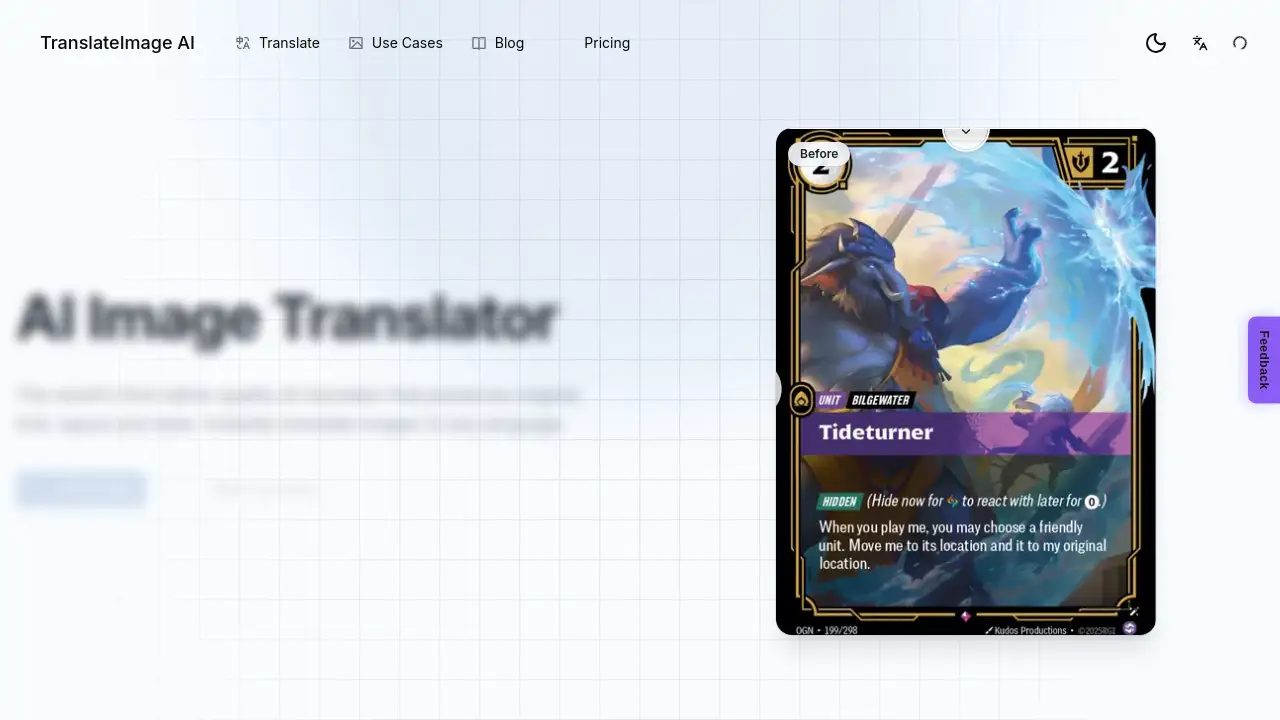
TranslateImage AI is an AI image translator that lets users translate image text online without losing the original design. As a purpose-built AI image translator, TranslateImage AI focuses on preserving font, layout, and style in every output. Anyone who needs to translate image text online can use TranslateImage AI for fast, native-quality results.
What is TranslateImage AI?
TranslateImage AI is an online image translation service that combines OCR with advanced language models. The tool accepts JPG, JPEG, PNG, and WebP images up to 10 MB. TranslateImage AI detects visible text in a photo, screenshot, or picture and replaces it with translated text while keeping the exact font, spacing, and alignment.
This helps users translate image text online without needing design software. The product page describes TranslateImage AI as the world’s first native-quality AI image translator, and it supports more than 70 languages. For marketers, students, travelers, and content creators, TranslateImage AI reduces the manual work of recreating images in another language.
Key Features of TranslateImage AI
Font and Style Preservation
TranslateImage AI keeps the original typography, colors, and visual design. This makes the translated image look like it was created directly in the target language.
Layout Integrity
The AI image translator maintains text positioning, spacing, and alignment. Users do not need to fix misaligned text after image translation.
Multi-Language Support
Choose from 70+ languages to translate image text online in both directions. The tool supports major world languages and regional dialects.
Native Quality Output
Translations are powered by AI and read naturally. TranslateImage AI avoids awkward phrasing by generating fluent, human-sounding text.
Fast Processing
Upload an image, select a target language, and download within seconds. This speed makes TranslateImage AI practical for quick tasks.
Easy to Use
Use the drag-and-drop interface to start. No design skills are needed to make an AI image translator work.
Batch Translation
Translate up to 20 images in one batch with shared language settings. Parallel processing delivers finished files one by one, and everything downloads as a single ZIP.
Manga Mode
A dedicated mode for manga, manhwa, and manhua preserves speech bubbles, vertical text, and sound effects. This feature makes TranslateImage AI useful for comic chapters.
Use Cases for TranslateImage AI
Translating Screenshots and Photos
Travelers and remote workers can translate image text online from menus, signs, screenshots, or documents. TranslateImage AI keeps the original layout so the translated screenshot still matches the display.
Reading Manga and Comics
Use Manga Mode to translate whole chapters while preserving speech bubbles and sound effects. This is a popular use case for an AI image translator and a strong image translation option for comic fans.
Localizing Product Images
Online sellers can replace text in product photos without recreating the design. Font and layout preservation helps the translated product image look professional, and TranslateImage AI speeds up this process.
Translating Written Notes and Whiteboards
Students can photograph handwritten notes or whiteboards and translate image text online for study purposes. The layout integrity feature keeps the structure readable.
How to Use TranslateImage AI
Open the TranslateImage AI homepage and click “Try it now.” Follow these simple steps:
- Upload an image by dragging a JPG, JPEG, PNG, or WebP file into the upload area. The maximum file size is 10 MB.
- Pick a target language from more than 70 options.
- Start the translation process. The AI image translator detects the text, translates it, and preserves the original font and layout.
- Download the finished image. For batch tasks, sign in to translate up to 20 images and download them as a ZIP file.
This workflow lets anyone translate image text online without installing software.
Target Audience for TranslateImage AI
This AI image translator works for a wide range of users, including:
- Travelers and expats who need signs or menus translated
- Students and researchers working with multilingual notes
- Graphic designers who want to localize visual content quickly
- Manga and comic readers using Manga Mode
- E-commerce sellers creating localized product images
- Remote teams and content marketers managing multilingual campaigns
Is TranslateImage AI Free?
The official TranslateImage AI page does not list a complete pricing table. Users can try the AI image translator by uploading an image from the homepage, and the product page says “Sign in to translate up to 20 files in one batch.” This suggests that an account is required for batch features, but free access may be available for individual uploads. To confirm the latest pricing, check the official TranslateImage AI website.
TranslateImage AI's Pros and Cons
| Aspect | Pros | Cons |
|---|---|---|
| Output quality | Preserves font, layout, color, and style | File size limited to 10 MB per image |
| Language support | Supports 70+ languages and dialects | Supported formats limited to JPG, JPEG, PNG, WebP |
| Usability | Simple drag-and-drop interface | Batch translation requires signing in |
| Speed | Processes images in seconds | Full pricing details are not clearly listed |
| Special modes | Manga Mode handles complex comic layouts | None noted |
Frequently Asked Questions about TranslateImage AI
What is TranslateImage AI?
TranslateImage AI is an AI image translator that translates image text online while preserving the original font, layout, and style. It is designed for photos, screenshots, and picture files.
Which image formats does TranslateImage AI support?
TranslateImage AI supports JPG, JPEG, PNG, and WebP files. Each file must be 10 MB or smaller, and batch translation can process up to 20 images at once.
How many languages can TranslateImage AI translate?
The product page states that TranslateImage AI translates images to and from more than 70 languages, including major world languages and regional dialects.
Can TranslateImage AI translate manga?
Yes. TranslateImage AI includes Manga Mode, which preserves speech bubbles, vertical text, and sound effects while translating manga, manhwa, and manhua chapters.
Does TranslateImage AI preserve the original layout?
Yes. The AI image translator is built to maintain text positioning, spacing, and alignment. Output images are meant to look as close to the original design as possible.
Is TranslateImage AI free to use?
The homepage does not clearly state a pricing plan. Users can try uploading an image directly, and batch translation requires signing in. Visit the official website for current pricing information.
TranslateImage AI Tags
TranslateImage AI, AI image translator, translate image text online, image translation, online image translator, font and style preservation, batch translation, Manga Mode, translate screenshots, preserve layout, native quality translation, multilingual image translation