Introduction
Unsloth is an open-source, no-code desktop UI for training and running open models on local hardware. It helps users work with local AI models privately, without relying only on cloud services. Unsloth also supports image and video generation, AI agents, web search, and code execution in one desktop app.
What is Unsloth?
Unsloth is an open-source, no-code desktop UI designed for training and running open models on local hardware. Instead of sending data to a remote cloud platform, users can load, manage, and run models directly on their own machine. This makes Unsloth useful for people who care about privacy, cost control, and hands-on access to local AI models.
The product solves a common problem: many powerful open models are available, but setting them up, choosing the right quantization, and connecting them to tools can be difficult. Unsloth simplifies this with a desktop interface, a built-in model hub, and support for nearly every major model release. It is suitable for developers, researchers, creators, and advanced hobbyists who want a practical way to train models locally and run models locally.
Unsloth also acts as a bridge between local models and modern AI workflows. It can connect Claude Code, Codex, and other agents to local models. It exposes an OpenAI-compatible API, so existing apps, scripts, and SDKs can connect through a familiar interface. This combination of local control and flexible integration is what makes Unsloth notable.
Key Features of Unsloth
Local Image and Video Generation
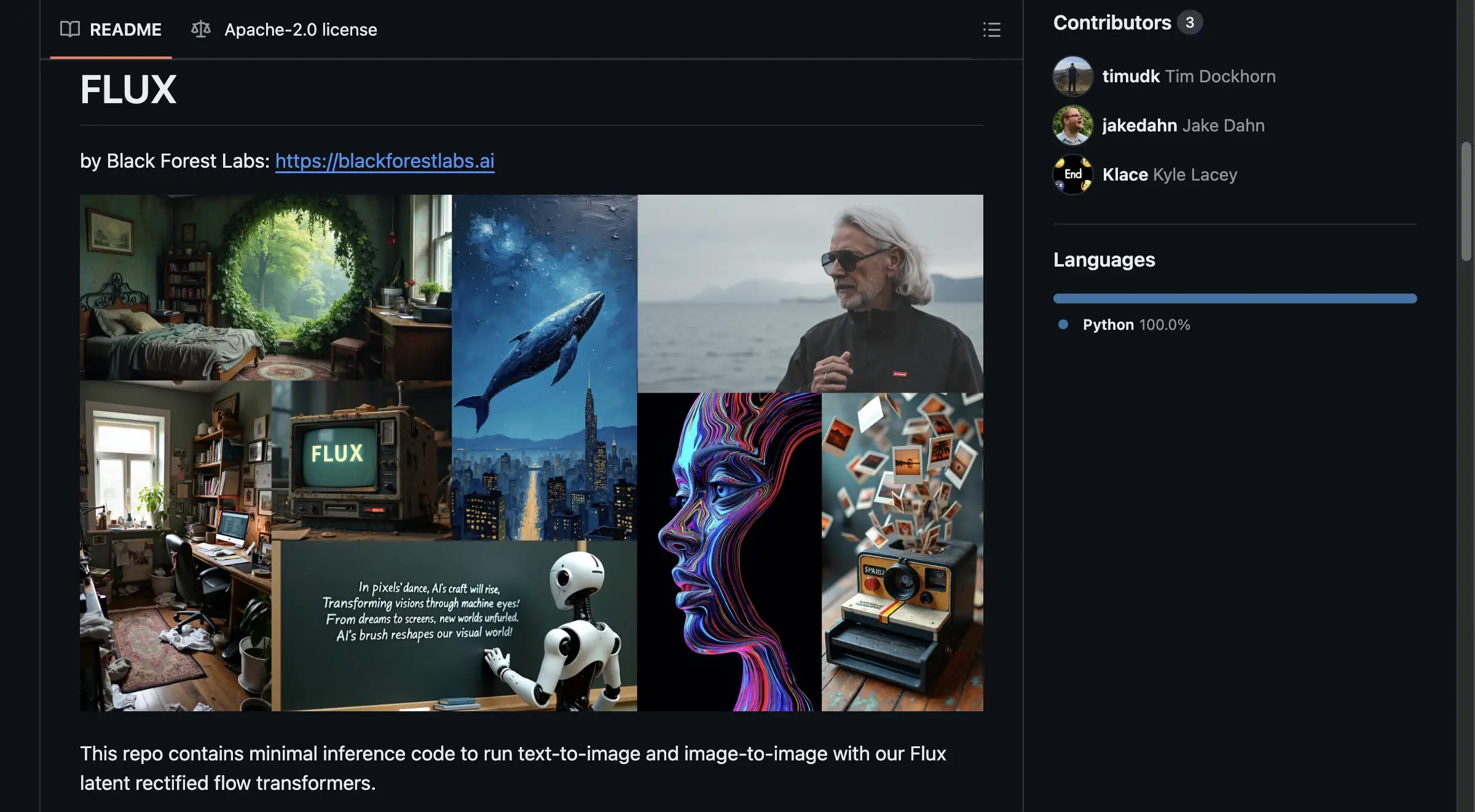
Create images with Qwen-Image-2.1, MiniMax-H3, FLUX, Z-Image, and LoRA adapters. Generate video with Wan and LTX, then transform, inpaint, extend, upscale, reference, and edit images locally. According to the product homepage, MiniMax-H3 on an NVIDIA B200 produced a 960×544, 124-frame video in 13 seconds at 8 steps, down from 70+.
Connect AI Agents to Local Models
Connect Claude Code, Codex, and other agents to local models with the unsloth start command. Start Unsloth, load a model, open a project folder, then run unsloth start claude. Swap models inside Unsloth without changing the agent workflow.
Advanced Private Web Search
Get unlimited, private, and free web search directly inside Unsloth Desktop. Search while the model thinks, or use Deep Research to find sources and create a detailed report with citations.
Models That Run Code
Improve tool-calling accuracy with self-healing tool calls that detect, repair, and retry failures automatically. Execute Bash and Python in a secure sandbox so models can run code, test results, and complete real tasks locally.
Day Zero Support for New Models
Run and train nearly every model locally, with Day Zero support for releases like Qwen3.8, NVIDIA, GLM, Gemma, and more. Discover, manage, and download the right quantization for a device from the built-in model hub.
Access Local Models Anywhere
Serve local or Colab models over HTTPS through a free Cloudflare tunnel. Check a run from a phone, laptop, or another location without moving the model off local hardware.
OpenAI-Compatible API
Unsloth exposes an OpenAI-compatible API, so existing apps, scripts, and SDKs can connect to local models through a familiar interface. This helps teams test local AI models without rewriting their entire stack.
Use Cases for Unsloth
Private AI Development
Developers can train models locally and run models locally without sending sensitive data to a third-party cloud. This is useful for testing proprietary code, internal documents, or private datasets.
Local Image and Video Creation
Creators can use Unsloth for local image generation and local video generation with supported models. They can edit, upscale, and extend visual assets while keeping the workflow on their own hardware.
Agentic Coding and Automation
Unsloth can connect Claude Code, Codex, and other agents to open models. Users can run agent workflows locally, execute Bash and Python in a sandbox, and retry failed tool calls automatically.
Research and Deep Research Reports
Researchers can use private web search and Deep Research to gather sources and build reports with citations. The local model can reason over search results while the user keeps more control over the workflow.
Remote Monitoring and Mobile Access
With a free Cloudflare tunnel, users can serve local models over HTTPS and check a run from a phone, laptop, or another device. This is helpful for long training jobs or remote experiments.
How to Use Unsloth
- Download and install the Unsloth desktop app on a compatible local machine.
- Open Unsloth and browse the built-in model hub to find a model and the right quantization for the device.
- Load the model, then run it locally for chat, coding, image generation, video generation, or research tasks.
- For agent workflows, open a project folder and run a command such as
unsloth start claudeto connect an agent to the local model. - Optional: use the OpenAI-compatible API or a free Cloudflare tunnel to connect other apps or access the model remotely.
Target Audience for Unsloth
- AI developers and engineers who want to train models locally and run models locally
- Data scientists and machine learning researchers who need open models on local hardware
- Content creators working with local image generation and local video generation
- Privacy-conscious professionals who prefer a no-code desktop UI for local AI models
- Students and hobbyists exploring open-source no-code desktop UI tools
- Small teams that want local model control without building a full cloud stack
Is Unsloth Free?
Unsloth is described as open-source, and the reference information does not list paid tiers or subscription prices. Pricing, support, and any future commercial options should be confirmed on the official website.
| Plan | Price | Features |
|---|---|---|
| Open-source / Free | $0 as described | Core desktop UI, local model training and running, image and video generation, agent connection, web search, code sandbox, model hub, OpenAI-compatible API, Cloudflare tunnel |
| Paid or support options | Not listed | Check the official Unsloth website for current pricing, licensing, or support details |
Unsloth's Pros and Cons
| Aspect | Pros | Cons |
|---|---|---|
| Pricing | Open-source with no listed license fee | Hardware costs may be high for larger local models |
| Features | Supports training, running, image and video generation, agents, web search, and code execution | The feature set may feel large for complete beginners |
| Privacy | Runs local models on local hardware | Privacy depends on correct local setup and network configuration |
| Ease of use | No-code desktop UI simplifies model management | Advanced agent workflows still use commands like unsloth start claude |
| Model support | Day Zero support and a built-in model hub help users find models | Larger models need capable GPUs, memory, and storage |
| Access | Free Cloudflare tunnel enables remote HTTPS access | Tunnel setup may require basic networking knowledge |
Frequently Asked Questions about Unsloth
What is Unsloth used for?
Unsloth is used for training and running open models on local hardware. It also supports local image generation, local video generation, AI agent connection, private web search, and sandboxed code execution.
Is Unsloth free?
Unsloth is described as open-source. The reference information does not list paid plans, so users should check the official website for current pricing or support options.
Can Unsloth run models without coding?
Yes. Unsloth is a no-code desktop UI, so users can discover, download, load, and run models through a graphical interface. Some advanced agent workflows may still involve simple command-line steps.
Can Unsloth connect to Claude Code and Codex?
Yes. Unsloth can connect Claude Code, Codex, and other agents to local models. Users can run commands such as unsloth start claude and swap models inside Unsloth without changing the agent workflow.
Does Unsloth support image and video generation?
Yes. Unsloth supports image generation with models like Qwen-Image-2.1, MiniMax-H3, FLUX, and Z-Image, plus video generation with Wan and LTX. It also supports LoRA adapters and local image editing.
What hardware does Unsloth need?
The reference information mentions local hardware and an NVIDIA B200 example for video generation. Exact requirements depend on the model size and quantization, so users should check the official Unsloth documentation for device-specific guidance.
Unsloth Tags
Unsloth, Unsloth Desktop, open-source no-code desktop UI, local AI models, run models locally, train models locally, open models, local image generation, local video generation, AI agent connection, private web search, OpenAI-compatible API