Introduction
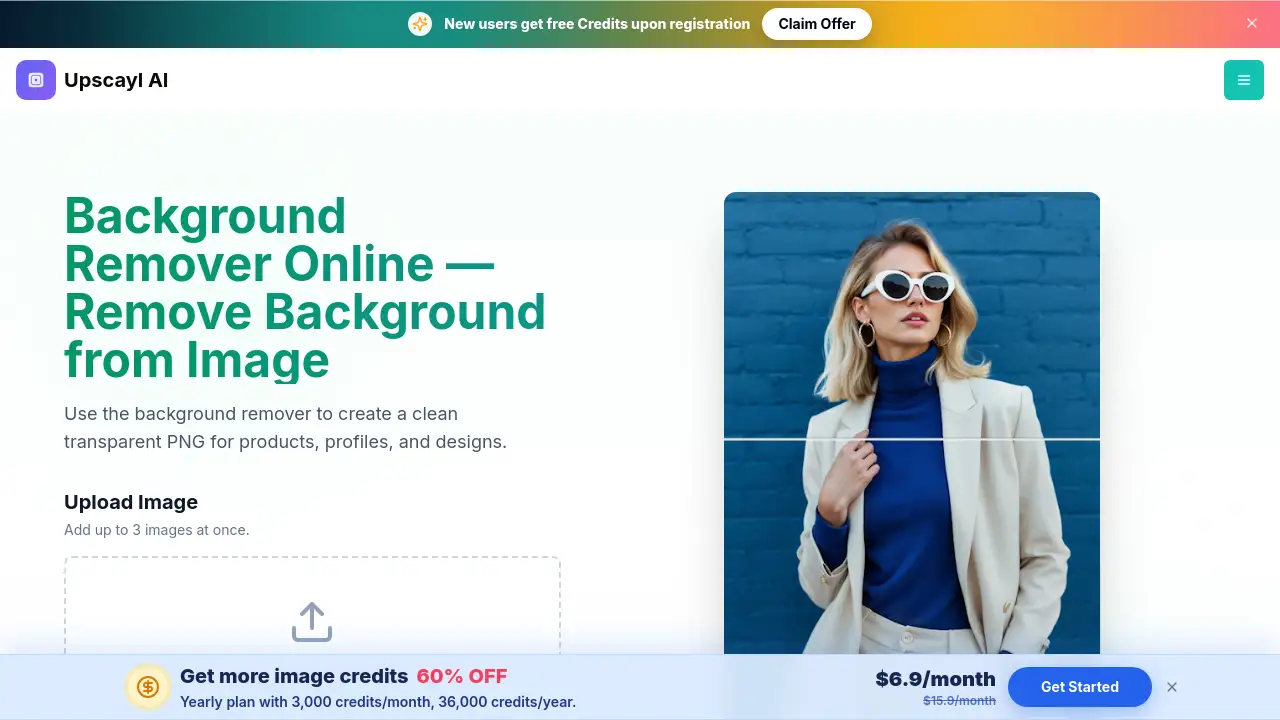
Background remover is a free online image tool that uses AI to remove background from image files and produce a transparent PNG. It is designed for users who need clean cutouts for ecommerce product photos, portraits, and design projects. The tool runs directly in the browser and accepts JPG, PNG, and WebP files up to 20 MB, so there is no desktop software to install.
What is Background remover?
Background remover is a browser-based AI tool built by Upscayl. It lets people remove background from image files without Photoshop, masks, or manual selection. The AI detects the foreground subject and returns a transparent background PNG. This makes it useful for product photos on Amazon, Shopify, Etsy, and eBay, as well as for portraits, team pages, and marketing graphics.
Users who need a quick way to clean up visuals will find the service simple and practical. Because the whole process happens online, it works for anyone who does not want to learn complicated editing programs. The service also supports pasting an HTTPS image URL, which makes it convenient for people who work with cloud files or web images.
Key Features of Background remover
AI Image Processing
The AI in this background remover automatically identifies the main subject and removes the old background from the image. No brushes, masks, or selection tools are needed, so even beginners can get clean cutouts.
Transparent PNG Output
Every successful background remover job downloads a transparent PNG. Users can place the cutout on white, colored, branded, or photographic backgrounds inside any design tool.
Private Image Processing
Uploaded images are processed securely and never shared. The service uses each file only to deliver the final result, which is important for product images that have not been published yet.
Batch Queue Support
Free accounts can add up to 3 images at once. Paid accounts can queue up to 10 and download each finished result separately. Batch processing is useful for online sellers and creators who handle many photos at the same time.
Works in Your Browser
Users can upload, process, and download files from any device with an internet connection. There is no desktop software, design experience, or manual editing required.
Ecommerce-Ready Cutouts
This AI background removal tool is built for online sellers. It helps create clean product photos and transparent assets for Amazon, Shopify, Etsy, eBay, catalogs, ads, and landing pages.
Use Cases for Background remover
Product Photos for Online Stores
Sellers can use the background remover for clothing, furniture, electronics, beauty products, and other ecommerce images. The transparent PNG cutouts fit Amazon, Shopify, Etsy, and eBay listings.
Profile and Team Photos
Users can cut a person out of a busy room, outdoor scene, or event photo. The reusable portrait works well for LinkedIn, team pages, speaker cards, and social posts. This AI background removal is useful for creators and small teams.
Design and Marketing Assets
Designers can prepare people, products, pets, and logos as transparent PNG assets. These files work well in Canva, Figma, Photoshop, presentations, and campaign graphics. The tool saves time when building reusable cutouts for marketing.
How to Use Background remover
-
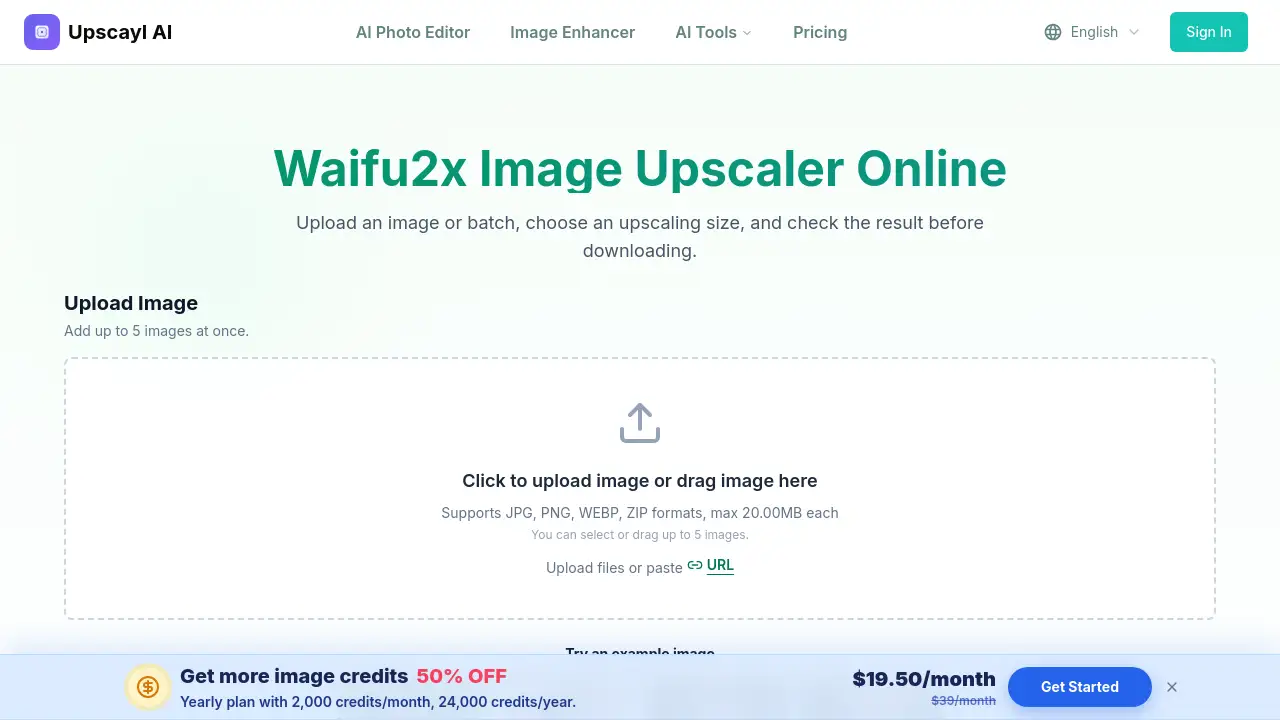
Upload an Image
Open the background remover tool and upload a JPG, PNG, or WebP file, or paste an HTTPS image URL. A free account can add up to 3 images per batch. -
Start AI Processing
Start the job. The AI separates the foreground subject and removes the old background automatically. No masks, selection brushes, or manual editing are required. -
Preview and Download
Compare the original image with the cutout. Download the result as a transparent PNG. Each successful job uses 1 credit, and failed jobs are not charged.
Target Audience for Background remover
- Ecommerce sellers and online store owners who need product photos with clean backgrounds
- Marketers and advertisers who need transparent PNG assets for campaigns
- Graphic designers and social media creators who build visuals regularly
- Recruiters and HR teams creating profile cards and team pages
- Photographers and portrait editors who want quick cutouts
- Small business owners and freelancers who need a simple editing solution
Is Background remover Free?
Eligible new accounts receive trial credits when they join. Each successfully processed image uses 1 credit. If the AI cannot process an image, the job is marked as failed and no credit is charged. This background remover also supports batch uploads: free accounts can process up to 3 images at once, while paid accounts can queue up to 10.
| Plan | Price | Features |
|---|---|---|
| Free trial | $0 trial credits | Up to 3 images per batch, AI background removal, transparent PNG downloads |
| Paid | Credit-based or subscription | Up to 10 images per batch, separate downloads, priority access |
For current pricing details, users should check the official Upscayl page because plans may change.
Background remover's Pros and Cons
| Aspect | Pros | Cons |
|---|---|---|
| Ease of use | No design skills or Photoshop needed | Requires an internet connection |
| Privacy | Secure processing and no image sharing | None significant for most users |
| Output | Watermark-free transparent PNG | Only removes the background around the main subject |
| Batch processing | Free batch limit of 3 images | Paid batch limit is 10 images |
| Pricing | Trial credits for new users | Credit system may need testing before large projects |
Frequently Asked Questions about Background remover
Is the background remover free to use?
Eligible new accounts receive trial credits. Each successful job uses 1 credit, and failed jobs do not use credits.
How do I remove a background from an image?
Upload a JPG, PNG, or WebP file, or paste an HTTPS image URL. Start the job, preview the result, and download the transparent PNG.
What image formats are supported?
Users can upload JPG, JPEG, PNG, and WebP files up to 20 MB each. Direct image URLs must use HTTPS and end with a supported file extension.
Can I use this for product photos on Amazon or Shopify?
Yes. This tool is built for ecommerce image cleanup and creates transparent cutouts for Amazon, Shopify, Etsy, eBay, catalogs, and landing pages.
Does the downloaded file have a transparent background?
Yes. The result is delivered as a transparent PNG, so you can place the subject on any new background in a design tool.
Background remover Tags
Background remover, remove background from image, transparent PNG, AI background removal, free background remover online, product photos, ecommerce image tool, batch background removal, remove white background, portrait background remover, image cutout tool, Upscayl background remover