Introduction
AI Headshot Generator creates professional, studio-quality portraits online for free.
What is AI Headshot Generator?
The AI Headshot Generator is an online tool designed to transform ordinary photos into professional, studio-quality headshots. This product addresses the common problem of needing a high-quality portrait for professional profiles, job applications, or social media without the time and expense of a professional photoshoot. It is suitable for job seekers, content creators, corporate teams, and anyone looking to enhance their online presence. By leveraging artificial intelligence, it automatically adjusts lighting, refines facial details, and creates a polished background, making professional headshots accessible to everyone instantly.
Key Features of AI Headshot Generator
Professional Photography-Level Quality
The AI analyzes facial features and lighting to enhance skin tone, shadows, and background, transforming simple selfies into studio-quality headshots that look natural and polished.
One-Click Multi-Style Generation
Users can quickly generate headshots for various scenarios, switching backgrounds and adjusting outfits to create different styles suitable for business, social media, or creative use.
Instant Results with Privacy Protection
The tool provides secure, high-quality portraits immediately without storing original photos, ensuring user privacy while delivering polished, realistic results for professional profiles.
Use Cases for AI Headshot Generator
Professional Profiles and Job Applications
Create polished headshots for LinkedIn and resumes, enhancing lighting and refining facial details to make a strong first impression in job applications and professional networking.
Social Media and Content Creation
Generate high-quality profile images for platforms like Twitter and Instagram, allowing creators to maintain a consistent style or try multiple looks for their online presence.
Corporate Websites and Team Introductions
Produce uniform, professional portraits for company websites and team pages, ensuring a cohesive corporate image across all marketing materials and business platforms.
How to Use AI Headshot Generator
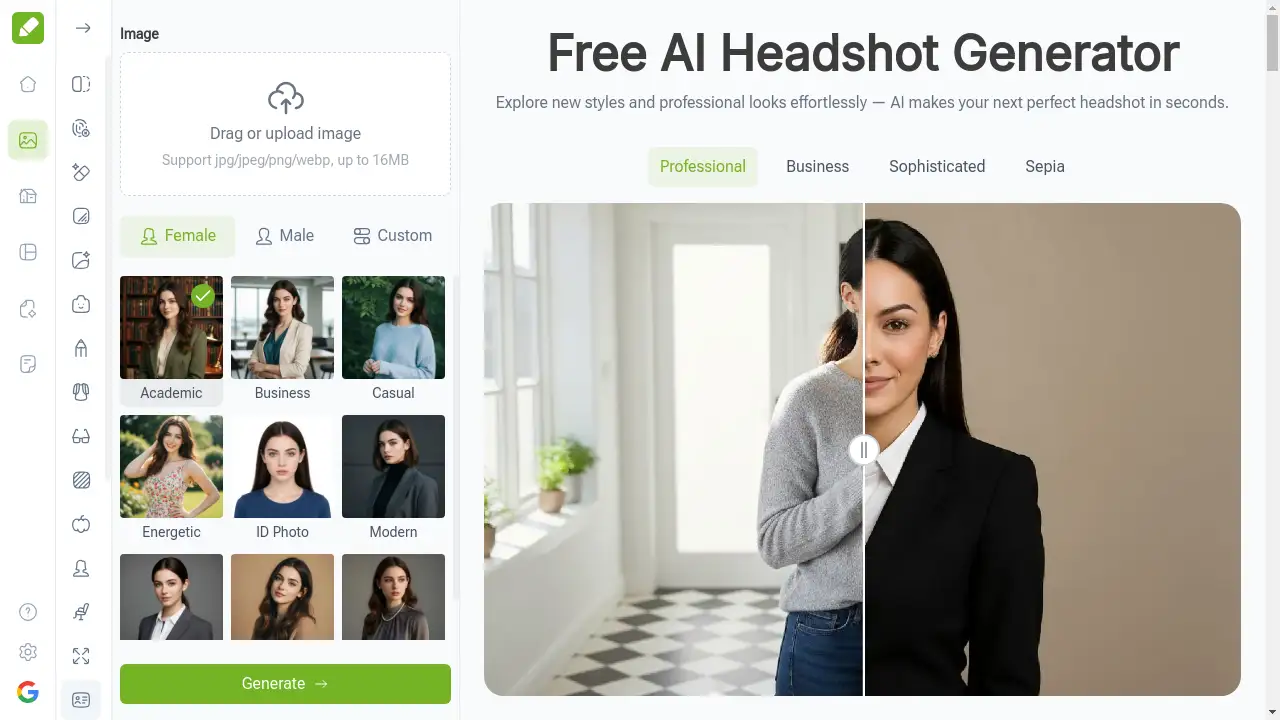
Using the AI Headshot Generator is a straightforward process that yields professional results in seconds. First, upload a clear photo where your face is fully visible and well-lit. Second, select a preset headshot style such as Professional, Business, or Casual, or describe a custom look you want. Finally, click generate to create your realistic headshot, then download the image for immediate use on LinkedIn, resumes, or social media profiles.
Target Audience for AI Headshot Generator
- Job seekers and professionals
- Social media managers and content creators
- Corporate HR departments and team leaders
- Freelancers and entrepreneurs
- Actors and models
- Students and academic professionals
Is AI Headshot Generator Free?
The AI Headshot Generator offers a generous free plan that requires no sign-up and contains no ads. Users can upload photos and generate professional headshots instantly without any cost. This makes it an accessible tool for anyone needing quick, high-quality portraits. The service focuses on providing core functionality for free, with potential premium options for advanced features remaining affordable for users seeking additional customization.
Frequently Asked Questions about AI Headshot Generator
How does AI Headshot Generator create professional portraits?
AI Headshot Generator uses advanced artificial intelligence to analyze facial features, lighting, and background, automatically enhancing details like skin tone and shadows to produce realistic, studio-quality headshots suitable for professional profiles.
Do I need to sign up to use AI Headshot Generator?
No, the AI Headshot Generator works entirely online without requiring any sign-up or account creation, allowing users to upload photos and generate professional headshots instantly.
Is AI Headshot Generator safe and private?
Yes, the tool processes images securely in real-time without storing original photos, ensuring user privacy while generating high-quality headshots for professional use.
Can I choose different styles for my headshots?
Absolutely, users can select from multiple preset styles including Professional, Business, Casual, and Sophisticated, or describe custom looks to generate headshots for different scenarios.
What photo quality works best with AI Headshot Generator?
For optimal results, use clear, well-lit photos where your face is fully visible without obstructions, as this helps the AI generate the most realistic and professional-looking headshots.
How long does it take to generate a headshot?
The AI Headshot Generator typically creates professional headshots within seconds after uploading a photo and selecting a style, providing instant results for urgent profile needs.
AI Headshot Generator Tags
AI headshot generator, professional headshots, free online headshot, studio-quality portraits, LinkedIn photo, profile picture, AI portrait generator, business headshot, social media photo, corporate headshots, instant headshot, no sign-up headshot