Introduction
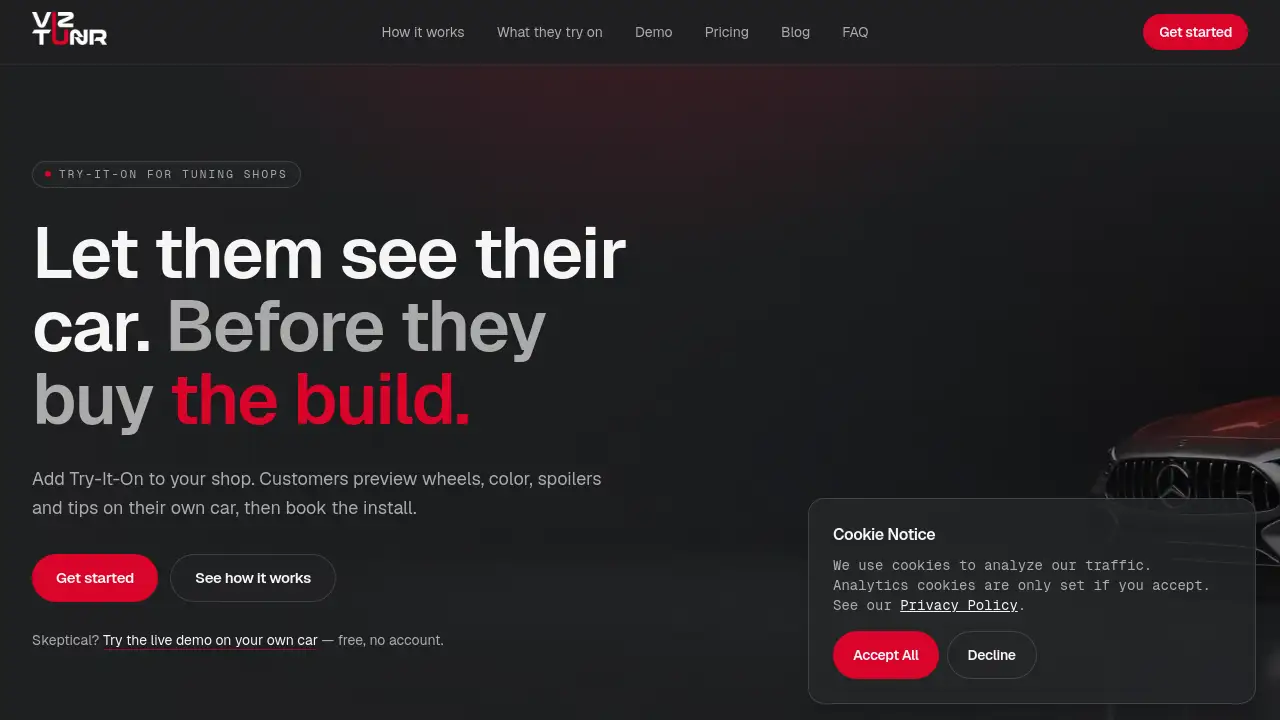
VizTunr is a car try-on tool that lets tuning shops show customers photoreal previews of wheels, color, and body parts on their own vehicle photos.
What is VizTunr?
VizTunr is an online try-on platform designed specifically for automotive tuning shops. It solves a common problem: customers struggle to imagine how parts will look on their car. Instead of guessing, they can see a photoreal preview of wheels, color changes, spoilers, and exhaust tips on their actual vehicle. This car visualizer tool is suitable for any shop selling aftermarket parts, from small garages to multi-brand retailers. It matters because it removes hesitation from buying decisions, reducing refunds and increasing the average order value. By integrating a wheel visualizer and color preview directly into your product page, VizTunr helps customers commit to purchases with confidence.
Key Features of VizTunr
Wheel and Fitment Preview
The wheel visualizer shows every finish and fitment on the exact car your customer drives, helping them see the final look before ordering.
Color Change and Wrap Preview
A full color change tool that recolors your customer’s own photo, working on cars, bikes, and boats without any 3D model required.
Spoiler and Wing Preview
From subtle ducktails to full GT wings, the spoiler preview places the part on the actual body line of the car for a realistic result.
Exhaust Tip Preview
This feature lets customers preview exhaust tips matched to the rest of the build, completing the look with photoreal accuracy.
Product Page Integration
Shop owners can add a simple button or embed a widget on their product pages, so customers move from the car try-on tool to checkout without leaving the buying moment.
Branded Storefront
Every shop gets its own branded VizTunr storefront, maintaining a professional look that competes with big-brand configurators.
Photoreal Rendering Engine
Powered by Visualizee.ai, the rendering engine is tuned for automotive surfaces like paint, carbon fiber, and chrome, producing production-grade images.
Use Cases for VizTunr
Previewing Wheel Upgrades on a Customer’s Car
A customer browsing your shop can upload a photo of their car and see how a specific wheel design looks with the correct fitment, reducing doubts about size and style.
Showing Color Changes for Wraps and Paint
A customer considering a full vehicle wrap can use the color visualizer to see how a satin finish or color-shift wrap appears on their own car in seconds.
Building a Complete Custom Look
Customers can combine wheels, a color change, a spoiler, and exhaust tips in a single preview, helping them visualize a complete build and increasing the average job size.
Testing Parts on Motorcycles and Boats
The same try-on process works for superbikes and boats, allowing owners to preview color changes and wraps without needing a separate tool.
How to Use VizTunr
- Add the button – Place a Try-It-On button or widget on your product page, linking to your VizTunr storefront.
- Customer uploads a photo – The customer takes a picture of their car in their driveway and uploads it through the car try-on tool.
- Preview appears – Within about a minute, the selected parts appear photoreal on their actual vehicle photo.
- Share and book – The customer shares the preview with friends or directly books the installation from the same interface.
Target Audience for VizTunr
- Aftermarket tuning shops and garages selling wheels, wraps, and body parts
- Automotive retailers with online stores using platforms like Shopify or WooCommerce
- Performance car dealers offering custom builds to clients
- Vehicle wrapping and paint shops wanting to show color examples
- Motorcycle and boat customization businesses
Is VizTunr Free?
VizTunr offers three paid plans, all including every feature. Unused renders roll over each month.
| Plan | Price | Renders per Month | Features |
|---|---|---|---|
| Starter | $99/month | 250 | All try-on categories, branded storefront, rollover credits |
| Growth | $299/month | 750 | All features plus higher volume for active shops |
| Pro | $799/month | 2,500 | All features for high-volume and multi-brand storefronts |
A live demo is available for free on the official website, allowing shops to test the car try-on tool on their own vehicle before subscribing.
VizTunr's Pros and Cons
| Aspect | Pros | Cons |
|---|---|---|
| Ease of Setup | Integrates as a link or widget in minutes | Requires website access to install |
| Render Quality | Photoreal results tuned for automotive surfaces | Depends on customer photo quality |
| Cost | Affordable compared to custom configurators | Monthly subscription may be too much for very low-volume shops |
| Compatibility | Works on cars, bikes, and boats | Limited to color and parts preview; no 3D model editing |
Frequently Asked Questions about VizTunr
How does the wheel visualizer work on different car models?
The wheel visualizer analyzes your customer’s uploaded photo and applies the selected wheel design accurately. Any model, any year, and any angle work as long as the photo is clear.
Can customers try parts on motorcycles or boats?
Yes. The color visualizer and wrap preview work on any vehicle in the photo, including superbikes, jet skis, and boats. Wheel previews are currently designed for cars.
Is customer photo data safe?
Customer photos are used only to generate the try-on preview. They are not reused for marketing without explicit opt-in. Shop owners can discuss data handling with the VizTunr team.
How do I add the try-on button to my online shop?
You can add a simple link or embed an HTML widget into your product page. The setup works with Shopify, WooCommerce, and custom stacks, taking only minutes.
What happens if I don’t use all my monthly renders?
Unused renders roll over to the next month. You can also set an auto-refill threshold so the tool never runs out during busy periods.
Does it require 3D modeling expertise?
No. The car try-on tool uses the customer’s own photo and the photoreal engine, so no 3D modeling skills are needed to operate it.
VizTunr Tags
car try-on tool, wheel visualizer, color visualizer, tuning shop software, automotive preview tool, photoreal rendering, car customization preview, aftermarket parts visualizer, wrap preview tool, shop integration tool, vehicle try-on app, Visualizee.ai