Introduction
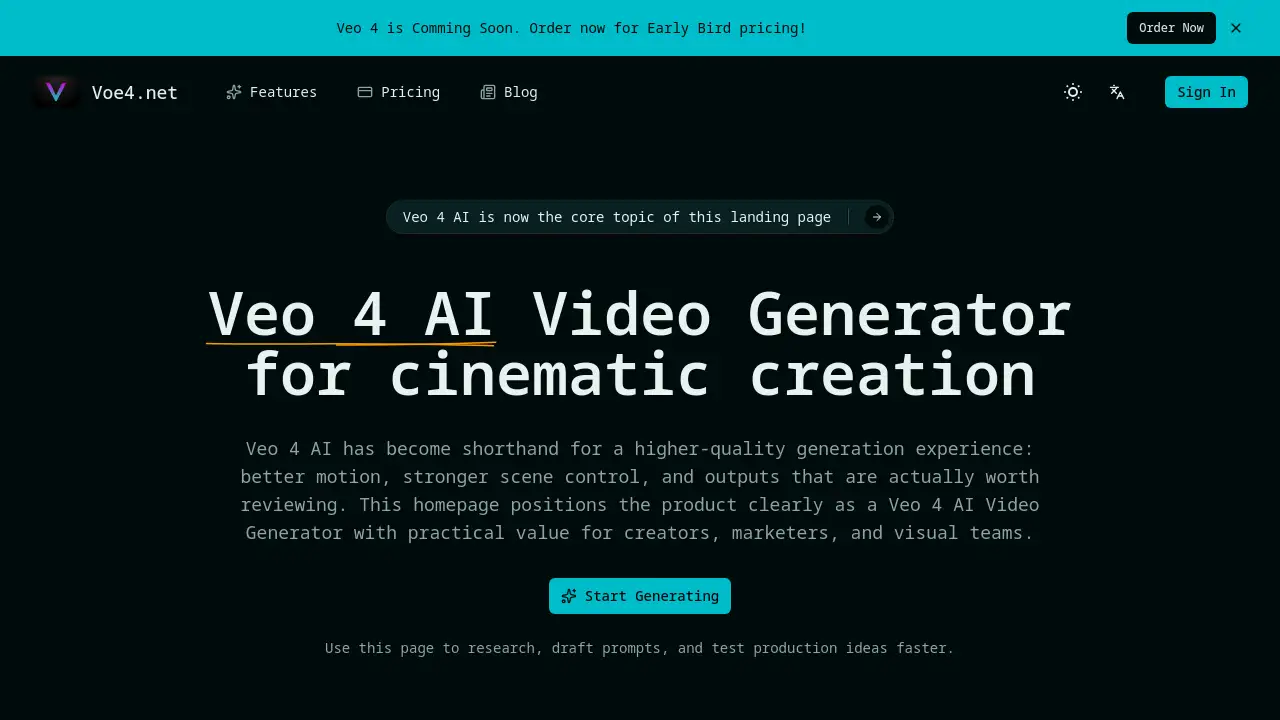
Voe 4 is an AI video generation platform for rapid, high-quality visual concepting.
What is Voe 4?
Voe 4 is an AI-powered video generator designed to help creative professionals produce dynamic video content from text prompts. It addresses the common challenge of turning abstract ideas into tangible visual drafts quickly and efficiently. The platform is built around the capabilities of the Veo 4 AI model, aiming to deliver better motion, stronger scene control, and more usable outputs. This tool is particularly suitable for content creators, marketers, and creative teams who need to accelerate their pre-production workflow, test multiple concepts, and make informed creative decisions without the overhead of full-scale video production.
Key Features of Voe 4
Advanced AI Video Generation
The core feature leverages the Veo 4 AI model to transform detailed text prompts into short, coherent video clips, with improved motion and scene fidelity.
Detailed Prompt and Reference Control
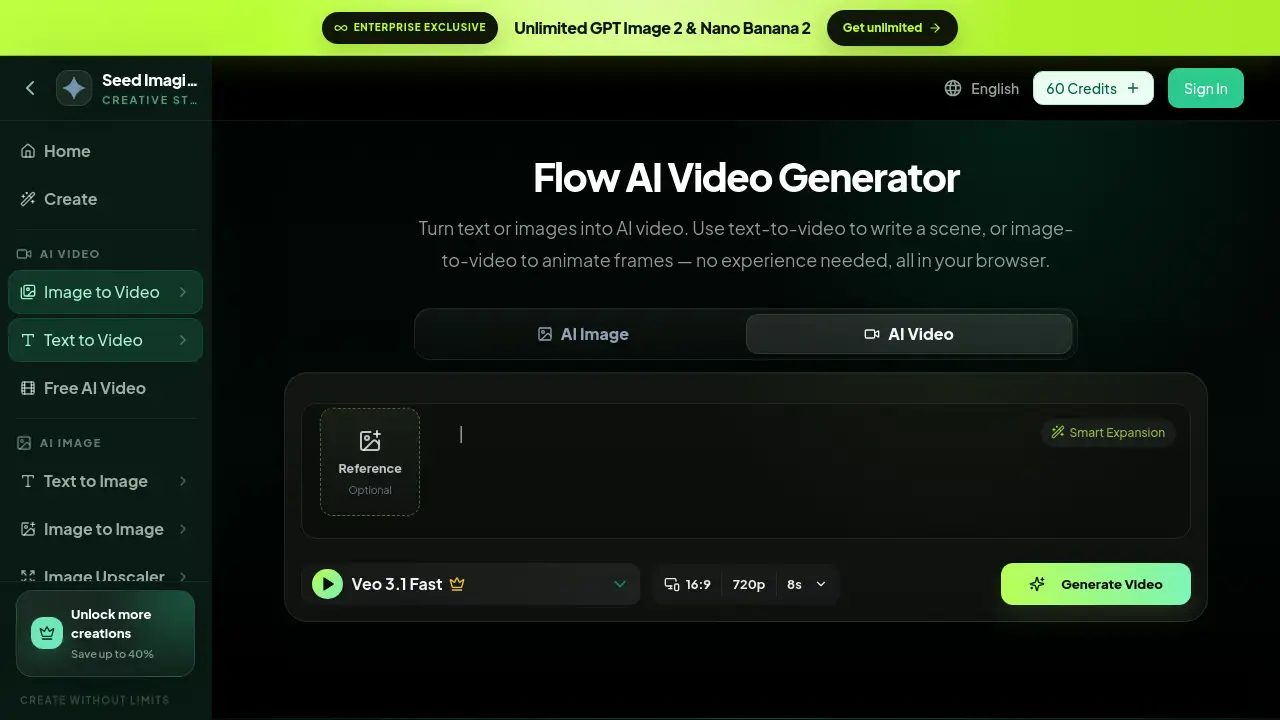
Users can input prompts up to 2000 characters and upload a reference image to guide the AI video generator, ensuring the output aligns more closely with the desired visual style and composition.
Customizable Output Parameters
The platform offers control over video duration, resolution, aspect ratio, and the option for a fixed camera view, allowing for tailored outputs suitable for different platforms and uses.
Integrated Sound Effects Generation
An optional feature can generate matching audio to accompany the AI-generated video, creating a more complete draft for presentations or concept testing.
No-Watermark Downloads
All generated videos can be downloaded without any branding watermarks, making the outputs immediately usable for internal reviews, pitches, and further iteration.
Use Cases for Voe 4
Storyboard and Rough Cut Creation
Creative teams can quickly turn written scripts or scene descriptions into visual storyboards, facilitating faster feedback and alignment with clients or stakeholders.
Advertising and Social Media Concept Testing
Marketers can generate multiple video variations to test different hooks, product angles, and visual styles before committing resources to a final production.
Prompt Research for Creative Workflows
The generator serves as a practical tool for teams to study how different levels of prompt detail affect the final video's motion, emotional tone, and environmental consistency.
Internal Pitch and Alignment Visuals
Professionals can create fast visual proofs-of-concept to help internal teams or investors visualize a direction without waiting for a full edit.
How to Use Voe 4
- Access the Generator: Navigate to the Voe 4 website and find the dedicated AI video generator section.
- Craft Your Prompt: In the provided text box, write a detailed description of the video you want to generate, utilizing up to 2000 characters for clarity.
- Upload a Reference (Optional): For better control, upload an image to serve as a visual guide or the first frame for your AI-generated video.
- Adjust Settings: Select your preferred video duration, resolution, aspect ratio, and toggle options like a fixed camera or sound effects.
- Generate and Review: Initiate the generation process. Once complete, review the output, iterate on your prompt if needed, and download the final no-watermark video.
Target Audience for Voe 4
- Content Creators and Video Producers
- Digital Marketers and Social Media Managers
- Creative Directors and Brand Strategists
- Advertising Agencies and Creative Teams
- Startups and Entrepreneurs needing pitch materials
Is Voe 4 Free?
Based on the available information, Voe 4 operates on a credit-based subscription model. A free tier is not explicitly mentioned. Users are directed to view the official pricing plans on the website, which include annual subscriptions with different credit allowances and generation speeds. For the most accurate and current pricing, visiting the official Voe 4 pricing page is recommended.
Voe 4's Pros and Cons
| Aspect | Pros | Cons |
|---|---|---|
| Output Quality | Leverages advanced Veo 4 AI for better motion and scene control. | Video duration is currently limited to a maximum of 8 seconds per generation. |
| Workflow Integration | Excellent for rapid ideation, concept testing, and pre-production visualization. | May not replace the need for high-end, full-length professional video production. |
| Usability | Intuitive interface with clear controls for prompts and settings. | Effectiveness heavily relies on the user's skill in crafting detailed prompts. |
| Pricing Model | Plans offer scalability for different team sizes and usage levels. | No explicitly mentioned free trial, which could be a barrier for initial testing. |
Frequently Asked Questions about Voe 4
What is the maximum video length I can generate with Voe 4?
According to the pricing plan details, the current maximum video length for generations is 8 seconds. This is suitable for creating short clips, hooks, or visual concepts.
Can I use Voe 4 to create videos for commercial purposes?
Yes, the outputs are provided without watermarks, which typically indicates they can be used in commercial projects. However, it is always advisable to review the platform's Terms of Service for specific usage rights.
Do I need video editing experience to use this AI video generator?
No, the primary skill required is the ability to write clear, descriptive text prompts. The platform handles the complex task of video generation, making it accessible to writers, marketers, and strategists without technical video editing skills.
How does the reference image feature work?
Uploading a reference image helps guide the Voe 4 AI model. It can influence the style, color palette, composition, or subject of the generated video, making the output more aligned with your specific visual vision.
What is the difference between the pricing plans?
The plans primarily differ in the number of annual generation credits, the speed of generation (standard, priority, fastest), and the level of customer support offered. All plans provide no-watermark outputs and unlimited downloads.
Is there a way to try Voe 4 before subscribing?
The reference material encourages users to "Start Generating" and test ideas on the homepage. It is best to visit the official Voe 4 website to see if a free trial, demo credits, or a limited free tier is currently available.
Voe 4 Tags
AI video generator, Veo 4 AI, video creation tool, AI video maker, text to video, creative AI, marketing video tool, video concept testing, storyboard generator, prompt-based video, no watermark video, creative workflow tool