Introduction
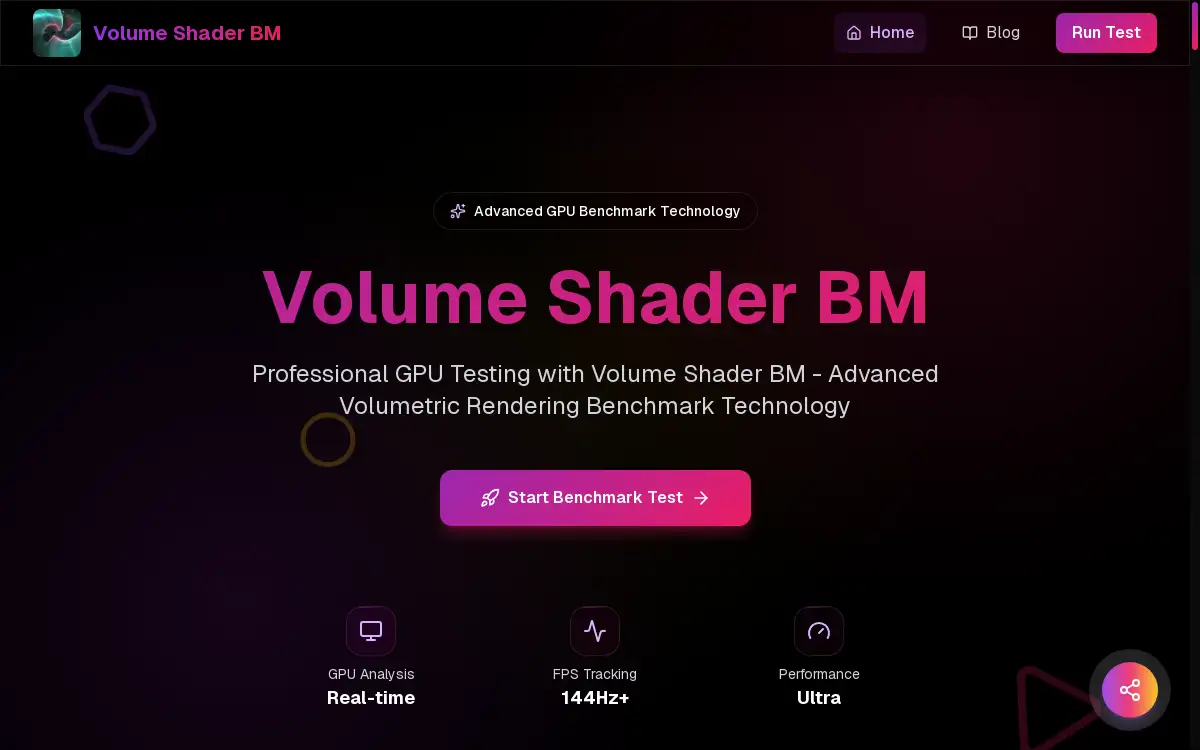
Volume Shader BM is an advanced GPU benchmark tool for testing volumetric rendering performance.
What is volume shader?
Volume Shader BM is a specialized GPU benchmark designed to test graphics card performance through advanced volumetric rendering. This tool addresses the need for accurate performance metrics in real-time 3D graphics, particularly for WebGL-based applications. It pushes a GPU to its limits by rendering complex three-dimensional volumetric data, providing insights into how well the hardware handles modern graphics workloads like ray marching and complex lighting calculations. This product is suitable for developers, gamers, and researchers who require detailed analysis of their system's capabilities for tasks involving demanding visual effects, scientific visualizations, or game development. The importance of Volume Shader BM lies in its focus on volumetric shader performance, an area increasingly critical in next-generation graphics that many traditional benchmarks overlook.
Key Features of volume shader
Real-Time Performance Testing
The benchmark provides instant feedback with live FPS counters and performance metrics during its execution, allowing users to monitor their GPU's behavior in real-time.
WebGL-Based Technology
As a browser-based tool, it requires no downloads and runs entirely using advanced WebGL technology, ensuring broad accessibility across different platforms.
Accurate Performance Metrics
It delivers precise performance data through sophisticated measurement algorithms, offering reliable metrics like frame rates and rendering times for a thorough GPU analysis.
Cross-Platform Compatibility
The benchmark works on any device with WebGL support, from high-end desktop computers to modern mobile devices, providing consistent testing environments.
Advanced Volumetric Algorithms
Volume Shader BM utilizes industry-standard volumetric rendering techniques and complex shader calculations that accurately reflect modern graphics workloads and professional application demands.
Comprehensive Test Scenarios
It runs through multiple rendering scenarios, including fractal generation and ray marching tests, each designed to stress different aspects of volumetric shader performance for a complete evaluation.
Use Cases for volume shader
Game Development Optimization
Developers use this GPU benchmark to test how well different graphics cards handle volumetric effects like fog, smoke, and atmospheric rendering, ensuring their games perform optimally across various hardware configurations.
System Performance Verification
Gamers and PC enthusiasts run the Volume Shader BM test to verify their system's readiness for modern games with advanced visual effects and to check the impact of hardware upgrades or overclocking attempts.
Research and Visualization Assessment
Researchers and scientists utilize the benchmark to assess GPU suitability for professional visualization tasks in fields like medical imaging, fluid dynamics, and scientific data representation.
Hardware Comparison and Benchmarking
Technical reviewers and hardware testers employ Volume Shader BM as a standard tool for comparing different graphics cards and systems, providing consistent volumetric rendering performance data for their evaluations.
How to Use volume shader
Using Volume Shader BM is straightforward and requires no technical expertise. First, ensure you have a WebGL 2.0 compatible browser and updated graphics drivers for accurate results. Navigate to the Volume Shader BM test page using your preferred browser. The tool will automatically detect your GPU and configure optimal settings for the benchmark. Click the 'Start Volume Shader BM Test' button to initiate the evaluation process. The benchmark will run through multiple rendering scenarios automatically without requiring any user intervention. After completion, review the detailed performance metrics including FPS, frame times, and overall Volume Shader BM score. You can then compare these results with other systems or track performance changes over time.
Target Audience for volume shader
- Game developers working with advanced visual effects
- PC gamers and hardware enthusiasts
- Graphics card manufacturers and technical reviewers
- Researchers in scientific visualization fields
- 3D artists and animation professionals
- System integrators and IT professionals
- Academic institutions teaching computer graphics
- Mobile device manufacturers testing GPU capabilities
Is volume shader Free?
Volume Shader BM is completely free to use with no hidden costs or premium tiers. The tool offers full access to all its benchmarking capabilities without any limitations, making it an accessible option for everyone from individual enthusiasts to professional development teams. There are no subscription requirements, usage restrictions, or feature paywalls. This generous free plan includes comprehensive performance metrics, multiple test scenarios, and detailed result analysis, providing exceptional value for users seeking reliable GPU performance data for volumetric rendering tasks.
Frequently Asked Questions about volume shader
What makes Volume Shader BM different from other GPU benchmarks?
Volume Shader BM specifically focuses on volumetric rendering performance, which is often overlooked by traditional benchmarks that primarily test polygon rendering. It uses advanced ray marching algorithms and complex shader calculations that better represent modern graphics workloads in games and professional applications, providing more relevant performance data for today's visual computing demands.
How accurate are the results from this GPU benchmark?
Volume Shader BM provides highly accurate and reproducible results due to its consistent testing methodology and controls for variables like thermal throttling. The benchmark scores correlate strongly with real-world volumetric rendering performance in professional applications, making it a reliable tool for hardware evaluation and comparison purposes across different systems and configurations.
Can I use Volume Shader BM on mobile devices?
Yes, the benchmark works on any device with WebGL support, including modern smartphones and tablets. However, mobile GPUs typically score lower than desktop graphics cards due to power and thermal constraints. Volume Shader BM automatically adjusts rendering complexity for mobile devices to ensure the test remains representative of each platform's capabilities while maintaining consistent evaluation standards.
How often should I run the Volume Shader BM test?
It's recommended to run Volume Shader BM after significant system changes such as driver updates, hardware upgrades, or overclocking adjustments. Regular testing helps track performance degradation over time and ensures your system maintains optimal volumetric rendering capabilities. For ongoing projects, developers might run it frequently during optimization cycles, while enthusiasts might use it periodically for system health checks.
What do I need to run the Volume Shader BM benchmark?
You need a WebGL 2.0 compatible browser and a dedicated GPU with at least 2GB of VRAM for optimal performance. Updated graphics drivers are essential for accurate results. The benchmark automatically detects your hardware configuration and adjusts settings accordingly, making the process straightforward for users of all technical levels without requiring manual configuration.
Does Volume Shader BM support the latest GPU architectures?
Yes, Volume Shader BM receives regular updates to support new GPU architectures and rendering technologies. The benchmark continuously evolves to incorporate the latest volumetric rendering techniques and shader calculations, ensuring it remains relevant for testing current-generation graphics cards and providing meaningful performance comparisons across different hardware generations.
volume shader Tags
volume shader, GPU benchmark, graphics card test, WebGL benchmark, volumetric rendering, GPU performance, graphics benchmark, real-time 3D, shader performance, GPU analysis, FPS test, hardware benchmark, ray marching test, gaming performance, WebGL 2.0