Introduction
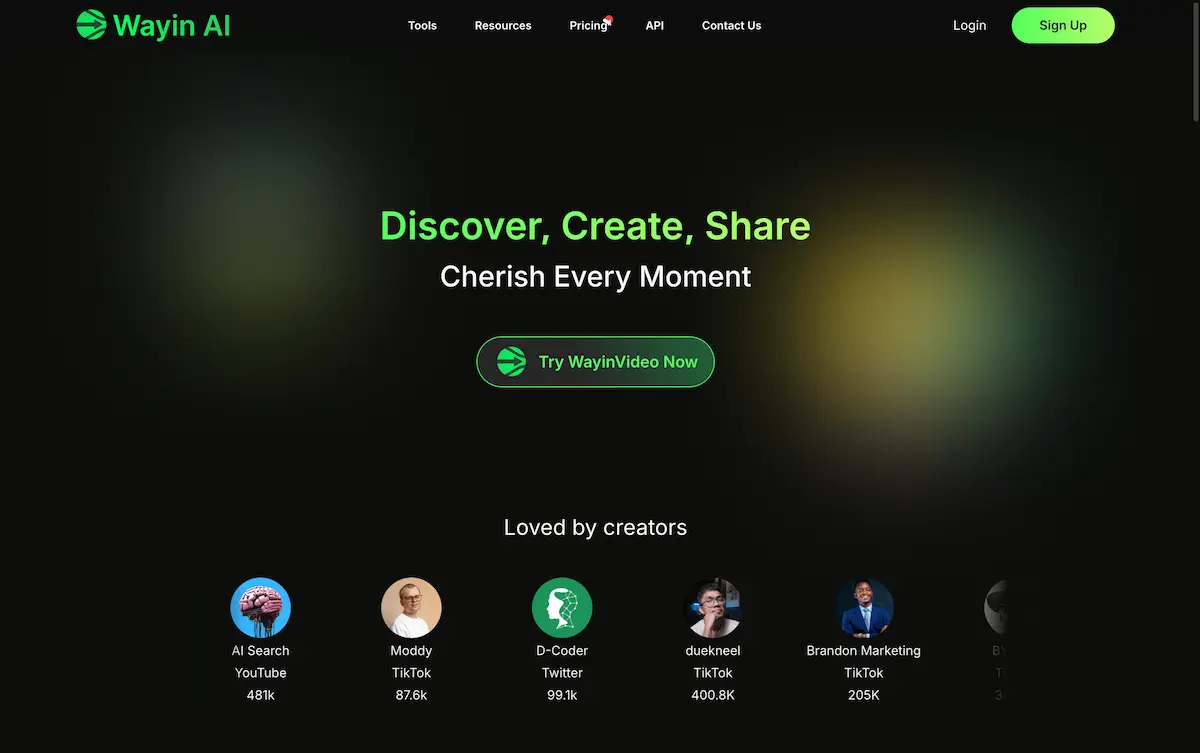
WayinVideo is an AI-powered tool that instantly finds and creates shareable video clips from longer content.
What is WayinVideo?
WayinVideo is an online AI video editor designed to help content creators, marketers, and social media managers save time. It solves the tedious problem of manually searching through long videos to find engaging moments and editing them for different platforms. By automating the discovery and editing process, WayinVideo allows users to quickly generate professional-looking, social-ready clips. This tool is suitable for anyone looking to increase their content output and engagement on platforms like YouTube, TikTok, and Instagram without spending hours on editing.
Key Features of WayinVideo
One-Click Viral Clip Discovery
Stop manually searching for engaging content; WayinVideo instantly analyzes videos and surfaces potential viral moments in seconds with a single click.
AI-Powered Moment Search
Users can type a phrase, action, or scene, and the AI will find all matching moments within a long video, eliminating tedious manual browsing.
Animated Captions
The tool offers platform-optimized templates to create stunning animated captions in a few clicks, producing high-impact content that captures audience attention.
100+ Language Translation
Break language barriers by instantly translating subtitles, allowing creators to reach global audiences and expand their viewership.
AI Auto-Reframe for Shorts
Instantly convert long videos into shorts by selecting an aspect ratio for TikTok, YouTube Shorts, or Instagram Reels; the AI intelligently reframes content for a polished look.
Direct Social Sharing
Created clips can be shared directly to major social platforms like Twitter, Instagram, YouTube Shorts, and Facebook to boost reach and engagement.
Use Cases for WayinVideo
Content Creators and Vloggers
Quickly turn hours of recorded vlog footage into multiple engaging short clips for daily social media posts without complex editing.
Social Media Marketers
Efficiently repurpose long-form webinar recordings or product demos into bite-sized promotional videos optimized for different social media channels.
Educators and Course Creators
Highlight key lessons or impactful moments from lengthy lecture videos to create teaser clips that drive course sign-ups and student engagement.
Podcasters and Interviewers
Extract the most compelling quotes and discussions from podcast episodes to share as previews on social media, attracting new listeners.
How to Use WayinVideo
- Upload or Paste a Link: Start by uploading a video file directly or pasting a link from platforms like YouTube.
- Let AI Find Moments: The AI instantly analyzes the video. You can either let it surface viral clips automatically or use the search function to find specific moments by typing keywords.
- Edit and Customize: Choose a clip, then use tools like AI Auto-Reframe to adjust the aspect ratio and add animated captions from templates.
- Translate (Optional): If needed, use the translation feature to generate subtitles in over 100 languages.
- Export and Share: Download the final clip or share it directly to your connected social media accounts.
Target Audience for WayinVideo
- Social media content creators and influencers
- Digital marketers and brand managers
- Video editors and production teams
- Educators, coaches, and online course creators
- Podcasters and live streamers
- Businesses looking to enhance their social media presence
Is WayinVideo Free?
WayinVideo offers a generous free plan that allows users to experience its core features, including video analysis and basic clip creation. For users requiring more extensive use, such as higher export limits, advanced features, and watermark-free videos, WayinVideo provides affordable premium subscription options. This tiered model makes it accessible for beginners while offering powerful tools for professionals.
Frequently Asked Questions about WayinVideo
What video platforms does WayinVideo support for link pasting?
WayinVideo supports pasting links from major platforms like YouTube. Users can upload video files directly for platforms not supported via link.
Can WayinVideo create videos in vertical format for TikTok and Reels?
Yes, the AI Auto-Reframe feature allows users to instantly convert videos into vertical (9:16) or other aspect ratios perfect for TikTok, YouTube Shorts, and Instagram Reels.
How accurate is the AI at finding viral moments?
The AI is designed to analyze video content for elements commonly associated with high engagement, such as changes in scene, audio, and faces. While it effectively surfaces potential clips, the final selection can always be refined by the user.
Does the translation feature support voice-over or just subtitles?
Based on the provided information, the feature focuses on instantly translating subtitles to break language barriers. It does not specify the generation of AI voice-overs in different languages.
Is there a limit on video length for the free plan?
Specific limits for the free plan are not detailed on the homepage. Typically, such tools have constraints on video length or the number of exports, which are lifted in premium plans.
Can I use my own branding on the clips created?
The homepage highlights professional templates for animated captions but does not explicitly mention custom watermark or branding insertion. This feature may be available in premium tiers.
WayinVideo Tags
WayinVideo, AI video editor, viral clip finder, create video shorts, social media video tool, YouTube to Shorts, TikTok video maker, Instagram Reels creator, automatic video editing, translate video subtitles, animated captions, video repurposing tool, content creation software