Introduction
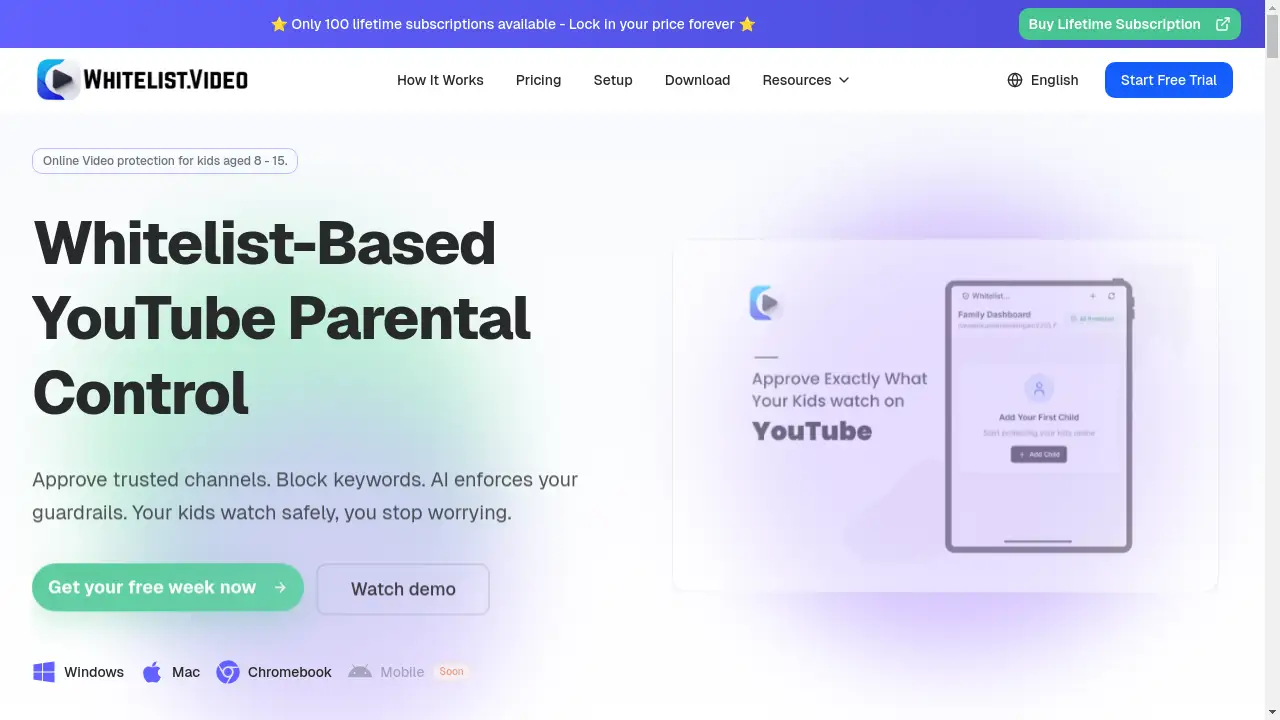
WhitelistVideo is a specialized tool for setting up powerful YouTube parental controls that put parents back in charge of their children's digital experience.
What is WhitelistVideo?
WhitelistVideo is a parental control solution designed specifically for YouTube. It addresses a critical issue identified by independent research: the platform's algorithm, optimized for engagement, can expose children to inappropriate content and diminish their attention spans. This service solves this problem by giving parents granular control. Instead of relying on broad filters, parents can manually approve specific YouTube channels that align with their family's values and educational goals. WhitelistVideo's AI then enforces these rules in real-time, intercepting and blocking all unapproved videos and Shorts. It is particularly suitable for parents of children aged 8-15 who want to ensure their kids access high-quality, educational content on YouTube without the risks of the open algorithm.
Key Features of WhitelistVideo
Channel-Level Approval
Parents have complete control to manually review and approve individual YouTube channels, ensuring only content that matches their educational standards and values is accessible.
AI-Powered Real-Time Blocking
The system's AI actively monitors every video request, checking it against the parent's approved list and blocking inappropriate content within 5-8 seconds, before a child can be drawn in.
Algorithm Retraining Over Time
As children watch within the approved channels, WhitelistVideo gradually retrains YouTube's own recommendation engine to suggest more parent-approved content, improving the feed over 2-3 months.
Blocks YouTube Shorts by Default
The service automatically blocks YouTube Shorts, helping to eliminate the rapid-fire, attention-grabbing content that can be detrimental to focus and development.
Cross-Device Synchronization
Once a channel is approved or a rule is set, it is instantly synchronized and enforced across all of a child's devices, including desktops, laptops, and Android.
Comprehensive Parent Dashboard
Parents can manage settings, review activity, and approve new channel requests from an intuitive dashboard available on both mobile and desktop platforms.
Use Cases for WhitelistVideo
Curating an Educational YouTube Experience
Parents can transform YouTube into a dedicated learning platform by approving channels like Khan Academy, CrashCourse, and science educators, ensuring screen time is productive.
Enforcing Digital Boundaries for Pre-Teens
For children aged 8-13 who have outgrown YouTube Kids but are not ready for unrestricted access, WhitelistVideo provides a safe, parent-controlled middle ground.
Protecting Against Algorithmic Rabbit Holes
The tool prevents children from starting with an educational video and being led down a path of increasingly irrelevant or inappropriate content by YouTube's engagement-driven suggestions.
Managing Screen Time Focus
By blocking Shorts and limiting content to pre-approved channels, WhitelistVideo helps children develop longer attention spans and engage in more meaningful viewing.
How to Use WhitelistVideo
- Start a Free Trial: Visit the WhitelistVideo website and begin a free trial—no credit card is required.
- Set Up Your Account: Create a parent account and connect your child's YouTube profile through the dashboard.
- Approve Channels: Browse or search for YouTube channels and manually approve those you deem appropriate for your child's age and interests.
- Install the Enforcement Tool: Follow the simple instructions to install the necessary extension or app on your child's devices to enable real-time blocking.
- Monitor and Adjust: Use the parent dashboard to review watch history, receive new channel requests from your child, and adjust your approved list as needed.
Target Audience for WhitelistVideo
- Parents of children and pre-teens aged 8-15.
- Families seeking to promote educational screen time over passive entertainment.
- Caregivers concerned about YouTube's algorithm and exposure to inappropriate content.
- Users looking for a more robust and customizable alternative to YouTube Kids or Google's Restricted Mode.
Is WhitelistVideo Free?
WhitelistVideo offers a generous free plan that includes core functionality for one child, such as approving up to 10 channels and blocking YouTube Shorts. For families needing more control, affordable premium plans are available. These paid tiers offer features like unlimited channel approvals for multiple children, advanced AI content analysis, and priority support, providing significant value for less than the monthly cost of many streaming services.
Frequently Asked Questions about WhitelistVideo
How does WhitelistVideo differ from YouTube Kids?
WhitelistVideo offers channel-level control for an older age group (8-15) and focuses on educational content, whereas YouTube Kids uses broad categories for younger children (3-8) with an entertainment focus. It also actively retrains YouTube's main algorithm over time.
Can my child bypass the WhitelistVideo controls?
The service is designed to provide desktop-level enforcement that is difficult for children to bypass, offering stronger protection than native YouTube settings like Restricted Mode, which can often be turned off.
What happens if my child wants to watch a new channel?
Children can submit a request for a new channel directly through the platform. Parents receive a notification and can review the channel's content in the dashboard before approving or denying the request.
How long does it take for the YouTube algorithm to improve?
According to user reports, parents typically notice a positive shift in YouTube's recommendations within 2-3 months as the algorithm learns from the child's watch history within the approved channels.
Does WhitelistVideo work on all devices?
The service syncs rules across devices. It provides robust enforcement on desktop/laptop browsers and Android devices via a parent-managed app. Coverage for other platforms may vary.
Is there a contract or long-term commitment?
No. WhitelistVideo operates on a monthly subscription model for its premium plans, and users can cancel anytime. The free tier remains available without a credit card.
WhitelistVideo Tags
YouTube parental controls, WhitelistVideo, YouTube safety, educational content for kids, block YouTube Shorts, parental control app, algorithm retraining, screen time management, child online safety, YouTube Kids alternative, family digital wellness, approve YouTube channels