Introduction
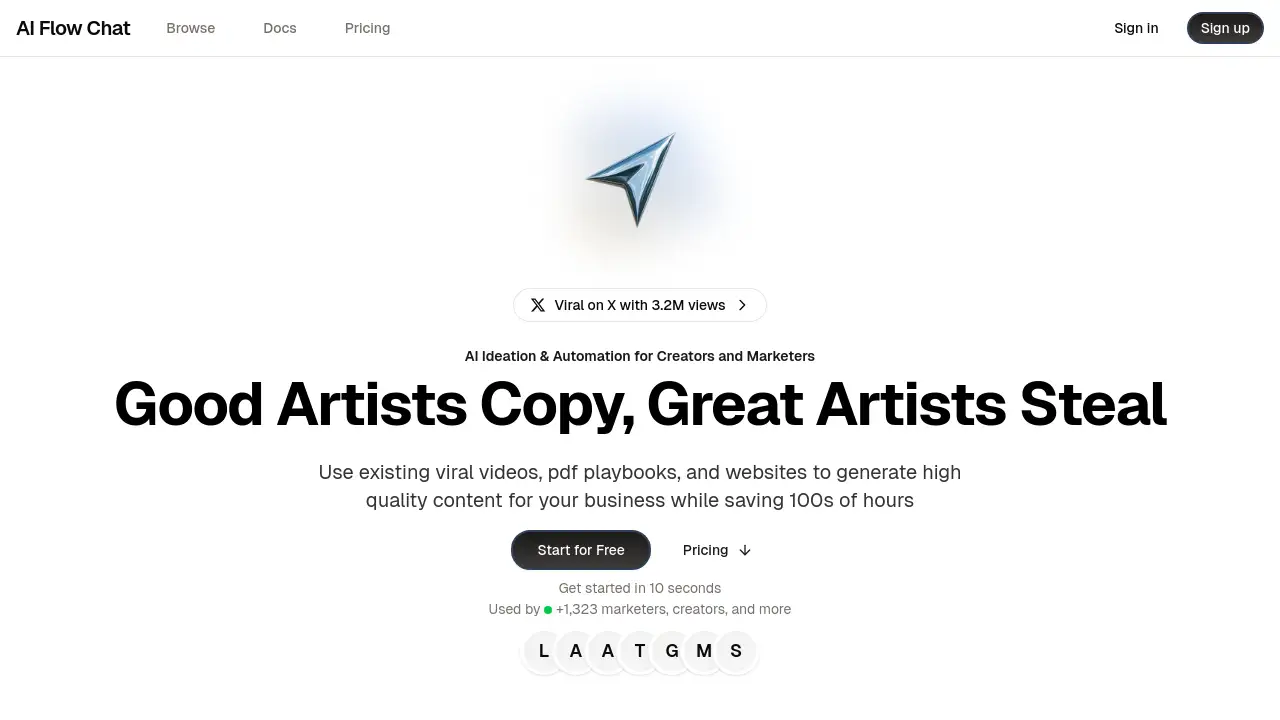
AI Flow Chat is a no-code AI workflow tool for content ideation and automation.
What is AI Flow Chat?
AI Flow Chat is a powerful, no-code platform designed to streamline and automate the creation of AI-generated content. It solves the problem of repetitive, time-consuming prompt engineering by allowing users to build structured, reusable workflows. Instead of manually re-prompting an AI for every task, individuals and teams can create automated systems that reference various source materials to produce consistent, high-quality output. This product is particularly suitable for content creators, marketers, writers, and analysts who need to scale their content production while maintaining a unique voice and style. Its significance lies in transforming one-off AI chats into permanent, shareable automation assets, drastically reducing the time spent on routine AI tasks.
Key Features of AI Flow Chat
Drag-and-Drop Workflow Builder
Users can visually construct complex AI automation sequences without writing a single line of code, making advanced AI accessible to non-technical users.
Multi-Source Content Referencing
The platform allows you to import and reference material from YouTube videos, PDFs, websites, TikTok clips, and more, providing rich context for AI content generation.
One-Click Chat-to-Flow Conversion
Any productive conversation with the AI can be instantly converted into a structured, reusable workflow, ensuring great ideas are never lost.
Shareable AI Apps
Package complete workflows into standalone applications that can be shared publicly or privately with team members or clients for instant use.
Reusable Prompt & Template Library
Save and organize your best prompts into a personal library, and discover community-vetted automation templates to kickstart new projects.
Flexible AI Model Integration
The tool provides access to the latest AI models from leading providers like OpenAI, Anthropic, and Google Gemini, offering flexibility for different tasks.
Use Cases for AI Flow Chat
Viral Social Media Content Creation
Marketers can analyze trending videos and posts to extract viral elements and automatically generate scripts for new shorts, reels, or tweets.
Automated Content Repurposing
Creators can feed a long-form video or article into the system and produce a series of social media posts, email newsletters, and blog summaries.
Rapid Business Document Drafting
Analysts and entrepreneurs can reference PDF playbooks and market data to quickly generate business plans, reports, and strategy documents.
Consistent Brand Voice Automation
Teams can build workflows that reference their brand guidelines and top-performing content to ensure all new AI-generated material stays on-brand.
How to Use AI Flow Chat
- Gather Your Sources: Start by uploading or linking to your reference materials, such as a viral video, a PDF guide, or a competitor's website.
- Build or Choose a Workflow: Either create a new automation from scratch using the drag-and-drop builder or select a pre-made template from the community library.
- Configure the AI Tasks: Define the steps in your workflow, such as "analyze the tone of the video," "extract key points," and "write a script in a conversational style."
- Run and Refine: Execute the workflow to generate your content. You can then tweak the prompts or steps based on the output to perfect the system.
- Share or Schedule: Once satisfied, you can share the workflow as an app for others to use or schedule it to run automatically at set intervals.
Target Audience for AI Flow Chat
- Content Creators and Influencers
- Digital Marketers and Social Media Managers
- Writers, Bloggers, and Copywriters
- Business Analysts and Strategists
- Small Business Owners and Entrepreneurs
- Non-technical professionals seeking AI automation
Is AI Flow Chat Free?
AI Flow Chat operates on a credit-based subscription model. The available plans are:
| Plan | Price | Key Features & Credits |
|---|---|---|
| Basic | $30/month | 11,000 credits/month, access to all AI models, 5 app schedules, free onboarding call. Extra credits: 1,000 for $6. |
| Pro (Recommended) | $100/month | 33,000 credits/month, access to all AI models, 10 app schedules, remove branding from apps, free onboarding call. Extra credits: 2,000 for $6. |
The platform does not appear to offer a permanently free tier, but new users can get started quickly to explore its features.
AI Flow Chat's Pros and Cons
| Aspect | Pros | Cons |
|---|---|---|
| Efficiency | Drastically reduces time on repetitive AI tasks through automation. | Initial setup for complex workflows requires planning. |
| Usability | No-code, visual builder makes AI power accessible to non-developers. | Power users might desire more advanced conditional logic options. |
| Flexibility | Supports multiple AI models and a wide range of source material types. | Cost is based on credits, which requires monitoring usage for high-volume users. |
| Collaboration | Easy to share workflows as apps, facilitating team use. | Advanced features like brand removal are locked behind the Pro plan. |
Frequently Asked Questions about AI Flow Chat
What types of files can I reference in AI Flow Chat?
You can reference YouTube videos, PDFs, DOCX files, websites, TikTok/Reels videos, Twitter/X posts, video files, and Facebook ad copies. Support for audio files is listed as coming soon.
Do I need to know how to code to use this tool?
No, AI Flow Chat is designed as a no-code workflow tool. All automation is built using an intuitive drag-and-drop interface, making it suitable for marketers, writers, and creators without technical skills.
Can I try AI Flow Chat for free?
While there isn't a standard free plan listed, the product description emphasizes getting started in seconds. It's best to visit the official website to check for any trial offers or demo options for new users.
How are the "credits" used in the pricing plans?
Credits are consumed when you run your AI workflows. More complex workflows that use multiple AI steps or reference longer source materials will use more credits. The plans offer monthly credit bundles with options to purchase more.
Can I share the content I create with AI Flow Chat?
Yes, a core feature is the ability to package any workflow into a shareable app. You can send these app links to others, who can then use your automated system without needing an AI Flow Chat account (depending on your sharing settings).
What makes AI Flow Chat different from just using ChatGPT?
Unlike a standard chat interface, AI Flow Chat allows you to build reusable, multi-step systems that automatically reference source materials. It turns one-off prompts into permanent automation templates, ensuring consistency and saving you from manually re-prompting for every similar task.
AI Flow Chat Tags
AI workflow tool, no-code AI automation, AI content generation, drag-and-drop AI builder, automate AI tasks, content ideation tool, AI for marketers, AI for creators, reusable prompt library, shareable AI apps, AI model flexibility, viral content script, AI automation templates, workflow automation software