Introduction
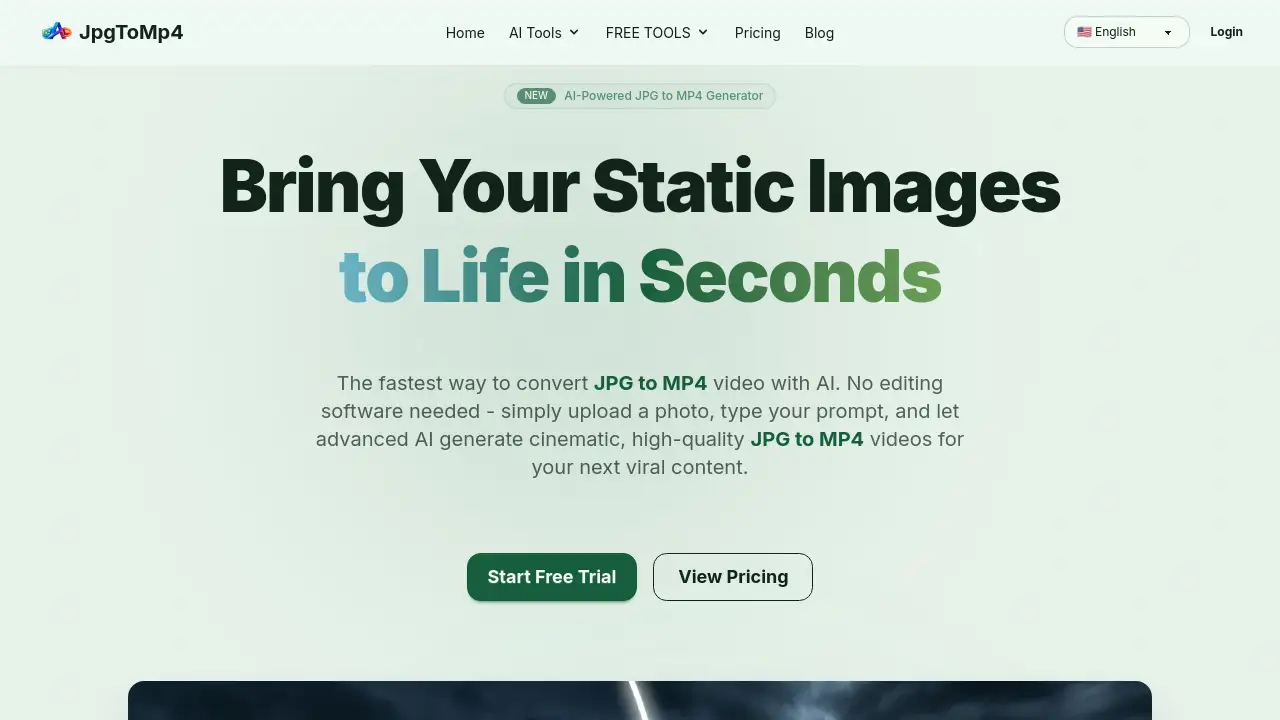
Turn static JPG images into dynamic, cinematic MP4 videos with AI-powered simplicity.
What is Jpg to Mp4?
Jpg to Mp4 is an online AI video generator designed to transform static images into animated video clips. This tool solves a significant challenge for modern content creators: the time and skill required to animate photos using complex editing software. By uploading a JPG, PNG, or WebP image and providing a simple text prompt, users can generate a high-quality MP4 video in seconds. It is particularly suitable for social media marketers, solo creators, and businesses needing quick, professional-looking video content for platforms like TikTok, YouTube, and Instagram. The JPG to MP4 conversion process leverages advanced AI models to interpret creative prompts, adding camera movements, character actions, and environmental effects automatically.
Key Features of Jpg to Mp4
AI-Powered Video Generation
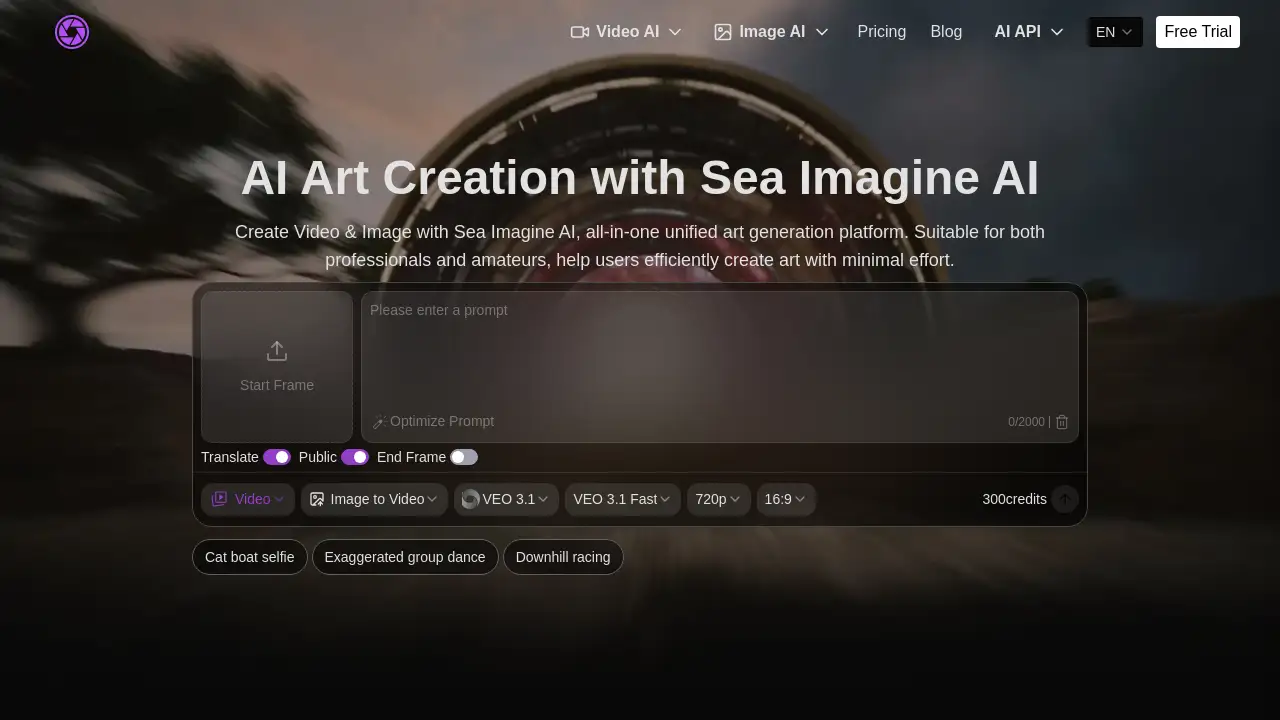
The platform uses cutting-edge AI, like Google's Veo 3.1 Fast model, to intelligently animate images based on user descriptions, enabling fast and cinematic JPG to MP4 conversion.
Simple Three-Step Workflow
The process is streamlined: upload an image, describe the desired video with a prompt, and generate the MP4 video, requiring no prior design or editing skills.
Flexible Aspect Ratio Control
Creators can generate videos in both 16:9 landscape and 9:16 portrait formats from the same source image, making content instantly ready for various social media platforms.
Advanced Creative Control
Users can guide the AI with detailed prompts to control specific elements like camera pan, zoom, slow motion, and character actions during the JPG to MP4 process.
Commercial Usage Rights
Paid subscribers receive a full commercial license for all generated videos, allowing the use of MP4 videos in marketing campaigns, client projects, and monetized content.
High-Resolution Output
The tool generates videos in HD 1080p quality, and includes features for AI upscaling of source images to ensure clarity in the final MP4 video.
Use Cases for Jpg to Mp4
Social Media Content Creation
Quickly create eye-catching stories, reels, and posts by converting a single promotional or personal photo into an engaging MP4 video for platforms like Instagram and TikTok.
Marketing and Advertising
Produce short, cinematic ad clips or product showcases from still images, streamlining the content pipeline for digital marketing campaigns.
Storytelling and Presentations
Enhance narratives by animating key images to illustrate concepts, making presentations, educational content, or personal stories more dynamic.
Music Video and Art Projects
Artists and musicians can generate unique visualizers or concept clips by using AI to bring their album art or thematic images to life through JPG to MP4 conversion.
How to Use Jpg to Mp4
- Upload Your Image: Go to the JpgToMp4 website and drag & drop a JPG, PNG, or WebP file into the upload area.
- Craft Your Prompt: In the text box, describe the video you want. You can specify camera angles, movements (e.g., "slow zoom out"), actions, or atmosphere.
- Configure Settings: Select your desired video orientation (16:9 or 9:16), duration, and resolution. Optionally, you can upload a first and last frame for more control.
- Generate and Download: Click the "Generate" button. The AI will process your request and create the MP4 video in seconds, ready for you to download.
Target Audience for Jpg to Mp4
- Social Media Influencers and Content Creators
- Digital Marketers and Small Business Owners
- Freelancers and Graphic Designers
- Educators and Presenters
- Hobbyists and Artists exploring digital animation
Is Jpg to Mp4 Free?
JpgToMp4 operates on a freemium model. A free account is available, providing daily credits to test the AI video generator and perform basic JPG to MP4 conversions. For higher volume and full commercial rights, paid subscription plans are offered. Specific pricing details can be found on the official JpgToMp4 website.
| Plan | Price | Key Features |
|---|---|---|
| Free | $0 | Daily credits, access to AI models, basic usage. |
| Paid Plans | Varies (See website) | Higher credit allocations, full commercial license, priority features. |
Jpg to Mp4's Pros and Cons
| Aspect | Pros | Cons |
|---|---|---|
| Ease of Use | Extremely simple, three-step process with no software installation. | Creative output depends heavily on the quality of the user's text prompt. |
| Speed & Technology | Leverages state-of-the-art AI (Veo 3.1) for fast, high-quality video generation. | Free tier has limited daily credits, restricting volume for heavy users. |
| Flexibility | Offers control over aspect ratio and creative direction via prompts. | Currently processes one image at a time for AI animation (batch conversion not available for this feature). |
| Licensing | Paid plans include a commercial license, great for professional use. | Advanced features like text-to-video are listed as "coming soon." |
Frequently Asked Questions about Jpg to Mp4
How do I convert a JPG to an MP4 video?
To convert JPG to MP4, upload your image to JpgToMp4, enter a text prompt describing the desired video scene or action, and click Generate. The AI will create a cinematic MP4 video in seconds.
Do I own the rights to the videos I create?
Yes, paid users are granted full commercial rights to all MP4 videos generated on the platform. You can use them for marketing, social media, or client projects without restriction.
What AI models power the JPG to MP4 conversion?
The platform primarily uses Google's Veo 3.1 Fast model for AI video generation. It also integrates other leading models for related image tasks and continually updates to the latest technology.
Is there a free version available?
Yes, a free account is available that provides daily credits to try the JPG to MP4 converter and other AI tools without requiring a credit card.
What image formats are supported?
The tool supports common formats including JPG, JPEG, PNG, and WebP for conversion to MP4.
Can I create videos without an image?
A text-to-video feature that generates videos from a description alone is listed as "coming soon." Currently, the core JPG to MP4 tool requires an uploaded image to animate.
Jpg to Mp4 Tags
JPG to MP4 converter, AI video generator, image to video, turn photo into video, MP4 video maker, online video creator, AI animation, social media video tool, free video converter, cinematic video generator, Veo 3.1, content creation tool