Introduction
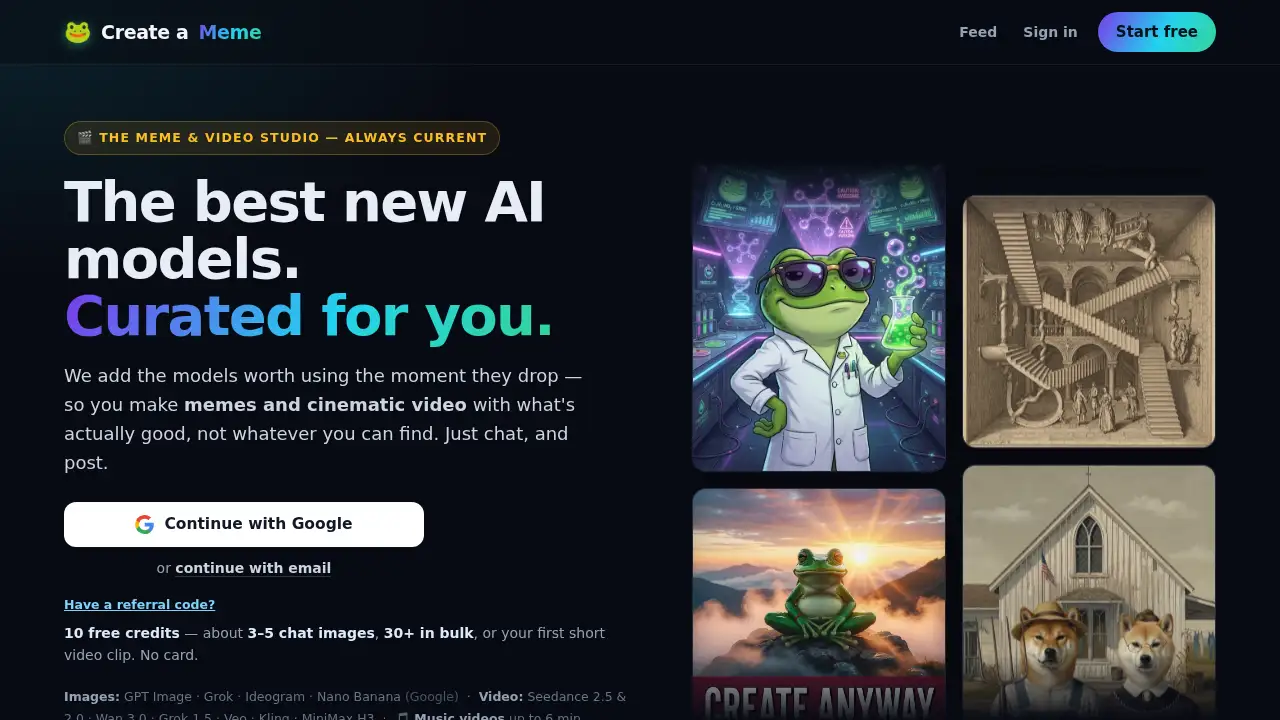
Create a Meme is an AI meme and video studio.
What is Create a Meme?
Create a Meme is an AI meme generator and AI video studio that helps users turn simple ideas into shareable images, animated clips, music videos, and character-led shows. It solves a common content problem: creators often need separate tools for image generation, meme editing, video animation, and social sharing. Create a Meme brings these steps into one chat-based workspace, so users can describe an idea, refine it, animate it, and post it faster. The platform is suitable for meme pages, social media creators, small businesses, musicians, and anyone who wants to make AI-powered visual content without a complex editing setup. It matters because it combines current AI models with practical meme and short-video workflows, including saved characters, templates, and simple sharing options.
Key Features of Create a Meme
Chat-Based AI Meme Creation
Users can chat with the AI to create images and memes, upload reference images, and keep refining results through natural conversation. This makes the tool feel like a simple AI meme maker rather than a complicated design program.
Saved Characters for Consistency
Create a Meme lets users save a person or mascot once and reuse it with an @mention in later scenes. This character consistency feature helps creators keep the same face, style, and identity across memes, ads, and AI video projects.
AI Music Videos and Rap Battles
Creators can upload a song, choose a character, and generate a music video with lip-sync, scene planning, title cards, and lyrics on screen. The platform also supports AI rap battles and short clips for Reels, TikTok, and Suno Hooks.
News, Cooking, and Trailer Formats
Create a Meme includes ready-made show formats, including a news show, cooking show, movie trailer, and lyric video. These formats give characters a structured way to host content with broadcast graphics, kitchens, narrators, and title cards.
Animated Meme Templates and Movie Maker
Users can animate classic meme templates into short clips or chain up to 25 beats into a longer movie with captions and an optional AI soundtrack. Stitch Clips also helps join multiple video clips into one continuous cut.
Multi-Model Image and Video Generation
Create a Meme provides access to multiple current AI models for image and video creation, including tools for cinematic scenes, product shots, posters, and animated clips. This helps users choose a model that fits the style of their meme or AI video generator project.
Free Start and Simple Sharing
New users get 10 free credits with no card required, enough for a few chat images, bulk images, or a first short video clip. Finished content can be saved to a workspace and resized for different social feeds.
Use Cases for Create a Meme
Social Media Meme Pages
Meme page owners can use Create a Meme to produce reaction images, animated templates, and recurring character memes quickly. The chat workflow and saved characters make it easier to post consistently.
Short-Form Video Creators
Creators making Reels, TikToks, and Shorts can use the AI video studio to turn memes into clips, add sound, and create music video segments. The tool supports quick edits and one-tap clips for social platforms.
Small Business and Product Ads
Small teams can use the AI meme generator to create product-focused memes, posters, and character ads without a full design team. Saved characters can help a brand mascot appear in multiple scenes.
Musicians and Audio Creators
Musicians can upload a song and generate a character-led AI music video with lip-sync and lyric visuals. The lyric video and AI sound features also help extend one song into several content pieces.
Storytellers and Character-Driven Content
Creators who build fictional hosts, mascots, or recurring characters can use the news show, cooking show, and trailer formats. These formats turn a character into a repeatable show concept rather than a one-off meme.
How to Use Create a Meme
- Visit magic.createa.meme and start with the 10 free credits. No card is required.
- Use the chat to describe an image, meme, or video idea, or upload a photo and choose a template or AI model.
- Save a character and @mention it in later prompts to keep the same face across scenes, then edit text, swap details, or reroll the result.
- Animate a selected image into a short video, or use Music Video, Movie Maker, or Stitch Clips for longer projects.
- Save the finished content to the workspace and resize or share it for social feeds.
Target Audience for Create a Meme
- Social media managers and meme page owners
- Short-form video creators and streamers
- Small businesses and independent marketers
- Musicians, podcasters, and audio creators
- Storytellers building recurring characters or shows
- Hobbyists who want an easy AI meme generator
Is Create a Meme Free?
Create a Meme offers a free start with 10 free credits and no card required. The free credits can cover about 3–5 chat images, 30+ bulk images, or a first short video clip. No subscription is mentioned as a requirement to begin. Pricing details beyond the free credits are not fully listed in the provided information, so users should check the official site for current credit or plan options.
| Plan | Price | Features |
|---|---|---|
| Free | $0 | 10 free credits, no card required, access to chat creation, templates, saved characters, and basic video tools |
| Additional plans or credits | Not specified in provided info | Check the official Create a Meme site for current pricing and credit details |
Create a Meme's Pros and Cons
| Aspect | Pros | Cons |
|---|---|---|
| Pricing | Free 10-credit start with no card required | Free credits are limited; paid pricing details are not fully stated |
| Features | Combines meme making, character consistency, music videos, and show formats in one place | Advanced workflows such as Movie Maker may take practice |
| Models | Access to multiple current AI image and video models | Output quality depends on the selected model and prompt |
| Workflow | Chat, edit, animate, and share from one workspace | Not a full replacement for professional video editing software |
Frequently Asked Questions about Create a Meme
Is Create a Meme free to try?
Yes. Create a Meme provides 10 free credits with no card required, enough to test chat images, bulk images, or a short video clip.
Do users need a subscription to start?
No subscription is mentioned as a requirement to begin. The platform highlights a no-card free start, and users can check the official site for later credit or plan details.
Can Create a Meme keep the same character across images and videos?
Yes. Users can save a character and @mention it in the chat to reuse the same face in different scenes. This character consistency feature is useful for memes, ads, and recurring shows.
Can users make AI music videos with their own song?
Yes. Create a Meme supports music video creation from an uploaded song, with scene planning, lip-sync, lyrics on screen, and title cards. It can produce short clips or longer videos based on the workflow.
What can users create besides classic memes?
Users can create AI rap battles, news shows, cooking shows, movie trailers, lyric videos, product posters, profile art, animated templates, and short films. The AI video studio is designed for both meme content and broader social video projects.
Is Create a Meme suitable for social media content?
Yes. The platform supports resizing, one-tap clips, and sharing from a workspace, making it practical for Reels, TikTok, Shorts, and other social feeds.
Create a Meme Tags
Create a Meme, AI meme generator, AI meme maker, AI video studio, meme maker, AI video generator, AI music video, character consistency AI, meme templates, AI rap battle, social media content, AI image generator