Introduction
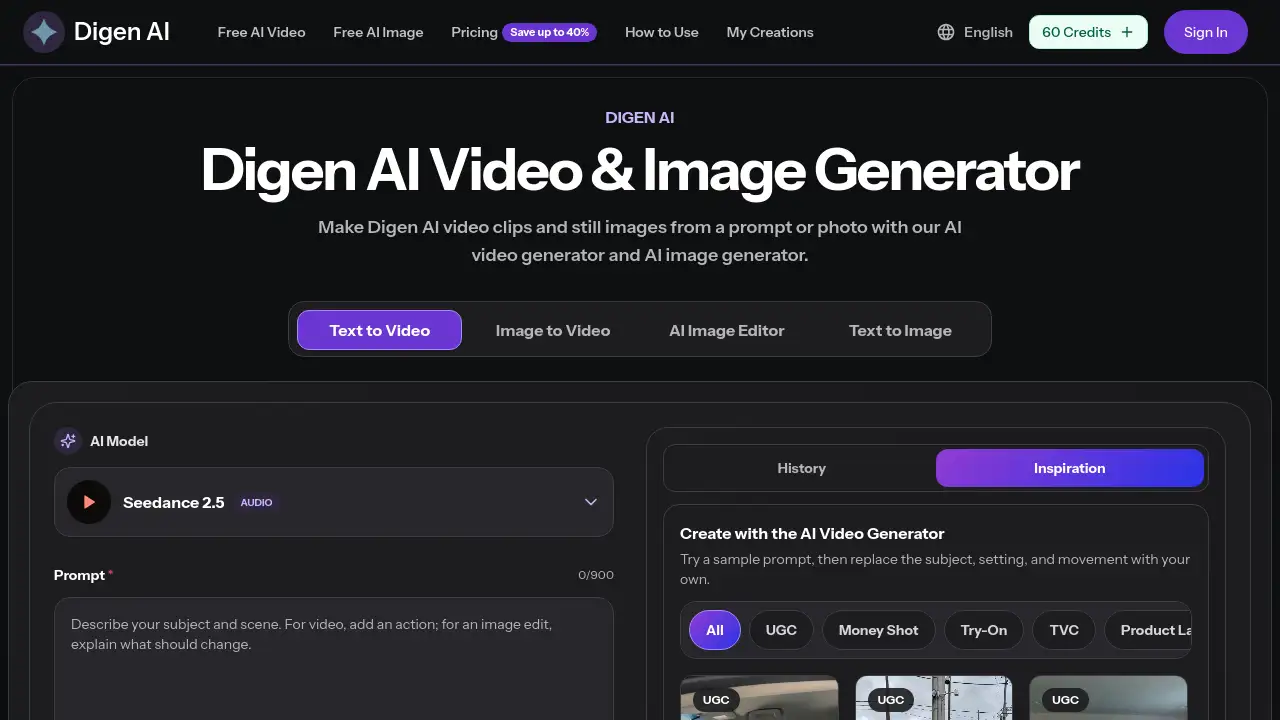
Digen AI is an AI Video & Image Generator that creates short video clips and still images from text prompts or photos. The Digen AI video generator supports text to video and image to video, while the Digen AI image generator creates stills and allows AI image editing. Creators can use prompts and photos to make clean visuals for social media, ads, or client previews.
What is AI Video & Image Generator?
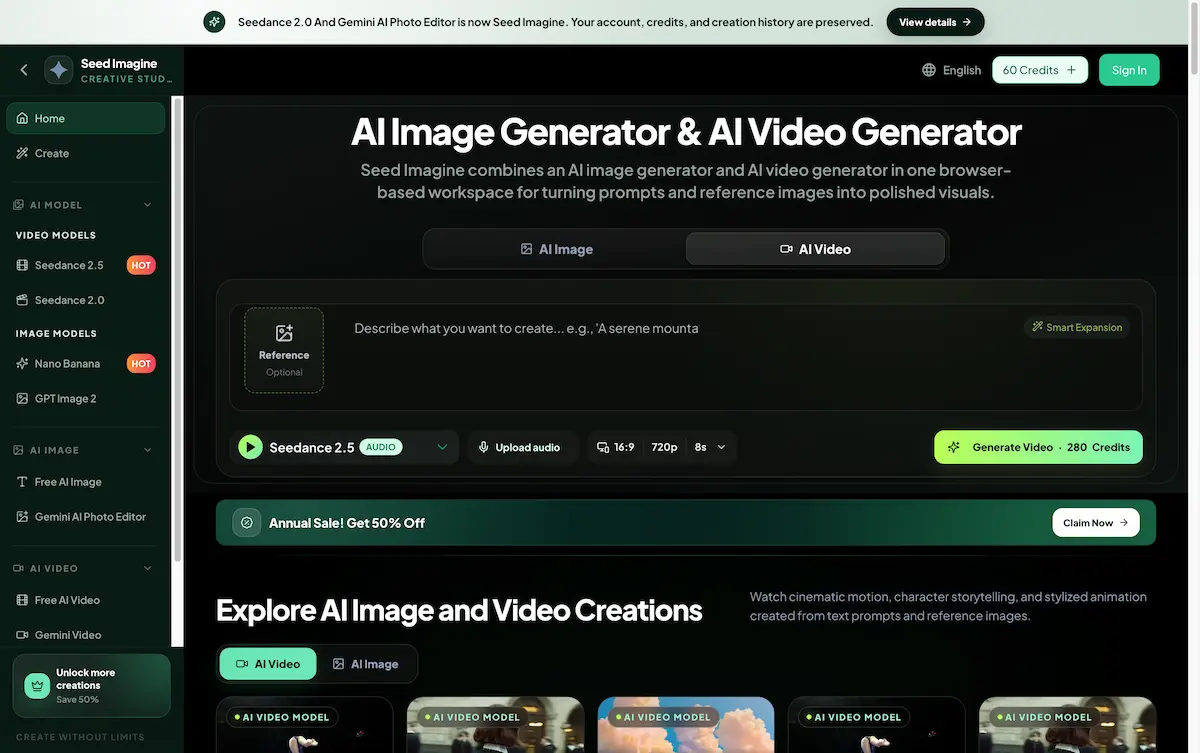
AI Video & Image Generator is the name Digen AI uses for its central creation suite. The platform combines an AI video generator and an AI image generator in one browser-based workspace. Users can type a prompt, upload a reference image, and generate a downloadable visual without installing editing software.
This AI video generator solves a common problem for creators who need quick social content, product ideas, or campaign concepts. Traditional video creation requires filming, actors, voiceover, and editing time. Digen AI shortens that path by turning text or images into a preview in a short time. It is suitable for social media managers, marketers, freelancers, and business owners who need fast visuals before final production.
Key Features of AI Video & Image Generator
Digen AI separates its workflows into video generation, image generation, and output controls. The main tools focus on prompt-based creation, photo-based animation, and clean downloads.
Text to Video AI
Users can write a short prompt that describes the subject, location, action, and camera movement. Digen AI text to video mode then generates a short clip that matches that description. This makes it easy to turn a script idea or scene concept into a visual preview.
Image to Video AI
The image to video AI workflow starts with an uploaded photo. Users add a description of subject movement, camera motion, mood, and pace. Digen AI uses the photo as the visual starting point and creates a moving clip around it.
AI Image Generation and AI Image Editing
The AI image generator can produce still images from text prompts. Users can also choose AI image editing when they want to start with an existing photo or reference image. This creates a media creation loop where the same Digen AI account handles videos and images.
Frame Your Video
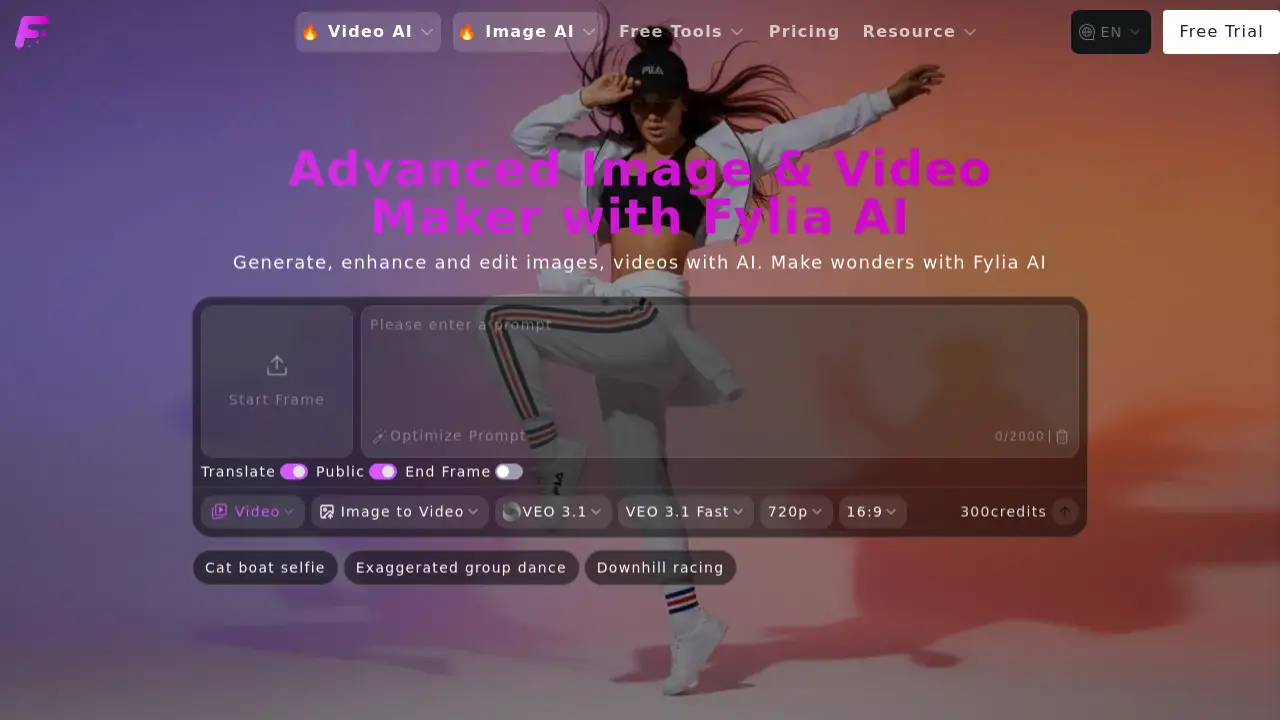
Digen AI gives users control over video framing. Users can choose supported clip lengths, resolution, aspect ratio, and video quality. Some output options depend on the selected AI video model, and an optional audio reference can be uploaded in MP3, MPEG, or WAV format where supported.
Fast AI Generation
The Digen AI video generator is designed to move quickly from prompt or photo to preview. This speed helps creators test multiple versions, compare results, and keep a content workflow moving without long render waits.
Clean Downloads and HD Output
Users can export videos and images without a Digen AI watermark. The platform supports high-definition output, which makes the AI image generator and AI video generator useful for polished social posts, product content, and client previews.
Plain Prompt Controls
No editing skills are needed. Digen AI uses plain English prompts and reference images instead of complex timelines, cameras, or keyframe tools. This lowers the barrier for non-technical users while still offering setting choices such as duration, quality, and aspect ratio.
Use Cases for AI Video & Image Generator
There are many practical uses for this AI video generator, especially for teams that create visual content on a regular basis.
Social Media Clips
Short-form creators can use Digen AI text to video tools to create clips for TikTok, Reels, and Shorts. Image to video workflows also help turn an existing photo into a moving social visual.
Marketing Visuals
Marketers can generate product settings, campaign concepts, and still images using the AI image generator. Digen AI outputs work well as early concept frames before final branding and captions are added in another design tool.
Product Demos and Storyboards
Product teams can use the Digen AI video generator to make short demo clips and rough storyboard videos. Users can frame the output by choosing aspect ratio and clip length, which helps match different screen formats and presentation needs.
How to Use AI Video & Image Generator
Digen AI is simple to use because it runs in the browser. The main steps are straightforward:
- Choose a creation mode. Click Free AI Video for text to video or image to video. Click Free AI Image for text to image or AI image editing.
- Write your prompt. For video, describe the subject, action, camera movement, and intended duration. For images, describe the subject, style, and details.
- Select output settings. Choose the supported video model, clip length, resolution, and aspect ratio used by the generator.
- Generate, review, and download. Wait for the preview, check the output, and download the final video or image if it matches the idea. If it is not right, change the prompt or uploaded image and generate again.
Target Audience for AI Video & Image Generator
- Social media content creators
- Digital marketers and campaign managers
- E-commerce and product teams
- Small business owners
- Freelance designers and video editors
- Entrepreneurs making concept visuals
Is AI Video & Image Generator Free?
Digen AI says the tool is free to start. Users can try text-to-video, image-to-video, text-to-image, and AI image editing before committing to a larger project. The pricing page does not list a permanent $0 plan. Instead, Digen AI offers three paid subscription tiers. Annual billing can save up to 40%, and one-time payment options may be available.
| Plan | Price | Features |
|---|---|---|
| Basic | $19.9/month | 800 credits, up to 40 videos per month, AI video generation, AI image generation, unlimited downloads, permanent history |
| Pro | $39.9/month | 2,000 credits, up to 100 videos per month, everything in Basic, priority generation queue |
| Enterprise | $99.9/month | 6,000 credits, up to 300 videos per month, everything in Pro, commercial use license, priority generation queue |
AI Video & Image Generator's Pros and Cons
| Aspect | Pros | Cons |
|---|---|---|
| Pricing | Tiers are simple and annual savings are available | No permanent free plan is displayed |
| Features | Combines AI video generation and AI image generation | Exact credit costs depend on clip length and selected model |
| Ease of Use | Plain prompts and photo references remove the need for editing skills | Users may need several tries to match an exact camera direction |
| Output Quality | HD downloads with no watermark are available | Public pricing preview does not list every supported model in detail |
Frequently Asked Questions about AI Video & Image Generator
Is Digen AI free to use?
Digen AI is free to start because users can try the video and image tools before choosing a paid plan. The published pricing page shows paid plans starting at $19.9 per month, so users who want regular access will need a paid tier.
What can the AI Video & Image Generator create?
The Digen AI video generator can create text-to-video clips and image-to-video clips. The AI image generator can create still images from text prompts and support reference-image editing for existing photos.
How does image to video AI work?
Users upload a photo and write a short description of the motion they want. Digen AI treats the photo as the starting frame and generates a clip that moves around that subject or follows the requested camera movement.
Are downloads watermarked?
No. Digen AI supports clean downloads without a Digen AI watermark. This makes the video and image generator useful for social posts, ads, and client previews where a clean visual is expected.
Do users need video editing experience?
No. The Digen AI text to video mode and image to video workflow are built for people who want to use prompts and reference images instead of editing timelines, actors, or camera rigs.
Can Digen AI visuals be used commercially?
Commercial use is mentioned in the Enterprise plan. Users who need a commercial use license should choose that plan or check the current terms on the Digen AI pricing page before publishing paid client work.
AI Video & Image Generator Tags
Digen AI, AI video generator, AI image generator, AI video and image generator, text to video AI, image to video AI, text to image AI, AI image editor, no watermark AI video generator, Digen AI review, AI video generator pricing