Introduction
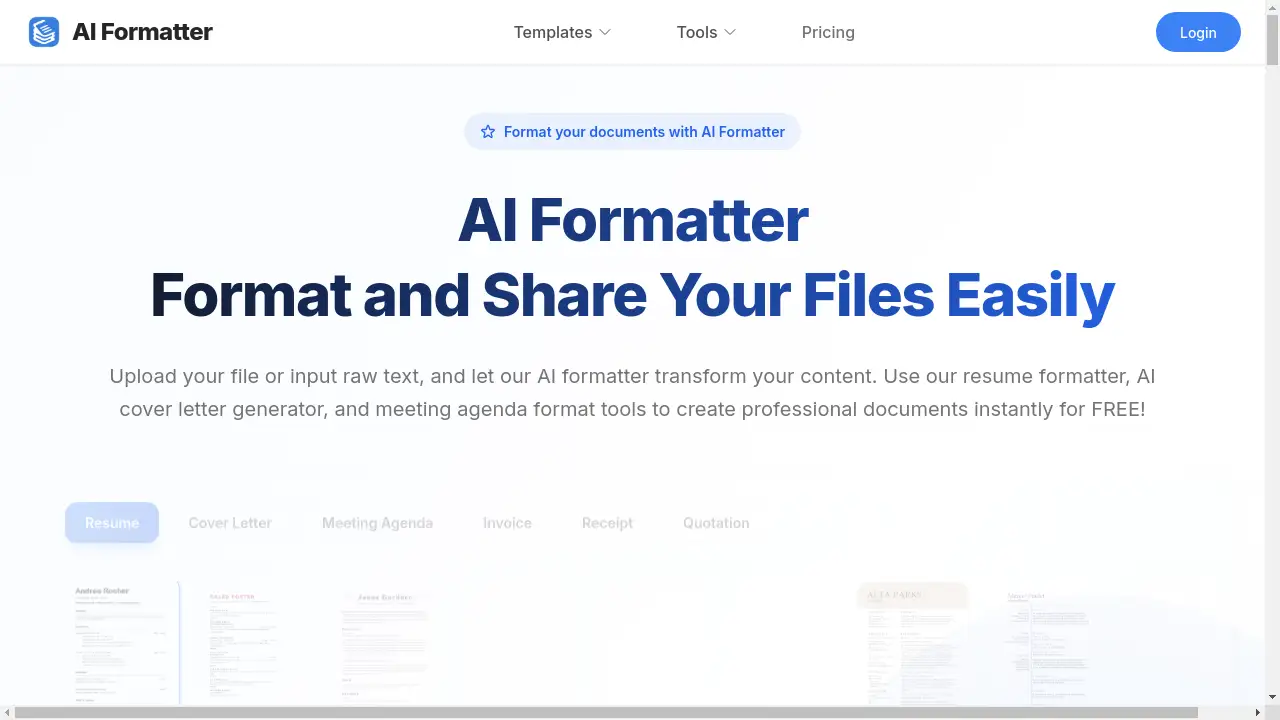
AI Formatter: Transform documents with AI-powered templates.
What is AI Formatter?
AI Formatter is an online tool that uses artificial intelligence to automatically format documents. It addresses the common problem of creating professional-looking documents quickly and easily, without requiring advanced design skills. Users can upload existing files or input raw text, and the AI Formatter processes this content, rendering it into a wide selection of professionally designed templates. This product is particularly suitable for job seekers, business professionals, and anyone needing to create polished documents like resumes, cover letters, and meeting agendas efficiently. The significance of AI Formatter lies in its ability to save time, ensure a consistent and professional appearance, and optimize documents for specific purposes, such as passing through Applicant Tracking Systems (ATS) with its ATS-optimized resume templates.
Key Features of AI Formatter
Extensive Template Library
AI Formatter provides a vast collection of professional templates, including numerous ATS-optimized resume formats and cover letter designs for various industries.
AI-Powered Formatting
The core AI technology automatically processes uploaded content or raw text, intelligently applying the chosen template's structure and style while preserving the original information.
Multi-Format Upload Support
Users can upload existing documents in PDF, DOC, DOCX, and TXT formats, or simply input raw text directly into the platform for maximum flexibility.
Intuitive Document Editor
After the AI formatter completes its initial processing, an integrated editor allows for easy customization and final adjustments to the formatted document.
Flexible Download Options
Finished documents can be downloaded in multiple formats, ensuring compatibility with various application systems and professional needs.
Use Cases for AI Formatter
Job Application Preparation
Job seekers can use the resume formatter and AI cover letter generator to create professional, ATS-friendly application documents that stand out to recruiters.
Business Document Creation
Professionals can quickly generate formatted meeting agendas, invoices, and quotations, maintaining a consistent and professional brand image.
Document Standardization
Individuals with raw text or inconsistently formatted files can use the AI Formatter to instantly apply a clean, professional structure and layout.
Career Transition Support
Those changing industries can leverage specific templates, like a project management resume or a creative sales resume, to best present their transferable skills.
How to Use AI Formatter
Using AI Formatter is a straightforward process designed for user convenience.
- Select a Template: Browse the extensive library and choose a professional template that fits your needs, such as an ATS-optimized resume or a modern cover letter.
- Input Your Content: Either upload your existing file (PDF, DOC, DOCX, TXT) or paste your raw text directly into the provided text box.
- Generate the Document: Click the "Generate Formatted Document" button. The AI Formatter will then process your input and render it within the selected template.
- Edit and Download: Use the built-in editor to make any final customizations. Once satisfied, download your professionally formatted document in your preferred file format.
Target Audience for AI Formatter
- Job seekers and recent graduates
- Human Resources and recruitment professionals
- Business owners and freelancers
- Office administrators and managers
- Professionals seeking a career change
Is AI Formatter Free?
AI Formatter offers a free plan that allows users to start formatting documents immediately without cost. This generous free plan provides access to its core AI formatting capabilities. The platform also offers affordable premium options with additional features and capabilities for users with more advanced document creation needs.
Frequently Asked Questions about AI Formatter
What file formats can I upload to the AI Formatter?
The tool supports uploads in common formats including PDF, DOC, DOCX, and TXT, with a maximum file size of 10 MB.
Does the resume formatter create ATS-friendly resumes?
Yes, AI Formatter includes a specific category of ATS-optimized resume templates designed to be parsed correctly by automated applicant tracking systems.
Can I edit my document after the AI formats it?
Absolutely. Once the AI Formatter has processed your content, you can review and make further adjustments using the intuitive built-in editor before downloading.
What is the difference between the resume formatter and the AI cover letter generator?
The resume formatter is focused on structuring and styling resume information, while the AI cover letter generator is specifically tailored to create compelling and professionally formatted cover letters.
Is there a limit to how many documents I can format with the free plan?
The free plan allows users to start formatting documents, though specific limitations on the number of uses may be detailed on the platform's pricing page.
Who can benefit from using the AI Formatter?
The tool is designed for a wide audience, including job seekers needing a professional resume, business professionals creating meeting agendas, and anyone looking to quickly format raw text into a polished document.
AI Formatter Tags
AI Formatter, resume formatter, AI cover letter generator, meeting agenda format, professional templates, ATS-optimized resume, document formatting, format documents, upload files, raw text, ATS resume, cover letter template