Introduction
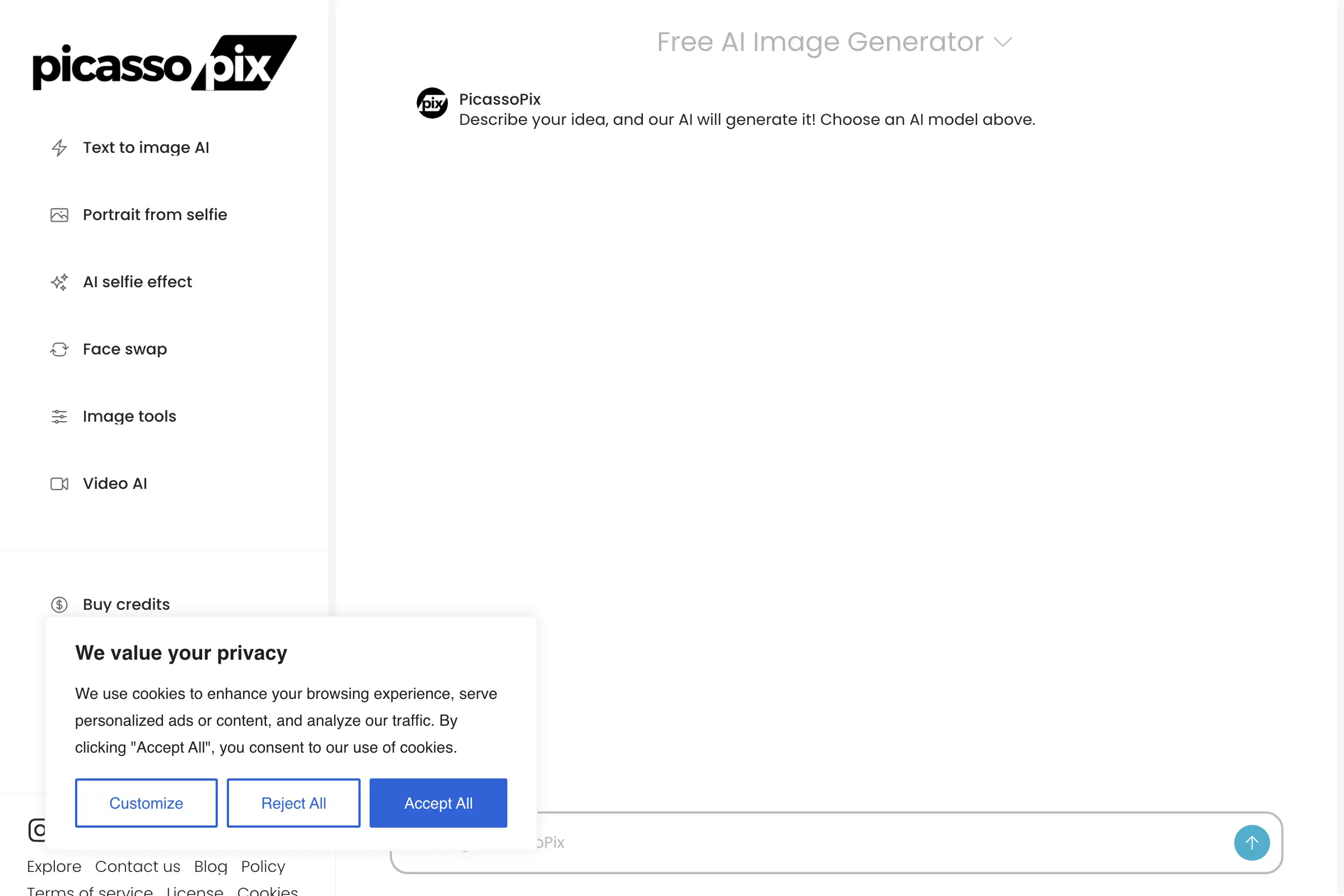
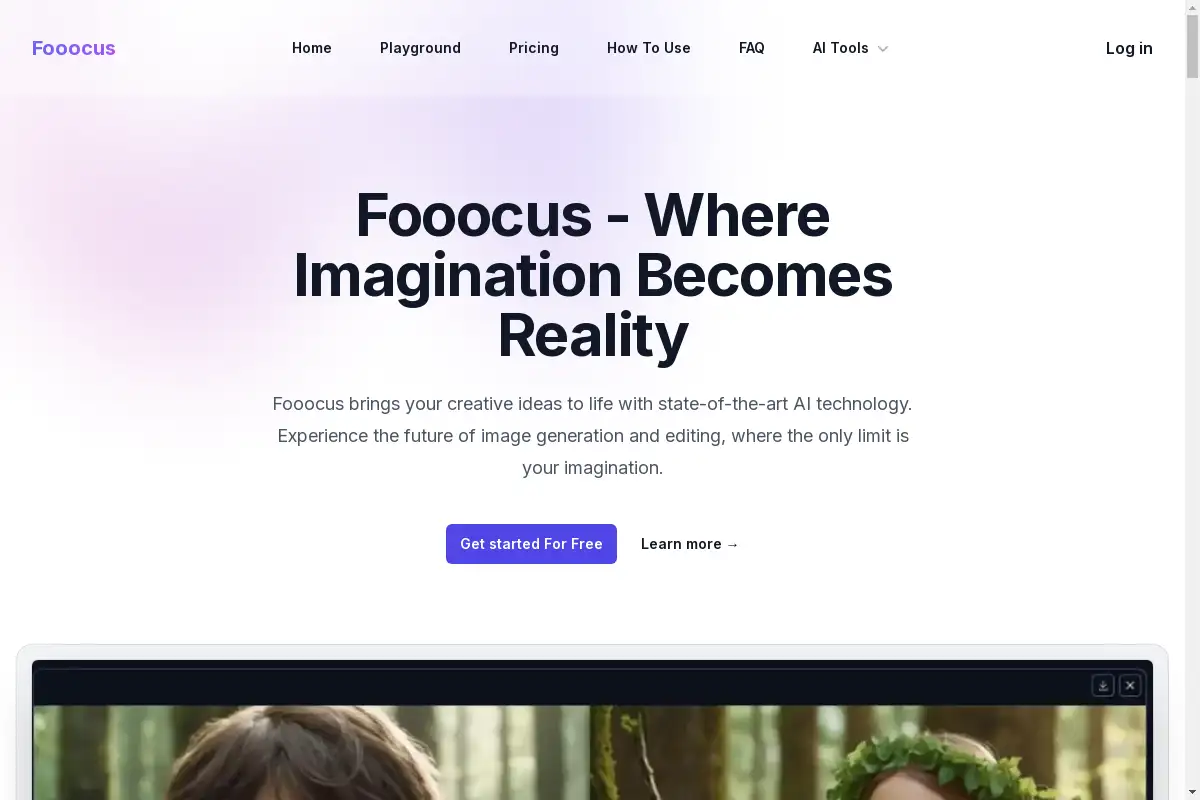
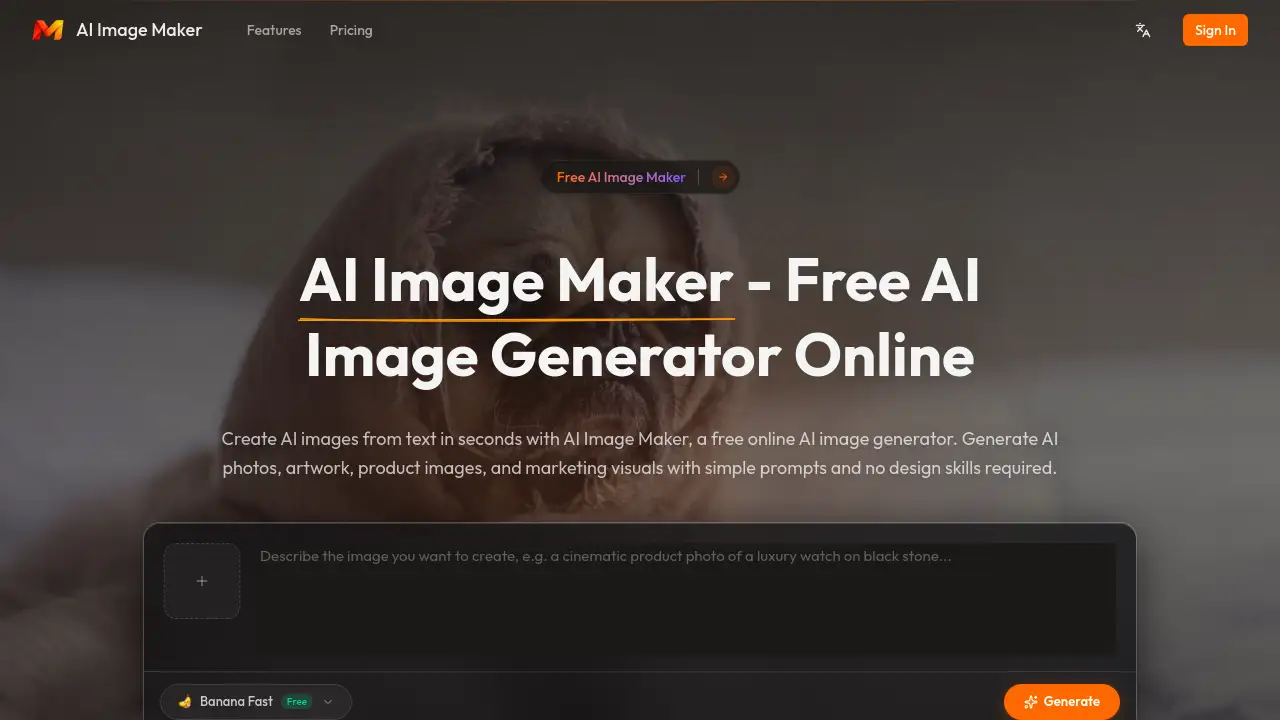
AI Image Maker is a free online tool for creating images from text.
What is AI Image Maker?
AI Image Maker is a web-based AI image generator that allows anyone to create visuals using simple text descriptions. It solves the problem of needing design skills or expensive software to produce high-quality images for projects. The tool is suitable for marketers, small business owners, bloggers, and social media managers who need to generate AI photos, artwork, product mockups, or marketing visuals quickly. Its importance lies in democratizing visual creation, offering a fast, free AI image maker that turns ideas into usable assets in seconds.
Key Features of AI Image Maker
Text to Image Generation
This core feature transforms a written prompt into a complete image, offering control over subject, style, and composition to create diverse AI images for various purposes.
AI Image Editing
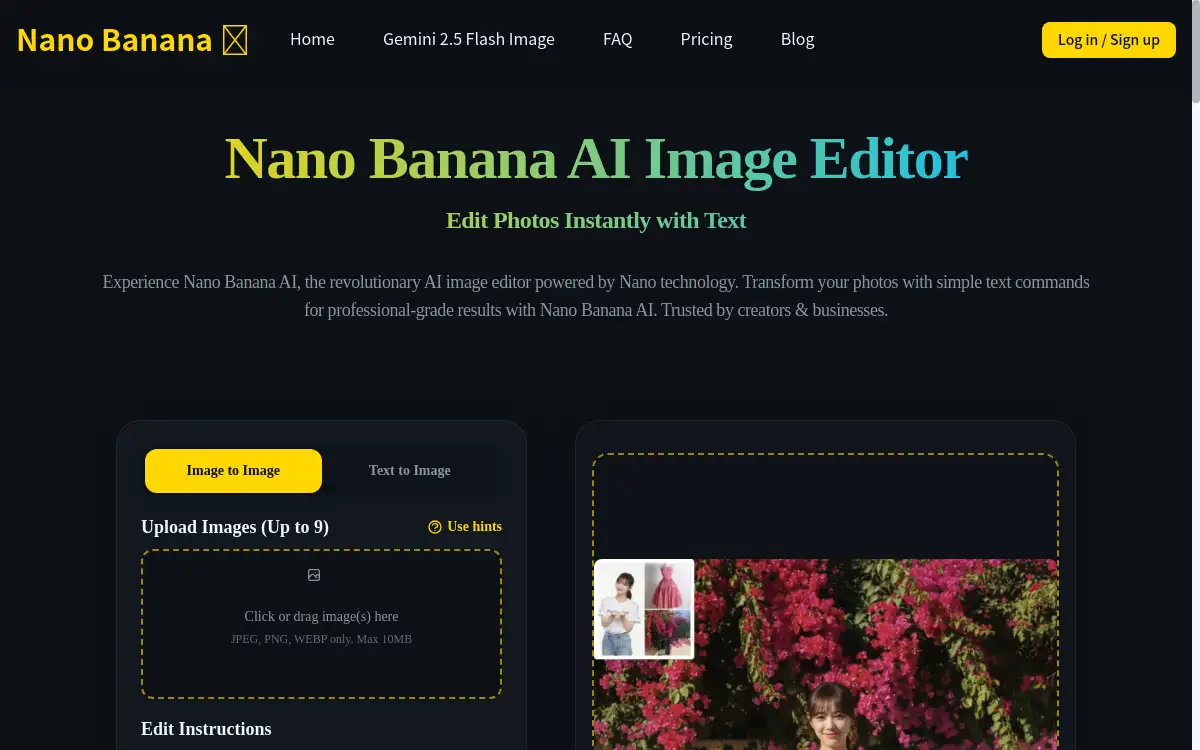
Users can edit existing images by describing changes, allowing for background swaps, detail refinements, and style adjustments without requiring advanced editing software.
Multiple Reference Images
For greater creative control, the platform supports uploading multiple reference images to guide the AI on style, layout, and consistency, enhancing the AI image generation process.
4K AI Image Output
The tool can generate high-resolution images up to 4K quality, making the visuals suitable for professional applications like websites, print materials, and advertisements.
Fast Online Creation
All AI image creation happens directly in a web browser, enabling a smooth workflow from prompt to final download without any software installation.
Use Cases for AI Image Maker
Social Media Graphics
Quickly generate eye-catching posts, stories, and banners for platforms like Instagram and Facebook to maintain a consistent and engaging social media presence.
Product Mockups and Photos
Create realistic product images and mockups for e-commerce listings, catalogs, and advertisements, reducing the need for costly photoshoots.
Blog and Article Visuals
Produce unique featured images, illustrations, and infographics to make blog posts and articles more visually appealing and shareable.
Marketing and Ad Creatives
Develop a variety of marketing visuals for email campaigns, landing pages, and online ads, helping to convey brand messages effectively.
Personal Art and Portraits
Experiment with AI art creation, generating portraits, fantasy scenes, or unique artwork for personal projects and enjoyment.
How to Use AI Image Maker
Using this free AI image generator involves a simple, prompt-based workflow.
- Describe Your Vision: Start by writing a text prompt that details the subject, setting, style, and mood of the image you want to create.
- Upload References (Optional): If you have a specific style or composition in mind, you can upload one or more reference images to guide the AI image maker.
- Generate or Edit: Click to generate a new image from your text or use the editing feature to modify an existing uploaded picture with a new prompt.
- Download Your Image: Once satisfied with the result, export the high-resolution image for use in your projects.
Target Audience for AI Image Maker
- Digital Marketers and Content Creators: Individuals who need a constant stream of original visuals for campaigns and social channels.
- Small Business Owners and Entrepreneurs: Those requiring professional-looking product photos and marketing materials on a budget.
- Bloggers and Writers: Content producers looking to add custom, royalty-free images to their articles and websites.
- Social Media Managers: Professionals tasked with creating engaging visual content daily for various brand accounts.
- Hobbyists and Design Enthusiasts: Anyone interested in exploring AI art and image creation without a steep learning curve.
Is AI Image Maker Free?
Based on the available reference information, AI Image Maker is promoted as a free AI image maker. The homepage highlights "Free AI image generation" as a key offering. For the most current details on any premium features or plans, users should refer to the official website at aiimagemaker.app.
AI Image Maker's Pros and Cons
| Aspect | Pros | Cons |
|---|---|---|
| Accessibility | Completely free to use; no software installation required. | Requires a stable internet connection to function. |
| Ease of Use | Simple, prompt-based interface suitable for beginners. | Output quality heavily depends on the user's ability to write effective prompts. |
| Output Quality | Generates high-resolution images suitable for professional use. | As an AI tool, it may sometimes produce unexpected or inconsistent results. |
| Feature Set | Combines generation and editing in one online AI image generator. | Advanced control over fine details may be limited compared to professional design software. |
Frequently Asked Questions about AI Image Maker
Is AI Image Maker really free to use?
Yes, according to its official website, AI Image Maker is a free AI image generator that allows users to create and download images without cost.
How many reference images can I upload?
The platform supports uploading multiple reference images, with some workflows accommodating up to 10 images to guide the style and composition of the new AI image.
Can I use the generated images for commercial purposes?
Users should review the tool's terms of service for specific licensing details. Generally, images created with AI image makers can be used commercially, but it is best to verify the current policy on the official site.
What is the maximum resolution for the output images?
AI Image Maker can generate high-quality AI images with resolutions up to 4K, which is suitable for most digital and print media.
Do I need an account to start creating images?
The reference information does not specify account requirements. Many similar free online AI image generator tools allow immediate use without registration, but visiting the site will provide definitive information.
Can I edit an image I already have?
Yes, one of the core features is AI image editing, which allows users to upload an existing image and modify it using text prompts.
AI Image Maker Tags
AI Image Maker, free AI image maker, AI image generator, text to image, AI photo generator, online AI image generator, AI image creation, AI art generator, create AI images, AI image editing, 4K AI images, product image generator