Introduction
An in-depth review of GPT Image 2, a next-generation AI image generator producing photorealistic images with flawless text.
What is GPT Image 2?
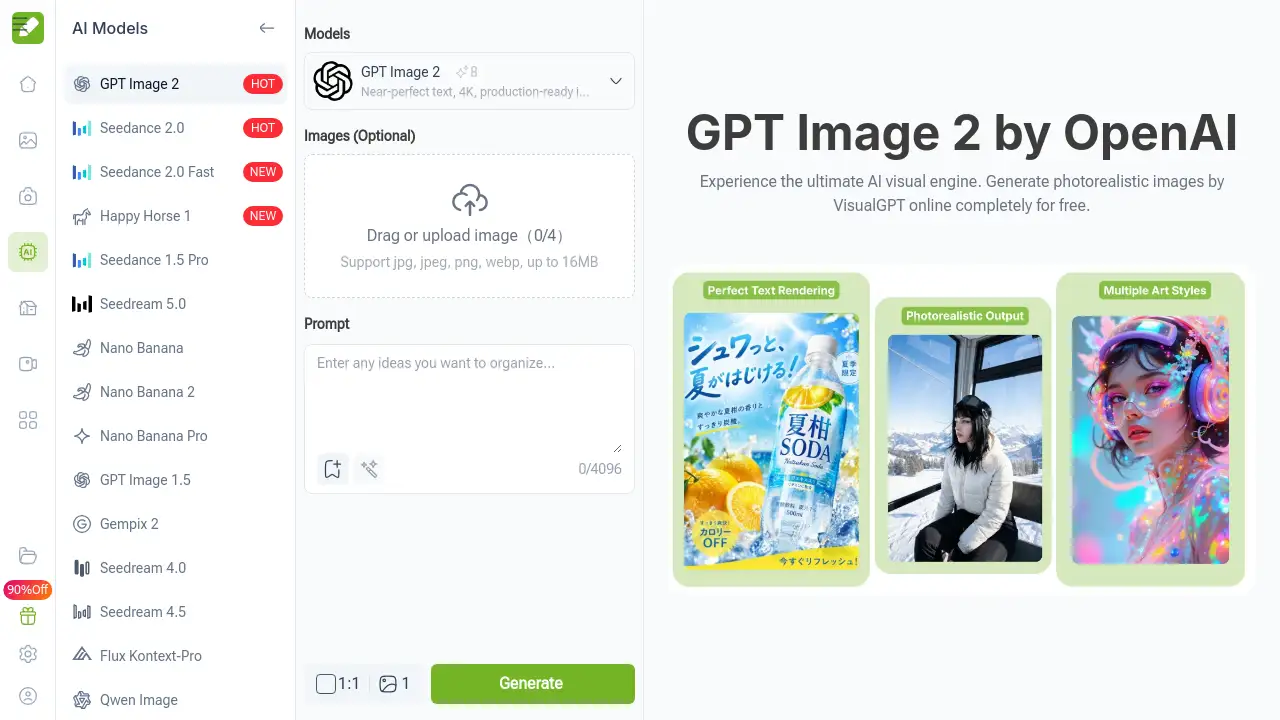
GPT Image 2 is a state-of-the-art, multi-mode AI image generator developed by VisualGPT. It is designed to solve the common pain points found in many image generation tools, such as distorted anatomy, incoherent backgrounds, and, most notably, garbled or inaccurate text within images. This model excels at creating photorealistic images and rendering crisp, legible text in multiple languages directly within the generated graphics. It is suitable for a wide range of users, from graphic designers and digital marketers to content creators and startups, who need high-quality, production-ready visual assets quickly and efficiently. Its significance lies in its ability to merge advanced text understanding with high-fidelity visual synthesis, offering a streamlined solution for professional-grade content creation.
Key Features of GPT Image 2
Flawless Text Rendering
This AI image generator accurately renders multi-language text within images, eliminating the scrambled letters typical of other models, which is ideal for creating posters, advertisements, and UI mockups.
Hyperrealistic Visual Output
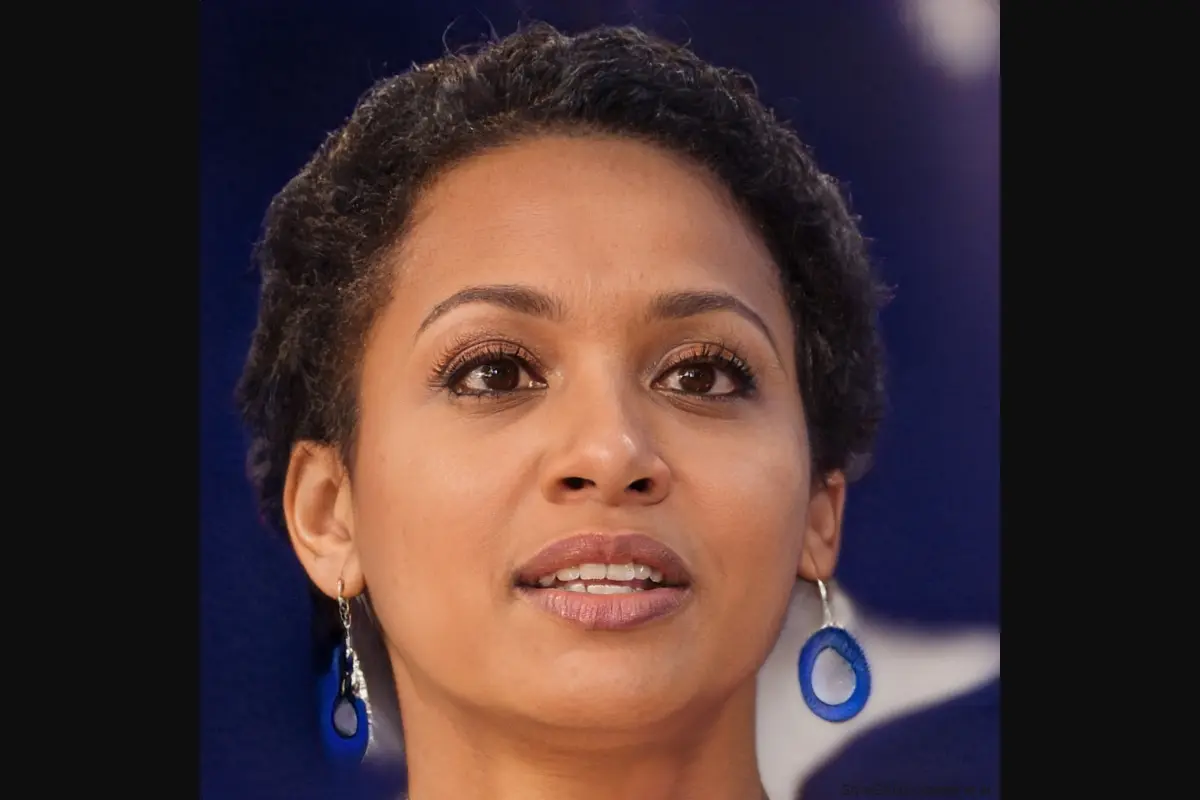
The engine produces photorealistic images with exceptional detail, including realistic skin textures, hair, lighting, and reflections, achieving a quality that rivals professional photography and 3D rendering.
Multi-Mode Creation Flexibility
It supports both text-to-image and image-to-image generation, allowing users to create from scratch or edit and transform existing visuals through style transfer and detailed modifications.
4K Resolution and Prompt Adherence
Images are generated in ultra-high 4K resolution with strong adherence to user prompts, ensuring the final output closely matches the described scene, style, and composition.
Use Cases for GPT Image 2
Marketing and Advertising Content
Create compelling ad banners, social media posts, and product visuals that require integrated, readable text and brand-consistent photorealistic images.
Concept Art and Storyboarding
Quickly visualize ideas for films, games, or product designs with high-quality renders that maintain anatomical and environmental accuracy.
E-commerce and Product Visualization
Generate lifelike product shots or lifestyle imagery for online stores, especially for products that are conceptual or not yet physically produced.
Graphic Design and Prototyping
Design posters, book covers, and website elements where typography and visual style must be perfectly aligned from the initial concept phase.
How to Use GPT Image 2
Using this AI image generator is a straightforward three-step process:
- Input Your Prompt or Reference Image: Navigate to the GPT Image 2 tool on VisualGPT's website. Type a detailed text description of the image you want to create. Alternatively, upload a reference image to use the image-to-image feature, specifying the desired changes or style.
- Configure and Generate: Select your preferred aspect ratio (e.g., 1:1, 16:9). Click the "Generate" button. The advanced AI visual engine will process your input and create the image in seconds.
- Review and Download: Examine the generated photorealistic image. If satisfied, download the high-resolution file directly to your device for use in your projects.
Target Audience for GPT Image 2
- Graphic Designers and Digital Artists
- Marketing Professionals and Social Media Managers
- Content Creators and Bloggers
- Startup Founders and Small Business Owners
- E-commerce Store Managers
- Concept Artists and Storyboarders
Is GPT Image 2 Free?
The product information prominently highlights a free trial that requires no sign-up, allowing users to test the core generation capabilities. For detailed information on any premium plans, features, or usage limits, users should visit the official VisualGPT GPT Image 2 pricing page.
GPT Image 2's Pros and Cons
| Aspect | Pros | Cons |
|---|---|---|
| Output Quality | Exceptional photorealism and accurate text rendering. | Output quality is dependent on the detail and clarity of the input prompt. |
| Ease of Use | Simple, web-based interface with no software installation required. | May require prompt engineering practice to achieve optimal results. |
| Accessibility | Offers a free trial to test the service without creating an account. | Full commercial usage and advanced features likely require a paid subscription. |
| Features | Powerful multi-mode functionality (text-to-image and image-to-image). | Lacks the extensive community models and fine-tuning options of some open-source platforms. |
Frequently Asked Questions about GPT Image 2
What makes GPT Image 2 different from other AI image generators?
GPT Image 2 sets itself apart primarily through its superior ability to generate images with legible, accurate text and its focus on producing highly photorealistic images with consistent physical details, which are common weaknesses in other models.
Does GPT Image 2 support image-to-image generation?
Yes, it is a multi-mode AI image generator. Beyond creating images from text prompts, it allows users to upload an existing image and transform it according to a new text prompt, enabling tasks like style transfer, object editing, and detailed modifications.
Is there really a free trial for GPT Image 2?
Yes, according to the official product page, you can try GPT Image 2 completely free online without any sign-up process, allowing you to evaluate its core image generation capabilities firsthand.
What are the commercial usage rights for images created with GPT Image 2?
The specific licensing terms for generated images should be reviewed on VisualGPT's official terms of service. Typically, such platforms grant users rights to use the images commercially, but it is essential to confirm this directly from the source.
What kind of computer or software do I need to use it?
As a web-based AI visual engine, GPT Image 2 requires no specialized hardware or software downloads. You only need a standard web browser and an internet connection to access and use the tool.
Can I generate images in specific styles, like anime or cyberpunk?
Yes, the model is capable of generating images in a wide variety of artistic styles. By including style descriptors like "anime style," "cyberpunk," or "studio photography" in your text prompt, you can guide the AI image generator to produce visuals matching that aesthetic.
GPT Image 2 Tags
GPT Image 2, AI image generator, photorealistic images, free AI image generator, text to image, image to image, VisualGPT, AI visual engine, create images with text, hyperrealistic AI, multi-mode AI, 4K image generator, commercial AI art