Introduction
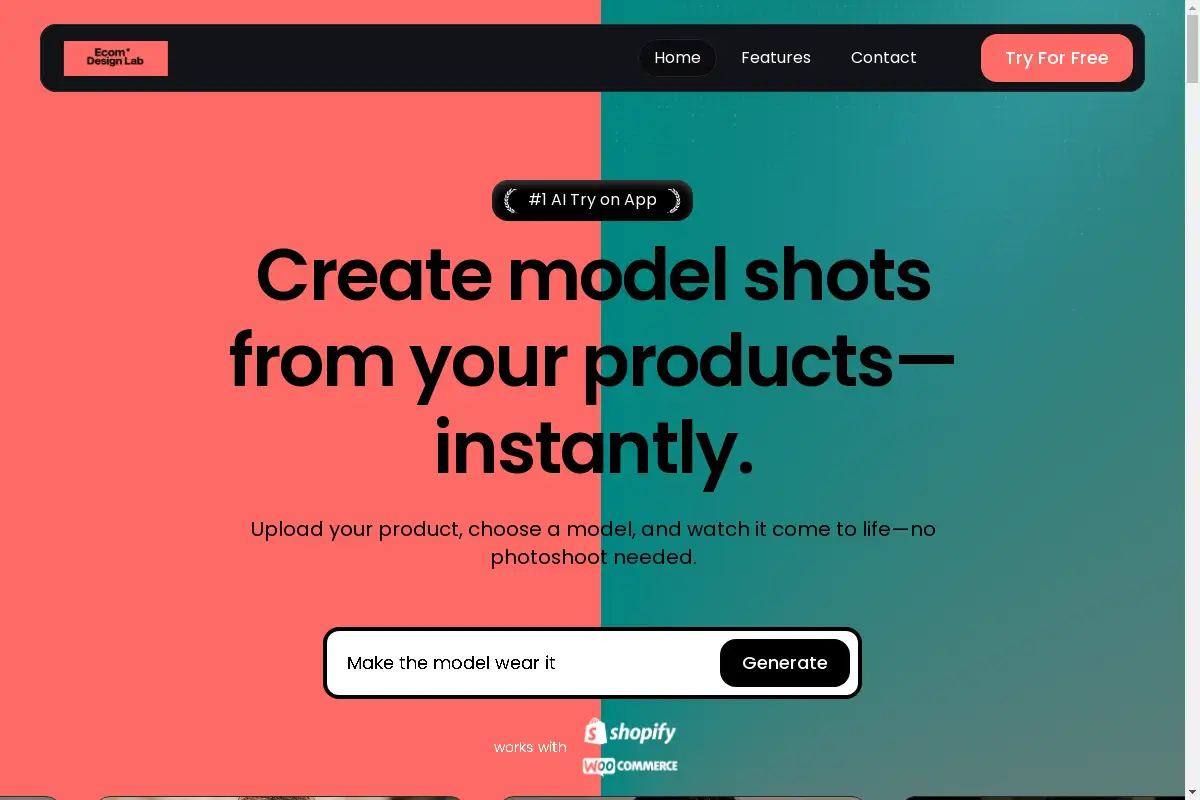
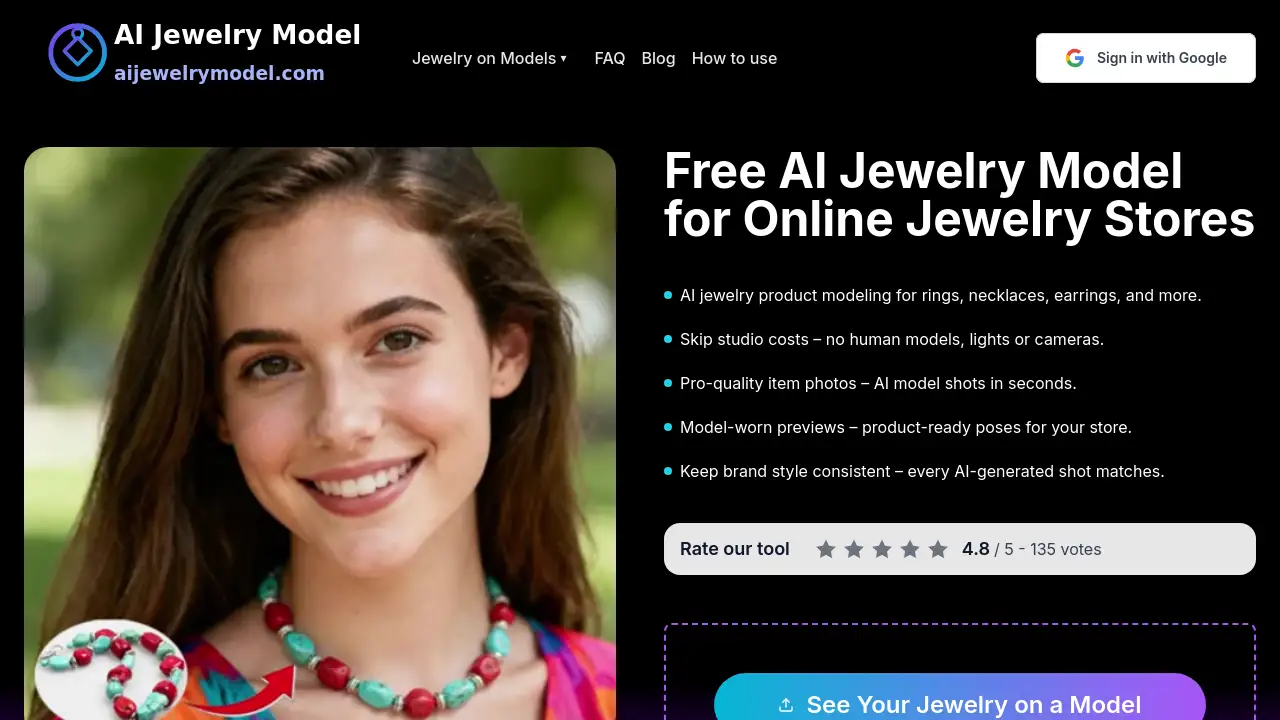
AI Jewelry Model is a web-based tool that helps online jewelry sellers create model-worn product images in seconds. Instead of booking a studio, hiring a human model, or setting up lights, users can turn existing jewelry photos into realistic AI jewelry model images for rings, necklaces, earrings, and bracelets. The platform is built for e-commerce stores, jewelry brands, and creators who want faster, lower-cost product visuals.
What is AI Jewelry Model?
AI Jewelry Model is an AI jewelry model generator designed for jewelry product presentation. It solves a common e-commerce problem: flat product photos often fail to show scale, fit, and styling, while traditional jewelry model photography can be expensive and slow. This tool uses AI fashion models and product-ready poses to place real jewelry pieces onto virtual models.
It is suitable for online stores, marketplace sellers, jewelry brands, designers, wholesalers, and content creators. By using AI jewelry product modeling, they can create model-worn jewelry images without scheduling a photoshoot. The platform can help listings look more professional, improve buyer confidence, and support faster collection launches.
Key Features of AI Jewelry Model
Instant Model-Worn Images
Generate AI-generated jewelry model photos from existing product shots in seconds. This feature supports rings, necklaces, earrings, and bracelets, making it useful for everyday catalog updates.
Multiple Model Templates
Access a range of AI fashion models and poses to match different brand styles. The templates help create consistent jewelry model photography across product pages, ads, and social media.
Standard and Studio Generation
Choose standard generation for fast, everyday images or studio generation for higher-quality outputs. Studio generation is available on Pro and Premium plans and uses more credits per image.
Watermark-Free Commercial Downloads
Download final images without watermarks and use them for commercial purposes. This supports online stores, marketing teams, and agencies that need clean assets for listings and campaigns.
Simple Photo Upload Workflow
Start with a simple jewelry photo and let the AI jewelry model generator handle metals, gemstones, and reflections. The goal is to create realistic AI jewelry product photography without a full studio setup.
Consistent Brand Style
Keep lighting, backgrounds, and model looks consistent across a catalog. This is helpful for brands that want every AI jewelry model image to feel part of the same visual story.
Use Cases for AI Jewelry Model
E-commerce Product Listings
Turn flat product shots into model-worn images for Shopify, Amazon, Etsy, and other marketplaces. These visuals can show how a piece sits on a hand, neck, or ear and may improve clicks and add-to-cart actions.
Virtual Try-On Previews
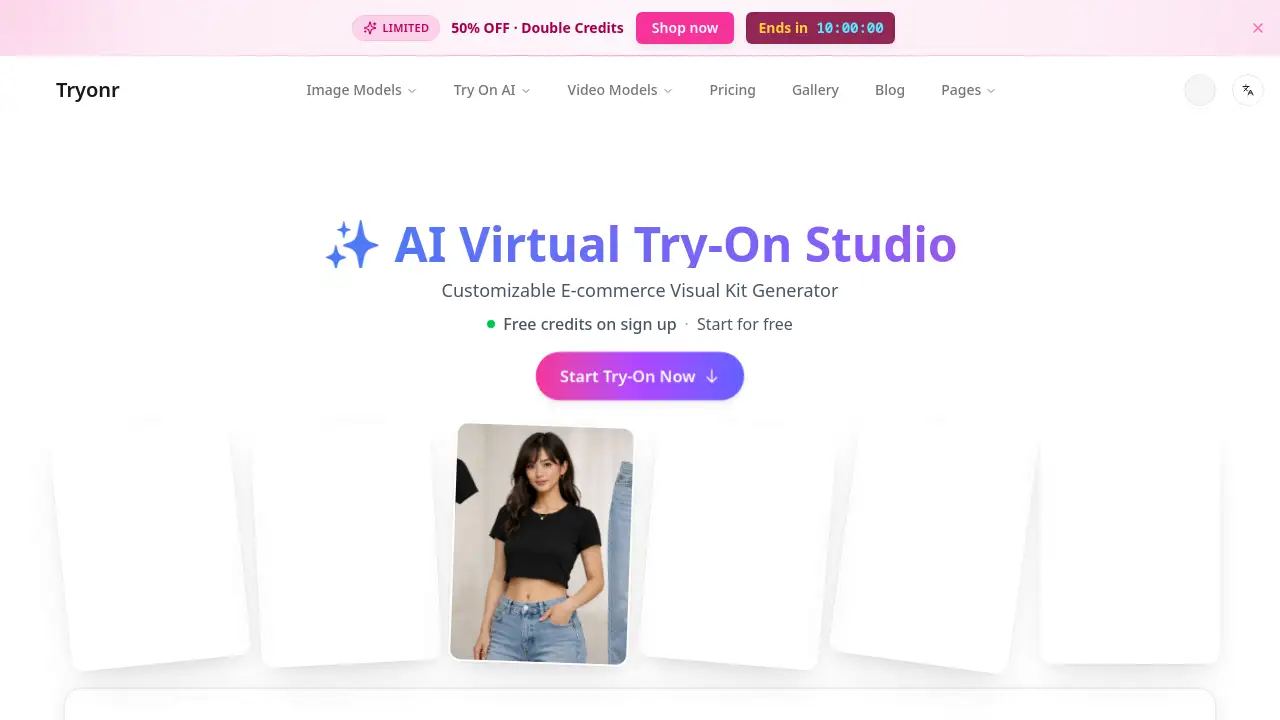
Use virtual try-on jewelry images to help shoppers preview size, scale, and styling. Model-worn previews can make product pages more engaging and reduce uncertainty before purchase.
Marketing and Social Content
Create scroll-stopping visuals for Instagram, TikTok, ads, and lookbooks. AI jewelry model photography gives marketing teams more angles and model diversity without planning a full photoshoot.
Design Preview and B2B Quoting
Show new designs on different virtual models before production. Wholesalers and manufacturers can use AI jewelry product modeling in catalogs, pitches, and bulk offers.
Catalog Scaling
Update large collections with consistent images across seasons and platforms. The tool helps sellers add new styles quickly without booking a studio for every piece.
How to Use AI Jewelry Model
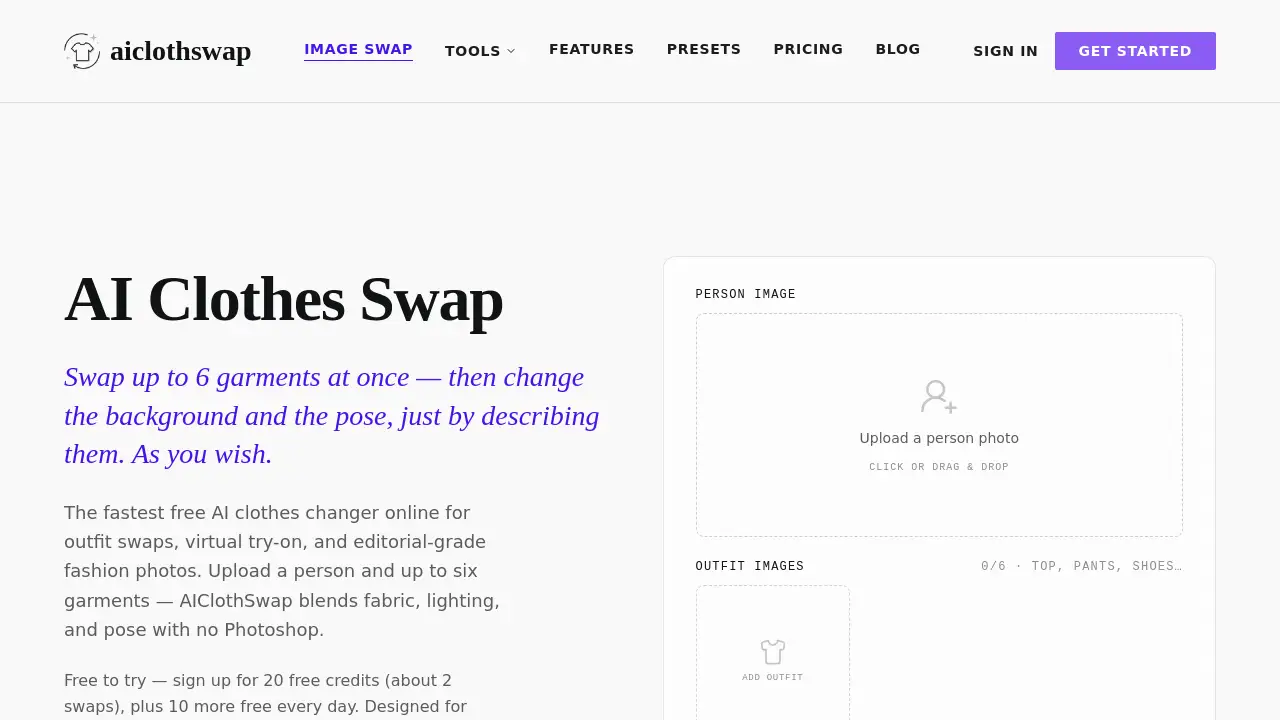
- Upload a clear photo of your jewelry, such as a ring, necklace, earring, or bracelet.
- Choose an AI fashion model, pose, and style from the available templates.
- Select standard or studio generation, depending on the plan and desired quality.
- Generate the AI jewelry model image and review the result.
- Download the watermark-free file and add it to product pages, ads, or catalogs.
The process is designed to be simple and browser-based, so users do not need advanced photo editing skills. Results depend on input photo quality, catalog type, and how the images are used.
Target Audience for AI Jewelry Model
- Online jewelry stores and marketplace sellers
- Jewelry brands and direct-to-consumer marketing teams
- Wholesalers and manufacturers
- Independent designers, studios, and custom makers
- Content creators and social media agencies
- Photo and 3D studios that want extra angles or model diversity
Is AI Jewelry Model Free?
AI Jewelry Model offers a free start or trial option, according to the product homepage. Paid plans are available for higher image limits and advanced features.
| Plan | Price | Features |
|---|---|---|
| Free Trial | $0 | Try the tool before upgrading; limits may apply |
| Basic | $9.99/month billed annually at $119.88 | 5,000 credits/year, up to 500 standard images, all model templates, watermark-free downloads, commercial use, email support |
| Pro | $19.99/month billed annually at $239.88 | 13,000 credits/year, up to 1,300 standard or 325 studio images, standard and studio generation, priority email support |
| Premium | $39.99/month billed annually at $479.88 | 34,000 credits/year, up to 3,400 standard or 850 studio images, standard and studio generation, fast-track email support |
Standard generation uses 10 credits per image, while studio generation uses 40 credits per image and is available on Pro and Premium. Yearly credits are issued upfront and expire at the end of the annual billing period. Renewals can be canceled anytime.
AI Jewelry Model's Pros and Cons
| Aspect | Pros | Cons |
|---|---|---|
| Pricing | Free trial and paid plans start at $9.99/month billed annually; commercial use included | Listed monthly prices require annual billing; credits expire at the end of the annual period |
| Features | Fast AI generation, multiple model templates, standard and studio modes, watermark-free downloads | Studio generation is only on Pro and Premium and costs more credits |
| Workflow | Browser-based and easy to start from existing jewelry photos | Output quality depends on the quality of the uploaded product photo |
| Use Cases | Useful for e-commerce, marketing, B2B previews, and catalog scaling | Not a replacement for every specialized photoshoot or custom creative direction |
Frequently Asked Questions about AI Jewelry Model
What is AI Jewelry Model used for?
AI Jewelry Model is used to create model-worn jewelry images from existing product photos. It helps online sellers show necklaces, earrings, bracelets, and rings on realistic AI fashion models without hiring a photographer or human model.
Do I need photography or editing skills?
No advanced photography or editing skills are required. Users upload a jewelry photo, choose a model and pose, then generate an image through the browser-based workflow.
Which jewelry types are supported?
The platform is designed for rings, necklaces, earrings, and bracelets. It can handle different metals, gemstones, and reflections, though results may vary based on the original photo.
Can I use the images commercially?
Yes, paid plans include commercial use and watermark-free downloads. This makes the tool suitable for product listings, ads, lookbooks, and social media content.
Is there a free trial?
The homepage mentions a free start and free AI model trial. Exact free limits and features may change, so users should check the official site before signing up.
How long does it take to generate an image?
The product description says images can be created in seconds. Actual speed may depend on the selected generation mode, image complexity, and plan limits.
AI Jewelry Model Tags
AI jewelry model, AI jewelry model generator, AI jewelry model photography, AI jewelry product modeling, jewelry AI model generator, AI fashion models, model-worn jewelry images, virtual try-on jewelry, AI jewelry product photography, jewelry model photography, AI-generated jewelry model photos, e-commerce jewelry images