Introduction
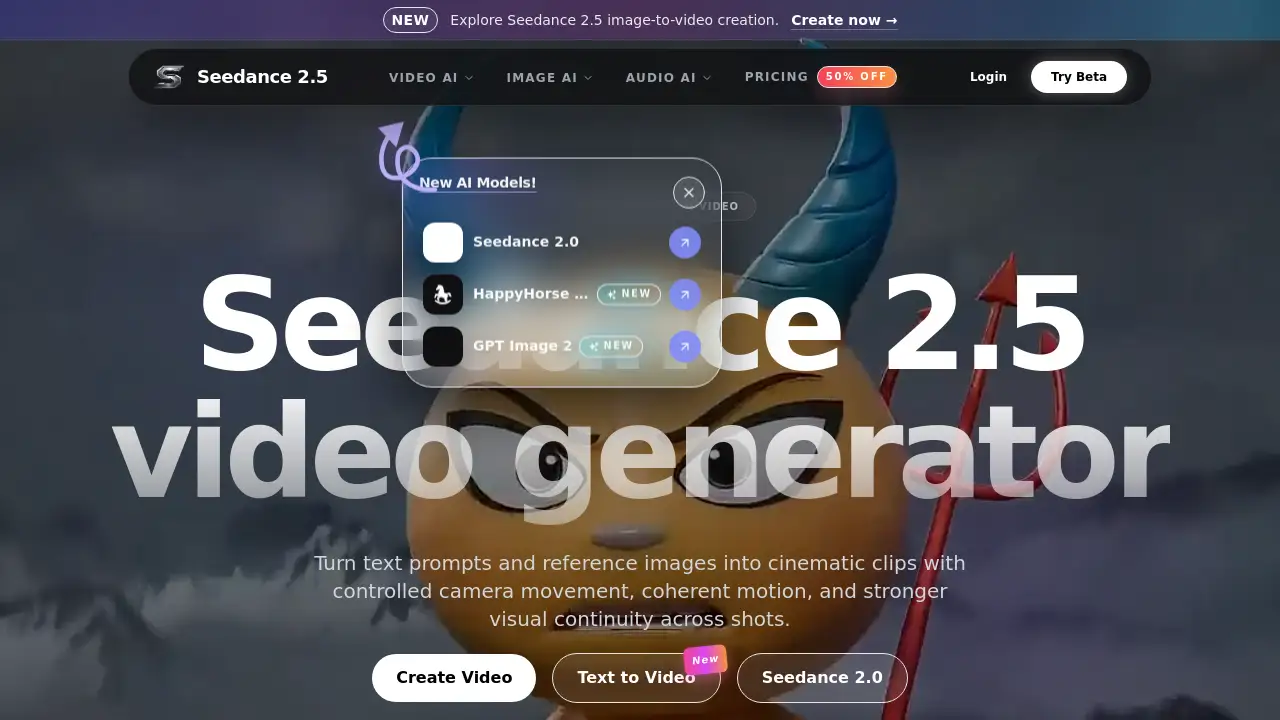
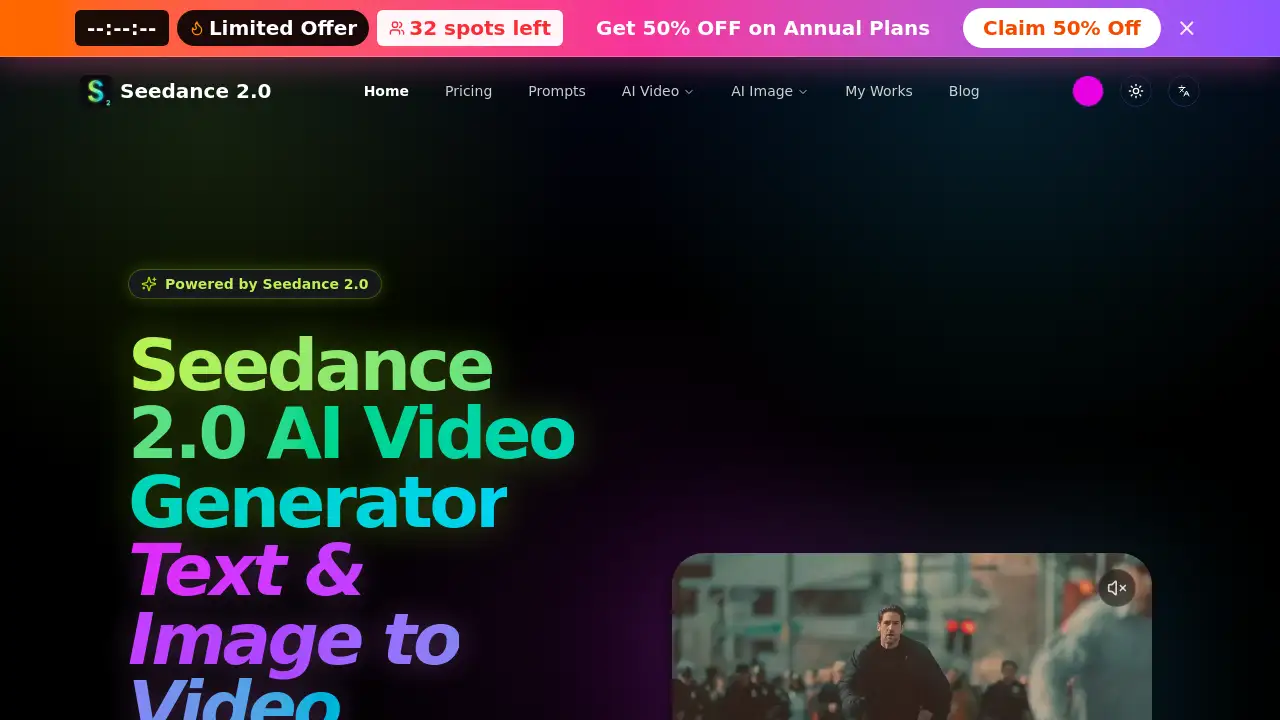
AI Seedance 2 is an AI video generator powered by Seedance 2.0. It turns text and images into cinematic videos with smooth motion, native audio, and multi-shot storytelling. The web-based studio is designed for creators who need fast, production-ready results without entering a credit card. With simple controls for prompts, duration, and aspect ratio, AI Seedance 2 makes AI video creation approachable for beginners and professionals.
What is AI Seedance 2?
AI Seedance 2 is a video creation tool that uses the Seedance 2.0 model to generate short, cinematic videos from a text prompt or an uploaded image. It solves a common problem: high-quality video normally takes time, equipment, and editing skills. With this AI video generator, users can describe a scene and add dialogue or sound directions. The model then assembles the visual and audio layers. AI Seedance 2 is designed to reduce production time and make short-form video creation more accessible. It suits content creators, marketers, filmmakers, educators, and anyone exploring AI-generated video ideas.
Key Features of AI Seedance 2
Text and Image to Video Modes
AI Seedance 2 supports both text-to-video and image-to-video workflows. Users can write a prompt or upload a reference image, then let Seedance 2.0 animate it into a video. This makes AI Seedance 2 flexible for different creative starting points.
Native Audio and Lip-Sync
Seedance 2.0 can generate synchronized audio alongside the video. The studio accepts one prompt that describes both the visual scene and dialogue, so characters can speak naturally. This sets AI Seedance 2 apart from basic video tools.
Multi-Shot Storytelling
The Seedance 2.0 model supports multi-shot generation. This allows users to create sequences that feel like short films rather than single isolated clips.
Seedance Studio Workflow
Inside AI Seedance 2, the Seedance Studio provides an independent web workflow for creators. Users control model, resolution, prompt, duration, and aspect ratio in one place.
Fast Generation Pipeline
The official homepage mentions fast generation and a creator-focused pipeline. This helps users iterate on prompts, preview results, and download finished clips quickly.
Commercial-Ready Output
The product description highlights commercial-ready output. This means the videos produced with AI Seedance 2 can be used for ads, product demos, and branded content.
Use Cases for AI Seedance 2
There are several practical ways to use AI Seedance 2 in real projects.
Short-Form Social Media Videos
Creators can make clips for TikTok, Instagram Reels, and YouTube Shorts. The fast generation pipeline helps them test multiple versions quickly.
Advertising and Product Demos
Marketers can write a scene with a product and voiceover. With Seedance 2.0, the output can include lip-sync and audio, so a character can present the product.
Storyboarding and Previsualization
Filmmakers can use text-to-video and image-to-video modes to visualize scenes before production. Multi-shot storytelling helps plan a sequence of shots.
Education and Training Content
Educators can turn lesson notes into short explainer videos. Since AI Seedance 2 handles visuals and audio, it reduces extra editing work.
How to Use AI Seedance 2
To get the best results, follow these steps:
- Open the AI Seedance 2 studio and choose text-to-video or image-to-video mode.
- Upload an image or enter a prompt. Add both visual and audio directions in the same field.
- Select resolution, duration, and aspect ratio. The default is 5 seconds, with a range of 4 to 15 seconds.
- Click generate and wait for the preview.
- Review the result and download the final video.
This is the core Seedance 2.0 workflow described on the official homepage. It lets users turn ideas into AI videos in minutes.
Target Audience for AI Seedance 2
AI Seedance 2 is a strong match for:
- Content creators and social media influencers
- Digital marketers and brand managers
- Independent filmmakers and video editors
- Small business owners who need product videos
- Educators and online course creators
- AI enthusiasts and tech hobbyists
Is AI Seedance 2 Free?
The official product page states "No Credit Card," so new users can likely start without a payment barrier. However, the reference information does not list a full pricing table. The best way to confirm limits and paid plans is to visit the official AI Seedance 2 website.
| Plan | Price | Features |
|---|---|---|
| Free access | $0 (no credit card required) | Start with Seedance 2.0, use text or image inputs, generate previews, download results |
| Paid plans | Not specified | Check the official site for current options |
AI Seedance 2's Pros and Cons
AI Seedance 2 has useful strengths and a few limitations.
| Aspect | Pros | Cons |
|---|---|---|
| Ease of use | Simple text-to-video and image-to-video workflow | Some settings may take practice |
| Speed | Fast generation pipeline | Longer videos may need more processing time |
| Audio | Native audio and lip-sync included | Output quality depends on prompt clarity |
| Output | Commercial-ready short clips | Best for short-form content, not long-form films |
| Pricing | No credit card required | Full pricing details are not clearly listed |
Frequently Asked Questions about AI Seedance 2
What is AI Seedance 2?
AI Seedance 2 is an AI video generator that uses the Seedance 2.0 model to create videos from text prompts or uploaded images. It can also produce native audio for dialogue and narration.
Does Seedance 2.0 support audio and lip-sync?
Yes. The prompt field accepts visual and audio instructions. Users can describe dialogue or sound effects, and the model can generate synchronized audio with lip-sync.
Can I use my own image with AI Seedance 2?
Yes. The platform includes an image-to-video mode. Users can upload a reference image and let Seedance 2.0 animate it into a new clip.
Is AI Seedance 2 really free?
The homepage says "No Credit Card," so users probably do not need to enter payment details to start. The official site does not list complete pricing in the available reference information, so checking the website is the best way to confirm current free limits and paid plans.
How long can the generated videos be?
The studio shows a default duration of 5 seconds and a range from 4 to 15 seconds. This makes AI Seedance 2 best suited for short-form video projects.
What should I write in the prompt?
Write a clear description of the visual scene, then add any audio or dialogue direction in the same prompt. Specific instructions usually lead to more consistent outputs with Seedance 2.0.
AI Seedance 2 Tags
AI Seedance 2, Seedance 2.0, AI video generator, text-to-video generator, image-to-video generator, cinematic AI video, native audio video, multi-shot storytelling, Seedance Studio, short-form video AI, AI video creation tool