Introduction
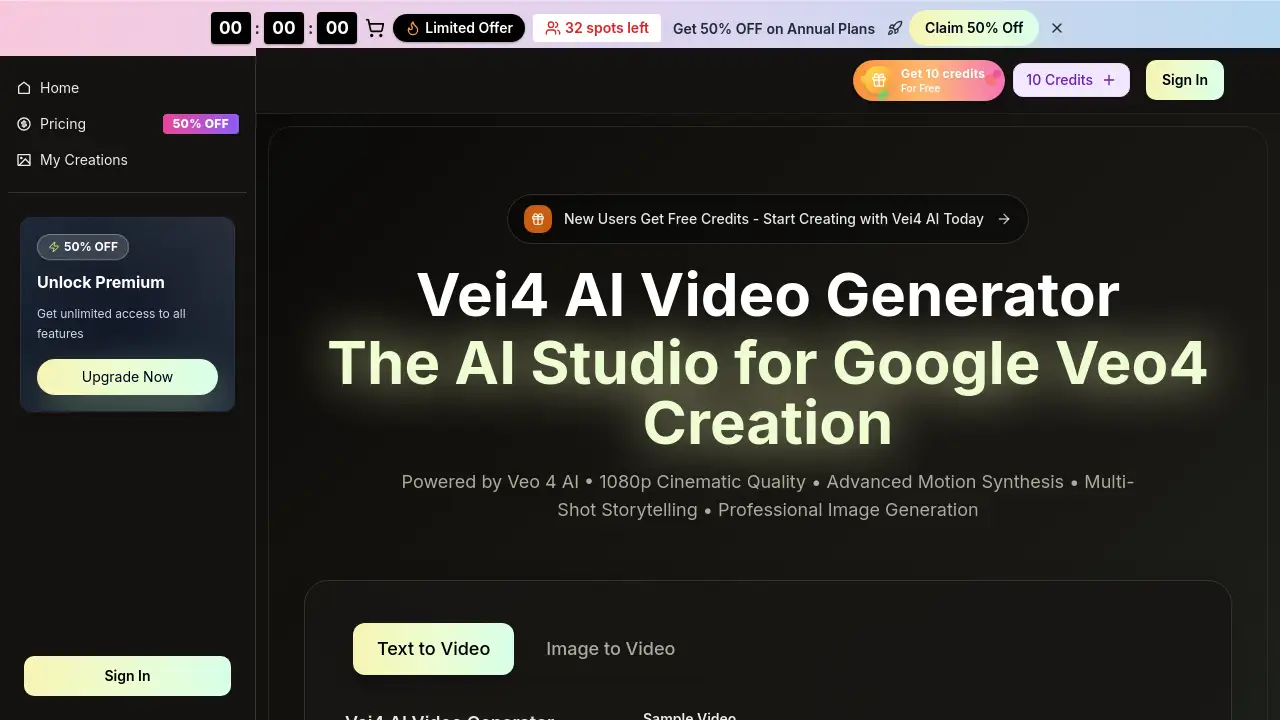
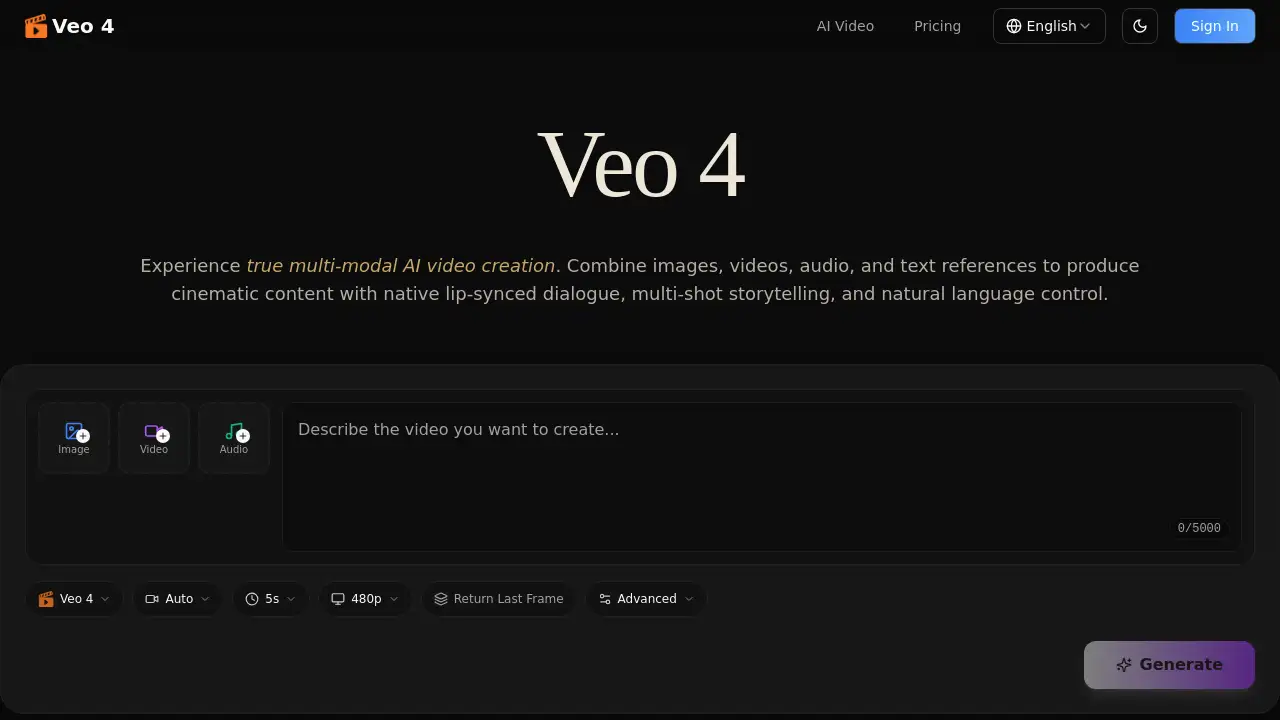
Veo 4 is a multi-modal AI video generator that creates cinematic content with native audio.
What is Veo 4?
Veo 4 is an advanced AI video creation platform designed to solve the problem of fragmented and inconsistent video generation. Unlike basic text-to-video tools, it is a multi-modal AI video model that allows users to combine text, images, video clips, and audio files as references to produce cohesive, high-quality videos. This approach makes it suitable for a wide range of users, from social media creators and marketers to filmmakers and educators. The ability to generate multi-shot storytelling with consistent characters and native, lip-synced audio directly addresses key challenges in AI-generated content, making professional-grade video production more accessible and efficient.
Key Features of Veo 4
Multi-Modal Input
Users can combine various reference assets like images, videos, and audio in a single generation, allowing for a rich and flexible creative expression in their AI video projects.
Reference Anything
The platform understands natural language commands, enabling creators to reference specific elements like motion, camera movements, or styles from any uploaded content without complex technical prompts.
Native Audio Generation
Veo 4 generates synchronized audio directly, including lip-synced dialogue, sound effects, and background music, eliminating the need for separate audio editing tools.
Multi-Shot Storytelling
It can create logical sequences of 4–15 second shots from a single prompt, maintaining consistency in characters, outfits, and lighting across cuts to build cohesive narratives.
Superior Consistency
The model excels at keeping faces, clothing, text, and visual styles perfectly consistent throughout the entire video, minimizing the common issue of character or style drift.
Precise Motion & Camera Replication
By uploading a reference video, users can replicate complex choreography, cinematic camera moves, and action sequences accurately, saving time on detailed direction.
Video Extension & Editing
Existing videos can be smoothly extended, merged, or edited segment-by-segment, allowing for targeted modifications like character replacement without regenerating the entire clip.
Cinematic Quality
Output is delivered in production-grade cinematic quality, complete with synchronized audio, and is ready for use in both landscape and portrait formats.
Use Cases for Veo 4
Advertising & Marketing
Teams can create compelling promotional videos by referencing successful ad templates and replicating proven formats with their own products and branding.
Education & Training
Educators can produce engaging visual lessons, animated explanations, and historical reconstructions to enhance learning materials and tutorials.
Creative Storytelling
Filmmakers and artists can craft unique narratives, reference film techniques, and create seamless multi-shot stories for short films, music videos, and art projects.
Social Media Content
Creators can generate trending content for platforms like Instagram Reels and TikTok by referencing viral video templates and applying their own creative twist.
Motion & Dance Videos
Dancers and animators can upload reference choreography to apply precise movements to any character, ideal for dance covers and action sequence replication.
Video Editing & Extension
Video producers can seamlessly extend clips, merge scenes, or edit specific segments, functioning as an intelligent AI-powered editing assistant.
How to Use Veo 4
The process for creating videos with Veo 4 is straightforward:
- Upload Assets: Start by uploading your reference images, video clips, or audio files to the platform.
- Describe Your Vision: Use natural language to describe the video you want. You can tag specific uploaded assets (e.g., "Use @video1's camera movement").
- Generate & Iterate: Click generate to create your cinematic AI video with native audio. You can then upload the result to extend, edit, or refine it further.
Target Audience for Veo 4
- Content Creators & Social Media Managers
- Marketing & Advertising Professionals
- Filmmakers, Cinematographers, and Video Editors
- Educators and Trainers
- Musicians and Music Video Directors
- Motion Designers and Animators
- Real Estate and Architectural Visualizers
Is Veo 4 Free?
Specific pricing details for Veo 4 are not provided in the reference material. The product's website includes a "Pricing" page, which suggests various plans are available. Users interested in the cost and features of different tiers, including any free or trial options, should visit the official Veo 4 pricing page for the most accurate and current information.
Veo 4's Pros and Cons
| Aspect | Pros | Cons |
|---|---|---|
| Technology | True multi-modal input and superior consistency are industry-leading. | The advanced feature set may have a steeper learning curve for beginners. |
| Workflow | Native audio generation and in-platform editing streamline production. | Pricing is not publicly listed, requiring a visit to a separate page. |
| Output | Delivers cinematic quality video with coherent multi-shot storytelling. | Performance and limits may vary depending on the chosen subscription plan. |
Frequently Asked Questions about Veo 4
What makes Veo 4 different from other AI video generators?
Veo 4 stands out as a multi-modal AI video model that allows you to combine text, images, video, and audio as references in a single generation, leading to superior control, consistency, and the unique ability to create multi-shot storytelling sequences.
Can Veo 4 generate videos with sound?
Yes, a key feature of Veo 4 is its native audio generation. It can produce lip-synced dialogue, sound effects (Foley), and background music synchronized with the video, all within the same generation process.
How does the "Reference Anything" feature work?
You can upload any image, video, or audio clip and use natural language to tell Veo 4 what to reference from it—such as a specific camera movement, a character's motion, or a visual style. The AI model then understands and applies that reference to your new AI video.
Is Veo 4 good for complete beginners?
While designed to be intuitive with natural language control, the platform's powerful multi-modal features and professional focus might be more immediately beneficial to users with some basic video or content creation experience.
Can I edit videos after generating them with Veo 4?
Yes, Veo 4 includes video editing capabilities. You can upload a generated video to smoothly extend it, merge it with other clips, or make targeted edits to specific segments, such as replacing a character or modifying an action.
What video formats does Veo 4 support for output?
The platform generates videos at cinematic quality that are ready for professional use. The output is compatible with both landscape and portrait formats, making it suitable for everything from social media to widescreen presentations.
Veo 4 Tags
AI video generator, Veo 4, multi-modal AI video model, cinematic AI video, video with AI, multi-shot storytelling, AI video editor, native audio generation, reference video AI, consistent character AI, AI for creators, AI marketing video, video extension AI