Introduction
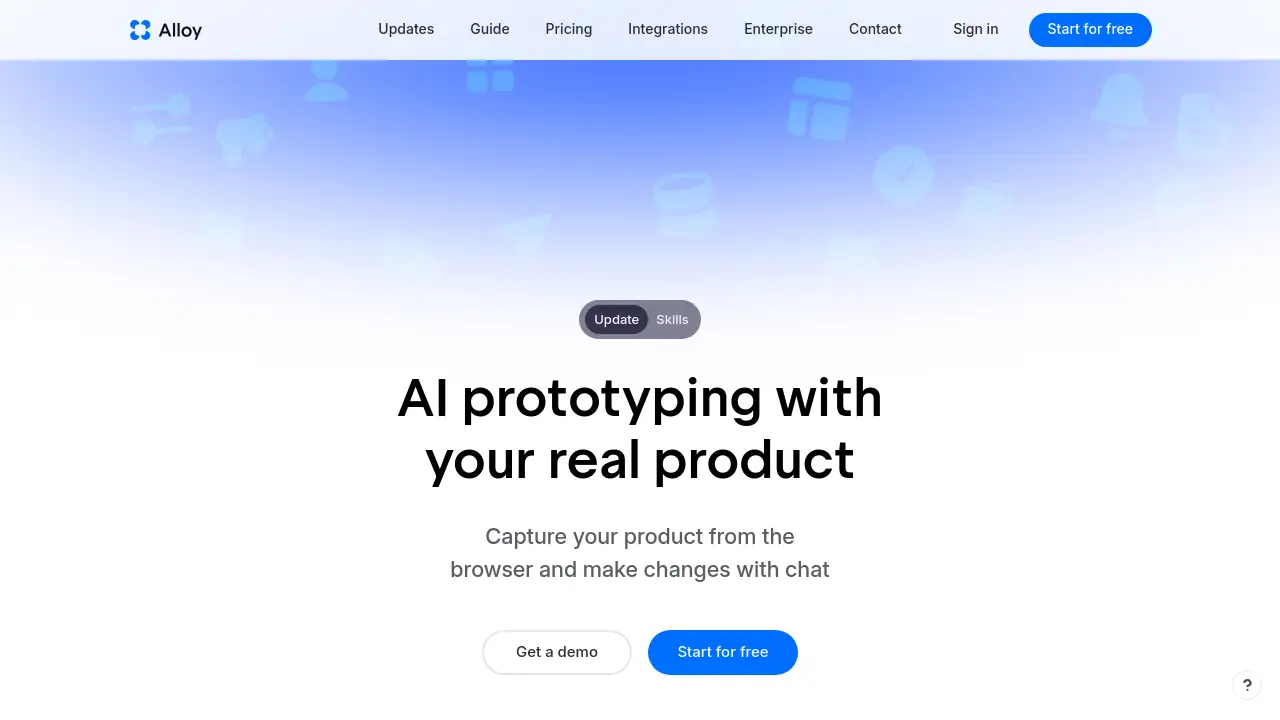
Alloy.app is an AI prototype tool that creates interactive demos from your live product instantly, streamlining your product prototyping workflow.
What is Alloy?
Alloy is a modern platform designed to bridge the gap between product ideas and real, working prototypes. The core problem it solves is the slow, often disjointed process of creating product demos. Traditionally, teams rely on static mockups or complex developer setups to test ideas. Alloy changes this by letting anyone capture a live product page and turn it into a clickable, interactive demo in minutes.
This AI prototype tool is particularly suitable for product teams, designers, and developers who want to validate ideas quickly without losing the context of their actual application. By connecting to an existing codebase or using a browser extension, Alloy ensures that every prototype looks and behaves exactly like the real product. This matters because it allows for more accurate user feedback, faster iteration, and a smoother handoff from design to development. Many users searching for an "AI product design" solution find Alloy valuable because it respects the design system and component library already in place, eliminating the need to rebuild visuals from scratch.
Key Features of Alloy
Instant Page Capture with Browser Extension
Capture any page from your web app directly in the browser. This feature requires zero setup, making it the fastest way to start building an interactive demo from your live product.
Chat-Based Modification
Make changes to your prototype using simple text prompts. Just describe what you want to add, change, or remove, and the AI updates the prototype accordingly. This simplifies the process of product prototyping.
Codebase and Component Connection
Connect Alloy to your existing codebase, design system, and component library. This ensures that changes are built on real code and maintain brand consistency, a key requirement for serious product design.
Shareable Cloud Sessions
Every prototype session lives in the cloud. Share a single link with team members or customers to get instant feedback through comments, making collaboration on interactive demos effortless.
Push to Production-Ready Code
Alloy doesn’t just create a visual demo. It writes actual code that can be pushed to a Pull Request on GitHub. This feature allows teams to turn an AI prototype directly into a shippable feature.
Integration with Team Workflows
Connect Alloy with over 20 integrations, including Slack. Turn a customer request from a Slack message into an AI prototype without leaving your communication tool.
Use Cases for Alloy
Rapid Idea Validation
Product managers can quickly mock up a new feature based on a customer request. By using an interactive demo, they can validate the concept with users before any developer writes a single line of code.
Streamlined Feedback Loops
Designers can build an interactive demo from a live page and share it with stakeholders. Comments and suggestions are collected directly on the prototype, clarifying the feedback process for product prototyping.
Replicating User Issues
Customer support teams can capture a buggy page and create a prototype that shows the issue. Developers can then use this interactive demo to understand and fix the problem faster.
How to Use Alloy
- Capture Your Product: Install the browser extension or connect your codebase. Navigate to the page you want to work on and capture it.
- Describe Changes: Use the chat panel to tell the AI what to change. For example, "Add a new shipments tab."
- Preview Live: See your modifications applied instantly in a live, interactive demo in the browser.
- Share for Feedback: Click "Share" to generate a link. Send this link to your team or customers to collect feedback on your AI prototype.
- Push Code: Once approved, push the changes as a Pull Request to your GitHub repository.
Target Audience for Alloy
- Product Managers who need to validate features quickly.
- UX/UI Designers who want to create interactive demos without manual tooling.
- Developers who want to experiment with new features in a safe environment.
- Startups looking for a fast, collaborative product prototyping tool.
- Enterprise teams focused on streamlining their product design workflow.
Is Alloy Free?
Alloy offers a browser extension with no setup needed, allowing you to start prototyping for free. For teams that need to connect a codebase and unlock the full capability of writing production-ready code, a paid plan is required. Pricing details are not fully public, but Alloy.app typically operates on a subscription model for team and enterprise plans. Users are encouraged to visit the official website to request a demo or pricing information.
| Plan | Price | Features |
|---|---|---|
| Free | $0 | Browser extension, instant capture, basic prototyping |
| Team | Contact Sales | Codebase connection, team collaboration, Slack integration |
| Enterprise | Contact Sales | Advanced security, custom integrations, dedicated support |
Alloy's Pros and Cons
| Aspect | Pros | Cons |
|---|---|---|
| Speed | Very fast prototyping from live pages | Initial codebase setup can take 15 minutes |
| Accuracy | Uses real product code and design system | Dependent on the quality of the connected codebase |
| Collaboration | Easy sharing and commenting on interactive demos | Requires team buy-in to use the platform |
| Code Output | Can push production-ready code to GitHub | May require developer review before merge |
| Pricing | Free tier available for basic use | Full features may be expensive for individuals |
Frequently Asked Questions about Alloy
Do I need coding skills to use Alloy?
No. The browser extension allows you to capture a page and use chat to make changes without writing any code. However, to push code to production, a developer should review the output.
How does Alloy keep my product designs consistent?
By connecting to your component library and design system, this AI prototype tool ensures that any new element matches your existing brand guidelines.
Can I use Alloy with my existing project?
Yes. You can either use the zero-setup browser extension to capture any page or connect your entire codebase for deeper integration.
How is Alloy different from Figma prototyping?
Figma prototypes are often disconnected from the real code. Alloy starts from your live product and generates code that looks and acts exactly like the final application.
Can I export my prototype to Figma?
Yes. At any time, you can export your Alloy prototype to Figma by clicking the Figma button in the top right corner of the prototype.
Is my data safe when using Alloy?
Alloy is designed with enterprise-grade security. The platform treats security as an engineering standard, and all sessions are stored securely in the cloud.
Alloy Tags
AI prototype tool, product prototyping software, interactive demos, browser extension prototype, AI product design, codebase prototyping, live product capture, rapid prototyping tool, product design workflow, team collaboration, push to GitHub, SaaS prototyping tool