Introduction
AlDente is a MacBook battery management tool designed to extend battery lifespan.
What is AlDente?
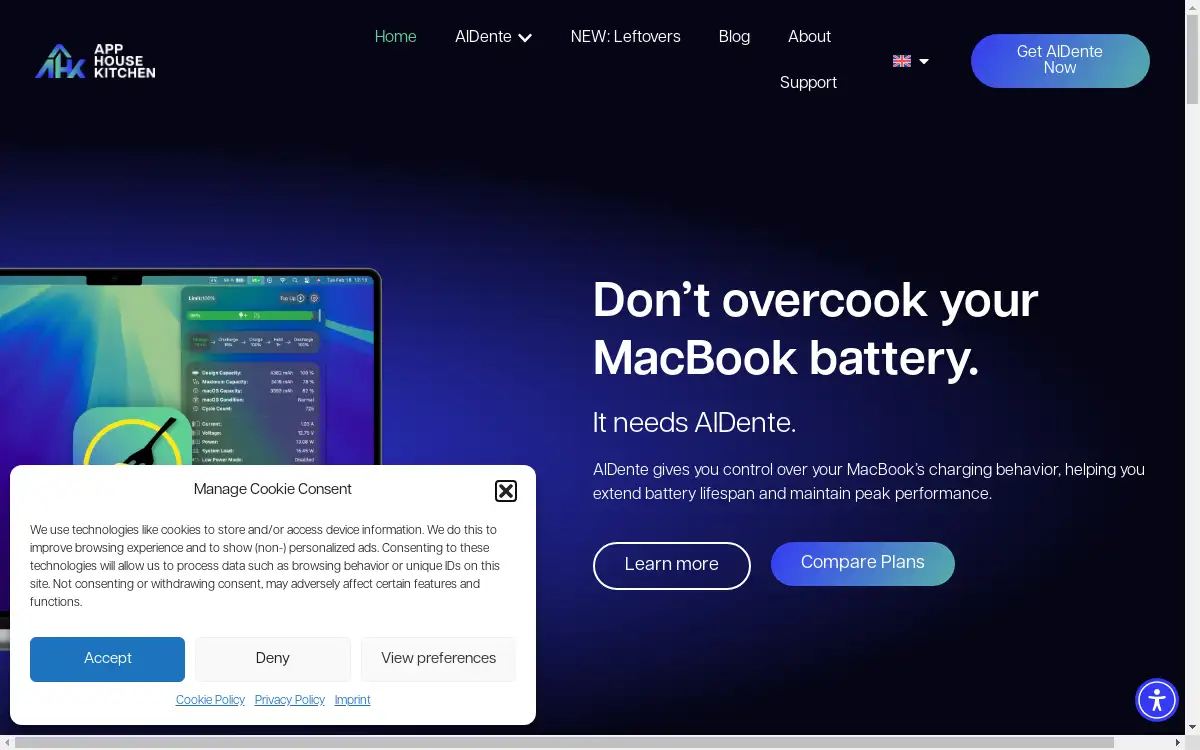
AlDente is a software application for macOS that provides users with direct control over their MacBook's charging behavior. The primary problem it addresses is battery degradation. Modern laptops are often plugged in for extended periods, which can cause the battery to remain at 100% charge, a state that accelerates chemical aging and reduces its long-term capacity. AlDente solves this by allowing users to set a custom charging limit, preventing the battery from being continuously "overcooked." This tool is suitable for any MacBook user, from students and professionals to creative individuals, who frequently use their laptop while connected to power and want to preserve their device's battery health and performance over many years. Effective battery health management is crucial for maintaining the value and longevity of a portable computer.
Key Features of AlDente
Charge Limiter
This core feature allows you to set a maximum charge percentage, preventing your MacBook from charging beyond a level you define, such as 80%, to optimize battery longevity.
Discharge
The Discharge feature enables your MacBook to run on battery power even when it is plugged in, which is useful for exercising the battery periodically.
Heat Protection
This Pro feature automatically pauses charging if the battery temperature becomes too high, protecting it from heat-related stress and damage.
Sailing Mode
A Pro feature that sets a "sailing" range, allowing the battery charge to fluctuate slightly within a defined window instead of being held at a single, static percentage.
Calibration Mode
This Pro feature automatically performs a full charge cycle to correct the battery's internal calibration, ensuring accurate charge level reporting.
Stats
The Stats feature provides detailed insights and analytics into your MacBook’s battery health, including cycle count and current capacity.
Use Cases for AlDente
Desktop Replacement Usage
For users who primarily use their MacBook at a desk with a permanent power connection, AlDente prevents the battery from staying at 100% charge constantly, which is a key aspect of MacBook battery care.
Prolonging Device Lifespan
Users aiming to keep their MacBook for many years can use AlDente as a proactive tool for extending battery life and maintaining resale value.
Creative Professionals
Video editors, designers, and developers who rely on sustained performance can use AlDente to ensure their machine's battery remains healthy despite long hours of plugged-in use.
Travel and On-the-Go Use
The scheduling features allow users to set their battery to charge fully right before unplugging, ensuring maximum capacity is available when needed.
How to Use AlDente
Using AlDente to manage your Mac's charging is a straightforward process designed for user control.
- Download and install the AlDente application from the official AppHouseKitchen website.
- Launch AlDente; you will typically find its control icon in your Mac's menu bar.
- Use the slider or input field within the app to set your desired maximum charging limit (e.g., 80%).
- For advanced functionality like scheduled charging or heat protection, navigate to the settings within the AlDente application to configure these options.
Target Audience for AlDente
- Users who primarily use their MacBook as a desktop computer.
- Individuals who want to maximize the lifespan and health of their device.
- Professionals whose work depends on reliable and long-lasting laptop performance.
- Anyone interested in proactive battery health management for their Apple hardware.
Is AlDente Free?
AlDente offers a generous free plan that includes essential features like the Charge Limiter and Discharge. For users requiring more advanced tools, affordable premium options are available. The Pro version unlocks powerful capabilities such as Heat Protection, Sailing Mode, Calibration Mode, and detailed battery statistics, providing comprehensive control for extending battery life.
Frequently Asked Questions about AlDente
Is AlDente safe to use on a MacBook?
Yes, AlDente is developed specifically for macOS and is used by over 700,000 individuals. It operates within the system's parameters to manage charging intelligently.
What is the best charging limit to set for battery health?
For optimal battery longevity, it is generally recommended to maintain a charge level between 20% and 80%. A limit of 80% is a popular and effective setting for daily use.
Does AlDente work with all MacBook models?
AlDente is compatible with most Intel-based and Apple Silicon MacBooks. It is advisable to check the official website for the most up-to-date compatibility information.
Can I still charge to 100% when I need to?
Yes, you can temporarily disable the charge limit or use the scheduling feature to allow a full charge before you plan to use your MacBook unplugged.
What is the difference between the Free and Pro versions?
The Free version includes the essential Charge Limiter and Discharge features. The Pro version adds advanced tools like Sailing Mode, Heat Protection, Calibration Mode, and detailed battery statistics.
Will AlDente affect my MacBook's performance?
No, AlDente is designed specifically for MacBook battery care and manages only the charging process. It does not impact the computational performance or speed of your MacBook.
AlDente Tags
AlDente, MacBook battery health, battery management software, extend battery life, battery longevity, macOS app, charge limiter, AppHouseKitchen, battery care, optimize battery, prevent overcharging, laptop battery saver