Introduction
Discovering the right digital tools for your team can be overwhelming. Appsy Tools simplifies this process as a comprehensive software tools directory.
What is Appsy Tools?
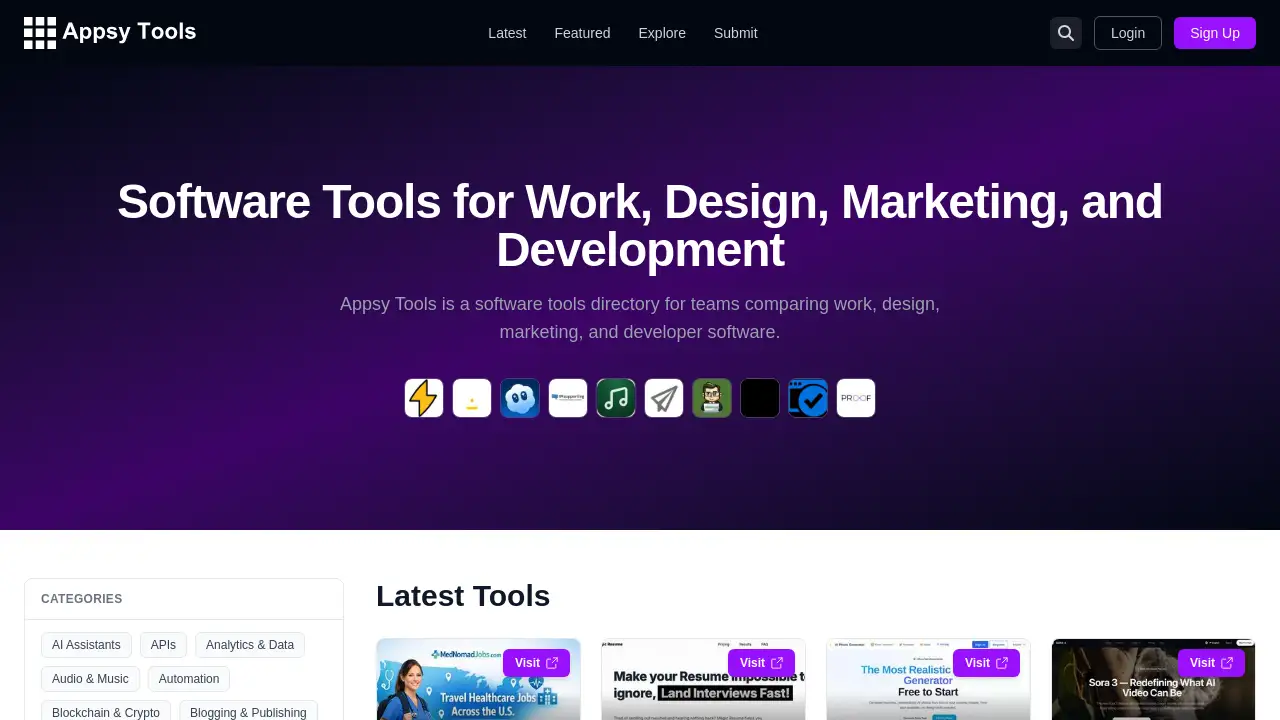
Appsy Tools is a software tools directory designed to help teams discover, compare, and evaluate applications across four key functional areas: work, design, marketing, and development. It addresses the common challenge of information overload and time-consuming research when looking for the right software tools. The platform is suitable for professionals, managers, startups, and businesses seeking to enhance their workflows with the best digital solutions. By centralizing tool listings in one place, Appsy Tools provides an efficient starting point for making informed software decisions, saving users significant research time.
Key Features of Appsy Tools
Comprehensive Categorized Directory
The platform organizes a wide range of software tools into over 40 specific categories, from AI Assistants and Dev Tools to Marketing and Design Tools, making targeted searches efficient.
Curated Tool Discovery
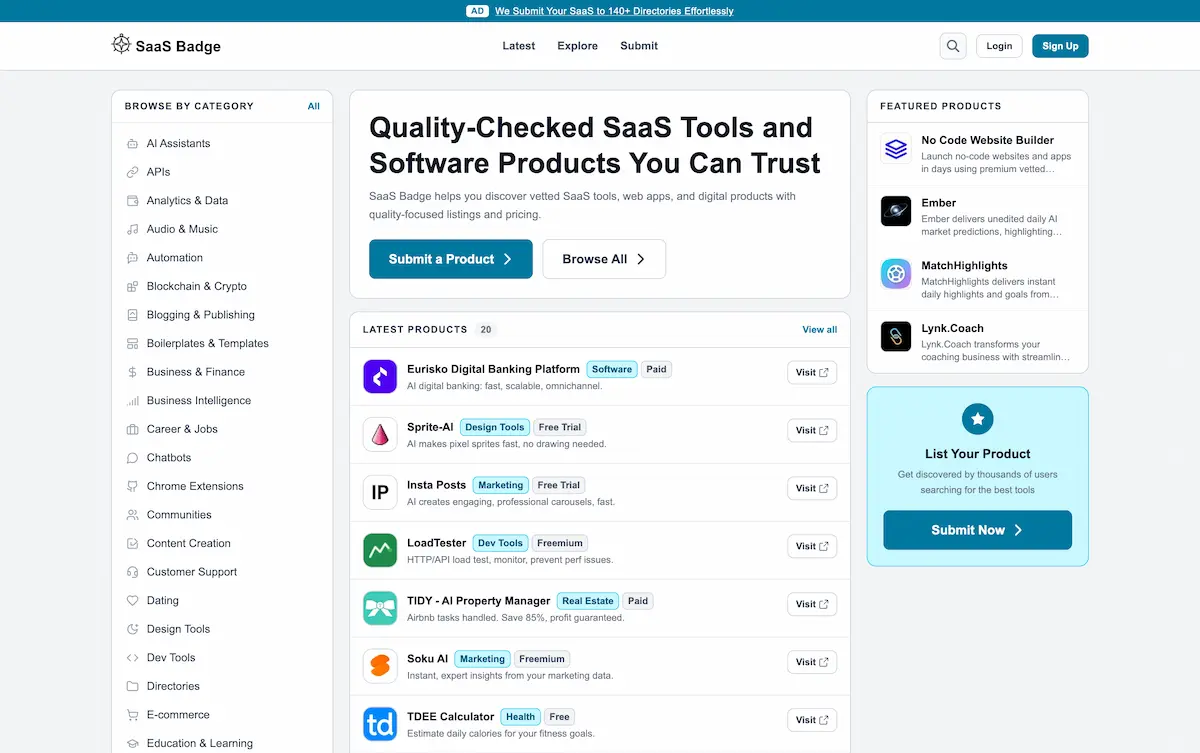
Users can browse latest tools, featured picks, and explore tools by category, with each listing including a brief description, pricing model (Free, Paid, Freemium), and relevant tags for quick scanning.
Detailed Tool Profiles
Each listed tool provides key information at a glance, including its core function, pricing tier, and category tags, helping teams quickly compare work software and other solutions.
Community-Driven Submissions
The directory includes a "Submit" feature, allowing tool creators and users to contribute new listings, which helps keep the database growing and current with the latest developer software and other applications.
Advanced Filtering and Search
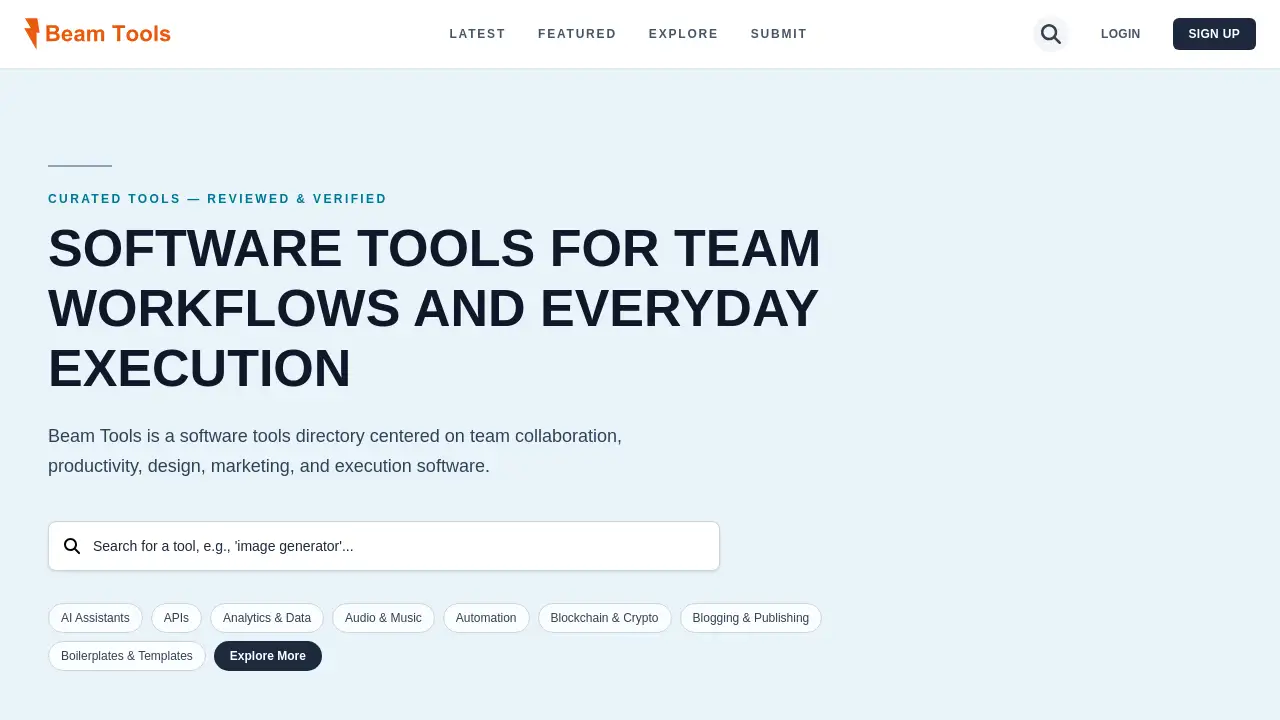
A prominent search function and extensive category filters enable users to drill down precisely to find tools for specific needs like design software or marketing automation.
Use Cases for Appsy Tools
Sourcing New Project Management Software
A project manager can use Appsy Tools to find and compare work management platforms, evaluating options based on features, pricing, and user feedback before making a team recommendation.
Building a Developer Toolkit
A software development team lead can explore the Dev Tools and APIs categories to discover new libraries, frameworks, or testing utilities to improve their developer software stack.
Enhancing Marketing Campaigns
A marketing professional can search within the Marketing, SEO, and Content Creation categories to find tools for social media management, analytics, or copywriting to boost campaign performance.
Selecting Design and Prototyping Tools
A UX designer or design team can browse the Design Tools and Web Design sections to compare the latest prototyping, graphic design, and collaboration software tools.
How to Use Appsy Tools
- Visit the Website: Navigate to the Appsy Tools homepage.
- Browse or Search: Use the navigation bar to explore categories like "Latest," "Featured," or "Explore." Alternatively, use the search bar to find specific software tools.
- Filter by Category and Need: Click on a relevant category (e.g., AI Assistants, Productivity & Management) to see all listed tools. Use the pricing filters (Free, Paid, etc.) to narrow down options.
- Review Tool Listings: Click on any tool card to see more details. Review the description, pricing model, and categories to assess its fit.
- Visit Official Tool Sites: Use the provided information to visit the official website of any tool for more in-depth research, trials, or purchase.
Target Audience for Appsy Tools
- Team Leaders and Managers in charge of procuring software for their departments.
- Startups and Small Businesses looking to build an efficient and cost-effective tech stack.
- Marketing Professionals seeking tools for SEO, analytics, social media, and content creation.
- Designers and Developers searching for the latest applications in their respective fields.
- Product Managers comparing tools for project management, collaboration, and development.
- Freelancers and Consultants wanting to stay updated on new software tools to recommend to clients.
Is Appsy Tools Free?
Appsy Tools itself appears to be a free-to-use directory platform. The site offers user registration (Login/Sign Up), likely to enable features like saving favorites or submitting tools, but browsing the directory does not require payment. It's important to note that the individual software tools listed on the platform have their own pricing models, which are clearly indicated (e.g., Free, Paid, Freemium, Free Trial). Users should always check the official website of any tool for the most accurate and current pricing details.
Appsy Tools's Pros and Cons
| Aspect | Pros | Cons |
|---|---|---|
| Scope & Variety | Extensive directory covering a wide range of categories from AI Assistants to Dev Tools. | The sheer volume can be overwhelming without very specific search criteria. |
| Usability | Clean, intuitive interface with clear categorization and filtering options for easy navigation. | Lacks in-depth user reviews or ratings within the directory for community insight. |
| Information Clarity | Provides essential details like pricing model and a short description for quick tool scanning. | Information is limited to what is submitted; may lack detailed feature comparisons between similar tools. |
| Value | Serves as an excellent, free starting point for software discovery, saving initial research time. | To compare work tools thoroughly, users will still need to visit each tool's official site for full details. |
Frequently Asked Questions about Appsy Tools
What types of software can I find on Appsy Tools?
You can find software tools across major domains including work (productivity, management), design software, marketing (SEO, social media), and developer software (APIs, dev tools), among many other specialized categories.
Is there a cost to use the Appsy Tools directory?
The Appsy Tools directory platform itself is free to access and browse. The costs associated are for the individual tools listed, whose pricing (free, paid, freemium) is clearly marked.
How can I add my software tool to the Appsy Tools directory?
The platform has a "Submit" page (accessible from the main navigation) where tool creators or advocates can likely propose a new listing for inclusion in the software tools directory.
How current is the tool information on Appsy Tools?
The platform features a "Latest" section, suggesting regular updates. As it also allows community submissions, the database is likely refreshed with new and updated software tools frequently.
Can I save or compare tools within Appsy Tools?
While the site offers user login functionality, the current interface focus is on discovery and listing. For now, users typically compare work and other tools by reviewing them individually or using external methods.
Does Appsy Tools offer discounts or promotions for listed tools?
The directory acts as a discovery platform. Any discounts or promotions would be offered directly by the tool providers on their official websites, not through Appsy Tools.
Appsy Tools Tags
software tools directory, compare work software, design software, marketing tools, developer software, SaaS tools directory, business software, productivity tools, AI tools, find apps, tech stack builder, software discovery platform