Introduction
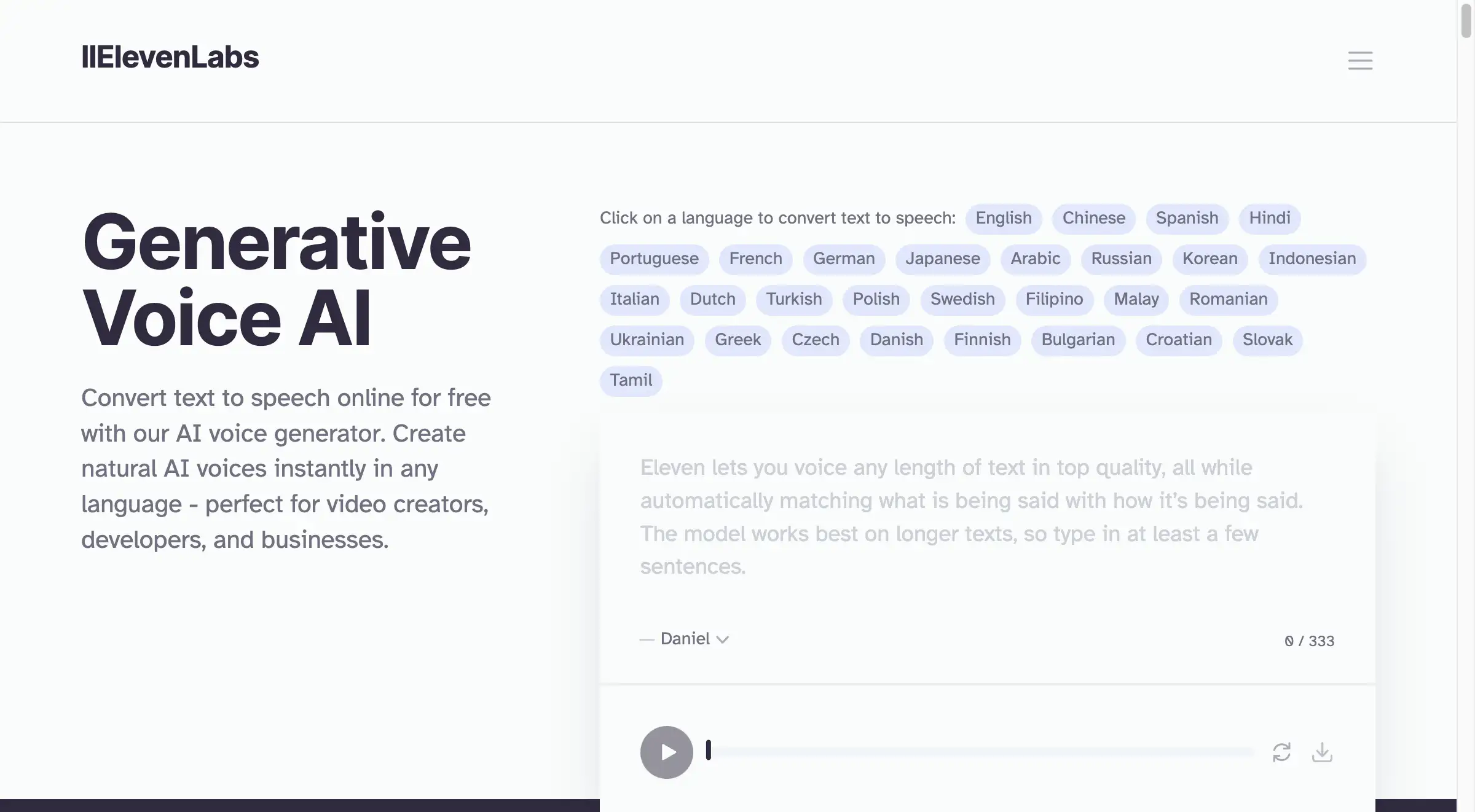
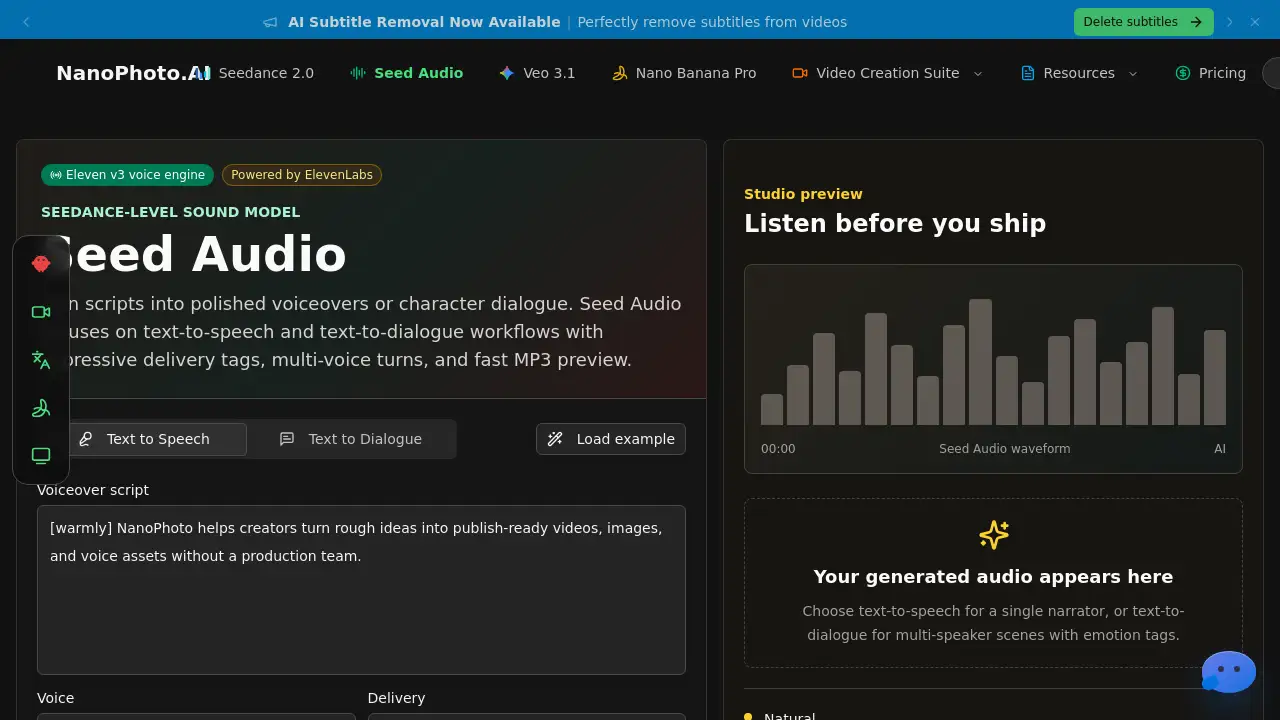
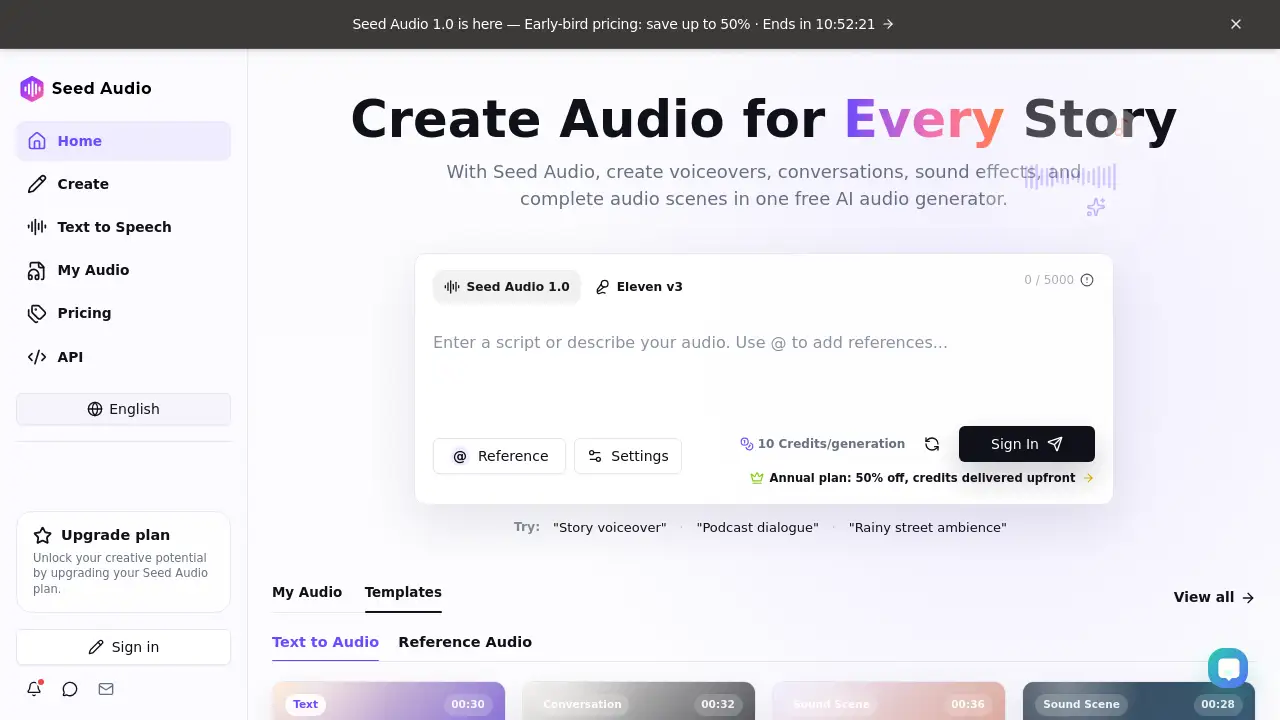
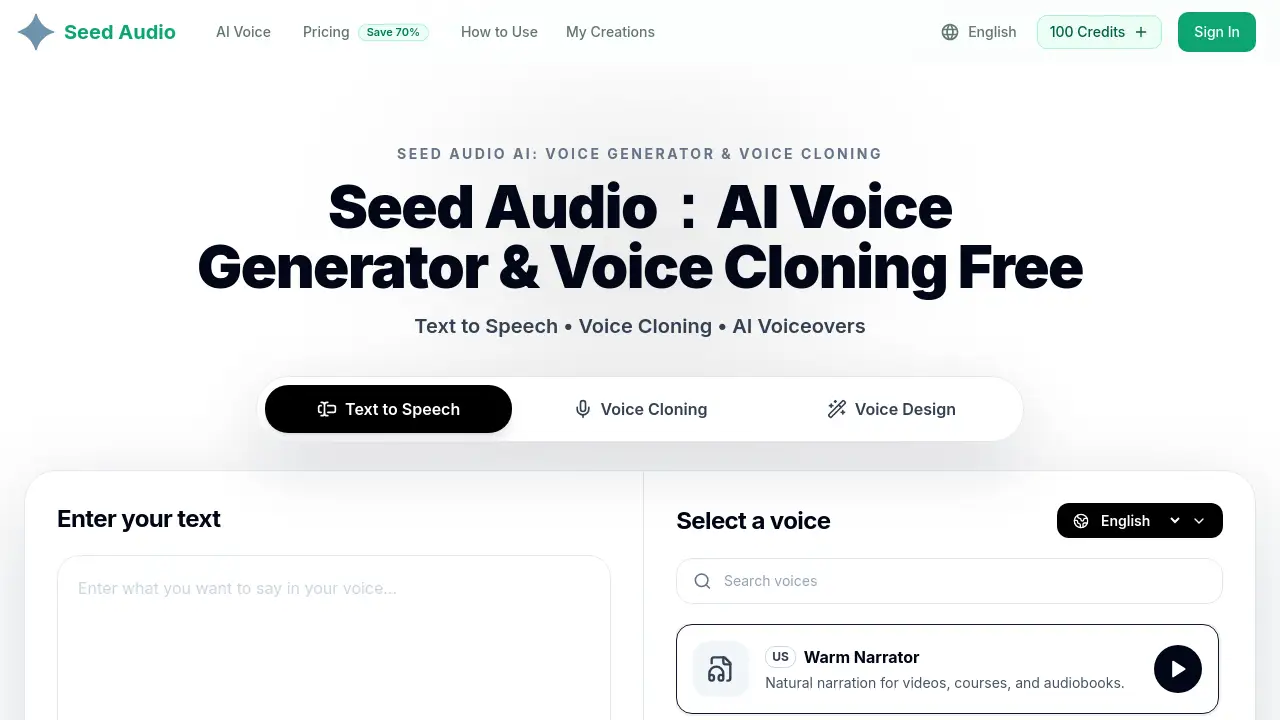
A free online AI text to speech tool that converts written words into natural-sounding audio instantly.
What is Text to Speech?
Text to speech (TTS) is a technology that converts written text into audible speech. This specific text to speech AI tool is a free, web-based application designed to solve the common problem of needing high-quality spoken audio without the complexity of professional software or the cost of hiring voice actors. It is suitable for a wide range of users, from students and content creators to professionals and educators. The tool matters because it democratizes access to realistic voice generation, making it easier to create accessible content, improve learning, and enhance productivity. As a text to speech online service, it eliminates the need for downloads or installations, offering a straightforward solution for anyone with an internet connection.
Key Features of Text to Speech
Natural Human Voices
The text to speech AI delivers smooth, lifelike audio with balanced tone and natural pacing, avoiding the robotic sound common in older TTS systems.
Multi-Language Support
This text to speech generator supports multiple languages, enabling users to create speech for different regions and audiences using a single, simple interface.
Free Online Access
As a completely text to speech free tool, it runs directly in a web browser with no sign-up required, allowing for instant and unlimited usage.
Simple Three-Step Process
The platform is designed for speed and clarity, allowing users to convert text into audio online in just a few intuitive steps.
Flexible Input Options
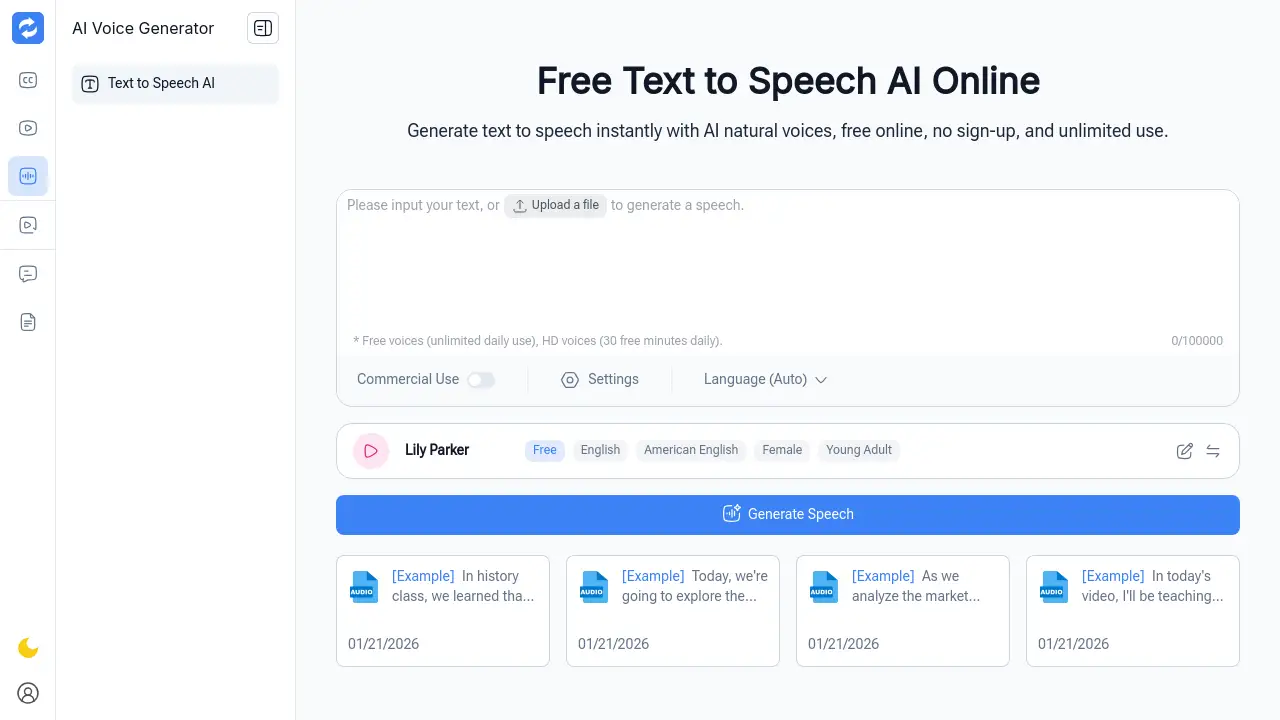
Users can either type text directly into the tool or upload supported files, offering flexibility in how content is prepared for conversion.
Instant Download
The generated audio files can be downloaded immediately for use in various projects, from presentations to e-learning modules.
Use Cases for Text to Speech
Learning and Language Practice
Students use this text to speech online tool to hear correct pronunciation and rhythm, aiding in language acquisition and listening skill development.
Content Creation and Script Review
Writers and creators rely on the text to speech AI to listen to their drafts aloud, helping them catch awkward phrasing and improve the overall flow of their content.
Accessibility and Reading Support
This text to speech free solution assists users with reading difficulties or visual strain by converting written content into easily consumable spoken words.
Productivity and Multitasking
Professionals convert notes and documents into audio using the text to speech generator, enabling them to review information while commuting or performing other tasks.
E-learning and Online Courses
Educators utilize the text to speech online platform to create audio versions of lessons, increasing engagement and providing alternative learning formats for students.
Quick Demos and Prototypes
Product teams use the tool to quickly test voice output for applications or demonstrations without the need for complex, built-in voice systems.
How to Use Text to Speech
Using this text to speech AI is a straightforward process designed for efficiency.
- Enter Text or Upload Files: Begin by typing your content directly into the provided text box or by uploading a supported file from your device.
- Choose a Natural Voice Style: Select from the available voice options to find a tone and style that best fits your project's needs, such as for narration, instruction, or casual listening.
- Generate and Download Audio: Click the generate button to convert your text into speech. Once processed, you can listen to the output and download the audio file in a standard format for offline use.
Target Audience for Text to Speech
- Students and Language Learners
- Content Creators, Writers, and Marketers
- Educators and E-learning Professionals
- Busy Professionals and Managers
- Individuals seeking accessibility tools
- Developers and Product Teams for prototyping
Is Text to Speech Free?
Based on the provided reference information, this is a completely free tool. The product description and homepage content explicitly state "free online," "no sign-up required," and "unlimited usage."
| Plan | Price | Key Features |
|---|---|---|
| Free | $0 | Natural human voices, multi-language support, unlimited usage, no sign-up, instant online access, audio download. |
Text to Speech's Pros and Cons
| Aspect | Pros | Cons |
|---|---|---|
| Cost & Access | Completely free with no usage limits or mandatory account creation. | May lack advanced features found in premium, paid TTS services. |
| Ease of Use | Extremely simple three-step process with a clean, web-based interface. | Functionality is dependent on a stable internet connection. |
| Output Quality | Provides natural-sounding, lifelike voices that are comfortable for listening. | Voice customization options (like emotion or speed control) may be limited compared to professional tools. |
| Utility | Serves a wide array of practical use cases from education to content creation. | Primarily a conversion tool; may not include integrated editing or audio mixing features. |
Frequently Asked Questions about Text to Speech
Is this text to speech tool really free?
Yes, according to the official product information, this is a completely text to speech free tool. It offers unlimited usage without requiring sign-up or subscription fees.
What languages does this text to speech AI support?
The tool offers multi-language support, allowing users to generate speech in various languages. For the most current and specific list of supported languages, visiting the official website is recommended.
How natural do the AI voices sound?
The text to speech AI is designed to deliver natural human voices with balanced tone and pacing. User testimonials indicate the voices are lifelike and avoid a robotic quality, making them suitable for extended listening.
Are there any limits on how much text I can convert?
The product description states "unlimited usage," suggesting there are no restrictive caps on the amount of text you can process with this text to speech online service.
Can I download the audio files I create?
Yes, the final step of the process is to generate and download the audio file. This allows you to save and use the speech output in other projects offline.
Does it support uploading documents, or only typed text?
The tool accepts different input formats. You can either type text directly or upload supported files, providing flexibility in how you bring content into the text to speech generator.
Text to Speech Tags
text to speech, text to speech AI, text to speech online, text to speech free, text to speech generator, AI voice generator, free TTS, online speech synthesis, natural sounding text to speech, convert text to audio, voiceover tool, accessibility tool