Introduction
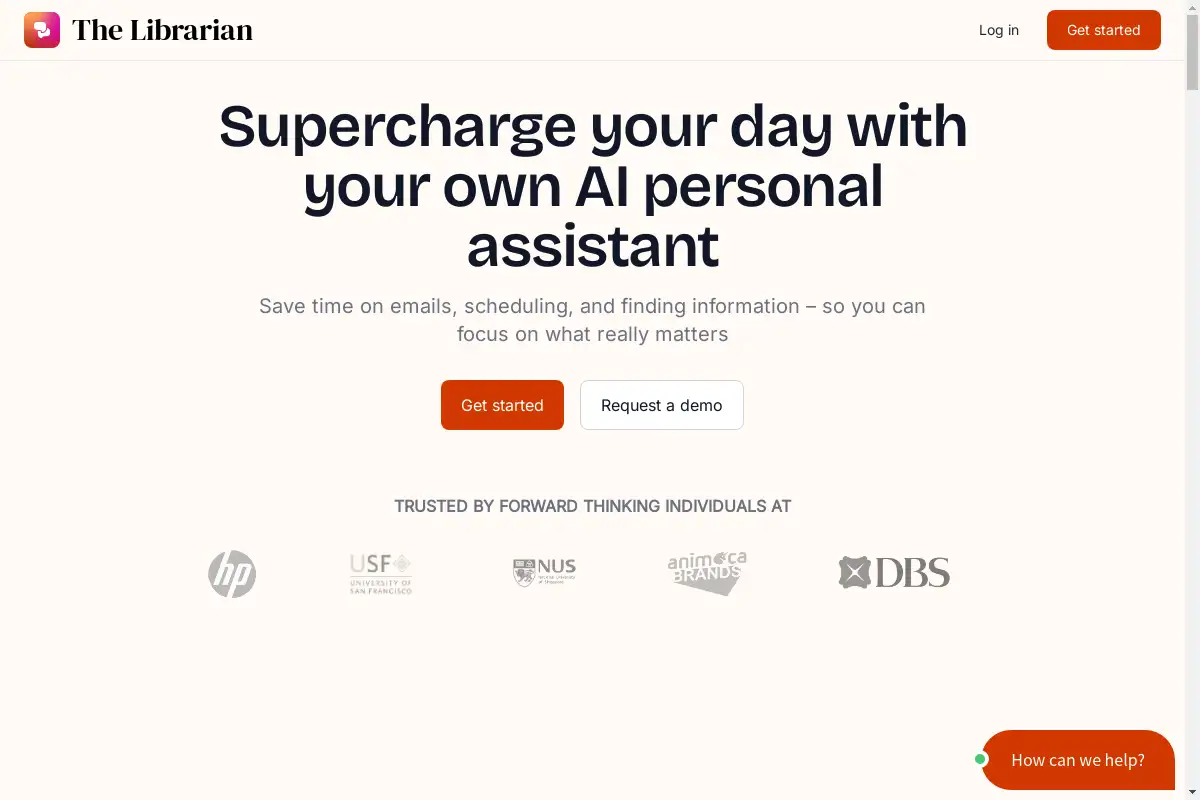
ClawOneClick allows anyone to deploy a 24/7 AI assistant powered by the latest models in under a minute, with no technical setup required.
What is ClawOneClick?
ClawOneClick is a software platform designed to provide users with a personal AI assistant. It solves the problem of time-consuming and repetitive digital tasks by automating them. The product is suitable for individuals and professionals who want to increase their productivity without dealing with complex technical configurations. It matters because it democratizes access to advanced AI capabilities, making powerful automation available instantly. The core promise of ClawOneClick is to offer an AI assistant that is always on and ready to handle a wide array of work and personal tasks.
Key Features of ClawOneClick
AI-Powered Email Summarization
The assistant can quickly read and condense lengthy email threads into concise summaries, saving users significant time.
Intelligent Reply Composition
It helps compose quick replies to messages and emails, drafting contextually appropriate responses based on the conversation.
Real-Time Translation
The tool provides on-the-fly translation for text, facilitating communication across different languages without switching apps.
Advanced Text Proofreading
It offers proofreading for writing, checking grammar, tone, and clarity to ensure professional and error-free communication.
Automated Customer Query Handling
The AI assistant can handle basic customer queries, providing instant responses and helping to manage support workloads.
Report and Document Condensation
It can analyze and condense lengthy reports or documents into key points and actionable insights.
Smart Meeting and Reminder Management
The system integrates with calendars to provide meeting reminders and can transcribe voice memos into organized notes.
Task and Deadline Automation
It helps track deadlines, organize schedules, capture meeting action items, and automate repetitive administrative tasks.
Use Cases for ClawOneClick
Busy Professionals and Executives
Professionals can use ClawOneClick to manage overflowing inboxes, prepare for meetings, and delegate routine communication tasks to their AI assistant.
Freelancers and Solopreneurs
Individuals running their own businesses can leverage the tool to handle customer inquiries, proofread client deliverables, and manage their schedule more efficiently.
Students and Researchers
Students can benefit from using ClawOneClick to summarize research materials, translate sources, and proofread essays and papers.
Remote and Distributed Teams
Teams working across different time zones can use the assistant to coordinate schedules, transcribe meeting notes, and ensure nothing gets lost in communication.
Customer Support Agents
Support agents can use the AI to generate first-response drafts, translate customer messages, and log common issues, speeding up resolution times.
How to Use ClawOneClick
Getting started with ClawOneClick is designed to be a straightforward process that takes less than a minute.
- Sign Up: Visit the ClawOneClick website and create an account. No complex technical information is required.
- Deploy Your Assistant: Follow the simple on-screen prompts. The platform will automatically deploy your personal AI assistant.
- Connect Your Tools (Optional): For enhanced functionality, you can connect the assistant to your email, calendar, or other work apps.
- Start Delegating Tasks: Begin by asking your ClawOneClick AI assistant to handle tasks like summarizing an email, composing a reply, or setting a reminder.
- Refine and Automate: As you use it more, you can set up recurring automations for tasks you perform regularly, like weekly report condensation or expense logging.
Target Audience for ClawOneClick
- Busy professionals, managers, and executives.
- Freelancers, consultants, and solopreneurs.
- Students and academic researchers.
- Remote, hybrid, and distributed teams.
- Customer support and service representatives.
- Anyone overwhelmed by digital communication and administrative tasks.
Is ClawOneClick Free?
Specific pricing details for ClawOneClick plans are not provided in the available reference information. The product description emphasizes a quick, no-setup deployment, which often suggests a free trial or a freemium model is available. For accurate and current information on subscription plans, features, and pricing, users should visit the official ClawOneClick website.
ClawOneClick's Pros and Cons
| Aspect | Pros | Cons |
|---|---|---|
| Setup & Ease of Use | Extremely fast deployment; no technical skills required. | Advanced customizations may be limited for power users. |
| Features | Broad range of useful tasks for communication and productivity. | The effectiveness for complex, niche tasks is untested. |
| Accessibility | Makes powerful AI assistant technology available to non-technical users. | Requires a stable internet connection to function. |
| Integration | Potential to connect with popular work apps like email and calendars. | Full integration capabilities are not detailed in available info. |
Frequently Asked Questions about ClawOneClick
What exactly does the ClawOneClick AI assistant do?
The ClawOneClick AI assistant is designed to automate a wide range of digital tasks. Its core functions include summarizing emails, composing quick replies, translating text, proofreading writing, handling basic customer queries, condensing reports, managing meeting reminders, and transcribing voice memos.
Do I need to know how to code to use ClawOneClick?
No, you do not need any coding or technical skills. The primary selling point of ClawOneClick is that it requires no technical setup. The process is designed to be completed in under a minute through a simple, guided interface.
Is my data safe with ClawOneClick?
While the reference information does not specify detailed security protocols, any reputable AI productivity tool should employ strong data encryption and have clear privacy policies. Users should review the official ClawOneClick website's privacy policy and terms of service for specific details on data handling and security measures.
Can ClawOneClick integrate with my existing tools like Gmail or Outlook?
The product description suggests it can handle emails and calendar-related tasks, which implies potential integration with common email and scheduling platforms. For confirmed integration options and setup instructions, users should check the features or help section on the ClawOneClick website.
How does ClawOneClick differ from other AI assistants like ChatGPT?
ClawOneClick focuses specifically on deployment as a dedicated, always-available assistant for task automation within work and personal contexts. It emphasizes instant setup and a curated set of productivity actions, whereas general AI chatbots are broader conversational tools that may require more manual prompting and lack built-in automation for specific workflows.
Is there a free trial for ClawOneClick?
The available information does not explicitly confirm a free trial. However, the emphasis on a frictionless, one-minute setup strongly suggests there is a free tier or trial period to test the service. The official pricing page on the ClawOneClick website will provide definitive information.
ClawOneClick Tags
AI assistant, deploy AI, no code AI, productivity automation, email summarization, auto reply, text translation, writing proofreader, customer support AI, report condenser, meeting transcription, task automation, ClawOneClick review, AI productivity tool, virtual assistant software