Introduction
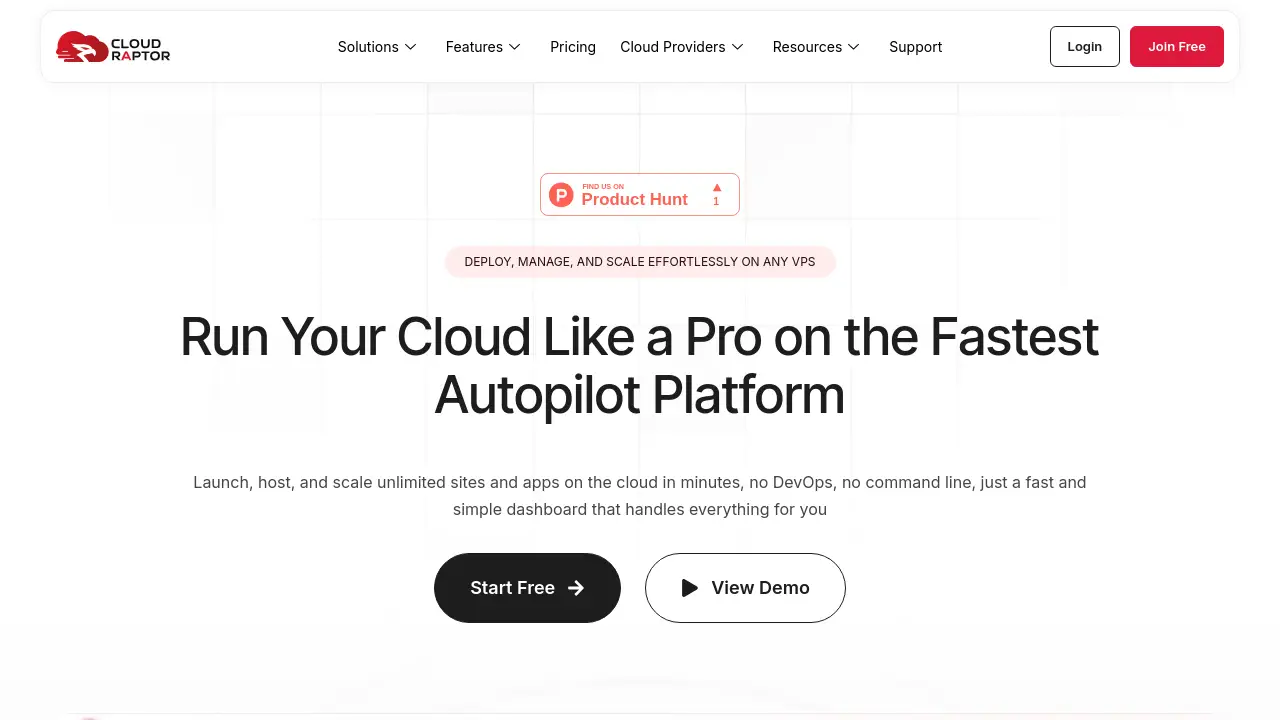
CloudRaptor is a modern server management control panel designed to simplify hosting on any Ubuntu-based VPS.
What is CloudRaptor?
CloudRaptor is a powerful, Docker-powered server control panel that provides a unified interface for managing web applications and sites across multiple cloud providers. It solves the problem of complex server administration by offering an intuitive dashboard that handles deployment, security, performance optimization, and daily maintenance tasks. This platform is particularly suitable for developers, digital agencies, bloggers, and ecommerce store owners who want professional-grade hosting without the deep technical overhead of manually configuring and securing servers. Its core value lies in its flexibility; users can bring your own server from providers like AWS, DigitalOcean, or Hetzner, or have one provisioned, all managed through a single pane of glass.
Key Features of CloudRaptor
Multi-Cloud Management
Connect and manage Ubuntu servers across dozens of providers including Amazon AWS, DigitalOcean, Vultr, and Google Cloud from one centralized dashboard.
Docker-Powered Isolation
Each site or application runs in its own secure Docker container, ensuring better performance, stability, and resource control without cross-contamination.
One-Click WordPress Management
The platform features a one-click WordPress installer, instant admin login, centralized updates for themes/plugins, and built-in WP-CLI for advanced command-line control.
Robust Security & Firewall Protection
CloudRaptor includes a server-level firewall with expert-configured rules, automated security hardening, vulnerability scans, and one-click free SSL certificates from Let's Encrypt SSL certificates automatically, with one-click installation and renewal for every site.
Automated Backups & Restore
Schedule automated backups for sites and databases, with storage options for popular services like Amazon S3, Google Drive, and Cloudflare R2.
Server Firewall & Security
Protect infrastructure with an expert-configured server firewall, traffic filtering, vulnerability scans, and automatic system updates.
Git Deployment
Enable streamlined, zero-downtime code deployments directly from Git repositories, integrating version control into the hosting workflow.
PHP Version Control
Instantly switch between the latest PHP versions for different applications to ensure compatibility and maximize performance.
Use Cases for CloudRaptor
WordPress Hosting for Agencies
Digital agencies can efficiently manage multiple client WordPress sites from a single dashboard, utilizing tools like one-click staging, bulk updates, and white-label options.
Ecommerce Store Hosting
Store owners can power high-traffic WooCommerce stores with optimized performance, enhanced security, and scalable resources to ensure uninterrupted sales.
Laravel & Modern PHP Application Hosting
Developers can deploy and manage Laravel and other PHP frameworks quickly, benefiting from Git integration, tuned PHP-FPM, and zero-downtime deployment environments.
Bloggers & Content Publishers
Publishers running content-heavy sites can deliver articles faster using advanced caching, integrated CDN support, and effortless multisite management tools.
How to Use CloudRaptor
Getting started with CloudRaptor is a straightforward process:
- Sign Up for an Account: Create a free account on the CloudRaptor platform.
- Connect a Server: You have three options: connect an existing Ubuntu VPS you own, let CloudRaptor provision a new optimized server from your preferred provider, or connect a server you've already launched elsewhere using SSH credentials.
- Deploy Applications: Once your server is connected, use the dashboard to install WordPress, Laravel, Node.js apps, or any other software with one-click installers or via Git deployment.
- Manage & Scale: Monitor performance, configure security settings, set up automated backups, and scale resources as needed, all through the intuitive web interface.
Target Audience for CloudRaptor
- Web Developers & DevOps Engineers who want to streamline deployment and server management.
- Digital Marketing & Web Design Agencies managing hosting for multiple clients.
- Ecommerce Entrepreneurs running WooCommerce or other online stores.
- Bloggers & Independent Publishers who need reliable, high-performance hosting.
- Startups & Small Businesses launching web applications without a dedicated sysadmin.
Is CloudRaptor Free?
CloudRaptor offers a free plan that allows users to manage one server. For teams and users requiring more servers or advanced features like team roles and white-labeling, paid plans are available. Detailed pricing and feature comparisons for each tier can be found on the official CloudRaptor pricing page.
CloudRaptor's Pros and Cons
| Aspect | Pros | Cons |
|---|---|---|
| Flexibility | Unmatched freedom to use any Ubuntu VPS from any provider worldwide. | Requires users to have or obtain a VPS, which is an additional cost. |
| Management | Centralized control for multi-cloud environments simplifies complex infrastructure. | Primarily focused on Ubuntu, limiting support for other server OSes. |
| Features | Rich feature set including Docker, Git, advanced security, and one-click apps. | The breadth of features might have a learning curve for absolute beginners. |
| Pricing Model | Free tier available; pay only for the management panel, not marked-up server costs. | Server costs from providers like AWS or DigitalOcean are separate. |
Frequently Asked Questions about CloudRaptor
What cloud providers does CloudRaptor support?
CloudRaptor supports a wide range of providers including Amazon AWS (EC2 & Lightsail), DigitalOcean, Vultr, Hetzner, Google Cloud, and Akamai (Linode). Crucially, it can connect to any Ubuntu server from any provider via SSH.
Can I manage multiple WordPress sites with CloudRaptor?
Yes, CloudRaptor is built for multi-site management. It offers a one-click WordPress installer, centralized updates for themes and plugins, WordPress Multisite support, and tools like built-in WP-CLI for efficient management of numerous sites.
How does CloudRaptor handle server security?
The platform provides comprehensive built-in security featuring an automated server firewall, malware and vulnerability scanning, traffic filtering to block malicious scripts, and secure SSH/SFTP key management. It also encourages best practices like automatic phpMyAdmin lockout.
Where are backups stored?
Automated backups can be configured to store data on several external object storage services, including Amazon S3, Google Drive, Google Cloud Storage, DigitalOcean Spaces, Cloudflare R2, and Wasabi, ensuring data redundancy and safety.
Is there customer support?
Support is available, typically through documentation and a contact system. The platform also has a public roadmap where users can see upcoming features and provide feedback.
Does CloudRaptor help with website migration?
Yes, the platform includes easy migration tools designed for seamless, guided transfers of existing websites to a CloudRaptor-managed server, aiming for zero downtime during the process.
CloudRaptor Tags
CloudRaptor, VPS management, server control panel, WordPress hosting, manage Ubuntu server, multi-cloud management, Docker hosting, server management platform, web hosting control panel, bring your own server, Git deployment, cloud server management