Introduction
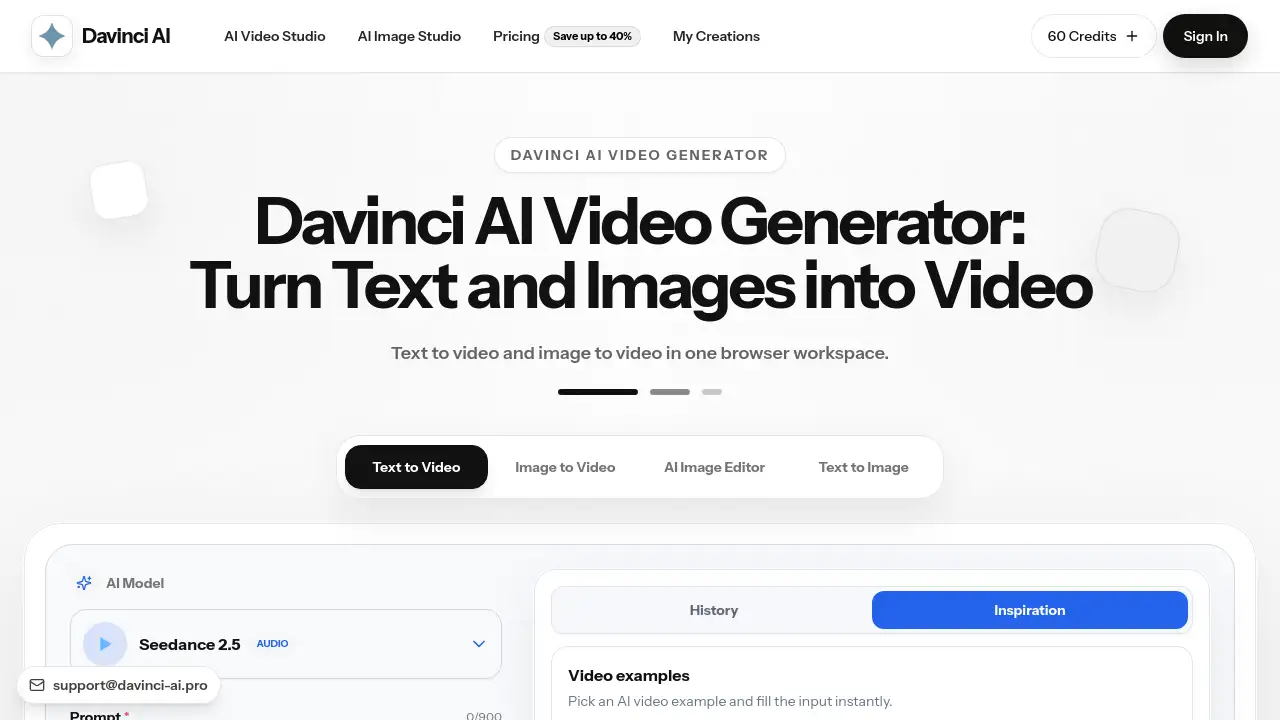
Davinci AI is an AI video generator for browser-based clips. It turns text prompts and still images into short videos without installing desktop software. This AI video generator supports multiple models, aspect ratios, video lengths, and resolutions in one workspace. It is aimed at creators, marketers, and teams who need quick visual drafts, product clips, social media videos, or client previews. New users also receive free daily credits, so they can test the AI video generator workflow before choosing a paid plan.
What is AI Video Generator?
AI Video Generator is a browser-based tool from Davinci AI that creates short clips from text, images, and frame references. Instead of opening a timeline editor, a user writes a text to video prompt or uploads an image, and the AI video generator returns a new video. This makes the product useful for quickly testing video ideas, exploring motion, and comparing AI video models without extra production steps.
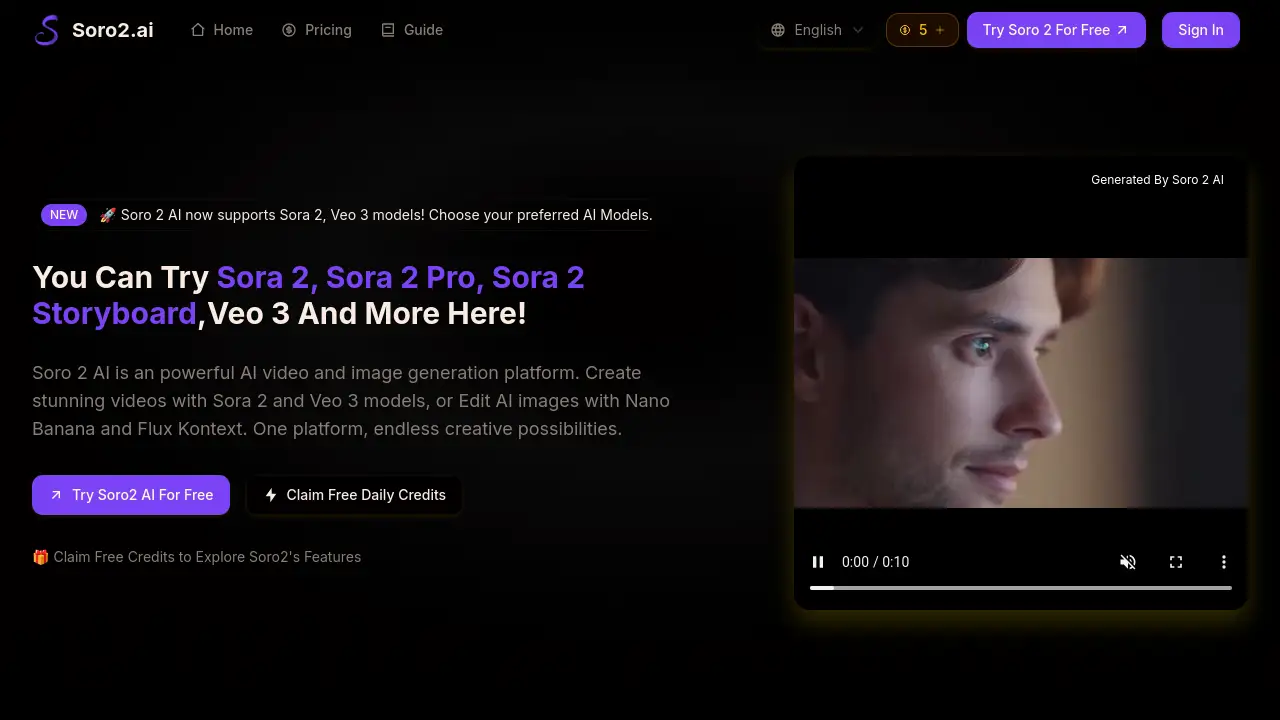
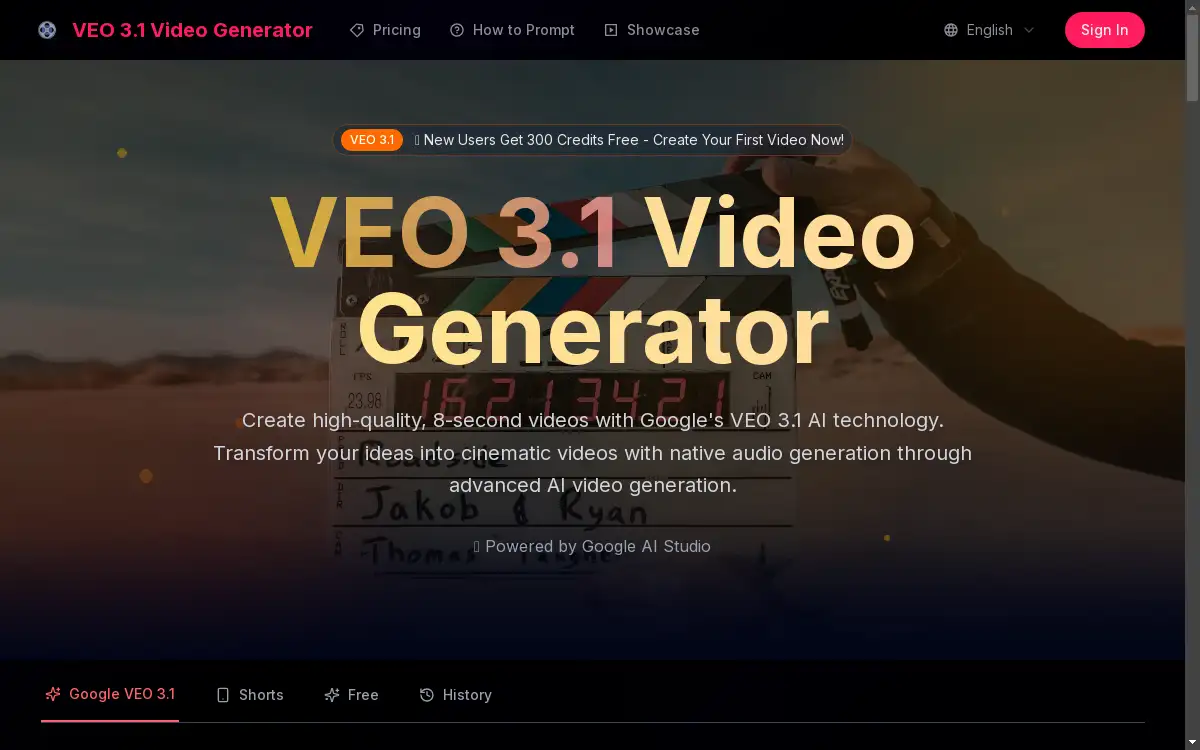
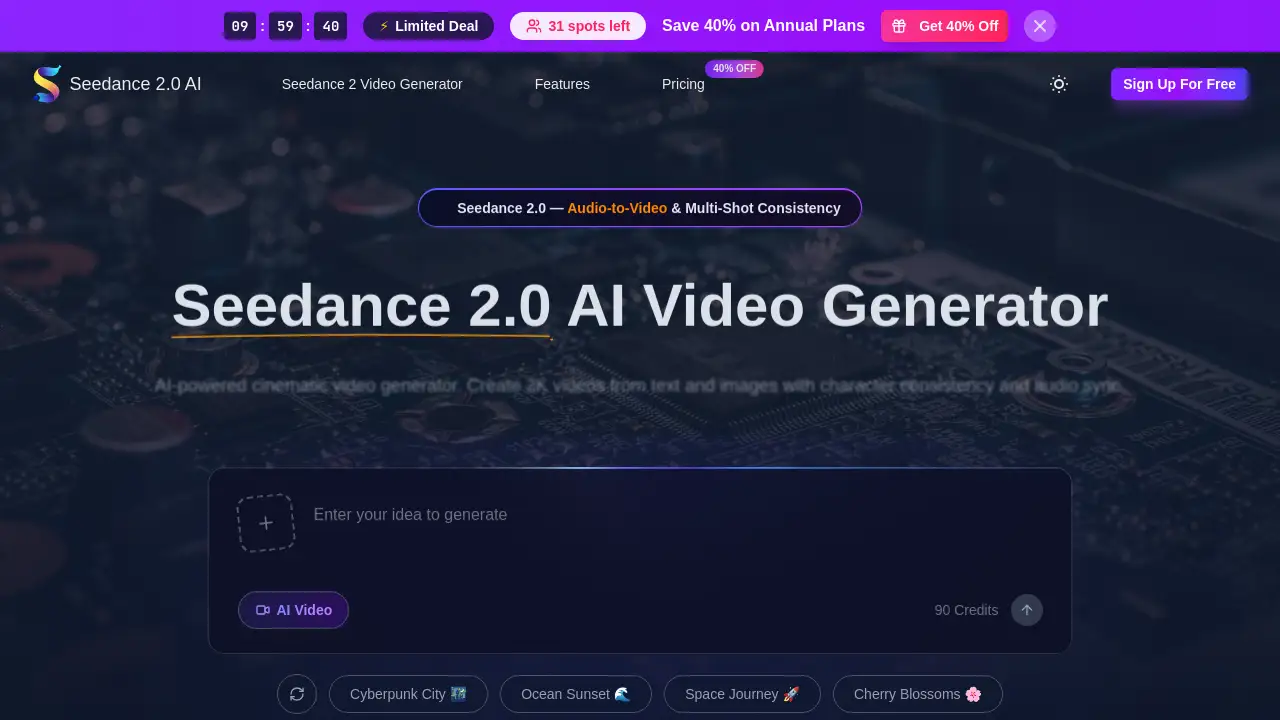
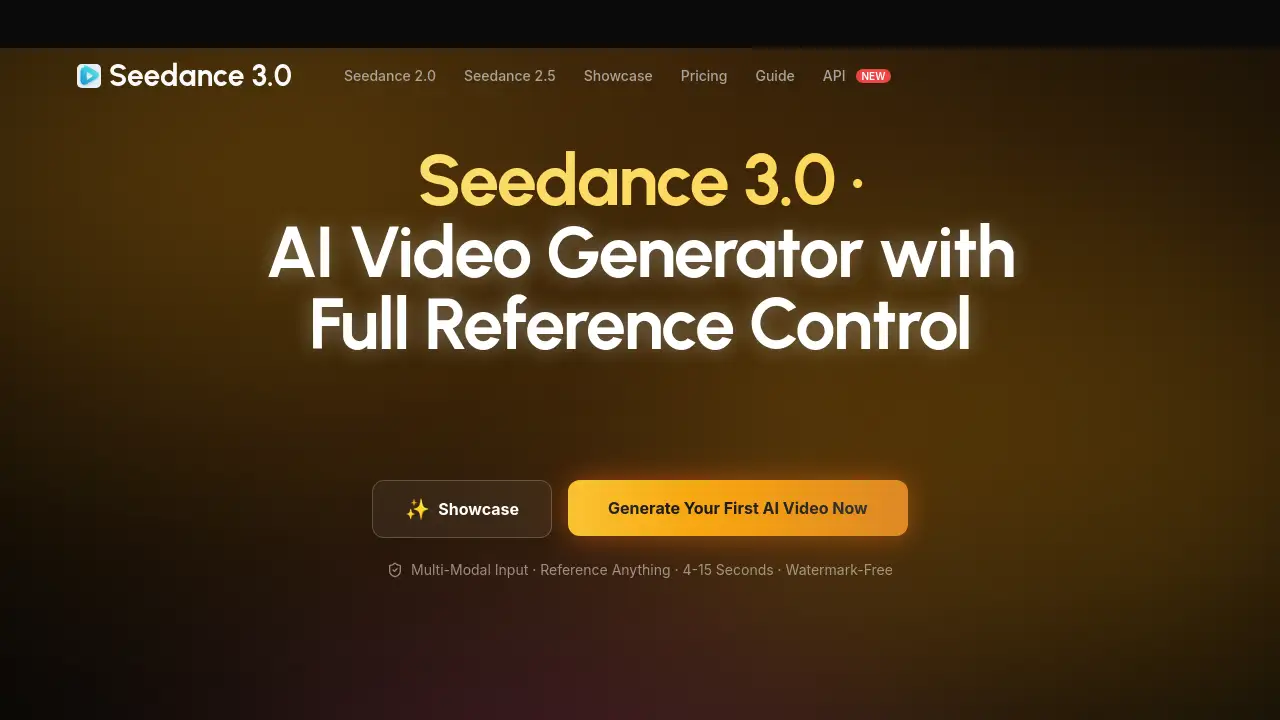
The workspace includes popular models such as Veo and Seedance. Text to video creates a scene from a written description. Image to video adds movement to a still picture or illustration. When a model supports start and end frames, users can also guide a transition between two visuals. Because this AI video generator is browser-based, the entire workflow remains in one project area for prompt editing, previewing, and download.
Key Features of AI Video Generator
Text to Video and Image to Video Inputs
This AI video generator accepts both written prompts and image uploads. With this AI video generator, text to video mode turns a description into a new clip, while image to video mode makes a static image move with subject or camera motion.
Fast Browser-Based Video Creation
This AI video generator runs in a modern browser, so users can create clips without installing software. Fast output makes it easy to test text to video and image to video ideas with this online AI video generator.
Clean Download Options
Paid plans provide clean, watermark-free video downloads, and users can preview a clip before saving it. Clean exports make AI video generator results useful for product pages, social feeds, and client files.
HD and 4K Resolution Settings
This AI video generator includes 1080p HD options on Veo models and up to 4K on supported Seedance generations. Users can set resolution before generating and choose the quality that matches their project.
Multiple AI Video Models in One Workspace
Veo, Seedance, and other available AI models can be compared inside one AI video generator workspace. Users do not need to switch between separate tools while testing output quality or motion style.
Free Daily Credits
The AI video generator includes free daily credits, so users can test prompts without a credit card. Paid plans add more credits and priority features for heavier video workflows.
Use Cases for AI Video Generator
Short-Form Social Media Content
Creators can use this AI video generator to make clips for TikTok, Reels, and YouTube Shorts. Text to video is useful for quickly testing hooks, captions, and vertical framing.
Product Videos for Ecommerce
Ecommerce teams can turn product images into animated videos with image to video. This AI video generator helps teams build product page visuals or ad variants without scheduling a full photo or video shoot.
Marketing and Ad Creative Testing
Performance marketers can use the AI video generator to compare several short ad versions from one prompt. Faster creative testing helps them decide which hook, angle, or scene deserves more budget.
Agency Campaign Previews
Agencies can create campaign previews and concept drafts with the AI video generator before full production begins. Clean downloads on paid plans make client reviews and internal feedback more convenient.
Product Feature Teasers
Product teams can explain a feature with a brief text to video clip or an image to video animation. This AI video generator helps teams communicate what a product does without waiting for editing resources.
Creative Mood and Motion Studies
Designers can test mood, motion, framing, and camera direction with the AI video generator. Image to video is especially helpful when a static illustration or design already carries a strong visual idea.
How to Use AI Video Generator
To get started with this AI video generator, follow these steps:
- Open the Davinci AI workspace in a browser.
- Choose text to video, image to video, or a frame-supported option. For text to video, describe the subject, action, setting, camera movement, and style. For image to video, upload an image and describe how it should move.
- Select an AI video model such as Veo or Seedance.
- Set the aspect ratio, video duration, and resolution.
- Generate the clip, preview it, adjust the prompt or settings if needed, then download the final video.
Target Audience for AI Video Generator
The AI video generator is built for people and teams that need short, browser-made videos for daily content and campaigns.
- Ecommerce brands that want product videos and ad variations.
- Performance marketers testing creative concepts for social platforms.
- Content creators publishing short-form videos on a regular schedule.
- Agencies and freelancers creating client previews and campaign concepts.
- Product teams producing feature teasers and demo-style clips.
- Designers exploring motion, mood, and framing directions.
Is AI Video Generator Free?
The product is an AI video generator with a free entry point because it includes daily credits for AI video generation. No credit card is required to test text to video, image to video, or available AI video models. Paid monthly plans add more credits, priority generation, and watermark-free downloads. Annual plans can save up to 40%, and one-time credit packs are also available. In short, this AI video generator can be used without payment, but higher-volume projects may need a paid plan.
| Plan | Price | Features |
|---|---|---|
| Free | $0 | Free daily credits, text to video, image to video, browser-based preview |
| Basic | $19.9/month | 800 credits, up to 40 AI videos per month, unlimited downloads, permanent history |
| Pro | $39.9/month | 2,000 credits, up to 100 AI videos per month, priority generation queue, everything in Basic |
| Enterprise | $99.9/month | 6,000 credits, up to 300 AI videos per month, priority queue, commercial use license |
AI Video Generator's Pros and Cons
| Aspect | Pros | Cons |
|---|---|---|
| Pricing | Free daily credits make it easy to start; multiple paid tiers available | Paid plans are required for watermark-free downloads; commercial use license appears on higher-tier plan |
| Features | Text to video and image to video work in one browser workspace; multiple models included | Some options depend on selected model, plan, or video duration |
| Ease of Use | Simple prompt, upload, and generate flow; preview before download | Users may need several attempts to refine video quality |
| Output | HD/4K quality options and clean exports on paid plans | Resolution and available settings vary by model |
Frequently Asked Questions about AI Video Generator
Does Davinci AI support text to video?
Yes. Text to video mode lets users type a prompt that describes the subject, scene, and motion. The AI video generator then creates a short clip using the selected model and settings.
Does Davinci AI support image to video?
Yes. Image to video mode accepts an uploaded image and a prompt that describes the desired movement. This AI video generator keeps the image as the starting point and animates the subject or camera.
Is Davinci AI free to use?
Davinci AI offers free daily credits, so users can create short clips without paying. No credit card is required for the free tier, and paid plans are available for users who need more credits, speed, resolution, or watermark-free output.
Which AI video models are available?
Davinci AI includes popular AI video models such as Veo and Seedance. The available AI video model, duration, aspect ratio, and resolution options depend on the selected plan and the current product display in the workspace.
How do credits work for AI video generator?
Each AI video generation uses credits based on the selected model and settings. Users can see the generation cost and remaining balance before starting a text to video or image to video task.
Can I download the AI videos I create?
Yes. After a video finishes generating, users can preview it in the workspace and download the result from the current project or generation history. Paid plans include clean, watermark-free downloads.
AI Video Generator Tags
Davinci AI video generator, AI video generator, free AI video generator, text to video, image to video, Veo 3.1, Seedance AI video model, generate video from text, generate video from image, online AI video maker, no watermark AI video, commercial use AI video.