Introduction
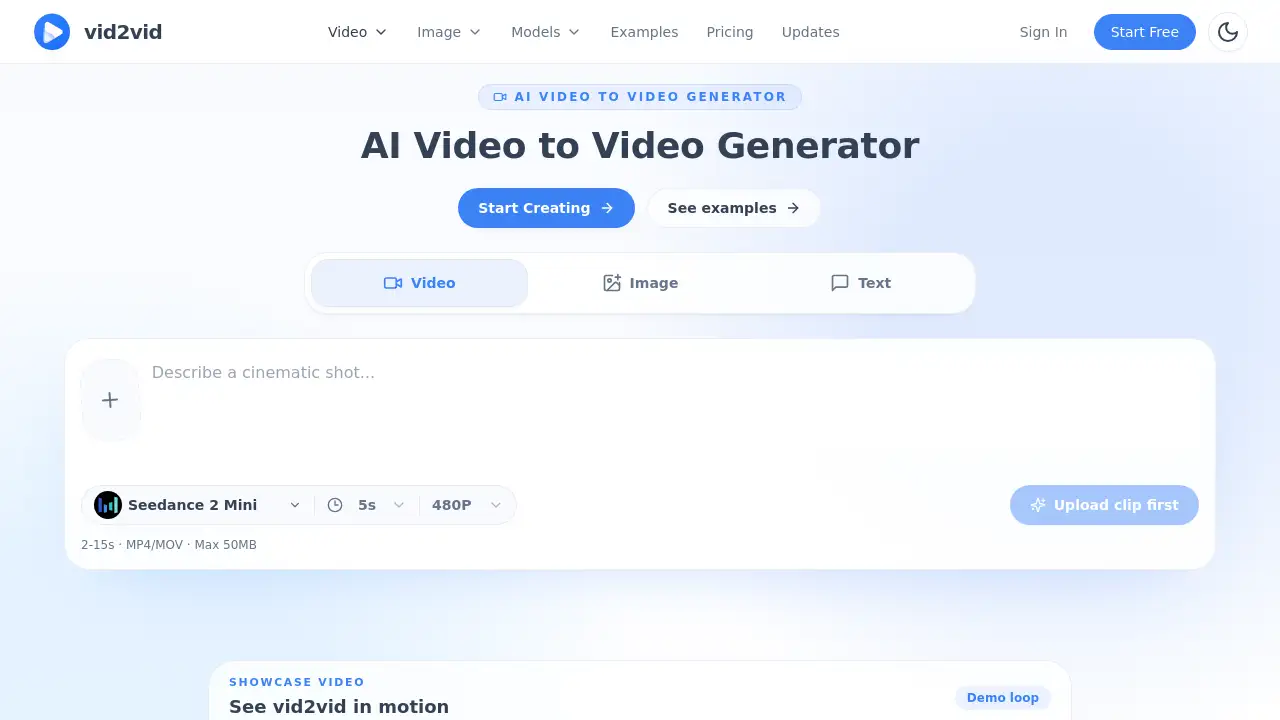
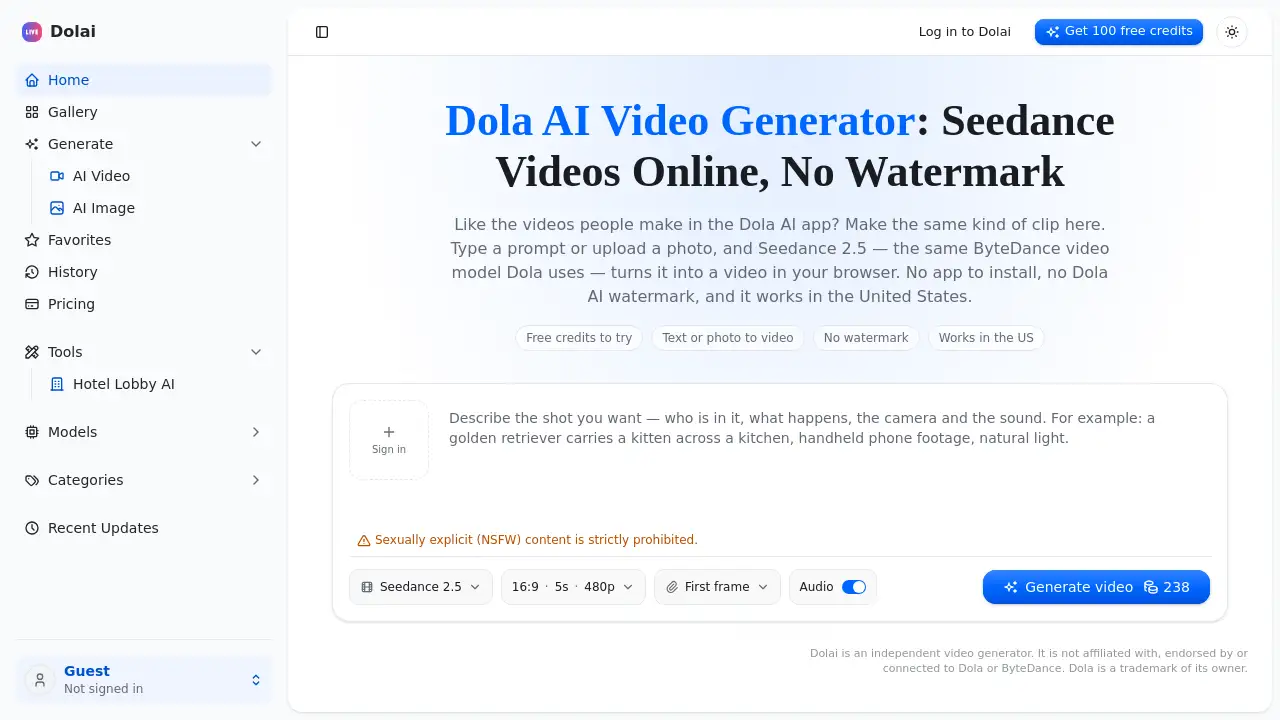
Dola AI Video & Image Generator is an online tool for making Seedance videos from text or a photo. As a browser-based Dola AI video generator, it creates short clips without an app, without a Dola AI watermark, and it works in the United States. New users get free credits to start.
What is Dola AI Video & Image Generator?
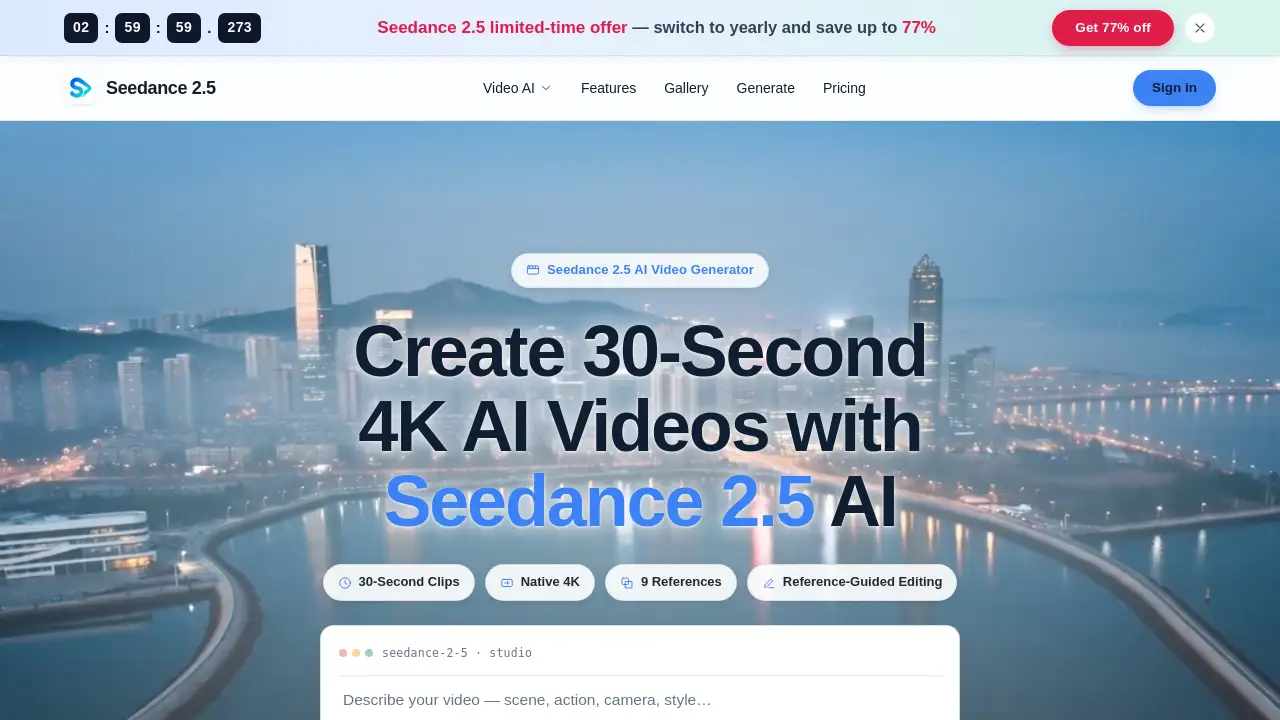
Dola AI Video & Image Generator, also known as Dolai, is an independent web tool for AI video creation. It is not affiliated with Dola or ByteDance. This Dola AI video generator runs Seedance 2.5, the ByteDance video model used by the Dola AI app, directly in a browser. Users type a prompt or upload a photo, then generate a 5–30 second clip with sound. It solves common limits of the Dola AI app: regional blocks, the need to install an app, and watermarked downloads. The tool is designed for creators who want Dola AI style videos online without a chat assistant. Despite the “Image Generator” name, the current focus is video and photo animation, not standalone image generation.
Key Features of Dola AI Video & Image Generator
Seedance 2.5 in the Browser
Generate videos with Seedance 2.5 on a laptop, PC, or phone. No app, APK, or desktop install is required.
Text to Video Creation
Write a scene, action, and camera move, then turn the prompt into a short AI video. This text to video workflow suits ads, storyboards, and social clips.
Photo to Video Animation
Upload a still image and use it as the first frame. The photo to video feature can keep a face and outfit while the scene moves around them.
No Watermark Downloads
Download each clip as an MP4 with no Dola AI watermark. The no watermark output is ready for TikTok, Reels, YouTube Shorts, or client edits.
Flexible Length and Aspect Ratio
Choose 9:16 for vertical social video or 16:9 for YouTube and presentations. One Seedance 2.5 clip runs 5–30 seconds.
Built-in Sound
The video comes back with its own sound, including ambience and effects. This saves a separate audio step for simple clips.
Clear Credit Pricing
The screen shows the credit cost before generating. If a generation fails, the credits return automatically.
Commercial Use Included
Every plan, including the free start, covers commercial use. Creators can use the videos for ads, monetized channels, and client projects.
Use Cases for Dola AI Video & Image Generator
Product and Brand Ads
Make a short commercial with a product push-in, pour, or reveal. This Dola AI video generator can create ad clips without a studio crew.
Food and Travel B-Roll
Generate plating close-ups, steam, sunrises, and scenic shots. These clips suit food accounts, travel pages, and mood boards.
Social Media Shorts
Create 9:16 videos from a single sentence. The online video generator is built for TikTok, Reels, and Shorts feeds.
Photo Animation
Turn a portrait, pet photo, or old family picture into a few seconds of motion. The photo to video tool works from a browser.
Action and Stunt Ideas
Test chases, leaps, and fight beats that would be hard or unsafe to film. A Dola AI video generator can visualize action scenes quickly.
Anime and Cartoon Scenes
Describe an anime, 3D cartoon, or retro look. Seedance 2.5 can produce stylized short clips from a prompt.
How to Use Dola AI Video & Image Generator
- Open the Dola AI Video & Image Generator page in a modern browser.
- Write a prompt or upload a photo. For photo to video, add the image and describe only the movement.
- Pick 9:16 or 16:9 and choose the clip length. The credit cost updates on screen.
- Press Generate video. The clip is saved to history and downloads as an MP4 with no watermark.
- For a longer video, make several Seedance 2.5 clips and join them in an editor.
Target Audience for Dola AI Video & Image Generator
- Social media creators who need short vertical video.
- Small businesses and marketers making product ads.
- Photographers and families animating still images.
- Agencies and freelancers producing client concepts.
- AI video hobbyists testing Seedance 2.5 prompts.
- Users in the United States who cannot access the Dola AI app.
Is Dola AI Video & Image Generator Free?
Dola AI Video & Image Generator offers a free start and paid credit options. A new account gets 100 free credits with no card and no subscription. A 5-second Seedance 2.5 clip costs 238 credits. Paid options are below.
| Plan | Price | Features |
|---|---|---|
| Free start | $0 | 100 free credits, no card, no watermark, commercial use |
| One-time pack | $49 | 4,000 credits that never expire, no watermark, commercial use |
| Subscription | Starts at $39/month | 5,000 credits, no watermark, commercial use |
Pricing can change. Check the official pricing page for current credit costs and plan details.
Dola AI Video & Image Generator's Pros and Cons
| Aspect | Pros | Cons |
|---|---|---|
| Pricing | Free credits and a non-expiring credit pack | A 5-second clip costs 238 credits; regular use can add up |
| Access | Browser-based and works in the United States | Needs an internet connection |
| Features | Seedance 2.5, text to video, photo to video, sound | Video only, with no chat assistant |
| Output | 5–30 second MP4 clips with no watermark | Longer videos require editing several clips |
| Ease of use | Simple prompt and photo workflow | Results depend on prompt quality |
Frequently Asked Questions about Dola AI Video & Image Generator
What is Dola AI Video & Image Generator?
It is an independent online video generator that uses Seedance 2.5 to turn text prompts or photos into short videos. It is not the Dola AI app and is not affiliated with ByteDance.
Is it the same as the Dola AI app?
No. The Dola AI app is a ByteDance assistant with chat, photo editing, and video creation. Dola AI Video & Image Generator focuses only on video and runs in a browser.
Does it add a watermark?
No. Clips download as MP4 files with no Dola AI watermark, including on the free start.
Can users make a video from a photo?
Yes. The photo to video feature uses the uploaded image as the first frame, then animates the scene based on the prompt.
Is it available in the United States?
Yes. It is a website, so it opens in the United States without a VPN. This helps users who find the Dola AI app blocked.
How much does it cost?
New accounts get 100 free credits. A 5-second Seedance 2.5 clip is 238 credits. Paid plans start at $39 per month for 5,000 credits, and a one-time $49 pack gives 4,000 credits that never expire.
Dola AI Video & Image Generator Tags
Dola AI video generator, Dola AI Video & Image Generator, Seedance 2.5, AI video generator online, text to video, photo to video, no watermark video generator, Dola AI app alternative, browser video generator, free credits, works in United States, commercial use AI video.