Introduction
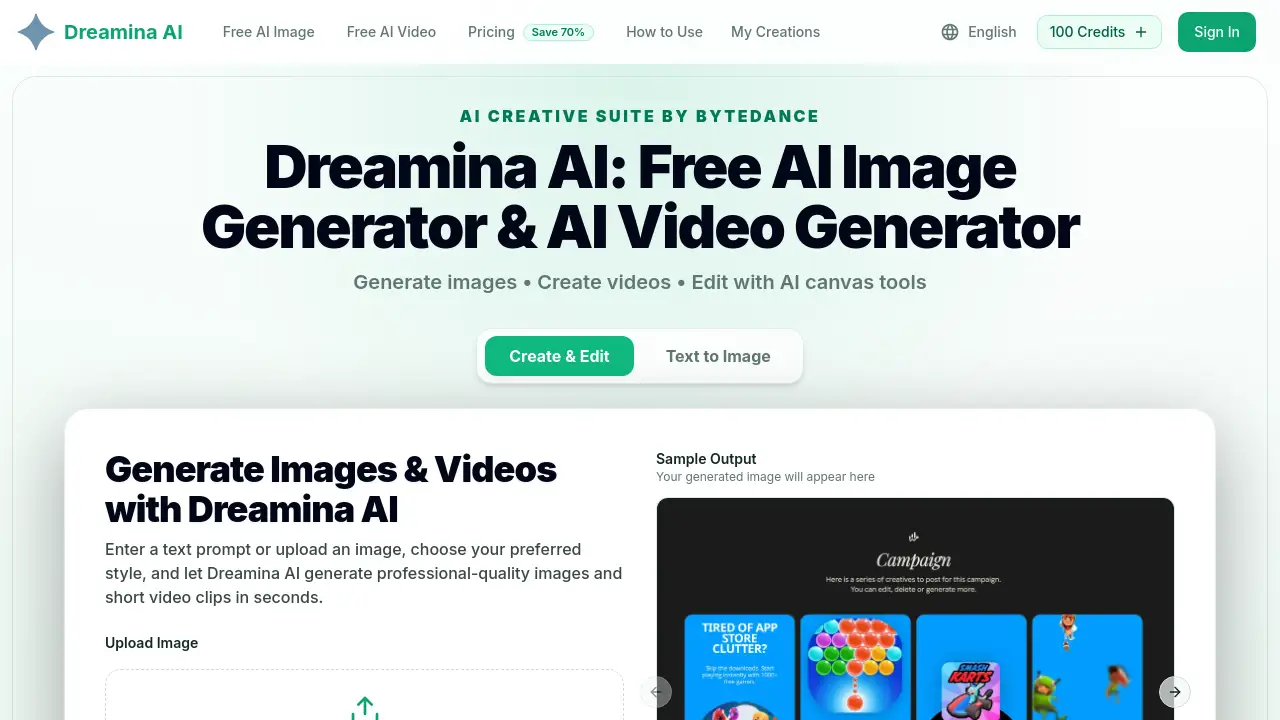
Dreamina AI offers a robust image to image feature that allows users to transform existing photos into new AI-generated variations or animations. This free AI image generator and video platform, developed by CapCut (ByteDance), provides a complete creative suite for generating and editing visual content.
What is image to image?
Image to image is a core function of Dreamina AI that lets users upload a reference picture and use it as a starting point for generating new visuals. Instead of starting from scratch with a text prompt, creators can upload an existing image and ask the AI to create variations, change its style, or animate it into a short video clip. This approach solves a common problem in digital creation: maintaining visual consistency while exploring different creative directions. For example, a product photographer can upload a single product shot and generate multiple background variations without reshooting. The image to image feature is suitable for marketers, designers, and artists who want to iterate quickly on visual ideas while keeping a consistent base reference. Dreamina AI combines this with text to image and text to video capabilities, making it a versatile AI video generator and image creation tool all in one browser-based platform.
Key Features of image to image
Image-to-Image & Video Generation
This is the flagship feature. Users upload an image and use it as a style reference to generate new visual outputs or animate the image into a short video clip. The image to image workflow ensures that generated content stays consistent with the original.
Text-to-Image Generation
Describe any scene using natural language, and Dreamina AI produces a high-quality image. This AI image generator understands complex prompts and converts them into finished visuals in seconds.
Text-to-Video Generation
Dreamina AI also works as an AI video generator by turning text prompts into short video clips. This extends creative possibilities from still images to motion content.
Multi-Style Output
Choose from cinematic, anime, photorealistic, illustrative, and many other styles. Each style adapts the AI's rendering to match the user's creative vision.
Multi-Layer Canvas Editor
Combine AI-generated elements on a single canvas using inpainting, outpainting, and layer blending. This allows for advanced composition control beyond simple generation.
Lightning-Fast Generation
Most images and short videos are ready in 5–15 seconds. This speed allows users to iterate on ideas quickly without long wait times.
Use Cases for image to image
Product Photography
Upload a product photo and use image to image to generate different background scenes or lighting variations. This saves businesses time and money on physical photoshoots.
Social Media Content
Marketers can use the AI video generator to turn a brand image into an animated video clip for social media posts. The image to image feature ensures brand consistency across formats.
Brand Graphics
Designers can generate illustrations or background elements that match a brand's style. Starting from a reference image and generating variations helps maintain cohesive visual identity.
How to Use image to image
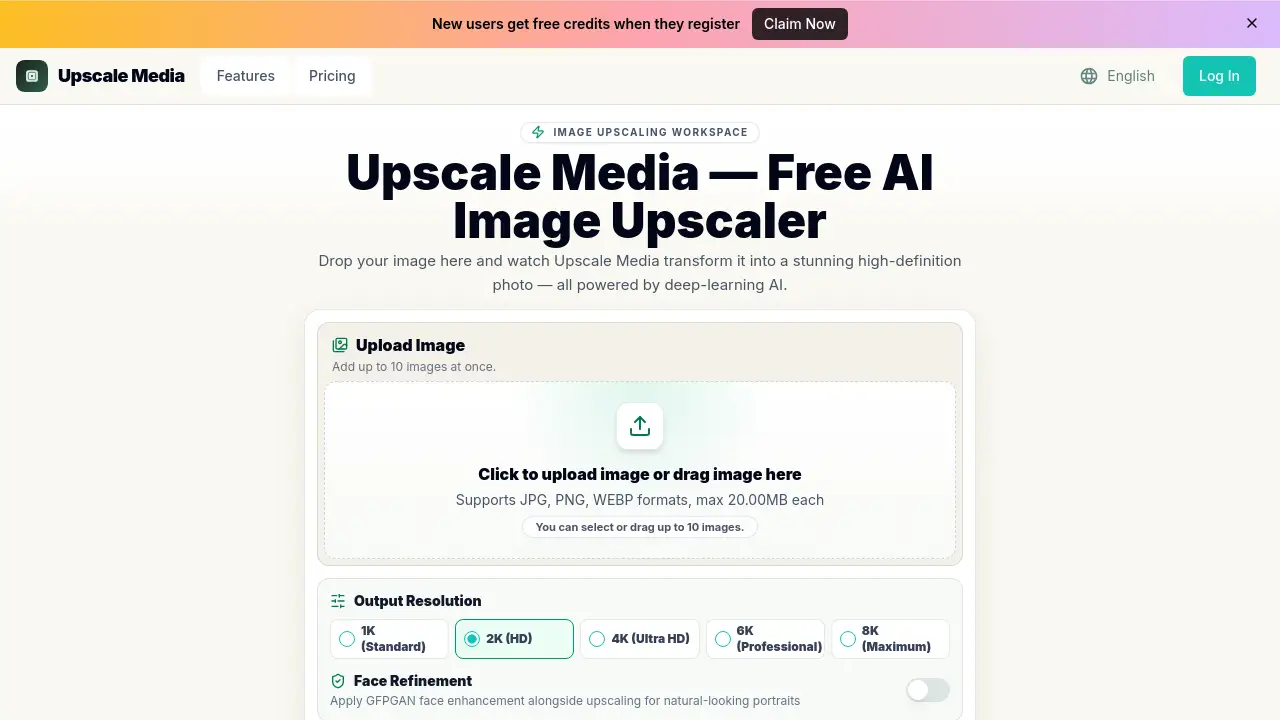
- Upload an Image – Click the upload area and select a JPG, PNG, or WEBP file (max 10MB).
- Add a Text Prompt – Describe how you want the image to be transformed or animated.
- Choose a Style – Select from available styles like cinematic, anime, or photorealistic.
- Set Aspect Ratio – Pick the desired aspect ratio for your output.
- Generate – Click generate and wait 5–15 seconds for the result. You can then download or edit further using the canvas tools.
Target Audience for image to image
- Digital Artists – Creators who want to experiment with variations on their original artwork.
- Marketing Teams – Professionals who need quick visual assets for campaigns and social media.
- E-commerce Businesses – Online stores that require consistent product images in different settings.
- Content Creators – YouTubers and social media influencers who need both images and short videos.
- Designers – Graphic designers looking for a fast way to generate background elements or mockups.
Is image to image Free?
Dreamina AI offers a free tier with daily credits. For more extensive use, paid plans are available:
| Plan | Price | Features |
|---|---|---|
| Basic | $7.9/month | 12,000 credits/year (~1,200 generations), AI image and video generation, commercial use license |
| Professional | $16.7/month | 48,000 credits/year, priority generation queue, everything in Basic |
| Enterprise | $29.9/month | 120,000 credits/year, dedicated support, everything in Professional |
All paid plans include a commercial use license and unlimited downloads. Credits work across image generation, video generation, and canvas editing.
image to image's Pros and Cons
| Aspect | Pros | Cons |
|---|---|---|
| Pricing | Free daily credits available; affordable paid plans starting at $7.9/month | Credit-based system may feel limiting for heavy users compared to unlimited subscriptions |
| Features | Combines image and video generation; multi-style output; canvas editing tools | Upload limit of 10MB per file |
| Performance | Lightning-fast generation (5–15 seconds) | Output quality can vary depending on prompt complexity |
| Usability | No GPU required; works directly in a web browser | Requires internet connection; some advanced editing features may have a learning curve |
| Licensing | Commercial use included in all paid plans | Free tier commercial rights are not explicitly stated |
Frequently Asked Questions about image to image
What is the image to image feature in Dreamina AI?
It allows users to upload a reference image and use it as a starting point to generate new AI variations or animate it into a short video. The image to image function ensures the output stays visually consistent with the original.
Is Dreamina AI free to use?
Yes, Dreamina AI offers a free tier with daily credits that can be used for both image and video generation. Users can upgrade to paid plans for more credits and priority features.
Can I use image to image for commercial projects?
Yes, all paid plans (Basic, Professional, and Enterprise) include a commercial use license, allowing you to use the generated assets in business projects.
Does Dreamina AI support text to video generation?
Yes, Dreamina AI is also an AI video generator. Users can describe a scene in text and generate a short video clip, in addition to using the image to image feature to animate existing images.
Do I need a powerful computer to run Dreamina AI?
No. All processing happens on the cloud. You only need a web browser and an internet connection to use this AI image generator and video tool.
What are the file format and size limits for image uploads?
Supports JPG, PNG, and WEBP formats. The maximum file size is 10MB. This applies when using the image to image feature.
image to image Tags
Dreamina AI, image to image, ai image generator, text to image, ai video generator, free ai image generator, text to video, capcut ai, image to video, ai creative suite, online image generator, ai art generator