Introduction
An AI image editor like Editaimg makes it easy to remove backgrounds, upscale details, and restyle photos without professional skills. This review covers its features, pricing, and practical uses.
What is Editaimg?
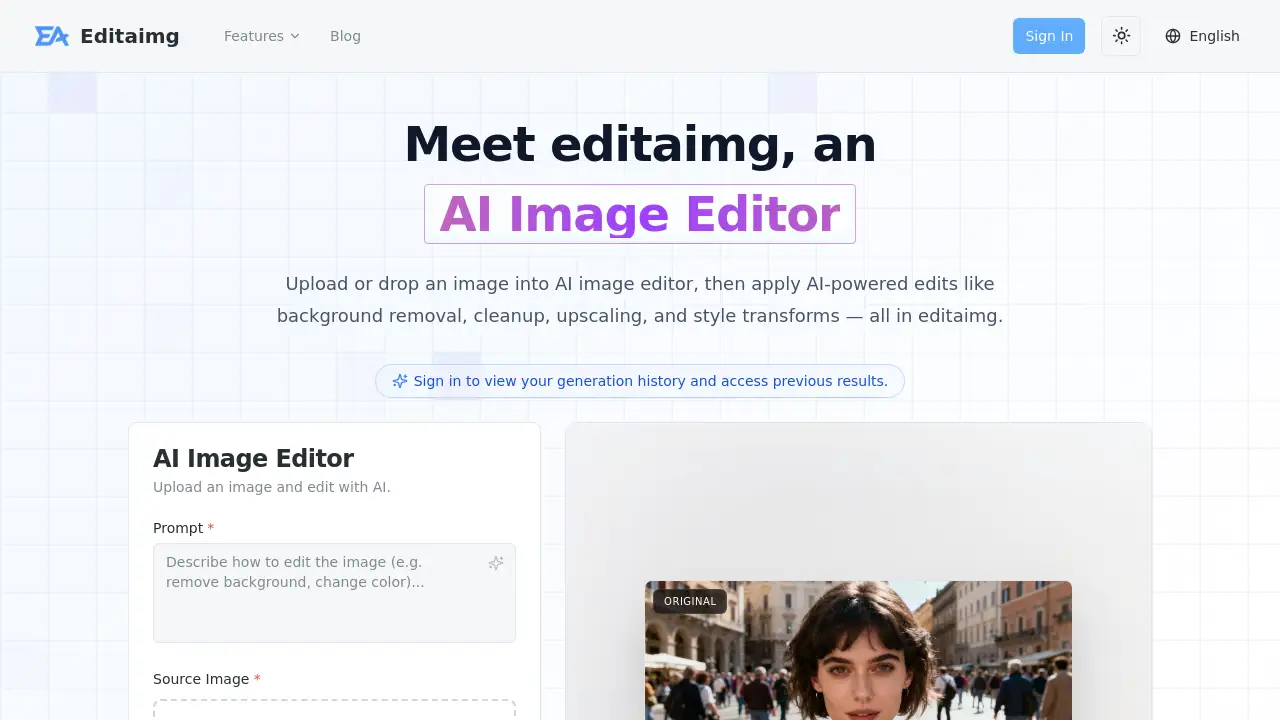
Editaimg is an online AI image editor that uses artificial intelligence to perform common editing tasks quickly. Users can upload an image, describe the desired change in a prompt box, and let the tool process it. The platform handles background removal, object removal, image upscaling, style transforms, and more. It is designed for anyone who needs fast, high-quality edits without learning complex software. By eliminating the need for manual retouching, Editaimg saves time and reduces the learning curve for AI image editing. The tool is suitable for e-commerce sellers, content creators, social media managers, and casual users who want professional-looking results.
Key Features of Editaimg
Background Removal and Replacement
Editaimg automatically detects the foreground of an image and removes the background. Users can then place the subject on a new background or keep it transparent. This feature is especially useful for product photography and profile pictures.
Image Upscaling and Enhancement
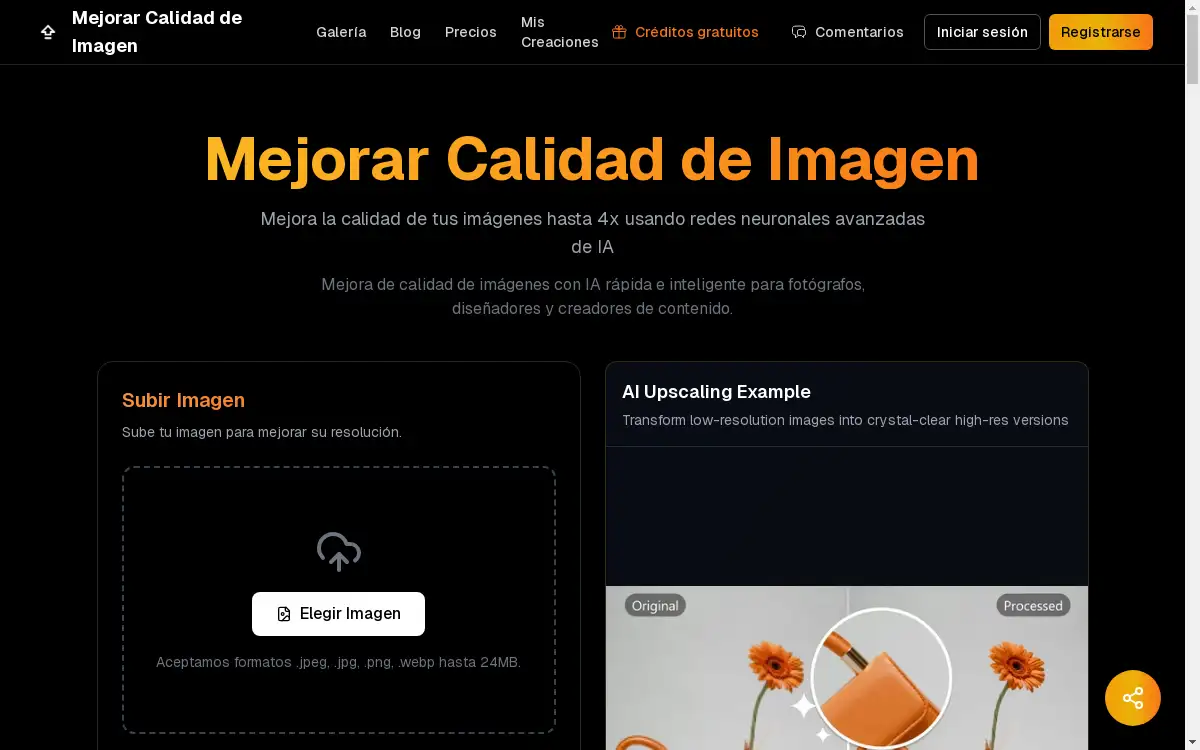
The AI image editor increases resolution while preserving details. Upscaled images look sharper and cleaner, making them suitable for printing, high-resolution displays, or zooming into fine details.
Object Removal and Replacement
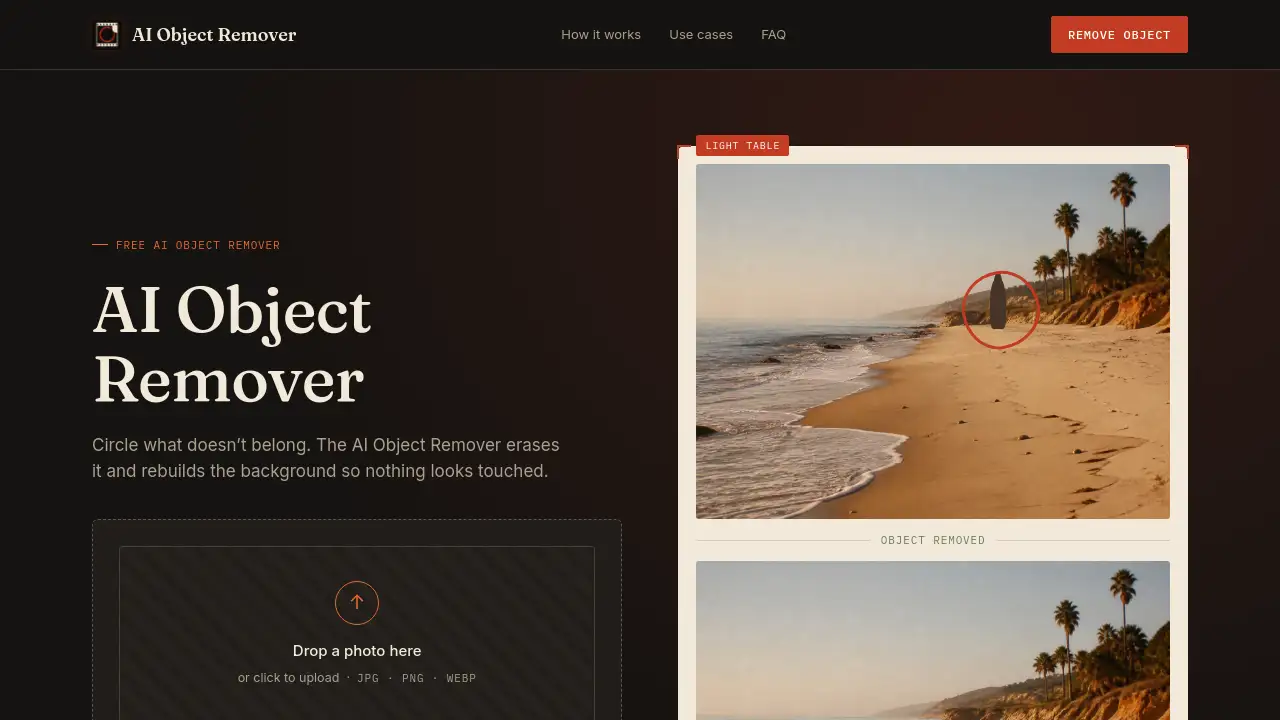
Unwanted people, objects, or distractions can be removed from photos. The tool intelligently fills in the background to create a seamless look. It can also replace objects (e.g., swapping a coffee cup for a teacup) by following a text prompt.
Style Transforms and Artistic Effects
Users can apply artistic styles, color grading, and lighting adjustments to any image. The AI image editing engine changes the overall look — from realistic to anime, cinematic, or other creative styles.
Text Editing and Translation
Editaimg includes an image text editor that can add, edit, or remove text while matching fonts, colors, and textures. The AI image translator can convert text in images to over 130 languages while preserving the original formatting.
Special Effects (Add Someone to Photo, AI Kiss Generator, AI Snow)
Additional creative tools allow users to insert a person into an existing photo with natural blending, create a romantic kiss image from two photos, or add realistic snowfall to any scene.
Gemini Watermark Remover
A dedicated feature removes visible Gemini watermarks from images, ensuring clean, export-ready files.
Use Cases for Editaimg
E-Commerce Product Photography
Online sellers can quickly remove plain backgrounds from product shots and place items in realistic settings, such as a soap dispenser on a kitchen sink. This creates professional-looking photos without a physical studio.
Travel and Landscape Photo Cleanup
Remove tourists, utility poles, trash, or other distractions from vacation photos. The AI image editor reconstructs the background so the scene looks clean and natural.
Social Media Content Creation
Design eye-catching posts by applying artistic styles, adding text, or translating captions. The instant preview and one-click export make it easy to produce multiple variations quickly.
Creative Projects and Personal Use
Create romantic images with the AI kiss generator, add snow to birthday photos, or insert a friend into a group picture. These features are fun and useful for personal memories.
How to Use Editaimg
- Import your image — Drag and drop a file (up to 50 MB, up to 8 at once) into the AI image editor.
- Describe your idea — In the prompt box, type what you want: “remove the background,” “upscale to 4K,” “add a cup of tea,” etc.
- Choose settings — Adjust resolution, format, aspect ratio, and style strength using the advanced options.
- Generate your edit — Click the “Edit” button. The tool processes the image in seconds, then shows the result. Download the high-resolution output with one click.
Target Audience for Editaimg
- E-commerce sellers who need quick product photos with clean backgrounds.
- Content creators and bloggers who want to enhance images for posts.
- Social media managers who require fast, on-brand visual edits.
- Casual users who want to remove objects or apply fun effects to personal photos.
- Small business owners without a design team who still need polished visuals.
Is Editaimg Free?
Editaimg offers one-time payment plans with no subscription required. All plans include priority generation queue and credits that never expire.
| Plan | Price | Credits | Key Features |
|---|---|---|---|
| Basic | $9.9 | 160 | Access to all AI editing features, no expiration |
| Standard | $29.9 | 800 | Same features, more credits |
| Pro | $49.9 | 4000 | Best value for heavy users |
There is no free tier, but the one-time model means users pay only when they need credits. New users can test the editor by signing in and using the limited credits (if offered) or by purchasing the Basic plan.
Editaimg's Pros and Cons
| Aspect | Pros | Cons |
|---|---|---|
| Pricing | One-time payment, no monthly subscription | No free plan; credits are consumed per edit |
| Features | Wide range: background removal, upscaling, text editing, special effects | Some advanced features (e.g., AI kiss generator) are niche |
| Ease of Use | Simple drag-and-drop interface, prompt-based editing | Results depend on prompt clarity; may require trial and error |
| Output Quality | High-resolution downloads, natural blending | Consistent results may vary with complex images |
| Privacy | No watermark in exports; Gemini watermark remover included | Requires signing in to view history |
Frequently Asked Questions about Editaimg
How does Editaimg’s credit system work?
Each edit (generation) uses one credit, regardless of the feature used. Credits are purchased in packs and do not expire. For example, the Basic plan gives 160 credits for $9.9, meaning each edit costs about $0.06.
Can I use Editaimg for commercial purposes?
Yes. The AI image editor allows users to download and use edited images for commercial projects, such as product listings, advertisements, or social media posts. No additional licensing is needed.
What file formats and sizes are supported?
Editaimg accepts common image formats (JPG, PNG, etc.) up to 50 MB per file. Users can upload up to 8 images at once. The output resolution and format can be selected before generating.
Does Editaimg keep my images private?
The platform processes images on its servers but does not claim ownership. Images are stored temporarily and can be accessed via the user’s history after signing in. For privacy, the Gemini watermark remover ensures clean exports.
Are there any subscription commitments?
No. All credits are bought with a one-time payment. There is no recurring charge. Users can purchase additional credit packs anytime.
How long does each edit take?
Most edits finish in a few seconds, depending on the complexity and server load. The priority generation queue (included in all plans) gives faster processing compared to free alternatives.
Editaimg Tags
AI image editor, Editaimg, background removal, image upscaling, AI photo editor, object removal, style transfer, image cleanup, prompt-based editing, one-time payment, image text editor, AI image translator