Introduction
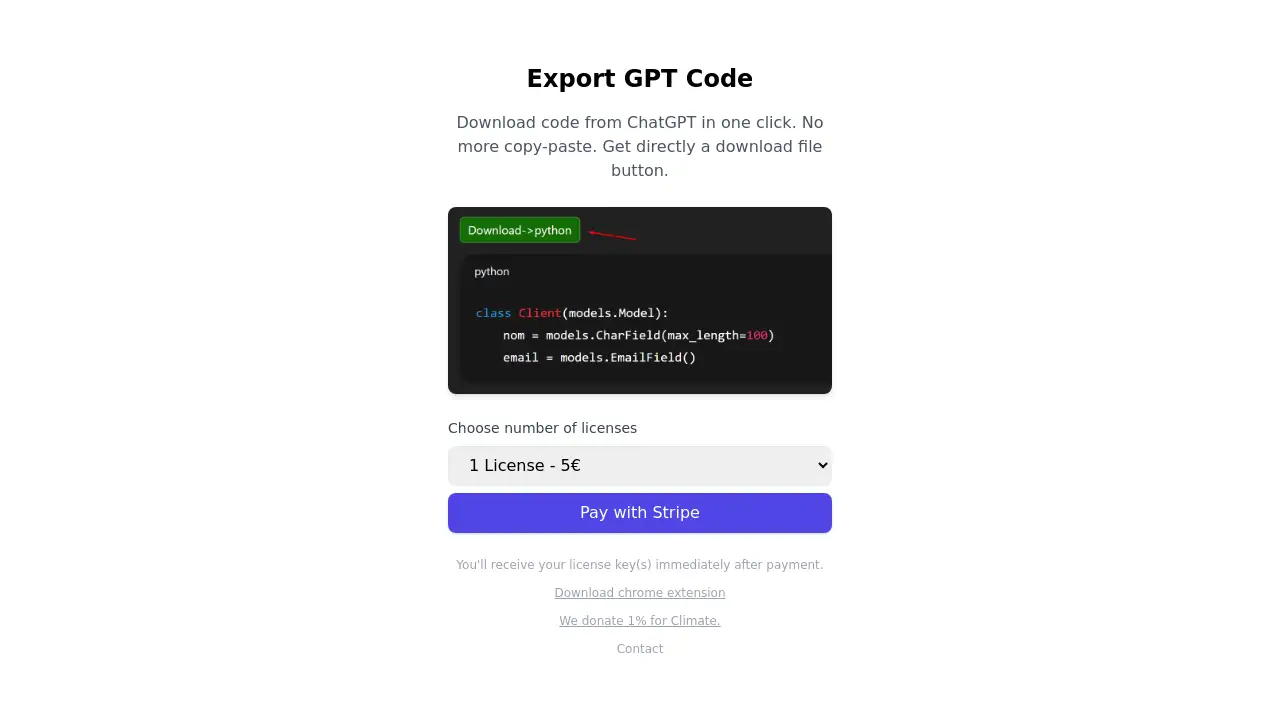
Export GPT Code is a Chrome extension that instantly downloads ChatGPT-generated code as organized project files.
What is Export GPT Code?
Export GPT Code is a specialized browser tool designed to streamline the workflow of developers and learners using ChatGPT for coding assistance. The core problem it addresses is the tedious and error-prone process of manually copying, pasting, and saving multiple code snippets and files from a ChatGPT conversation into a local development environment. Instead of wrestling with fragmented text, users can paste code with designated file names directly into the extension and receive a ready-to-use .zip archive. This tool is particularly suitable for anyone who regularly uses AI like ChatGPT to generate, debug, or learn code, turning a conversational AI output into tangible project files in seconds. Its importance lies in boosting productivity, reducing human error, and making the transition from AI idea to executable code seamless.
Key Features of Export GPT Code
One-Click Project Export
With a single click, the extension processes the copied ChatGPT conversation and provides a downloadable .zip file containing all the code, eliminating the need for manual file creation.
Structured File Generation
Users can paste code blocks accompanied by file names (e.g., script.js, styles.css), and the tool automatically creates a folder structure with correctly named files inside the archive.
Direct Browser Integration
As a lightweight Chrome extension, it works directly within the browser where ChatGPT is accessed, requiring no complex setup or separate software installation to download code from ChatGPT.
Clean and Simple Interface
The tool focuses on a minimal, user-friendly interface that performs its core function—exporting ChatGPT code—without unnecessary features or clutter.
Use Cases for Export GPT Code
Rapid Prototyping with AI
Developers can use ChatGPT to brainstorm and generate code for a new feature or module, then instantly export the entire block as a working file to test within their project.
Learning and Educational Projects
Students and coding bootcamp participants can save complete code examples from AI tutoring sessions as downloadable project files for later review, practice, and modification.
Debugging and Code Explanation
When ChatGPT provides a corrected version of a buggy script or explains a concept with multiple files, users can save this corrected code as a project to compare against their original work.
Building Project Scaffolds
Users can prompt ChatGPT to generate the basic structure for a web app, including index.html, app.js, and style.css, and then use this Chrome extension for ChatGPT to download the entire scaffold in one go.
How to Use Export GPT Code
Using the tool is a straightforward process designed for efficiency:
- Install the Extension: Add the "Export GPT Code" extension from the Chrome Web Store to your browser.
- Generate and Copy Code: Have a conversation with ChatGPT where it provides code. Ensure the response includes clear file names for different code blocks.
- Activate the Tool: Click on the Export GPT Code extension icon in your browser's toolbar.
- Paste and Export: Paste the entire ChatGPT code response into the extension's pop-up window and click the export button. The tool will process the text and provide a
.zipfile download containing your organized code files.
Target Audience for Export GPT Code
- Software Developers and Engineers who use AI assistants to speed up coding tasks.
- Students and Learners in computer science and related fields who utilize ChatGPT for homework help and project guidance.
- Hobbyists and DIY Programmers building personal projects with the aid of AI-generated code.
- Educators and Instructors who create coding examples and tutorials using AI tools.
Is Export GPT Code Free?
The available information indicates that Export GPT Code operates on a license-based model. Users can choose the number of licenses they need during checkout and receive their keys immediately after payment. The product's homepage does not specify a free tier or trial, suggesting it is a premium tool. For the most accurate and current pricing details, including any potential free plans or offers, visiting the official product website or Chrome Web Store listing is recommended.
Frequently Asked Questions about Export GPT Code
How does Export GPT Code handle different programming languages?
The tool is language-agnostic. It focuses on the text structure, recognizing file names and their associated code blocks. Whether the code is in Python, JavaScript, HTML, or any other language, it will be saved into the correctly named file within the .zip archive.
Is the Export GPT Code extension safe to use?
As a Chrome extension that operates locally within your browser to format and download text, it does not require sending your code to external servers for processing. Users should always download extensions from official stores like the Chrome Web Store and review the permissions requested.
Can I use this extension with other AI chatbots besides ChatGPT?
The extension is specifically designed and optimized for the ChatGPT interface. Its ability to parse conversations and identify code blocks may not work correctly on other AI chatbot platforms.
What happens if my ChatGPT code doesn't have explicit file names?
The extension relies on clear file name indicators (like filename.js) to structure the output. If file names are absent or unclear, the tool may not be able to organize the code into separate files correctly, potentially bundling everything into a single text file.
Do I need to be online to use the exported files?
No. Once you download the .zip file using the Export GPT Code extension, the project files are stored locally on your computer. You can unzip, edit, and run the code entirely offline in your preferred development environment.
Is there a limit to the size or number of files I can export?
The product description does not mention specific limits. Performance would logically depend on the complexity of the ChatGPT conversation and the amount of text being processed by the browser extension.
Export GPT Code Tags
Export GPT Code, download code from ChatGPT, Chrome extension for ChatGPT, export ChatGPT code, save ChatGPT code as files, AI coding tool, developer productivity, code export tool, ChatGPT to zip, organize AI code, programming workflow, browser extension for developers