Introduction
Easily transform PDF documents into editable PowerPoint presentations with AI-powered conversion.
What is GenPPT - AI PDF to PPT?
GenPPT - AI PDF to PPT is an online tool designed to convert PDF documents into fully editable PowerPoint presentations. The tool solves the common problem of needing to manually recreate content from static PDF files, such as reports, research papers, or business documents, into dynamic slide decks. By using artificial intelligence, it automates the tedious process of content extraction and slide design. It is suitable for professionals, students, and educators who frequently need to repurpose information for meetings, lectures, or pitches. This conversion tool matters because it saves significant time and effort while ensuring the final presentation maintains a professional and engaging layout.
Key Features of GenPPT - AI PDF to PPT
Intelligent Content Extraction
The AI thoroughly analyzes the PDF to extract text, headings, and data tables, ensuring the core content is accurately transferred to the PowerPoint slides.
Smart Slide Layouts
The converter automatically selects the most appropriate and professional slide layouts for different types of content, enhancing readability and visual appeal.
Fully Editable Output
Unlike simple image converters, this tool generates a standard PowerPoint file where every element, from text to formatting, can be freely modified and customized.
Preserve Document Structure
The AI intelligently maps the original PDF's chapters and sections into a logical slide hierarchy, maintaining the flow and organization of the source document.
Web Search Enhancement
An optional feature allows the tool to pull in the latest data and context from the web, enriching the presentation with up-to-date information related to the PDF content.
Fast & Free Conversion
Users can convert PDFs to PPT quickly without needing to sign up for an account, handling documents of various lengths and complexities efficiently.
Use Cases for GenPPT - AI PDF to PPT
Academic Presentations
Students and researchers can transform lengthy research papers or theses into concise, visually engaging presentation slides for conferences or class lectures.
Business Report Repurposing
Professionals can quickly convert detailed business reports, financial summaries, or project documentation into compelling slide decks for stakeholder meetings.
Training Material Creation
Trainers and educators can turn instructional PDFs, manuals, or guides into interactive PowerPoint presentations for workshops or online courses.
Client Proposal Development
Consultants and freelancers can efficiently convert project proposals or case study documents from PDF into polished presentations to pitch to potential clients.
How to Use GenPPT - AI PDF to PPT
- Visit the Website: Go to the GenPPT - AI PDF to PPT tool page.
- Upload Your PDF: Click the upload area and select the PDF document you wish to convert from your device.
- Choose a Template (Optional): Select a visual template for your presentation, such as Insight Blue or Clarity Glass.
- Initiate Conversion: Start the AI-powered conversion process. The tool will analyze and transform your PDF.
- Download and Edit: Once processing is complete, download the editable PowerPoint file and make any final customizations.
Target Audience for GenPPT - AI PDF to PPT
- Business Professionals and Managers
- Students, Researchers, and Academics
- Consultants, Freelancers, and Coaches
- Marketing and Sales Teams
- Educators and Corporate Trainers
Is GenPPT - AI PDF to PPT Free?
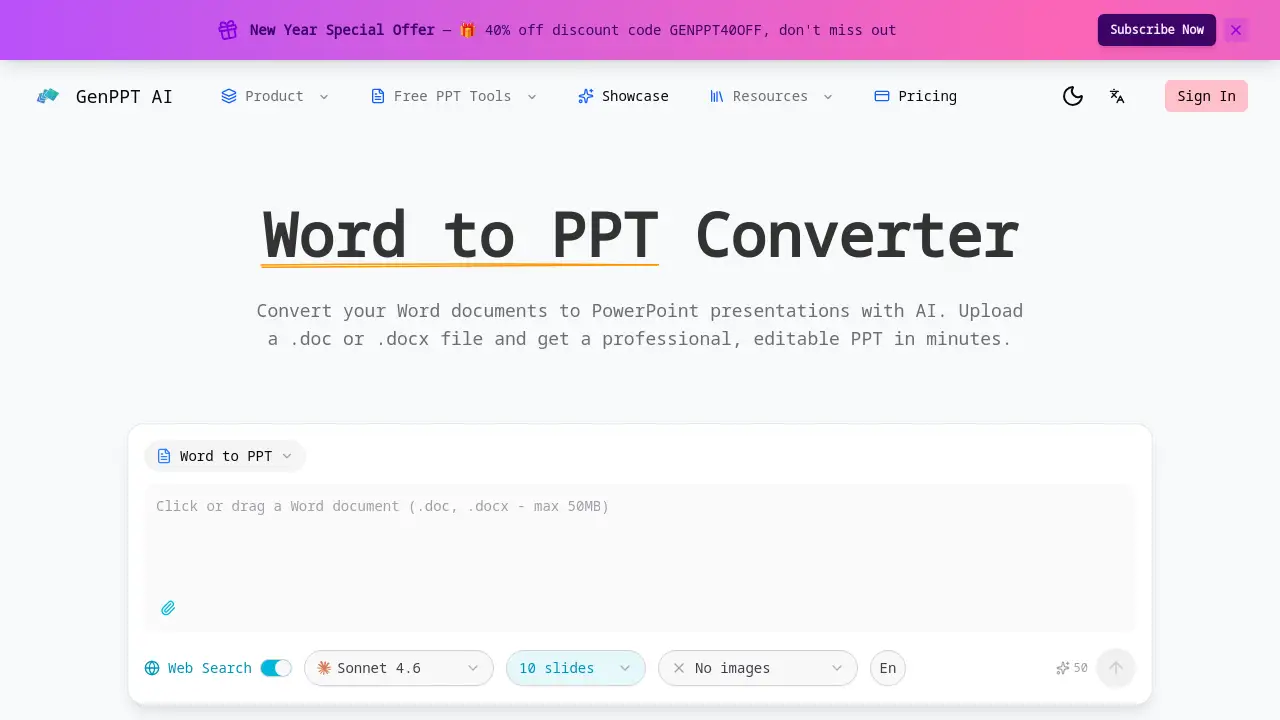
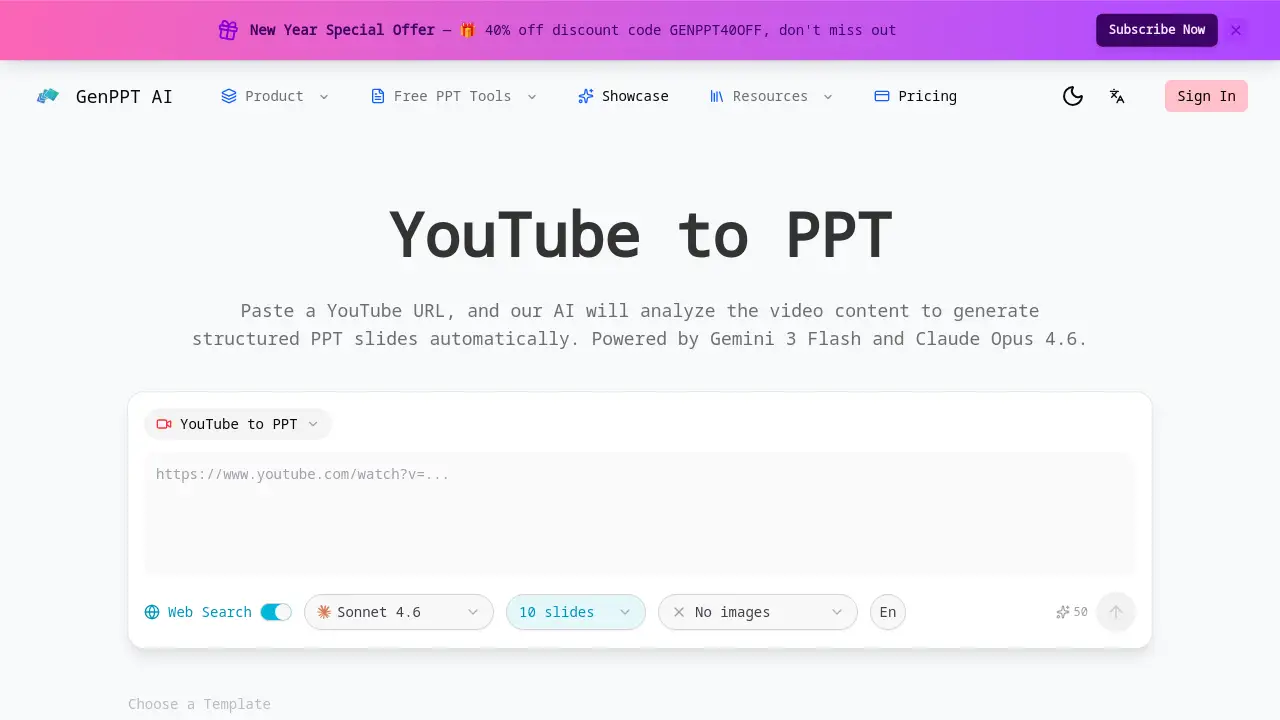
The reference information highlights a "Fast & Free Conversion" feature with no sign-up required, indicating a free tier is available. For specific details on premium plans, advanced features, or the current New Year Special Offer with a 40% discount code (GENPPT40OFF), users should refer to the official GenPPT website.
| Plan | Price | Features |
|---|---|---|
| Free | $0 | Basic AI PDF to PPT conversion, no sign-up required. |
| Pro/Paid Plans | Varies (Check website) | Likely includes advanced templates, higher file limits, web search enhancement, and priority processing. |
GenPPT - AI PDF to PPT's Pros and Cons
| Aspect | Pros | Cons |
|---|---|---|
| Ease of Use | Simple, no-sign-up process; fast conversion. | Dependent on AI interpretation, which may require manual tweaks. |
| Output Quality | Creates fully editable, professionally laid-out PowerPoint files. | Final design may need refinement for brand-specific styling. |
| Functionality | Intelligent structure preservation and optional web search. | Advanced features like web search may be behind a paywall. |
| Accessibility | Free tier available for basic conversions. | Full feature set and commercial use may require a paid subscription. |
Frequently Asked Questions about GenPPT - AI PDF to PPT
What types of PDFs can be converted?
The AI PDF to PPT converter can handle a wide range of documents, including business reports, academic papers, e-books, and manuals. It is designed to process text-heavy PDFs with headings, lists, and tables most effectively.
Is the converted PowerPoint file truly editable?
Yes. Unlike tools that simply insert PDF pages as images, this converter produces a standard .pptx file. All text, images, and slide elements can be modified in Microsoft PowerPoint, Google Slides, or other compatible software.
How does the AI preserve the document's structure?
The AI analyzes the PDF to identify chapters, sections, headings, and bullet points. It then maps this hierarchy onto a logical sequence of PowerPoint slides, maintaining the original flow and organization of your content.
What is the Web Search Enhancement feature?
When enabled, this feature allows the AI to perform contextual web searches based on your PDF's content. It can pull in recent statistics, definitions, or related information to enrich and update the data in your presentation slides.
Is there a limit on PDF size or page count?
While the reference states it handles documents of "any length and complexity," practical limits may exist for very large files on the free tier. For specific limits, checking the tool's website is recommended.
Do I need to create an account to use it?
No. The basic PDF to PowerPoint conversion can be performed without signing up for an account, making it quick and accessible for one-time users.
GenPPT - AI PDF to PPT Tags
AI PDF to PPT, PDF to PowerPoint converter, GenPPT, convert PDF to presentation, AI presentation maker, editable PowerPoint from PDF, free PDF converter, smart slide layouts, document repurposing tool, business presentation tool, academic presentation software, online PPT converter