Introduction
Tome App AI is a powerful AI PPT generator that helps users create professional presentations quickly and easily.
What is Tome App AI?
Tome App AI is an advanced AI-powered presentation tool designed to streamline the creation of professional slides. It solves the common problem of spending excessive time on slide design, formatting, and structuring. This AI presentation generator is suitable for business professionals, educators, marketers, and anyone who needs to create compelling visual content. By leveraging the power of Claude Opus 4.6, Tome AI can transform simple text descriptions or existing files into fully designed Tome AI presentations. The significance of this tool lies in its ability to democratize professional design, allowing users to focus on their message rather than the mechanics of slide creation.
Key Features of Tome App AI
Text-to-Slides Generation
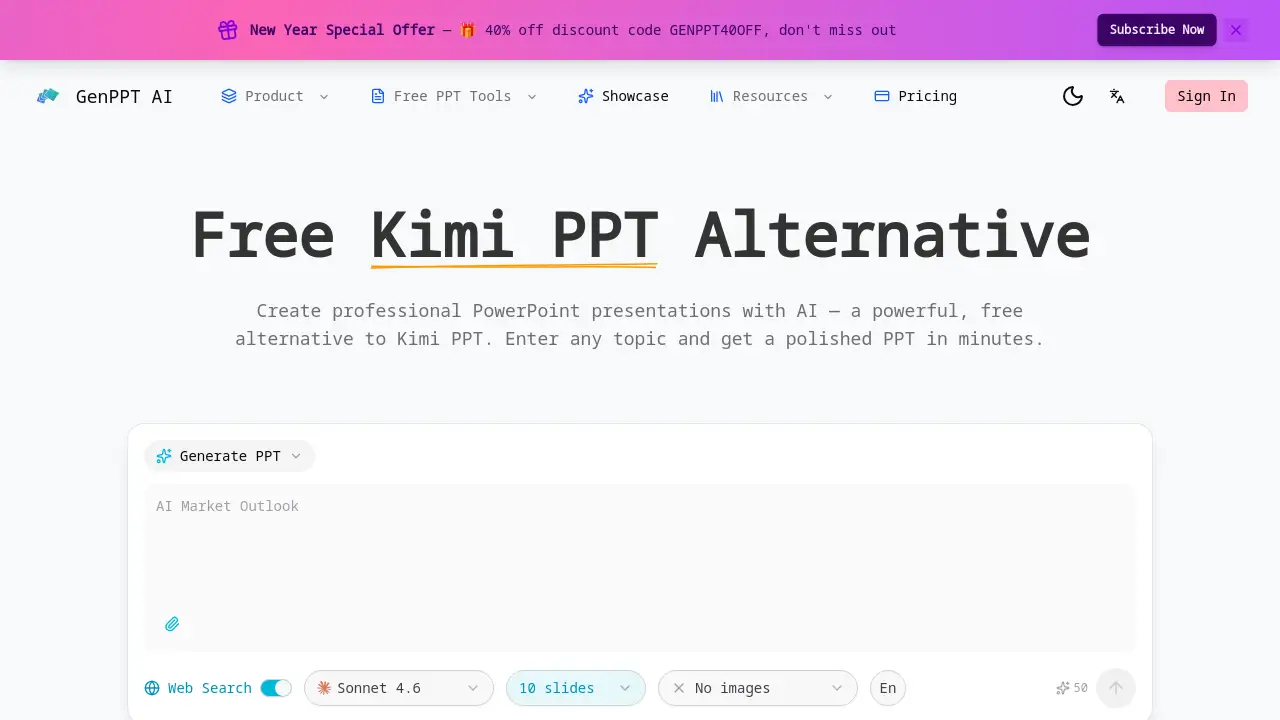
Users can describe their presentation topic in plain text, and the AI PPT generator will automatically create a complete, structured slide deck with appropriate layouts.
Smart Layout Automation
Tome AI analyzes the content type on each slide and automatically selects the most effective design pattern, ensuring every Tome PPT slide is visually balanced and professional.
AI-Powered Chart Creation
The tool can transform raw data into beautifully styled charts and graphs, adding strong data visualization to any Tome AI presentation without manual design work.
Intelligent Image Suggestions
To enhance visual appeal, the Tome PPT maker suggests relevant, high-quality images that match the slide content, saving users time searching for assets.
Multi-Format Export
Users can download their completed work as a standard PPTX file, ensuring compatibility with PowerPoint, Google Slides, and other major presentation software.
Multi-language Support
This feature allows global teams to create Tome AI presentations in multiple languages with proper formatting, making it a versatile tool for international collaboration.
Use Cases for Tome App AI
Business Pitch Decks
Professionals can use this AI PowerPoint maker to quickly generate investor-ready pitch decks, ensuring a polished and persuasive visual narrative.
Educational and Training Materials
Educators and trainers can convert lesson plans or training outlines into engaging Tome AI presentations to improve student and employee comprehension.
Marketing and Sales Proposals
Marketing teams can streamline the creation of client proposals and sales presentations, maintaining brand consistency and a high-quality aesthetic.
Internal Company Reports
Employees at all levels can use the Tome PPT generator to compile quarterly reports or project updates into well-designed, easy-to-understand slides for leadership.
How to Use Tome App AI
The process for creating a presentation with Tome App AI is straightforward.
- Start a New Project: Visit the Tome App AI website and choose to create a new Tome AI presentation from a text prompt or by uploading an existing file.
- Provide Input: Describe your presentation topic in detail or upload your PowerPoint file. The more context you give, the better the AI PPT generator can work.
- Let AI Generate: The Tome AI will process your input, generating a complete slide deck with text, layouts, and suggested visuals.
- Review and Customize: Go through the automatically created Tome PPT slides. You can edit text, swap images, adjust layouts, or refine the design to your liking.
- Export and Share: Once satisfied, export your Tome AI presentation as a PPTX file or present directly from the platform.
Target Audience for Tome App AI
- Business Professionals and Executives
- Marketing and Sales Teams
- Educators, Teachers, and Trainers
- Content Creators and Freelancers
- Students working on academic projects
- Startup founders and entrepreneurs
Is Tome App AI Free?
Based on the available reference information, specific pricing details for Tome App AI are not provided. The product's homepage emphasizes its capabilities and features without listing a price table. Users interested in understanding the cost structure, including any free tier, trial options, or premium plans, should visit the official Tome App AI website for the most current and accurate pricing information.
Tome App AI's Pros and Cons
| Aspect | Pros | Cons |
|---|---|---|
| Efficiency | Dramatically reduces the time needed to create professional presentations. | The AI-generated structure may require manual tweaking for highly specific narratives. |
| Ease of Use | Intuitive interface; requires no design skills to achieve professional results. | Pricing information is not immediately transparent from the provided reference material. |
| Technology | Powered by advanced Claude Opus 4.6 model for high-quality output. | As with any AI tool, the output quality is dependent on the clarity of the user's initial input. |
| Functionality | Offers a comprehensive suite from generation to beautification and export. | Advanced customization beyond AI suggestions may have a learning curve. |
Frequently Asked Questions about Tome App AI
What is Tome App AI used for?
Tome App AI is used as an AI PPT generator to create, beautify, and enhance professional presentation slides quickly. It helps users turn ideas or existing documents into visually compelling Tome AI presentations.
Does Tome App AI work with existing PowerPoint files?
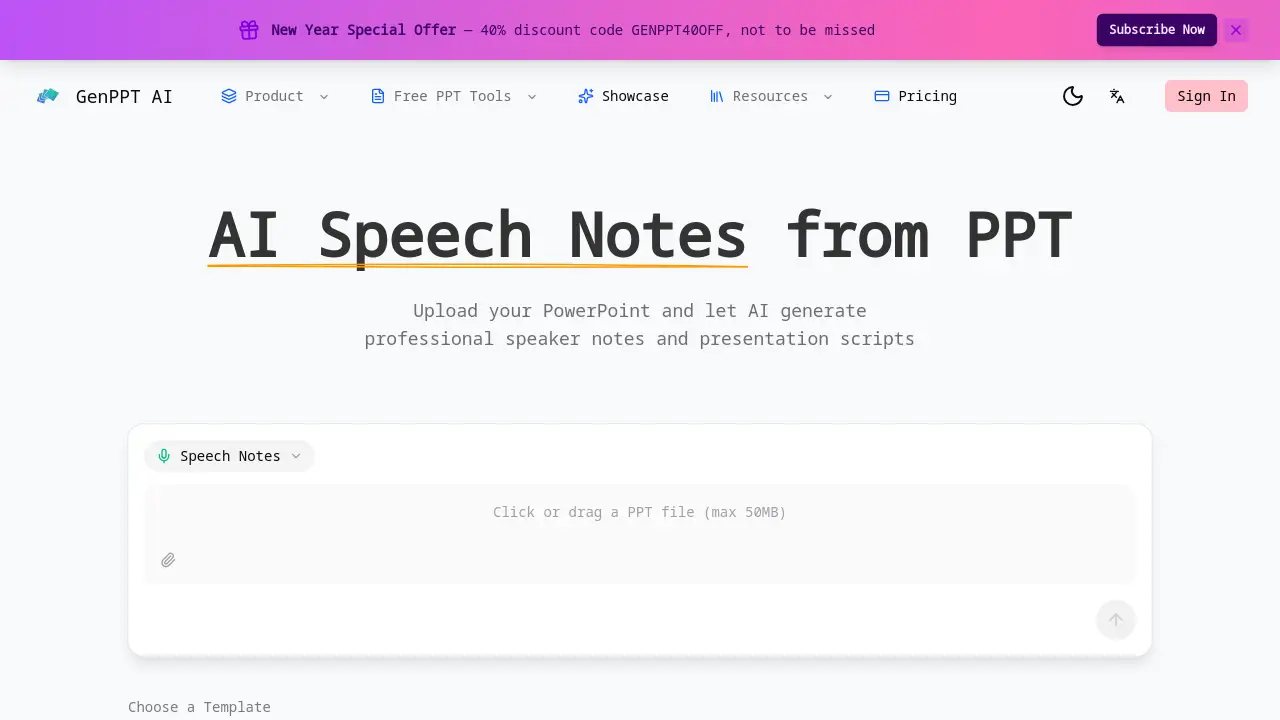
Yes. One of its key features is the ability to upload existing PowerPoint files. The AI can then analyze and enhance the design, suggesting improvements to layouts and visuals through its reverse prompt capability.
What AI model does Tome App AI use?
Tome App AI is powered by the Claude Opus 4.6 model, a leading AI system known for its advanced reasoning and content generation capabilities, which it applies specifically to presentation creation.
Can I download my presentation to PowerPoint?
Absolutely. A core feature of this Tome PPT maker is the ability to export your final Tome AI presentation as a standard PPTX file, ensuring full compatibility with Microsoft PowerPoint and other presentation software.
Is Tome App AI suitable for team collaboration?
While the reference information highlights multi-language support for global teams, specific collaborative features like real-time co-editing are not detailed. The tool is well-suited for individuals and teams creating presentations in multiple languages.
How does the "beautify" feature work?
The beautify feature uses AI to analyze your slide content and automatically apply professional design principles. It can suggest better layouts, cohesive color schemes, relevant imagery, and improved data visualizations to enhance your Tome PPT slides.
Tome App AI Tags
AI PPT generator, Tome AI presentation, Tome PPT maker, AI PowerPoint maker, create presentation with AI, professional PPT generator, AI slide deck creator, Tome App AI review, AI presentation tool, Claude Opus 4.6, beautify PPT, export PPTX