Introduction
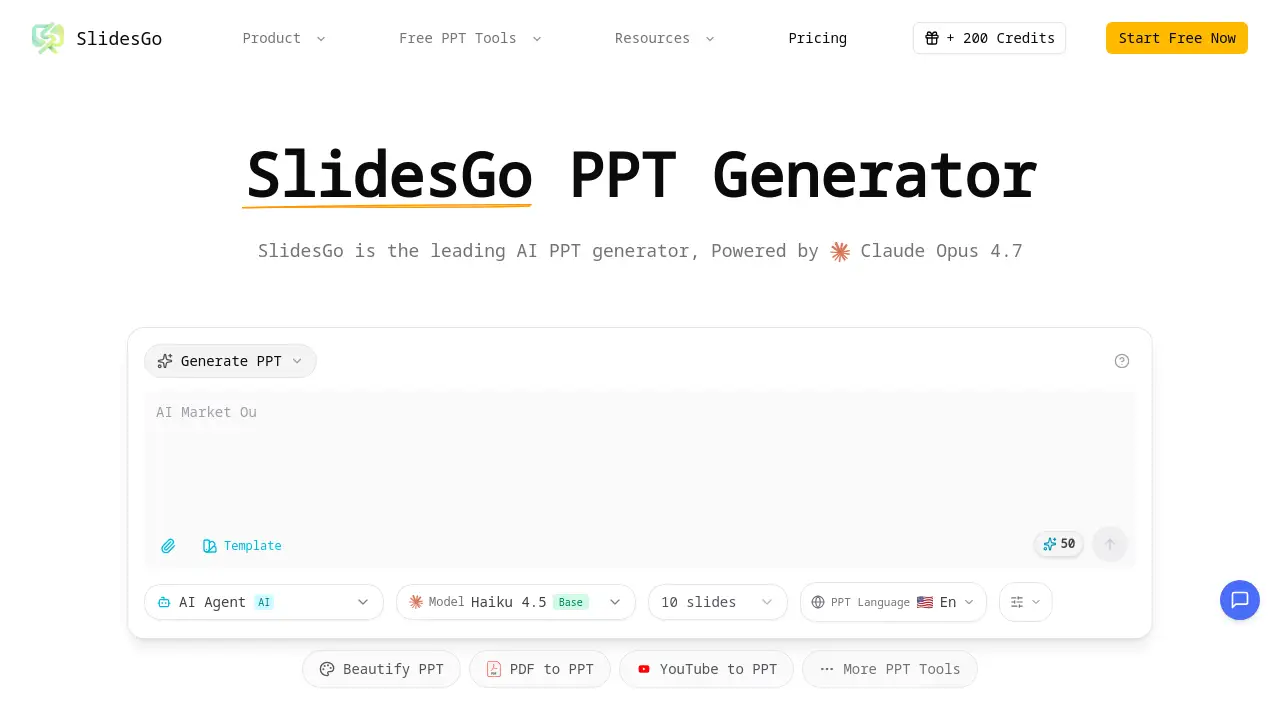
SlidesGo is a leading AI PPT generator that creates professional presentations in minutes.
What is Slides Go?
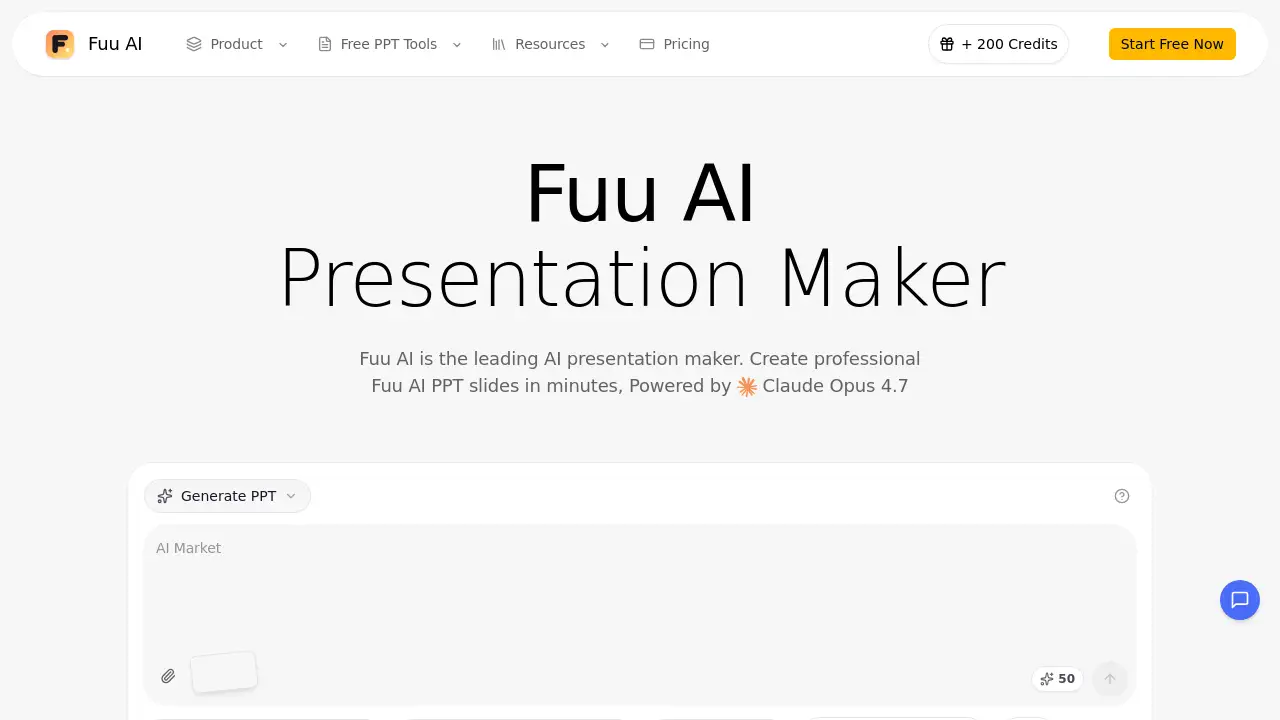
SlidesGo is an AI-powered presentation tool designed to automate the creation, beautification, and enhancement of PowerPoint slides. This AI PPT generator solves the common problem of spending hours on slide design, formatting, and content structuring. By leveraging advanced AI, specifically Claude Opus 4.7, it allows users to generate a complete, well-designed slide deck from a simple text description or by uploading an existing file. It is suitable for a wide range of users, from business professionals and marketers to educators and students, who need to produce professional presentations quickly without requiring advanced design skills. The platform's significance lies in its ability to streamline the entire presentation workflow, turning ideas into visually compelling slides with intelligent automation.
Key Features of Slides Go
Text-to-Slides Generation
Users can describe their presentation topic or provide notes in plain text, and the AI PowerPoint generator will automatically create a fully structured and designed slide deck.
Smart Layout Automation
The AI presentation tool analyzes the type of content on each slide and intelligently applies the most effective and visually appealing layout patterns.
AI-Powered Chart Creation
SlidesGo can transform raw numerical data into professionally styled charts and graphs, enhancing the visual communication of complex information.
Contextual Image Suggestions
For each slide, the tool recommends relevant, high-quality images that match the content's theme and message to boost visual appeal.
Multi-Format Export
Users can download their completed presentations as standard PPTX files, ensuring compatibility with major software like Microsoft PowerPoint, Google Slides, and Apple Keynote.
Multi-language Support
The platform supports the creation of professional presentations in multiple languages, handling proper formatting and typography for global teams.
Use Cases for Slides Go
Business Pitch Decks
Professionals can rapidly create investor-ready pitch decks and business proposals, ensuring a polished and consistent look that aligns with their brand.
Marketing Reports
Marketing teams can generate visually engaging reports and campaign summaries from data and notes, saving significant design time.
Educational Lectures
Educators and trainers can quickly turn lesson plans or research notes into structured, visually appealing lecture slides for classrooms or webinars.
Sales Presentations
Sales representatives can beautify and enhance existing product demos or sales slides to create more persuasive and professional client presentations.
How to Use Slides Go
Using the AI PPT generator is a straightforward process designed for simplicity and speed.
- Access the Tool: Visit the SlidesGo website to begin.
- Input Your Content: Choose to either type a text description of your desired presentation or upload an existing PowerPoint file you wish to enhance.
- Let AI Generate: The AI, powered by Claude Opus 4.7, will process your input. It creates a structured deck, applies smart layouts, suggests images, and formats all content.
- Review and Customize: You can review the generated slides and make any minor tweaks or edits as needed.
- Export and Present: Finally, download your presentation as a PPTX file or present it directly from the platform.
Target Audience for Slides Go
- Business Professionals and Executives
- Marketing and Sales Teams
- Educators, Teachers, and University Professors
- Students and Researchers
- Consultants and Freelancers
- Startup Founders and Entrepreneurs
- Corporate Trainers and Coaches
- Content Creators and Bloggers
Is Slides Go Free?
Based on available information, SlidesGo offers a free tier that allows users to experience its core AI PowerPoint generator capabilities. For detailed information on premium plans, advanced features, and specific pricing, users should visit the official SlidesGo pricing page on their website.
Slides Go's Pros and Cons
| Aspect | Pros | Cons |
|---|---|---|
| Efficiency | Drastically reduces the time needed to create professional presentations from scratch. | Heavy reliance on AI may limit highly custom, brand-specific designs without manual adjustment. |
| Ease of Use | Intuitive interface; requires no prior design expertise to generate good-looking slides. | Advanced customization options for power users may have a learning curve. |
| Technology | Powered by Claude Opus 4.7, a leading AI model, for high-quality content and structure generation. | Output quality is dependent on the clarity and detail of the user's initial text input. |
| Functionality | Offers a comprehensive suite from generation to beautification and format conversion. | Pricing for full professional or team access is not publicly detailed on the homepage. |
Frequently Asked Questions about Slides Go
How does the AI in SlidesGo work?
SlidesGo uses Claude Opus 4.7, a sophisticated large language model, to understand the context and intent behind your text input. It then structures the content into a logical presentation flow and applies professional design principles to create visually cohesive slides.
Can I edit the slides after the AI generates them?
Yes, the generated presentations are fully editable. You can download them as a standard PowerPoint (PPTX) file and modify text, images, and layouts in PowerPoint, Google Slides, or any compatible software.
Does SlidesGo support languages other than English?
Yes, one of its key features is multi-language support. The AI presentation tool can help create professional presentations in various languages with proper formatting.
What if I already have a PowerPoint file I want to improve?
SlidesGo allows you to upload existing PPT files. The AI can then analyze the content and "beautify" it by suggesting improved layouts, design elements, and images, effectively acting as an AI PPT generator for enhancement.
Is my data and content safe with SlidesGo?
While specific details should be confirmed on their official privacy policy, reputable AI tools typically have measures to protect user data. It is advisable to review SlidesGo's terms of service and privacy policy for detailed information on data handling.
What formats can I export my presentation to?
The primary export format is PPTX, which is compatible with Microsoft PowerPoint, Google Slides, and Apple Keynote, ensuring you can use your presentation anywhere.
Slides Go Tags
AI PPT generator, SlidesGo, AI PowerPoint generator, professional presentations, AI presentation tool, text-to-slides, create presentations with AI, PowerPoint AI, slide deck maker, presentation design software, automate PPT, business presentation tool