Introduction
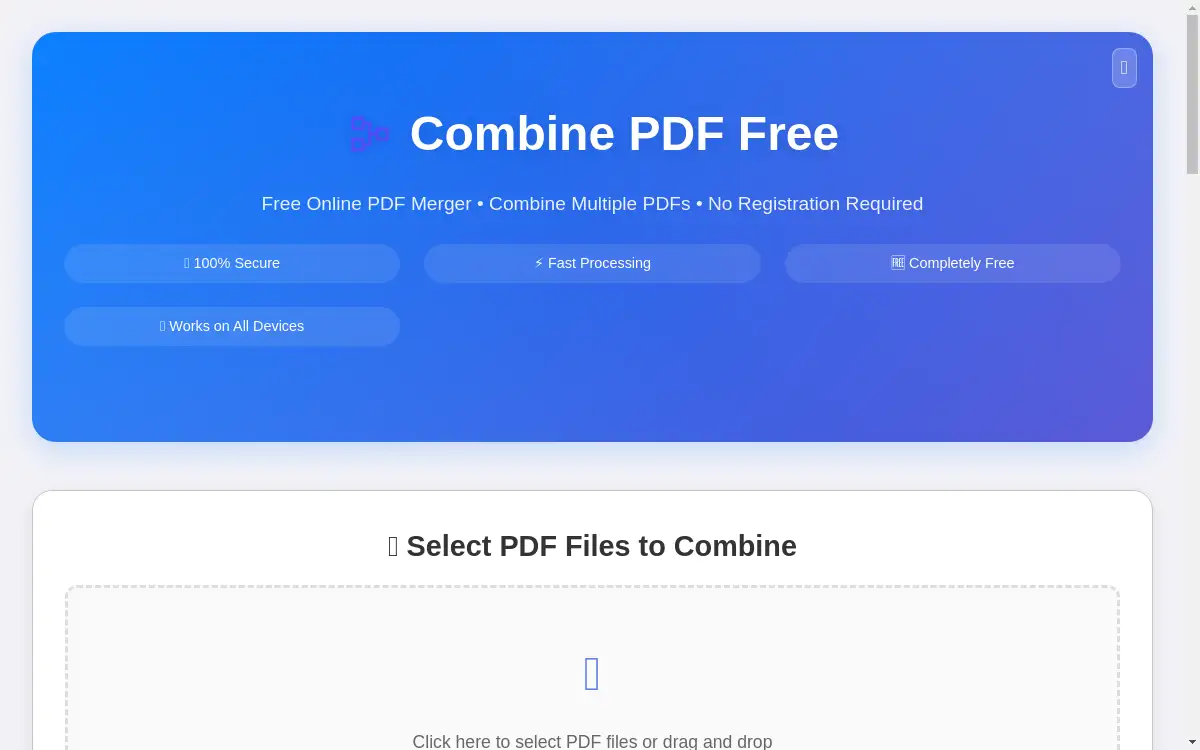
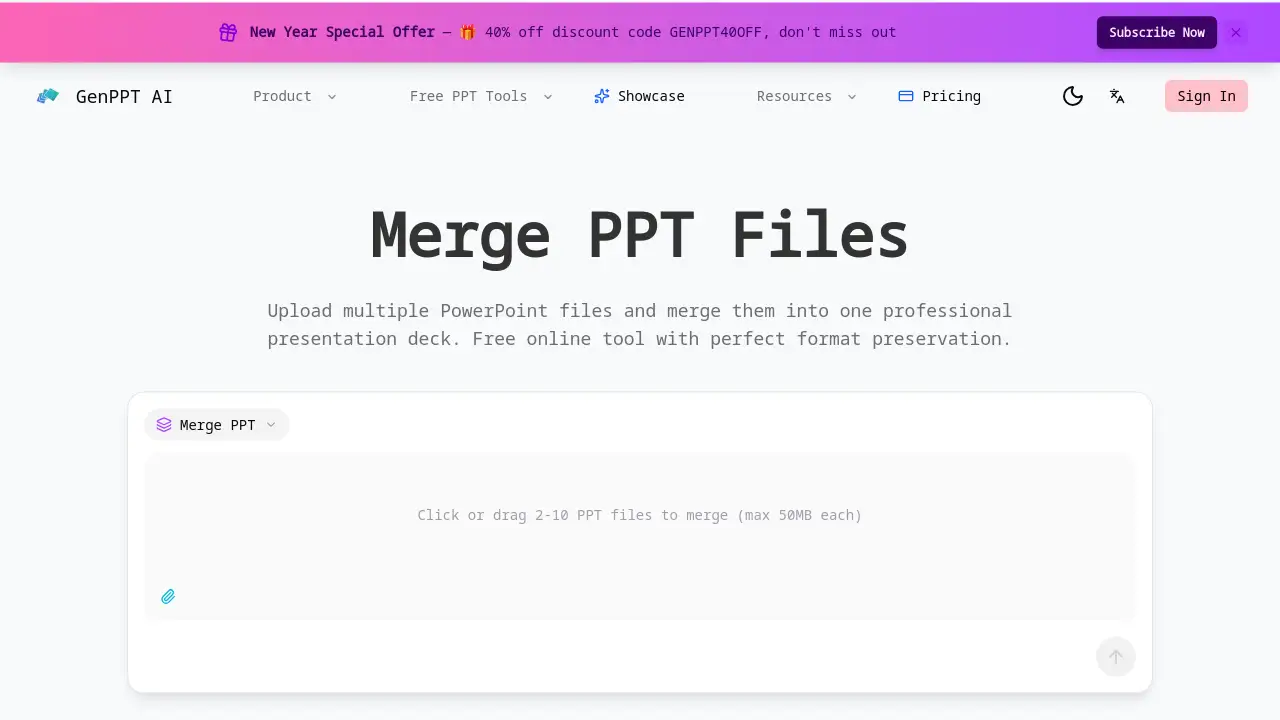
GenPPT's Compress PPTX is a free online tool designed to merge PPT files quickly and securely while preserving all original formatting.
What is Compress PPTX?
Compress PPTX is an online PowerPoint merger offered by GenPPT that allows users to combine multiple PowerPoint presentations into a single, cohesive file. This tool solves the common problem of manually copying and pasting slides from different decks, which can be time-consuming and often leads to formatting errors or loss of animations. It is suitable for professionals, students, educators, and anyone who needs to consolidate presentations for reports, meetings, or lectures. By providing a fast, batch-processing solution, it streamlines workflow and ensures the final merged presentation maintains a professional appearance with perfect format preservation.
Key Features of Compress PPTX
Fast PPT Merge
The tool processes and merges multiple PowerPoint files in seconds, efficiently combining all slides while maintaining their original order without delays.
Perfect Format Preservation
All original formatting, including fonts, colors, images, animations, and layouts, is preserved during the merge, ensuring no quality loss or design distortion.
Batch PowerPoint Merge
Users can combine between 2 to 10 presentations in a single operation, saving significant time compared to handling files individually.
Smart Slide Ordering
Before merging, users can drag and drop files to control the exact order of slides, allowing for logical structuring of content from multiple sources.
Free Online PPT Merger
The service is completely free, with no file size limits, watermarks, or hidden subscription fees, making it accessible for all users.
Secure & Private Processing
Uploaded files are processed securely and deleted immediately after the merge is complete, ensuring user data privacy and confidentiality.
Use Cases for Compress PPTX
Consolidating Team Presentations
Team members can merge their individual sections into one unified deck for a client meeting or internal review.
Creating Comprehensive Reports
Students or analysts can combine multiple research presentations or data chapters into a single, comprehensive report document.
Preparing Training Materials
Trainers and educators can merge various module decks into one complete training presentation for a workshop or course.
Finalizing Client Proposals
Professionals can assemble slides from different departments, like marketing and finance, into a single, polished proposal for a client.
How to Use Compress PPTX
Using the Compress PPTX tool is straightforward:
- Visit the GenPPT website and navigate to the merge PPT tool page.
- Upload between 2 to 10 PowerPoint (PPT or PPTX) files by dragging and dropping them or using the file browser.
- Arrange the order of the files using the drag-and-drop interface if a specific slide sequence is needed.
- Click the merge button. The tool will process the files and provide a download link for the single, combined PowerPoint presentation.
Target Audience for Compress PPTX
- Business professionals and consultants
- Students and academic researchers
- Educators, teachers, and trainers
- Marketing and sales teams
- Project managers and team leaders
Is Compress PPTX Free?
Yes, Compress PPTX by GenPPT is a completely free online tool. According to the provided information, there are no file size limits, watermarks, or subscription fees. All core merging features are available to users at no cost. The homepage also mentions a promotional discount code for other services, but the merge functionality itself remains free.
Compress PPTX's Pros and Cons
| Aspect | Pros | Cons |
|---|---|---|
| Functionality | Efficient batch merging of up to 10 files; perfect format preservation. | Online-only tool requires an internet connection. |
| Usability | Simple drag-and-drop interface; intuitive and fast process. | Lacks advanced desktop software features like offline editing. |
| Cost & Accessibility | Completely free with no hidden costs or limits. | May not integrate with other presentation software ecosystems. |
| Security | Files are deleted immediately after processing, ensuring privacy. | Users must trust the online platform with sensitive presentation data. |
Frequently Asked Questions about Compress PPTX
Is there a limit to how many PowerPoint files I can merge?
Yes, the Compress PPTX tool currently supports merging between 2 to 10 presentations in a single batch operation. For combining more than ten files, users would need to perform multiple merge sessions.
Does the merge tool preserve animations and transitions?
According to the product description, the tool aims for perfect format preservation, which includes maintaining all original animations, transitions, and embedded media from the source PowerPoint files.
Are my uploaded files safe and private?
The service states that files are processed securely and deleted immediately after the merge is complete. No data is stored or shared, which helps maintain the confidentiality of your presentations.
What PowerPoint formats does the online merger support?
The tool supports common PowerPoint formats, specifically PPT and PPTX files, which are the standard file types for Microsoft PowerPoint presentations.
Can I rearrange slides after uploading files?
The smart slide ordering feature allows you to rearrange the order of the uploaded files before merging, which controls the sequence of slides in the final deck. However, you cannot rearrange individual slides within a specific uploaded file using this tool.
Is an account required to use the free PPT merger?
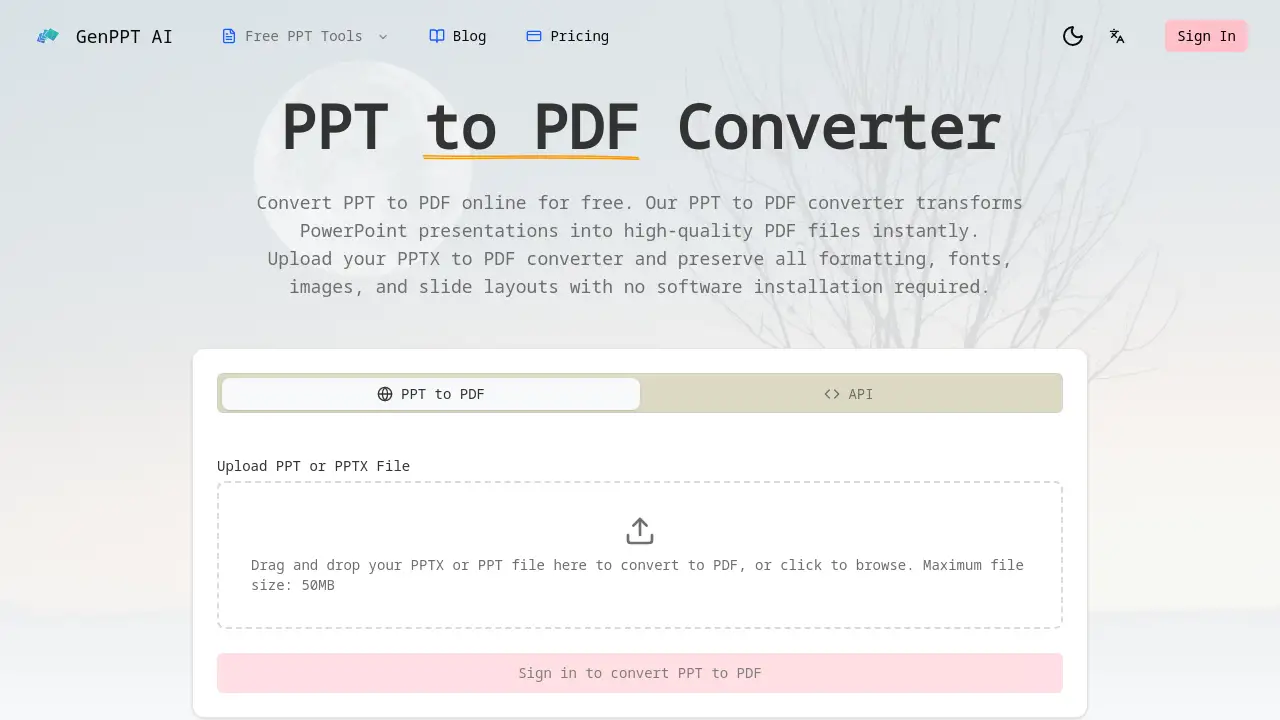
The reference information mentions features are available to "registered users," suggesting that creating a free account with GenPPT may be necessary to access the merge tool.
Compress PPTX Tags
merge PPT, compress PPTX, combine PowerPoint, online PPT merger, free PowerPoint merge, batch merge presentations, preserve PowerPoint formatting, merge multiple PPT files, secure PPT tool, combine slides, GenPPT merge tool, professional presentation merge