Introduction
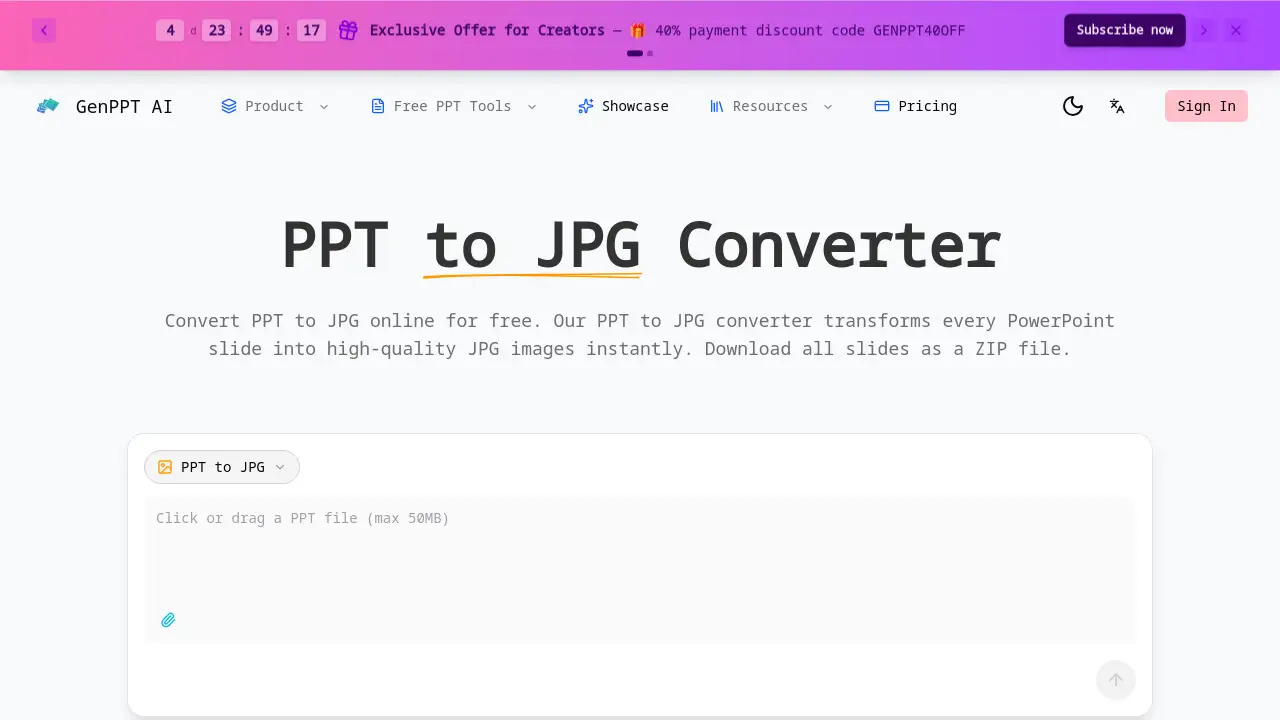
GenPPT's PPT to JPG is an online tool that instantly converts PowerPoint slides into high-quality JPG images for free.
What is PPT to JPG?
PPT to JPG is a web-based converter that transforms PowerPoint presentation files (.PPT or .PPTX) into individual JPG image files, one for each slide. It solves the common problem of needing to share presentation visuals without requiring recipients to have PowerPoint software. This tool is suitable for anyone who needs to extract slides for use in emails, websites, social media, or other digital content. The ability to quickly convert PPTX to JPG matters because it streamlines workflows, making presentation content more portable and versatile across different platforms and applications.
Key Features of PPT to JPG
High-Resolution JPG Output
The tool renders every slide at a width of 1920 pixels, ensuring crisp, high-quality JPG images that preserve all text, charts, and graphics with pixel-perfect accuracy.
Fast, Free Online Conversion
Users can convert PPT to JPG in seconds directly from their web browser, completely free of charge, with support for presentation files up to 50MB and no registration required for the first conversion.
Developer-Friendly REST API
For automated workflows, the PPT to JPG API allows developers to integrate conversion capabilities into their own applications, sending a PPTX file and receiving base64-encoded JPG images for each slide.
Bulk Download as ZIP File
After conversion, the tool packages all slide images into a single ZIP file for easy downloading, with each JPG file named sequentially (e.g., slide-01.jpg) for straightforward organization.
Use Cases for PPT to JPG
Creating Social Media Content
Marketing and sales professionals can convert PPTX to JPG to extract key slides for use as engaging visuals in social media posts or email campaigns.
Developing Educational Materials
Educators and students use the PPT to JPG converter to turn presentation slides into standalone images for study guides, online course content, or digital note-taking.
Automating Content Pipelines
Development teams integrate the PPT to JPG API to automate the generation of slide thumbnails or preview images for content management systems and document processing applications.
Building Design Portfolios
Designers and creatives convert PPT to JPG to capture high-resolution images of their presentation work for inclusion in digital portfolios, mood boards, or print materials.
How to Use PPT to JPG
- Upload Your File: Navigate to the PPT to JPG tool webpage and upload your PowerPoint (.PPT or .PPTX) file.
- Start Conversion: The tool automatically begins processing and converting each slide to a JPG image.
- Download Results: Once complete, download all the converted JPG slide images packaged together in a single ZIP file.
Target Audience for PPT to JPG
- Business professionals and sales teams
- Students, teachers, and educators
- Software developers and technical teams
- Graphic designers and creative professionals
Is PPT to JPG Free?
The online PPT to JPG converter offers free usage directly through its website. According to the reference information, an "Exclusive Offer for Creators" includes a 40% payment discount code (GENPPT40OFF), suggesting there is also a paid plan, likely for API access or higher usage limits. For specific pricing details on premium features, users should visit the official GenPPT website.
PPT to JPG's Pros and Cons
| Aspect | Pros | Cons |
|---|---|---|
| Output Quality | High-resolution 1920px JPG images. | Online-only tool; requires internet connection. |
| Cost & Access | Free for web use; no registration for first conversion. | May require user registration for continued use. |
| Functionality | Fast processing; ZIP download for all slides; developer API available. | No direct offline software version. |
| File Handling | Handles files up to 50MB; converts all slides at once. | Limited compared to full-featured desktop software suites. |
Frequently Asked Questions about PPT to JPG
Is the PPT to JPG converter really free?
Yes, the online tool for converting PPT to JPG is completely free to use via the website, with no charge for the conversion process itself.
What is the image quality when converting PPTX to JPG?
The converter produces high-quality JPG images by rendering each slide at a width of 1920 pixels, ensuring charts, text, and images remain clear and sharp.
Can I convert multiple slides at once?
Yes, the tool processes all slides within a PowerPoint file simultaneously and provides all the resulting JPG images for download in a single ZIP file.
Is there an API for automating PPT to JPG conversion?
Yes, a developer API is available, allowing applications to send a PPTX file and receive base64-encoded JPG images for each slide, which is useful for bulk conversion workflows.
Do I need to create an account to use the PPT to JPG tool?
No account registration is required for your first conversion. You can simply upload your file and convert PPT to JPG instantly.
What file formats are supported for conversion?
The tool supports both the older .PPT and the newer .PPTX PowerPoint file formats for conversion to JPG images.
PPT to JPG Tags
PPT to JPG, PPTX to JPG, PowerPoint to JPG converter, online PPT converter, free slide to image, convert PPT to image, high-resolution JPG from PPT, PPT to JPG API, download slides as JPG, presentation to image, bulk PPT conversion, extract slides as images