Introduction
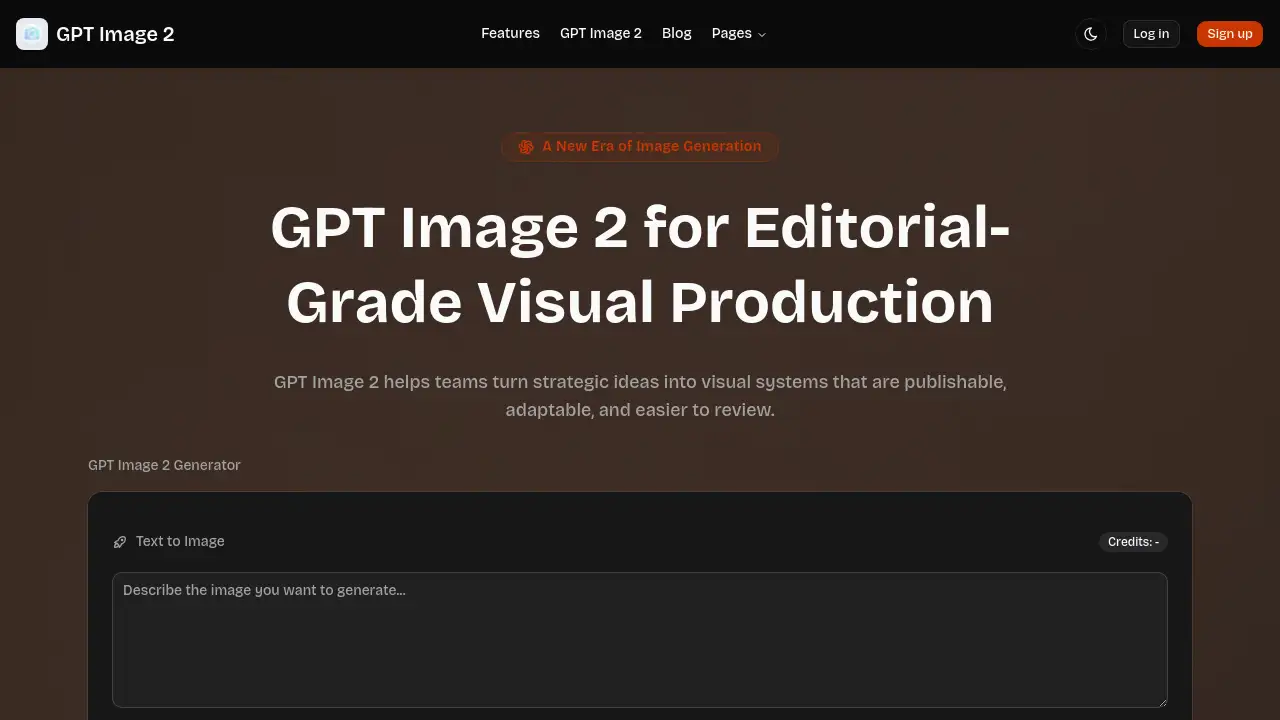
GPT Image 2 is an advanced image generation tool designed for editorial-grade visual production, offering precise control and multilingual text rendering for modern teams.
What is GPT Image 2?
GPT Image 2 is a sophisticated AI image generator built to transform strategic ideas into publishable, adaptable visual systems. It addresses the common challenge in creative production where teams need consistent, high-quality visuals across multiple channels but face inefficiency and inconsistency with traditional methods or basic AI tools. This platform is particularly suitable for marketing teams, content creators, educators, and brand designers who require production-ready visuals with precise control over layout, style, and text. The value of GPT Image 2 lies in its structured workflow, which emphasizes repeatable processes and clear review criteria, moving beyond one-off exploration to support serious production pipelines and help teams ship faster with stronger visual consistency.
Key Features of GPT Image 2
Precision and Prompt Control
GPT Image 2 provides teams with tighter control over framing, hierarchy, and tone, allowing them to specify layout intent and brand context in a single prompt and refine details in-place without restarting.
Multilingual Text Rendering
This feature enables teams to localize visuals across different scripts while preserving structural integrity, which is crucial for maintaining type hierarchy in paid ads, landing headers, and launch posters.
Style Breadth With Realism
The tool can shift between styles, from editorial posters to cinematic references, without losing core composition logic, allowing for multiple connected visual looks within a single campaign.
Flexible Formats and Layouts
Supporting fast ratio changes for social media, web, and print, GPT Image 2 helps teams create cohesive image sets while keeping the message hierarchy readable across all formats.
Research-Aware Visual Thinking
GPT Image 2 assists in turning structured strategic ideas into reviewable visual systems, making it ideal for concept boards, product explainers, and educational assets where clarity is paramount.
Use Cases for GPT Image 2
Education and Training
Education teams use GPT Image 2 to convert abstract topics into easily scannable visual explanations like lesson posters, diagrams, and instructional summaries.
Brand and Campaign Design
Marketing teams leverage the production workflow to build entire campaign sets and fine-tune individual placements for launches and events without compromising brand voice.
Creator and Content Ops
Content creators utilize GPT Image 2 to maintain consistent weekly output, transforming a single narrative into cover art, in-post visuals, and promotional assets efficiently.
Commerce and Merch Exploration
Product teams employ the chatgpt image 2 workflow to test packaging, merchandising, and storefront concepts rapidly, enabling fast stakeholder feedback before costly physical production.
How to Use GPT Image 2
The GPT Image 2 production workflow is designed for efficiency and alignment with business goals. It typically follows these four practical steps:
- Frame the Intent: Begin by defining the objective, target audience, and channel. This strategic framing within GPT Image 2 leads to stronger first drafts and establishes clear review criteria.
- Generate Structured Variants: Produce controlled image variants, changing one variable at a time (like style or layout) to allow for deliberate, comparison-based decision-making.
- Refine for Production: Refine images sequentially—first lock the visual hierarchy, then tune copy blocks, and finally optimize crops. This chatgpt image 2 loop reduces revision cycles.
- Publish With Consistency: Export the final visuals as a complete system, including a hero image, support cards, social media cuts, and other derivatives, ensuring consistency across every channel.
Target Audience for GPT Image 2
- Marketing and Brand Design Teams
- Content Creators and Social Media Managers
- Educators and Instructional Designers
- Product and E-commerce Teams
- Advertising and Creative Agencies
Is GPT Image 2 Free?
Based on the reference information, the product homepage shows a credits system, but specific pricing plans are not detailed. The interface indicates "Credits: -" and support for up to 16 reference images, suggesting usage may be tied to a credit or subscription model. For accurate and current information on free trials, credit packs, or subscription tiers, users should visit the official GPT Image 2 website.
GPT Image 2's Pros and Cons
| Aspect | Pros | Cons |
|---|---|---|
| Workflow & Control | Offers a structured production workflow with precise prompt control, reducing revision churn. | May have a steeper learning curve for users accustomed to simpler, one-off AI generators. |
| Output Quality | Delivers editorial-grade, production-ready visuals with strong consistency across formats. | Optimal outcomes require clear strategic intent and structured input, not just casual exploration. |
| Team Collaboration | Designed for modern teams, improving alignment and streamlining review processes. | Primarily optimized for team-based production pipelines, which might be overkill for individual hobbyists. |
| Versatility | Excels in multilingual text rendering and maintaining style breadth across diverse use cases. | Specific capabilities like advanced text rendering are most beneficial for professional, commercial applications. |
Frequently Asked Questions about GPT Image 2
What makes GPT Image 2 different from other AI image generators?
GPT Image 2 is specifically engineered for editorial-grade visual production within a team environment. Its core differentiator is a structured production workflow that emphasizes precision, repeatable review criteria, and the ability to maintain visual consistency across an entire campaign or asset system, rather than focusing solely on generating single, novel images.
Can GPT Image 2 render text in multiple languages?
Yes, multilingual text rendering is a key capability. GPT Image 2 can localize visuals across different scripts and languages while preserving the original layout and type hierarchy, which is essential for creating paid ads, landing pages, and posters for global audiences.
How many images can I generate with GPT Image 2?
The reference information states the tool supports up to 16 reference images per generation session. The total number of generations is likely governed by a credit or subscription system. For exact limits and pricing, checking the official GPT Image 2 website is recommended.
Is GPT Image 2 suitable for creating social media content?
Absolutely. The flexible formats and layouts feature allows teams to quickly generate cohesive image sets in various aspect ratios (e.g., for Instagram posts, stories, and Facebook ads) while keeping the core message and visual hierarchy intact.
What is the "production workflow" mentioned for GPT Image 2?
The production workflow refers to the recommended four-step process (Frame Intent, Generate Variants, Refine, Publish) that guides users from a strategic prompt to a publishable visual system. This workflow is designed to align outputs with business goals and reduce rework, especially when used by multi-disciplinary teams.
Who is the ideal user for the GPT Image 2 platform?
The ideal users are professional teams and individuals in roles that require consistent, high-volume visual output. This includes marketing teams, content operations, educators creating learning materials, and product teams exploring merchandising concepts, all of whom benefit from its structured approach to visual production.
GPT Image 2 Tags
GPT Image 2, AI image generator, editorial-grade visuals, production-ready images, multilingual text rendering, precision prompt control, visual production workflow, team collaboration tool, marketing asset creation, content creation tool, brand campaign design, social media visuals, chatgpt image 2