Introduction
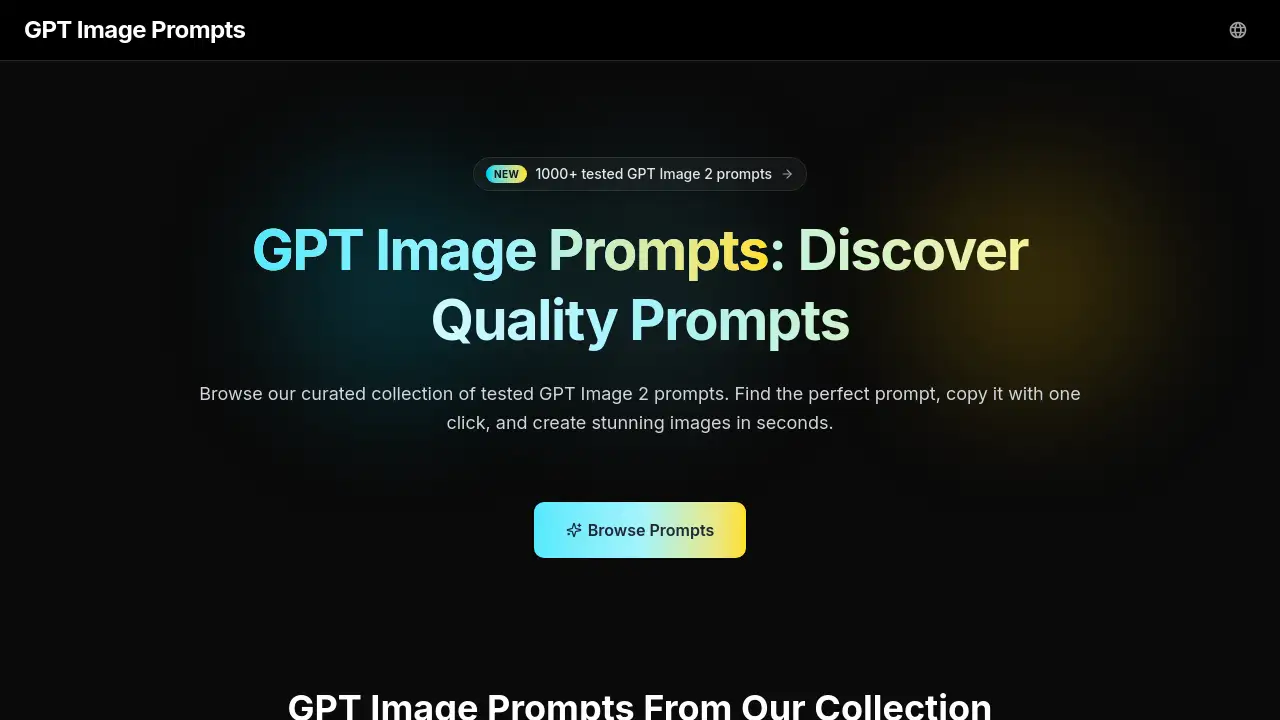
A curated library of tested GPT Image 2 prompts to generate stunning images in seconds.
What is Gpt Image Prompt?
GPT Image Prompt is a specialized online platform offering a curated collection of pre-tested prompts for GPT Image 2, an AI image generation tool. The core problem it solves is the time-consuming and often frustrating process of prompt engineering. For many users, crafting the perfect text description to generate a desired image can be a hit-or-miss endeavor. This product provides a library of quality-tested templates that have been validated to produce consistent, high-quality results. It is suitable for a wide range of users, from beginners learning how to use GPT Image 2 to professional creators who need reliable output for their projects. By removing the guesswork, GPT Image Prompt allows users to focus on creation rather than experimentation, making AI image generation more accessible and efficient for everyone.
Key Features of Gpt Image Prompt
Curated Prompt Library
The platform hosts hundreds of handpicked GPT Image 2 prompts, sourced from community successes and rigorously re-tested to ensure each entry delivers reliable and high-quality results.
Quality-Tested Templates
Every single prompt in the collection has been validated through GPT Image 2 itself, guaranteeing that the templates produce consistent and reproducible images across multiple uses.
Smart Search and Filters
Users can quickly find the perfect prompt using filters by category, style, and tag, significantly reducing the time spent scrolling through endless options.
One-Click Copy Functionality
A simple click copies the entire prompt to the clipboard in a clean, ready-to-paste format, eliminating any formatting issues when transferring to GPT Image 2.
Weekly Content Updates
The library is continuously refreshed with new prompts every week, keeping pace with the latest trends and viral examples from platforms like X and GitHub.
Organized Categorical Structure
Prompts are neatly grouped into intuitive categories such as photography, posters, UI mockups, and comic storyboards, making navigation straightforward for any project type.
Use Cases for Gpt Image Prompt
Creating Social Media Content
Content creators can instantly generate eye-catching thumbnails, promotional posters, or unique visual posts for platforms like Instagram or YouTube without extensive design time.
Developing Brand Marketing Materials
Marketing teams can rapidly produce campaign visuals, concept art for brand identities, and assets for pitch decks or social media campaigns directly with AI.
Learning AI Image Generation
Beginners can use the library as a practical educational tool, studying effective prompt structures and learning by remixing proven templates instead of starting from scratch.
Generating Design Mockups
Graphic and UI designers can pull prompts for website layouts, app interfaces, or product concept art to quickly create initial mockups for client presentations or internal reviews.
Exploring Creative Art Styles
Digital artists and hobbyists can experiment with different artistic genres, from 1980s propaganda posters to anime character designs, to explore new creative directions effortlessly.
How to Use Gpt Image Prompt
Using GPT Image Prompt is designed to be a frictionless, three-step process that requires no account creation.
- Browse the Library: Visit the GPT Image Prompts website and explore the collection. Use the search bar or category filters to narrow down prompts based on your project's needs, such as "e-commerce homepage" or "anime character."
- Copy Your Chosen Prompt: Once you find a suitable GPT Image 2 prompt, simply click the "Copy" button next to it. The full, formatted prompt will be saved to your clipboard.
- Generate in GPT Image 2: Open your GPT Image 2 tool or platform, paste the copied prompt into the input field, and initiate the image generation. You can use the prompt as-is or modify specific elements to tailor the output to your exact vision.
Target Audience for Gpt Image Prompt
- Digital Artists and Illustrators
- Social Media Content Creators and YouTubers
- Marketing Professionals and Brand Teams
- UI/UX and Graphic Designers
- Beginners new to AI image generation
- Hobbyists and weekend creators exploring AI art
Is Gpt Image Prompt Free?
Based on the available reference information, GPT Image Prompt is currently free to use. The website prominently states "Free Forever" and "No sign-up required," indicating users can access the entire curated library of prompts without any cost or subscription.
| Plan | Price | Key Features |
|---|---|---|
| Free | $0 | Full access to the curated prompt library, one-click copy, smart search and filters, weekly updates. |
Gpt Image Prompt's Pros and Cons
| Aspect | Pros | Cons |
|---|---|---|
| Accessibility | Completely free with no sign-up required, making it extremely easy to start using. | The range of prompts is limited to the library's curation, unlike a full prompt generator. |
| Usability | One-click copy and clean paste functionality save significant time and effort. | Effectiveness is entirely dependent on the user's access to and familiarity with GPT Image 2. |
| Quality & Reliability | Every prompt is pre-tested, offering higher consistency and success rates than untested prompts. | The creative output is still subject to the inherent variations and limitations of the GPT Image 2 model itself. |
| Learning Value | An excellent resource for beginners to learn effective prompt structures by example. | Advanced users seeking highly niche or custom prompts may not find everything they need. |
Frequently Asked Questions about Gpt Image Prompt
What is GPT Image 2?
GPT Image 2 is an advanced AI model developed by OpenAI, capable of generating high-quality, photorealistic images and artistic illustrations based on detailed text descriptions, known as prompts.
How do I use a prompt from GPT Image Prompts?
Simply browse the website, click the "Copy" button next to your chosen prompt, and then paste the entire text directly into the prompt input field of your GPT Image 2 tool to generate an image.
Do I need an account to use GPT Image Prompts?
No, an account is not required. The service is designed for immediate use without any sign-up process or login.
Are the prompts really tested?
Yes. According to the platform, every GPT Image 2 prompt in the library has been run through GPT Image 2 and optimized to ensure it produces consistent and high-quality results that can be reproduced.
Can I modify the copied prompts?
Absolutely. The copied prompts serve as excellent starting points or templates. Users are encouraged to remix subjects, styles, and details to better suit their specific creative vision.
How often are new prompts added?
The library is updated regularly with new, quality-tested prompts, typically on a weekly basis, to reflect trending styles and community discoveries.
Gpt Image Prompt Tags
GPT Image 2 prompts, AI image generation, prompt engineering, AI art prompts, free prompt library, GPT Image 2 tutorial, creative AI tools, image prompt templates, AI for designers, marketing with AI, social media content creation, AI for beginners