Introduction
An independent platform for AI image generation, editing, and enhancement using GPT Image 2.
What is GPT Image 2?
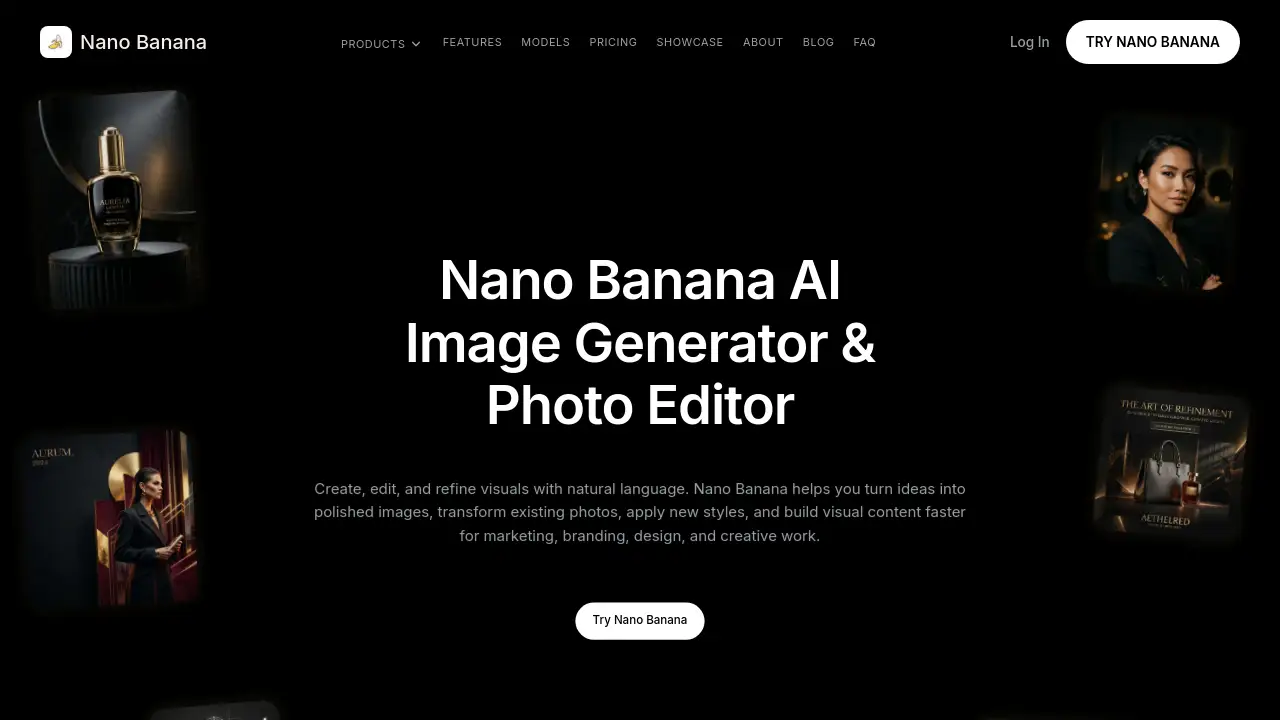
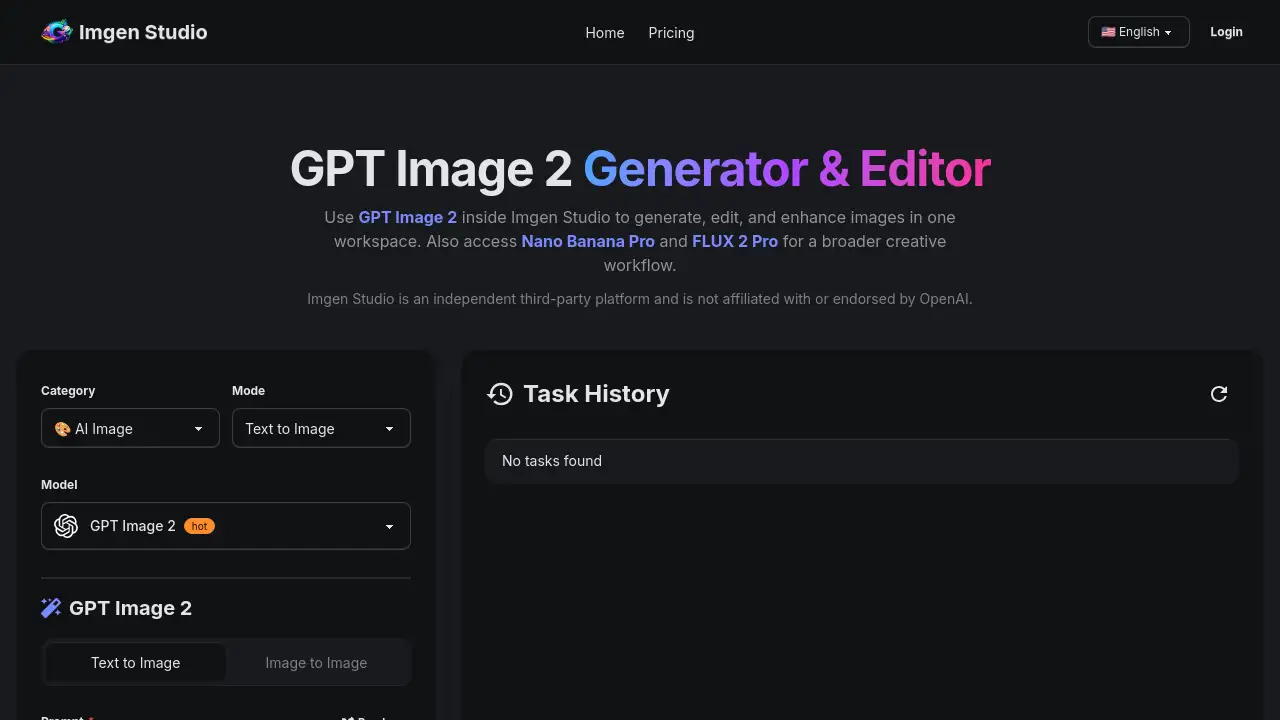
GPT Image 2 is a powerful AI image generation model accessible through the Imgen Studio platform. It is designed for users who need to create, edit, and refine visuals from simple text descriptions. This tool solves the problem of fragmented creative workflows by integrating generation, editing, and enhancement tools into a single, cohesive workspace. It is suitable for marketers, content creators, e-commerce businesses, and designers looking for a fast and versatile way to produce photorealistic images, manage text-heavy visuals like posters and UI mockups, and maintain repeatable creative workflows. The significance of GPT Image 2 lies in its ability to serve as a starting point for diverse visual projects while being part of a broader ecosystem that includes other models like Nano Banana Pro and FLUX 2 Pro.
Key Features of GPT Image 2
Text-to-Image Generation
Describe any scene or concept in plain language, and GPT Image 2 will generate a high-resolution image in seconds, supporting multiple aspect ratios for flexibility.
Advanced Image-to-Image Editing
Upload an existing image and instruct the AI on what to change, enabling you to swap objects, restyle scenes, or update compositions while maintaining control over the original.
Superior Text and Layout Control
This model excels at rendering prompts that involve signage, posters, and UI mockups, providing strong text-heavy visuals with accurate layout interpretation.
Integrated Inpainting and Outpainting
Easily erase unwanted elements from an image or expand the canvas beyond its original borders for a smoother and more complete editing process.
Multi-Model Workflow Support
Switch seamlessly between GPT Image 2, Nano Banana Pro, and FLUX 2 Pro within the same Imgen Studio workspace to choose the best model for each specific task.
One-Click Background Removal
Instantly isolate subjects for e-commerce, product shots, or compositing, and continue editing without leaving the platform.
Use Cases for GPT Image 2
E-commerce Photo Editing
Transform basic product shots into polished, studio-quality assets suitable for online stores, marketplaces, and advertising campaigns.
Marketing Ad Creative Generation
Quickly produce promotional posters, social media graphics, and launch visuals that combine compelling imagery with marketing text.
Professional AI Headshot Creation
Convert casual portraits into polished, professional profile photos for LinkedIn, resumes, and team websites.
Anime Avatar Generation
Turn a personal photo into a recognizable anime-style character for social profiles, gaming avatars, and community branding.
Virtual Try-On and Outfit Mockups
Visualize how clothing, accessories, or products would look on a person, useful for fashion design and e-commerce previews.
Sketch-to-Image Conversion
Develop rough hand-drawn sketches or wireframes into more finished and detailed images for product concepts or scene visualization.
How to Use GPT Image 2
Using GPT Image 2 inside Imgen Studio is a straightforward process designed for efficiency.
- Sign Up for a Free Account: Visit the Imgen Studio website and create an account using an email or Google login. New users receive free daily credits to test the platform.
- Select GPT Image 2: Inside the studio, choose GPT Image 2 from the available model options. You can also access other models like Nano Banana Pro from the same panel.
- Craft and Execute Your Prompt: In the text-to-image tool, describe the image you want to generate. For best results with text-heavy visuals, be explicit about any text and layout requirements.
- Refine and Export: Use the built-in editing tools to modify your generated image, remove backgrounds, or upscale it to 4K resolution. Finally, download the asset in PNG, JPG, or WebP format.
Target Audience for GPT Image 2
- Digital Marketers and Advertisers needing fast, high-quality visual content for campaigns.
- E-commerce Store Owners and Managers looking to enhance product photos and create marketing assets.
- Content Creators and Social Media Managers requiring a steady stream of unique images, avatars, and graphics.
- Designers and Creative Teams seeking to prototype ideas, create storyboards, and maintain efficient repeatable creative workflows.
- Small Business Owners and Entrepreneurs who need professional visuals without a large budget for photoshoots or dedicated design software.
Is GPT Image 2 Free?
Imgen Studio offers a tiered access model. New users can try GPT Image 2 and other features with free daily credits. For ongoing use, paid plans are available.
| Plan | Price | Key Features for GPT Image 2 |
|---|---|---|
| Free Tier | $0 | Daily free credits for generation and basic editing. |
| Paid Plans | Starting at $9.99/month | Increased credits, access to all models (GPT Image 2, Nano Banana Pro, FLUX 2 Pro), full commercial rights, priority processing, and advanced tools like 4K upscaling. |
For the most current and detailed pricing, users should check the official Imgen Studio website.
GPT Image 2's Pros and Cons
| Aspect | Pros | Cons |
|---|---|---|
| Workflow & Features | Integrated all-in-one platform for generation, editing, and enhancement. Strong at generating text-heavy visuals. | As an independent platform, it relies on third-party model access, which could change. |
| Cost & Value | More affordable starting price than some standalone AI art subscriptions. Includes multiple models. | Free tier is limited by daily credits; high-volume users will need a paid plan. |
| Usability & Performance | No software installation required; works directly online. Enables fast photorealistic image creation. | Output quality and style depend on the underlying AI model's capabilities and prompt engineering. |
| Comparison | Provides a repeatable creative workflow by combining tools, unlike separate single-purpose apps. | May not have the same niche-specific strengths as some dedicated, single-model platforms. |
Frequently Asked Questions about GPT Image 2
What is GPT Image 2?
GPT Image 2 is an AI image generation model available for use within the Imgen Studio platform. It allows users to create and edit images from text prompts.
Is GPT Image 2 free to try?
Yes. New users of Imgen Studio receive free daily credits upon signup, which can be used to test GPT Image 2 generation and the platform's editing tools before committing to a paid plan.
When should I use GPT Image 2 over other AI models?
GPT Image 2 is an excellent general-purpose model, particularly strong for prompts involving text and layout. It is a great starting point within Imgen Studio, where you can easily compare results and switch to other supported models like Nano Banana Pro for different styles or tasks.
Can I use images created with GPT Image 2 for commercial purposes?
Paid subscription plans to Imgen Studio typically include commercial rights to the images generated on the platform, subject to the platform's Terms of Service and Acceptable Use Policy. Users should review these terms for specific details.
What image formats can I download?
Imgen Studio supports exporting images generated with GPT Image 2 in common formats including PNG, JPG, and WebP.
Do I need to install software to use GPT Image 2?
No. GPT Image 2 is accessed entirely online through the Imgen Studio web platform. There is no software to download or install.
GPT Image 2 Tags
GPT Image 2, Imgen Studio, AI image generator, text to image, AI photo editing, photorealistic AI, image generation online, AI for marketing, e-commerce photo editor, AI headshot generator, background remover, AI poster maker, repeatable creative workflow, text-heavy visuals