Introduction
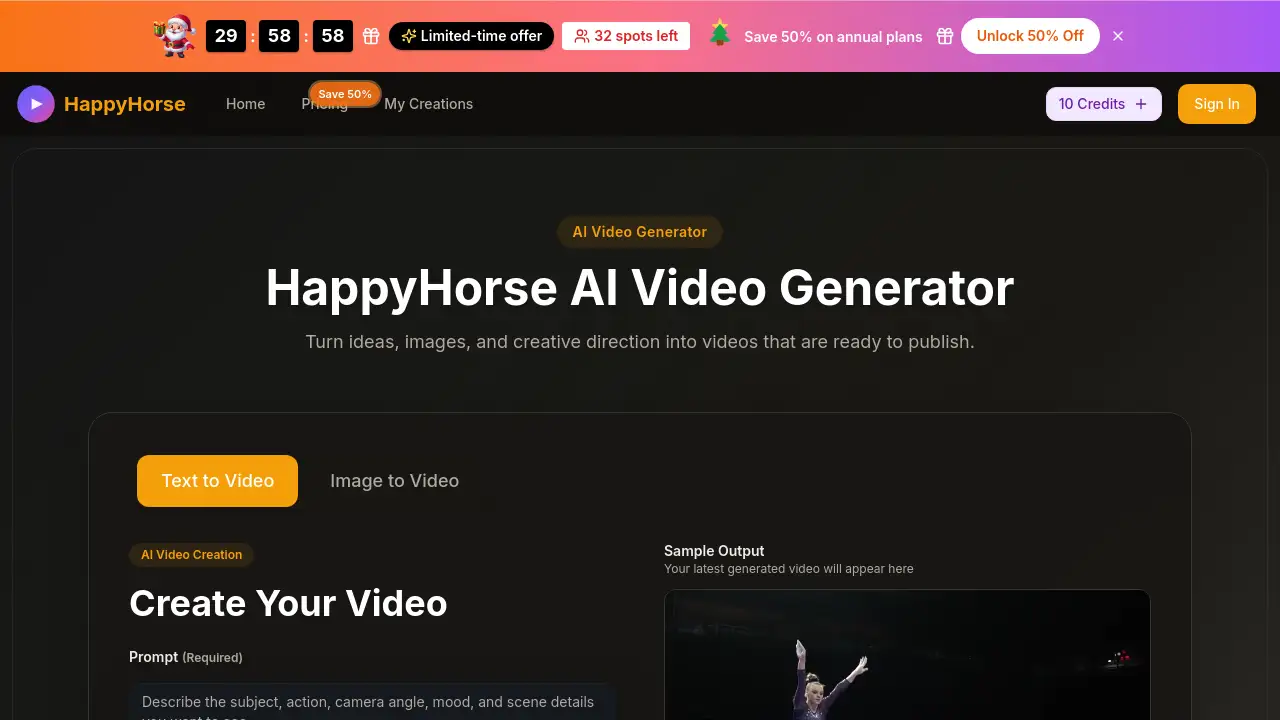
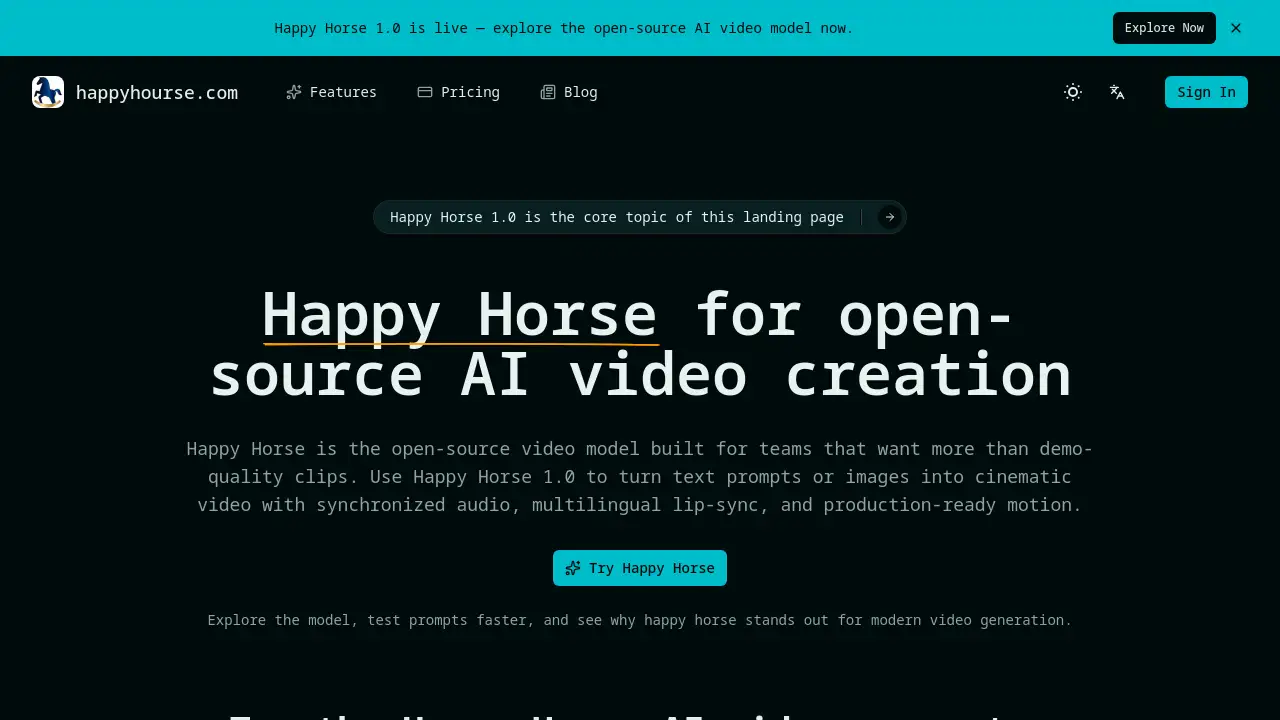
Happy horse AI is an open-source text-to-video and image-to-video generation model for creative teams.
What is Happy horse AI?
Happy horse AI is an open-source AI video model designed to transform text prompts or reference images into high-quality video clips. It addresses the need for fast, affordable, and production-ready video generation in creative workflows, moving beyond simple demos. The model, Happy Horse 1.0, is built for teams and creators who require cinematic motion, synchronized audio, and features like multilingual lip-sync. It is suitable for professionals in marketing, advertising, content creation, and product development who need to quickly visualize concepts, test ideas, and create pitch materials without the time and cost of traditional video production.
Key Features of Happy horse AI
Text-to-Video and Image-to-Video Creation
Users can generate video content either by writing descriptive text prompts or by uploading a source image for the model to animate and extend.
Joint Audio-Video Generation
The model produces videos with synchronized audio, creating a cohesive audiovisual experience directly from a prompt without separate editing steps.
Multilingual Lip-Sync
Happy Horse 1.0 can generate speech with accurate lip movements for multiple languages, enhancing the realism and applicability of created videos for global audiences.
Fast 1080p Output
It renders videos quickly at a full HD 1080p resolution, providing production-ready quality suitable for various professional applications.
Open-Source Model
As an open-source AI video model, it offers transparency and potential for community development and customization, unlike many closed commercial alternatives.
No-Watermark Outputs
Paid plans provide videos without any branding watermarks, allowing for immediate use in professional projects and client presentations.
Use Cases for Happy horse AI
Storyboard Rough Cuts
Turn written scene descriptions into visual drafts to accelerate discussions with clients, team members, or editors during pre-production.
Ad and Social Concept Testing
Quickly generate multiple video variations to test different hooks, product angles, and visual styles before committing to a final production direction.
Internal Pitch Visuals
Create fast visual proofs and concept videos to help teams align on a creative direction without waiting for lengthy design or editing processes.
Prompt Research for Teams
Use the platform to experiment with and understand how specific prompt details affect elements like motion, framing, and emotional tone in AI-generated video.
How to Use Happy horse AI
- Access the Platform: Navigate to the Happy Horse AI website and locate the generation interface.
- Choose Mode: Select between text-to-video or image-to-video creation.
- Input Your Prompt: For text mode, write a detailed description (up to 2000 characters). For image mode, upload a reference picture.
- Configure Settings: Adjust parameters like resolution and aspect ratio according to your needs.
- Generate and Review: Initiate the generation. Due to potential high server load, it may require a few attempts. Download the resulting no-watermark video for use.
Target Audience for Happy horse AI
- Marketing and advertising agencies
- Social media content creators and managers
- Product managers and startup founders
- Creative producers and video editors
- Brand strategists and growth designers
- Teams involved in pre-production and concept validation
Is Happy horse AI Free?
The reference information details annual subscription plans based on credits. A free tier is not explicitly mentioned. Users are directed to the official pricing page for the most current details.
| Plan | Price (Annual) | Key Features |
|---|---|---|
| Starter | Information on site | 1,400 credits/year, 15s max video, standard speed, no-watermark outputs. |
| Pro (Most Popular) | Information on site | 3,600 credits/year, 15s max video, priority generation, priority support. |
| Team | Information on site | 9,000 credits/year, 15s max video, fastest generation, expert team support. |
All paid plans include access to Happy Horse 1.0, unlimited downloads, and the ability to cancel anytime.
Happy horse AI's Pros and Cons
| Aspect | Pros | Cons |
|---|---|---|
| Output Quality | Production-ready 1080p video with synchronized audio. | Maximum video length is currently limited to 15 seconds. |
| Workflow | Dramatically speeds up concept visualization and testing. | Service may experience high load, leading to occasional generation failures. |
| Cost Efficiency | Can reduce concept testing and draft production costs significantly. | Pricing is structured for teams, which may be less accessible for individual users. |
| Features | Open-source model and multilingual lip-sync offer advanced capabilities. | Requires well-crafted prompts to achieve desired results, a learning curve exists. |
Frequently Asked Questions about Happy horse AI
What is Happy Horse AI?
Happy Horse AI is an open-source AI video model that generates short videos from text descriptions or images, featuring synchronized audio and lip-sync capabilities for professional creative workflows.
Is Happy Horse AI free to use?
Based on available information, Happy Horse AI operates on a credit-based subscription model. Users should check the official website for any free trial offers or detailed pricing for the Starter, Pro, and Team plans.
What is the maximum video length?
The current maximum video length for outputs from Happy Horse 1.0 is 15 seconds, as indicated in the pricing plan details.
What makes Happy Horse different from other AI video generators?
Key differentiators include its status as an open-source AI video model, the ability to perform joint audio-video generation with multilingual lip-sync, and a focus on production-ready output for team-based creative workflows.
Can I use an image to generate a video?
Yes, Happy Horse AI supports image-to-video creation. Users can upload a reference image, and the model will animate it to create a video based on the provided prompt.
What should I do if video generation fails?
The platform notes the model can be under heavy load. If generation fails, the recommendation is to try submitting the prompt a few more times.
Happy horse AI Tags
Happy horse AI, open-source AI video model, text-to-video, image-to-video, AI video generation, Happy Horse 1.0, video creation tool, multilingual lip-sync, AI video generator, creative workflow tool, concept video, marketing video AI