Introduction
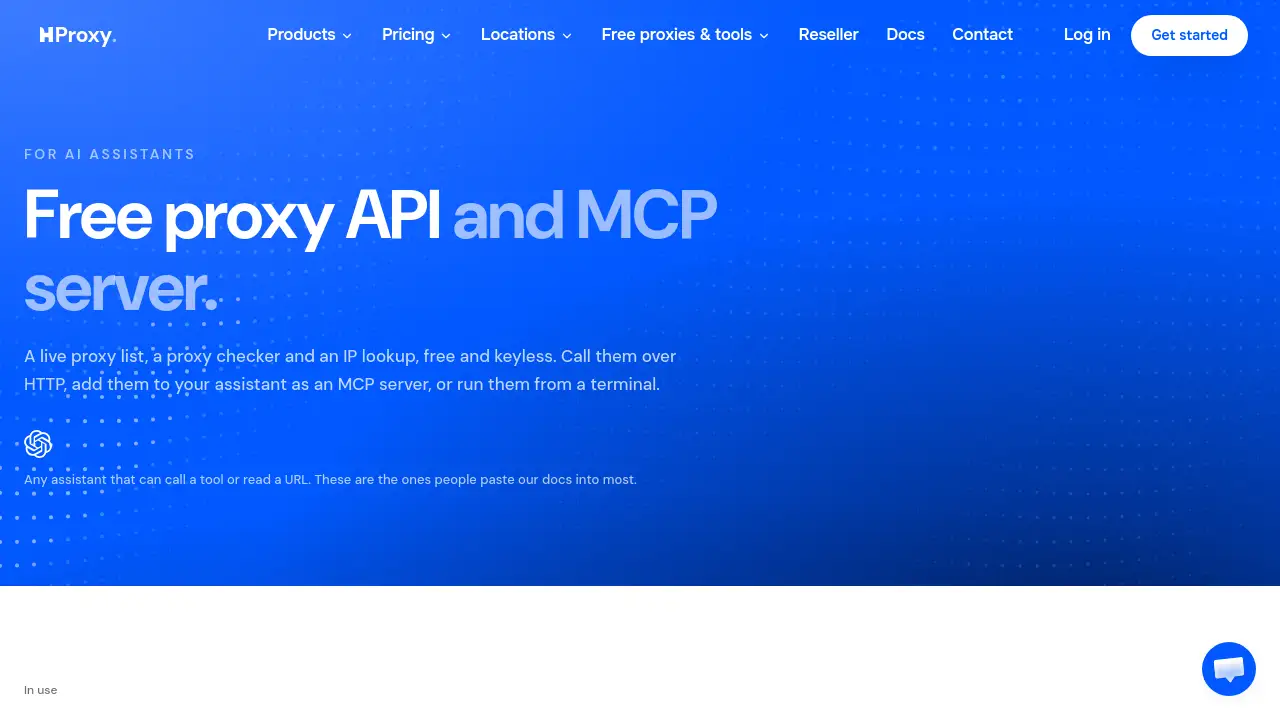
HProxy MCP is a free, keyless proxy toolkit for AI assistants and developers. It combines a live proxy list, a proxy checker, and an IP lookup in one hosted MCP server. You can add HProxy MCP to Claude, ChatGPT, Cursor, or call the free proxy API from your own scripts. No account is required.
What is HProxy MCP?
HProxy MCP is a hosted Model Context Protocol (MCP) server that gives AI assistants direct access to three practical network tools: a live proxy list, a proxy checker, and an IP lookup. It solves the problem of finding, testing, and inspecting proxies without creating an account or managing API keys. For developers and AI users, HProxy MCP turns a normally manual lookup process into a simple tool call inside Claude, ChatGPT, Cursor, VS Code, Windsurf, or any assistant that speaks MCP.
The product also works as a free proxy API and a command-line utility. The free proxy API returns live proxies filtered by country, protocol, and anonymity. The proxy checker runs real connection tests, and the IP lookup returns country, city, timezone, ASN, and network details. HProxy MCP is suitable for testing, automation, and one-off checks where a shared public proxy is acceptable.
Key Features of HProxy MCP
Live Proxy List
Fetch a live proxy list from a public pool, filtered by country, protocol, and anonymity. The free proxy API returns fields such as IP, port, protocols, anonymity, country code, city, ASN, latency, and uptime.
Proxy Checker
Test any proxy with a real connection instead of a database lookup. HProxy MCP can check up to 25 proxies per MCP call, and the free proxy API supports larger batches through its HTTP endpoint.
IP Lookup
Look up any public IP address to see its country, city, timezone, ASN, and network owner. This IP lookup tool is useful for quick network checks inside an AI assistant or script.
Hosted MCP Server
Add one remote MCP server URL and your assistant can call proxy_list, proxy_check, and ip_lookup by name. The hosted MCP server requires nothing to install and no key, so HProxy MCP stays easy to connect.
Keyless Free Proxy API
Call the free proxy API over plain HTTP with CORS enabled. This makes HProxy MCP friendly to agents, browser-based tools, and custom scripts that need proxy data without an account.
Command-Line and JSON Support
Install the hproxy command on macOS, Linux, or Windows and run the same tools from a terminal. Use --json to get structured output from HProxy MCP for pipelines and automation.
Multi-Assistant Compatibility
Connect HProxy MCP to Claude Code, Claude Desktop, ChatGPT, Cursor, VS Code, Windsurf, and Gemini CLI. The same MCP server works across these assistants when MCP support is available.
Use Cases for HProxy MCP
Testing Proxy Lists in AI Chats
Ask an assistant to “give me twenty elite German SOCKS5 proxies and check which are alive.” HProxy MCP handles the proxy list and proxy checker steps in one conversation.
Checking Proxies Before Use
Before adding a proxy to a scraper or test setup, use the proxy checker to confirm whether it is alive, what protocols it supports, and where it exits. This reduces wasted time on dead proxies.
Investigating IP Addresses
Use the IP lookup to find the network behind a public address. HProxy MCP can answer questions like “Who runs the network behind 8.8.8.8?” without leaving the assistant.
Automating Workflows with Scripts
Developers can call the free proxy API from Python, JavaScript, or shell scripts. HProxy MCP also offers a CLI, so the same proxy list, proxy checker, and IP lookup tasks can run in a pipeline.
Building Agent Tools
An agent with a fetch tool can read the free proxy API directly. HProxy MCP adds a hosted MCP server option for agents that prefer tool calls over writing HTTP requests.
How to Use HProxy MCP
- Add the hosted MCP server to your assistant. For Claude Code, run:
claude mcp add --transport http hproxy https://mcp.hproxy.com/mcp. For ChatGPT, Cursor, VS Code, Windsurf, or Gemini CLI, use the same server URL in the relevant MCP settings. - Ask your assistant to use HProxy MCP tools. For example, request a proxy list, run a proxy checker task, or perform an IP lookup.
- Or call the free proxy API directly. Use
https://hproxy.com/api/proxy-list?format=jsonfor the proxy list, orhttps://hproxy.com/api/proxy-check?proxy=IP:PORTfor the proxy checker. - Install the hproxy command if you prefer a terminal. On macOS or Linux, run
curl -fsSL https://hproxy.com/install.sh | sh. On Windows PowerShell, runirm https://hproxy.com/install.ps1 | iex. - Add
--jsonto CLI commands when you need structured output from HProxy MCP.
Target Audience for HProxy MCP
- AI assistant users who want live proxy tools inside Claude, ChatGPT, or Cursor.
- Developers building scripts, agents, or products that need a free proxy API.
- QA and test engineers who check proxies before using them.
- Network and security researchers who need quick IP lookup results.
- Automation builders who prefer a command-line tool with JSON output.
- Technical teams exploring MCP server integrations.
Is HProxy MCP Free?
HProxy MCP is presented as free and keyless. The reference information does not list a paid plan or paid tier. The free service includes the live proxy list, proxy checker, IP lookup, hosted MCP server, free proxy API, and CLI. No API key and no account are required.
| Plan | Price | Features |
|---|---|---|
| Free | $0 | Live proxy list, proxy checker, IP lookup, hosted MCP server, keyless free proxy API, CLI, JSON output, multi-assistant support |
HProxy MCP's Pros and Cons
| Aspect | Pros | Cons |
|---|---|---|
| Pricing | Free and keyless; no account required | No paid tier is listed, so advanced guarantees are unavailable |
| Setup | Hosted MCP server needs nothing to install | Each assistant has its own MCP setup steps |
| Features | Proxy list, proxy checker, and IP lookup in one service | Public proxies are shared and not suitable for sensitive or block-resistant tasks |
| Access | Free proxy API, CLI, and MCP server options | Rate limits apply, and batches may return unchecked results |
| Compatibility | Works with Claude, ChatGPT, Cursor, VS Code, Windsurf, and Gemini CLI | MCP support varies by assistant version and plan |
Frequently Asked Questions about HProxy MCP
What is HProxy MCP?
HProxy MCP is a hosted MCP server and free proxy API that provides a live proxy list, a proxy checker, and an IP lookup. It lets AI assistants and scripts use those tools without an API key or account.
Is HProxy MCP free to use?
Yes. The available information describes HProxy MCP as free and keyless. There is no listed paid plan. Users can access the free proxy API, MCP server, and CLI at no cost.
Do I need an API key for HProxy MCP?
No. HProxy MCP is designed to work without an API key and without an account. The free proxy API is keyless, and the hosted MCP server uses a public URL.
Which AI assistants work with HProxy MCP?
HProxy MCP can connect to Claude Code, Claude Desktop, ChatGPT, Cursor, VS Code, Windsurf, and Gemini CLI. Any assistant that supports remote MCP servers may also work.
Can HProxy MCP check if a proxy is alive?
Yes. The proxy checker runs a real live test on a proxy and reports alive status, protocols, anonymity, latency, and location. The free proxy API can check multiple proxies per request, while the MCP tool checks up to 25 per call.
What are the limitations of HProxy MCP?
The proxies are public and shared, so they are best for testing and one-off checks rather than tasks that must survive a real block. Rate limits apply, and some batch checks may return an “unchecked” status when a proxy does not answer in time.
HProxy MCP Tags
HProxy MCP, free proxy API, MCP server, live proxy list, proxy checker, IP lookup, Claude MCP, ChatGPT proxy tools, Cursor MCP server, keyless proxy API, no account proxy tool, hproxy CLI