Introduction
An online tool that makes it easy to edit text in images for free.
What is Image Text Editor?
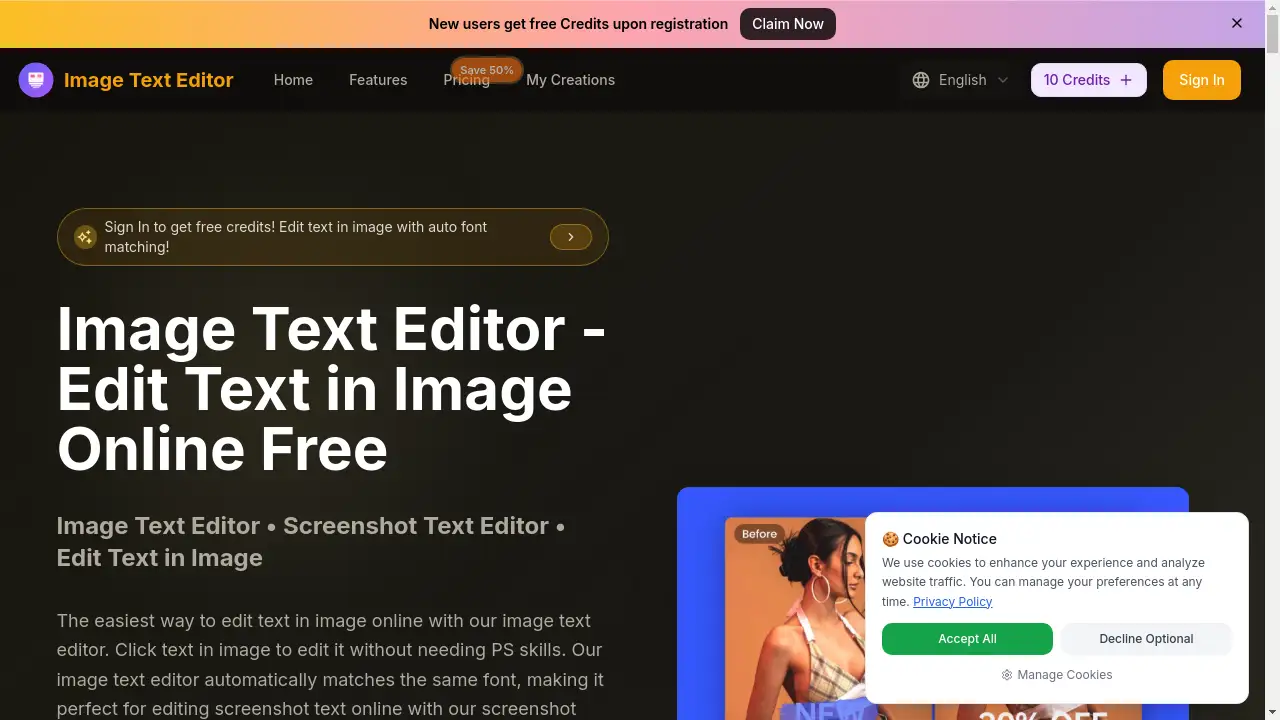
Image Text Editor is a web-based application designed to simplify the process of modifying text within existing images. It solves a common frustration: needing to update a word, fix a typo, or change a price on a screenshot, graphic, or photo without having access to the original design file or advanced editing skills like those required for Photoshop. This tool is suitable for a wide range of users, from social media managers and marketers to bloggers, students, and professionals who frequently work with screenshots. Its core value lies in its ability to edit text in image online free with a simple, intuitive process. Users can simply click text in image to edit it, and the platform's AI technology will match same font automatically, ensuring the new text blends seamlessly with the original.
Key Features of Image Text Editor
Auto Font Matching
The tool intelligently analyzes the original text in your image and automatically applies a matching font style, size, and color when you make an edit, ensuring a natural and professional result.
Click-to-Edit Interface
Editing is as simple as clicking directly on the text you want to change within the uploaded image, eliminating the need for complex layer management or manual selection tools.
AI-Powered Text Detection
Using AI, the editor automatically detects text areas in your image, making it easy to select and modify specific words or phrases with just a descriptive prompt.
High-Quality Output
The platform processes and outputs edited images while preserving the original quality and resolution, making the results suitable for both web and print use.
Web & Mobile Browser Compatibility
As a fully online tool, it works seamlessly on both desktop and mobile browsers, allowing you to edit screenshot text online or change text in photos from virtually any device.
Instant Processing
Changes are applied and rendered in seconds, providing a fast and efficient workflow for quick edits without long wait times.
Use Cases for Image Text Editor
Updating Marketing Graphics
Quickly change promotional text, prices, or dates on existing banners, social media posts, and email graphics without recreating them from scratch.
Correcting Screenshot Errors
Perfect for professionals who need to share accurate screenshots; easily fix typos, blur out sensitive info, or update UI text in app or website captures.
Localizing Visual Content
Adapt text in images for different regions or languages by replacing words or phrases while maintaining the original design aesthetic.
Personalizing Memes and Social Content
Edit text on popular meme templates or personal photos to create custom, shareable content for social media platforms.
Revising Document Screenshots
Update information in screenshots of documents, presentations, or PDFs before sharing them, ensuring all details are current and correct.
How to Use Image Text Editor
Using the Image Text Editor is a straightforward three-step process designed for speed and simplicity.
- Upload Your Image: Visit the website and upload the JPG, PNG, or WEBP image you want to edit by dragging and dropping it or clicking the upload area.
- Enter Your Edit Instruction: Click directly on the text you wish to change in the image. A prompt box will appear. Clearly describe what you want to change (e.g., "Change 'Meeting at 3 PM' to 'Meeting at 4 PM'"). The AI will process your request.
- Preview and Download: The editor will generate a new version of your image with the text modified. Preview the result, and if satisfied, download the final edited image to your device.
Target Audience for Image Text Editor
- Social Media Managers & Marketers: For quickly updating campaign visuals, creating A/B test variations, and fixing errors in scheduled posts.
- Bloggers & Content Creators: Ideal for editing text in featured images, tutorials with screenshots, and custom graphics.
- Professionals & Businesses: Useful for updating information in presentation screenshots, correcting details in product mockups, or localizing sales materials.
- Students & Educators: Helpful for annotating study materials, correcting slides, or creating clear instructional images.
- General Users: Anyone who needs to make a simple text correction in a photo, meme, or screenshot without learning complex software.
Is Image Text Editor Free?
The platform operates on a credit-based subscription model. While it promotes the ability to edit text in image online free, this likely refers to a free trial or a limited number of edits. For ongoing use, paid plans are available. Based on the reference information, the pricing plans are:
| Plan | Price (Billed Annually) | Key Features & Credits |
|---|---|---|
| Basic | $9.9/month | 12,000 credits/year (~1,200 images), commercial license, permanent history. |
| Professional (Most Popular) | $23.9/month | 30,000 credits/year (~3,000 images), all Basic features. |
| Enterprise | $63.9/month | 120,000 credits/year (~12,000 images), all Professional features. |
All plans offer unlimited editing sessions, with the credit cost tied to image generation. Users should check the official website for the most current free trial or credit offerings.
Image Text Editor's Pros and Cons
| Aspect | Pros | Cons |
|---|---|---|
| Ease of Use | Extremely simple "click-to-edit" process; no design skills required. | Advanced customization (like manual font kerning) may be limited compared to professional software. |
| Technology | Powerful AI for automatic font matching and text detection saves significant time. | Results depend on image quality and text clarity; may struggle with highly stylized or obscured fonts. |
| Accessibility | Works directly in a web browser on any device; no software to download or install. | Requires a stable internet connection to function. |
| Pricing | Transparent, subscription-based model with scalable plans for different needs. | No clear indication of a permanent free tier; ongoing use requires a paid subscription. |
| Output | Maintains original image quality; outputs are ready for professional use. | Supported file size is limited to 5MB, which may restrict some high-resolution images. |
Frequently Asked Questions about Image Text Editor
How do I edit text in an image online for free?
You can start editing text in images for free by visiting the Image Text Editor website. The platform allows you to upload an image and use its editing tools. For extended use beyond a trial, a subscription plan is required to purchase credits for image processing.
Does it automatically match the original font?
Yes, a core feature of this image text editor is its automatic font matching. When you click text in image to edit it, the AI analyzes the original font's style, size, and color and applies a matching font to your new text, ensuring it blends naturally.
Can I use it to edit screenshot text online?
Absolutely. The tool functions perfectly as a screenshot text editor. It is ideal for editing text in app screenshots, website captures, or any other image where you need to edit screenshot text online quickly and accurately.
Do I need skills in Photoshop or other complex software?
No, you do not need any prior design or PS skills. The interface is built for simplicity. You just upload, click on the text, and describe the change. The AI handles the technical work of edit text in image with same font matching and integration.
What image file formats are supported?
The image text editor supports common formats including JPG, PNG, and WEBP. Uploaded images must be 5MB or smaller, which is suitable for most screenshots and web-quality photos.
Is there a mobile app?
There is no dedicated mobile app to download. However, the service is a web app that works fully in your mobile device's browser (like Chrome or Safari), allowing you to edit text in image from your smartphone or tablet.
Image Text Editor Tags
edit text in image, image text editor, screenshot text editor, edit text in image online free, click text in image to edit, edit screenshot text online, change text in photos, match same font automatically, online photo text editor, edit jpeg text online, remove text from image, add text to image, AI text editor for images, free image editor, web-based text editor