Introduction
AI video creation tool for professional results.
What is Imideo?
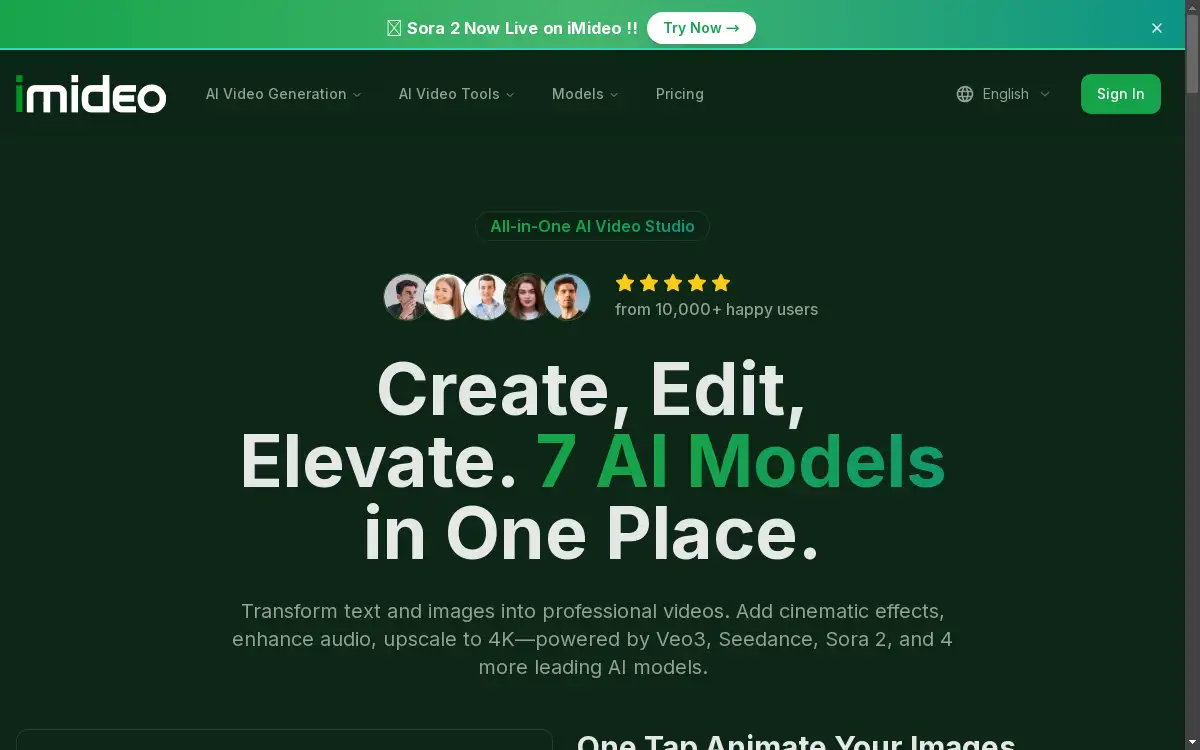
Imideo is an all-in-one AI video studio that simplifies the process of creating professional videos. This platform addresses the challenge of needing advanced video editing skills or expensive software by providing a centralized hub powered by multiple leading AI models. It enables users to generate videos from simple text prompts or static images, making professional video creation accessible to a wider audience. For content creators, marketers, and businesses, Imideo offers a way to produce scroll-stopping video content quickly and efficiently, transforming ideas into engaging visual stories without a steep learning curve.
Key Features of Imideo
Seven Integrated AI Models
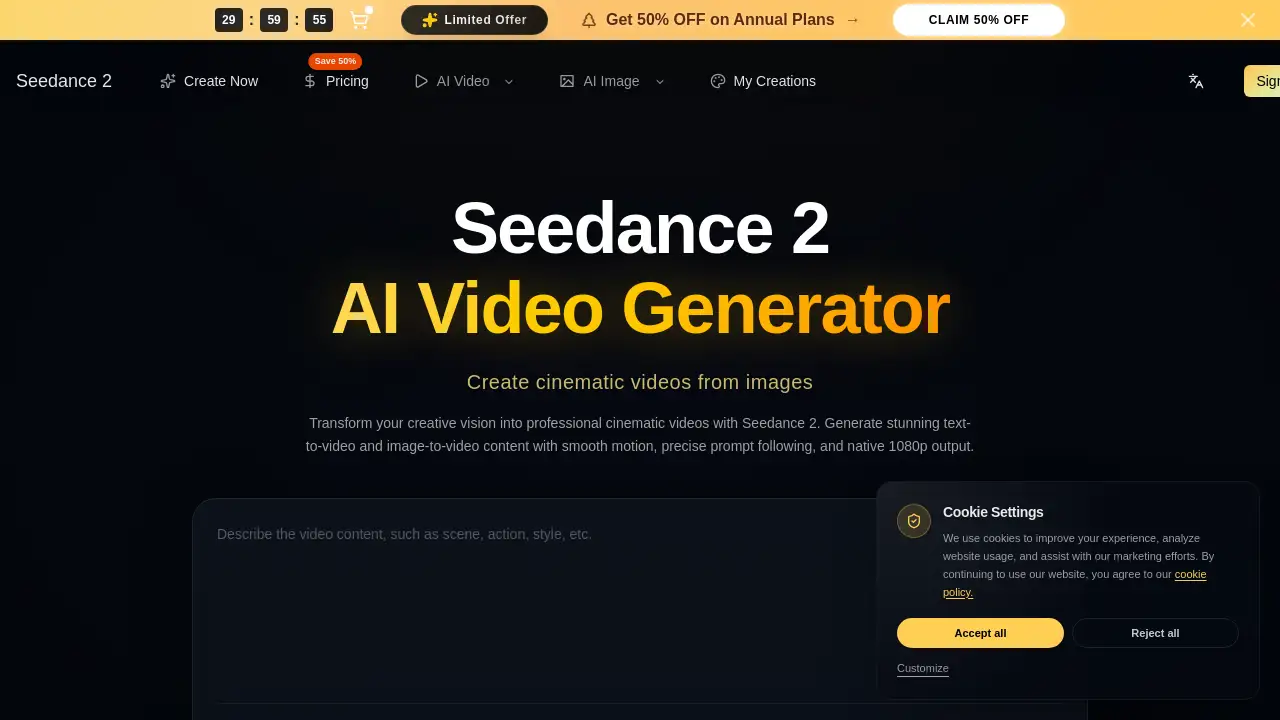
Imideo provides access to seven powerful AI models, including Veo3, Sora 2, and Seedance, all within a single platform for versatile video generation.
Text to Video Generation
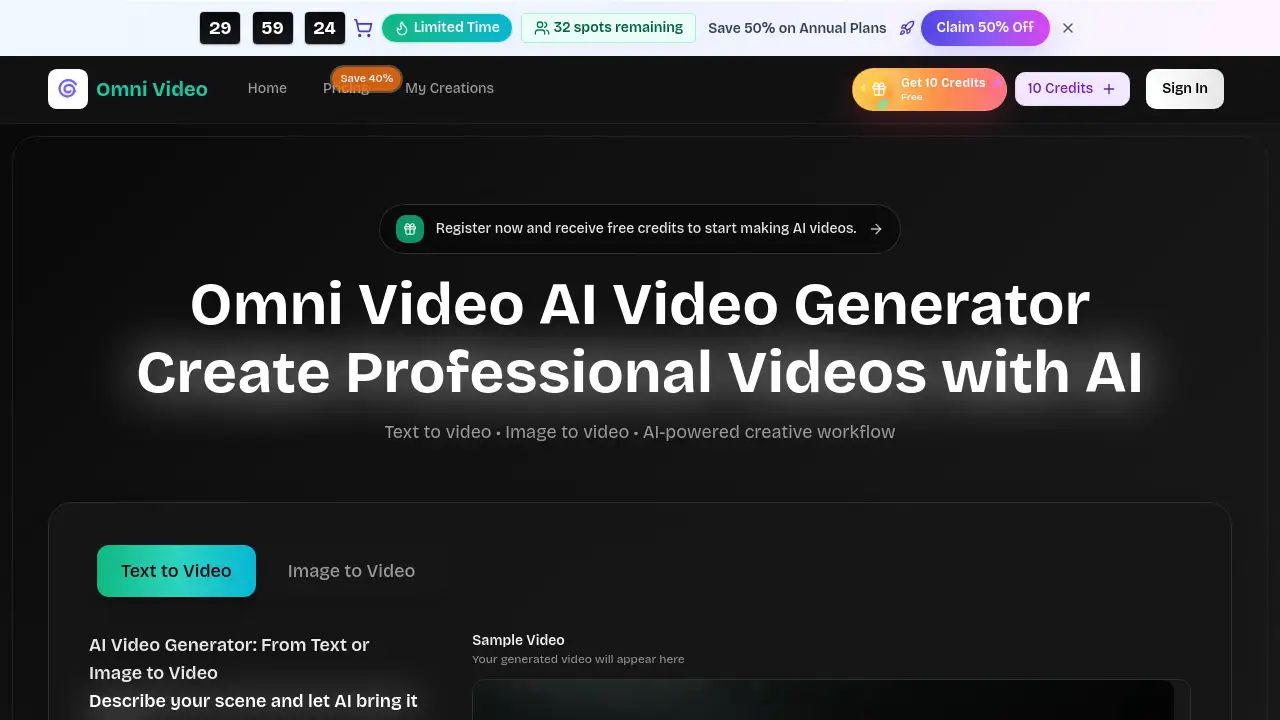
Users can create professional videos by simply typing a text prompt, allowing for the quick transformation of ideas into visual content for marketing or storytelling.
Image to Video Animation
This feature allows any uploaded image to be transformed into a captivating motion video, adding dynamic movement and cinematic effects to photos and artwork.
AI Video Effects
Apply a variety of stunning cinematic transitions and artistic filters instantly using creative templates, requiring no manual editing skills.
AI Sound Effects Generator
Automatically add realistic, cinematic audio to silent videos, generating everything from ambient noise to dramatic impacts.
AI Watermark Remover
Clean videos by removing logos, text, and watermarks with AI precision while maintaining the original quality of the footage.
AI Video Upscaler
Enhance video resolution instantly, boosting low-quality footage to crisp HD or 4K using AI-powered upscaling technology.
Use Cases for Imideo
Social Media Content Creation
Ideal for producing daily shorts and reels, this AI video creation tool helps creators generate engaging content for platforms like Instagram and TikTok quickly.
Marketing and Advertising Campaigns
Marketing teams can use the platform to create compelling product launch teasers and promotional ads from text or image assets.
Creative Prototyping and Concept Testing
Designers and developers can rapidly test visual concepts and animate sketches for pitches, presentations, or game development.
Personal Project Enhancement
Students and hobbyists can bring personal projects, such as illustrations or photos, to life with motion and sound effects on a budget.
How to Use Imideo
Using Imideo is a straightforward process designed for users of all skill levels. To create a video, one can start by navigating to the platform's website. For a text to video, a user simply needs to enter a descriptive prompt into the provided field. For an image to video, the process involves uploading a static image file. Users can then select preferences such as aspect ratio, resolution (up to 720p), and video duration. The next step is to choose from the available AI models, like Veo3 or Sora 2. Finally, clicking the "Create Video" button initiates the AI-powered generation, producing a professional video in minutes.
Target Audience for Imideo
- Content Creators and Social Media Managers
- Marketing Professionals and Agencies
- Freelance Designers and Artists
- Startup Founders and Entrepreneurs
- Indie Game Developers and Animators
- Students and Educators
Is Imideo Free?
Imideo offers a free plan that allows new users to start creating videos immediately. This plan includes free credits to explore the platform's core features, such as text to video and image to video generation. For users requiring more extensive capabilities, such as higher credit volumes, 4K upscaling, or watermark-free exports, Imideo provides affordable premium options through its pricing plans. This structure makes professional AI video creation accessible while offering a clear upgrade path for growing needs.
Frequently Asked Questions about Imideo
What AI models are available on Imideo?
The platform integrates seven leading AI models, including Veo3, Sora 2, Seedance, PixVerse, Kling, Runway, and Wan AI, providing a range of options for different video styles.
Can I animate my own images with this tool?
Yes, the image to video feature is designed specifically for this purpose, allowing users to upload personal photos or artwork and transform them into motion videos.
Does Imideo include audio editing features?
Imideo includes an AI sound effects generator that can automatically add cinematic audio to videos, but it is primarily focused on visual generation and enhancement.
Is there a watermark on videos created with the free plan?
The free plan may include a watermark, but the platform has a dedicated AI watermark remover tool, which is typically a feature of the premium plans.
What video quality can I achieve?
Videos can be generated at 720p standard resolution, and the AI video upscaler tool can then enhance the output to HD or 4K quality.
Who is the typical user for this AI video platform?
The user base is diverse, including over 10,000 creators, marketers, designers, and business owners who need to create professional videos quickly.
Imideo Tags
AI video creation, text to video, image to video, Veo3, Sora 2, Seedance AI, AI video generator, video upscaler, watermark remover, sound effects generator, AI video models, professional video editing, AI video studio