Introduction
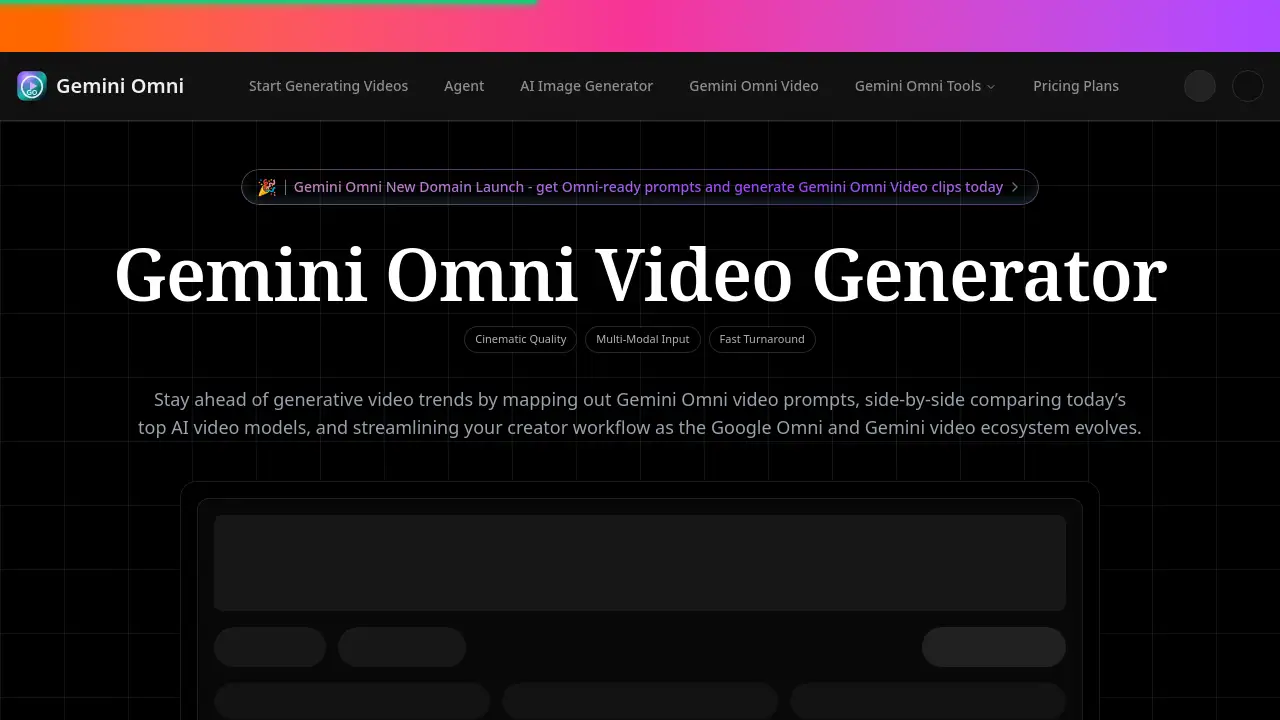
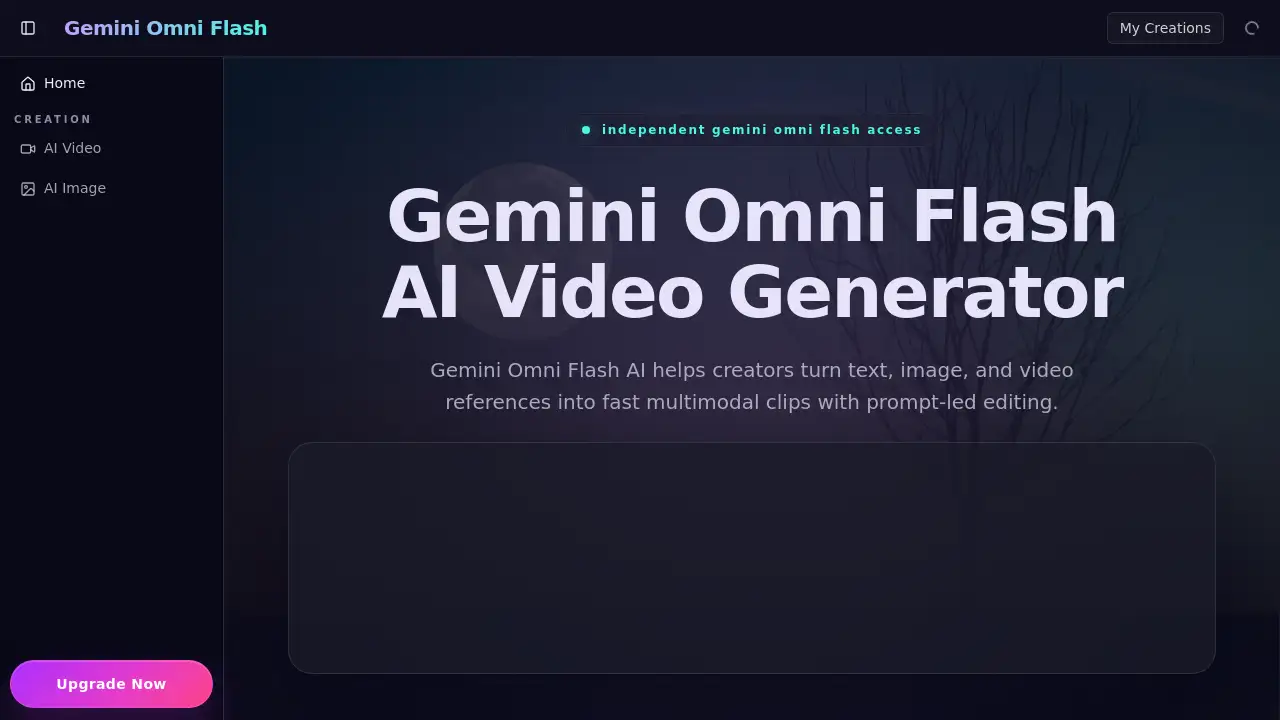
Gemini Omni Flash AI is a fast multimodal video creation tool designed for modern creators.
What is Gemini Omni Flash?
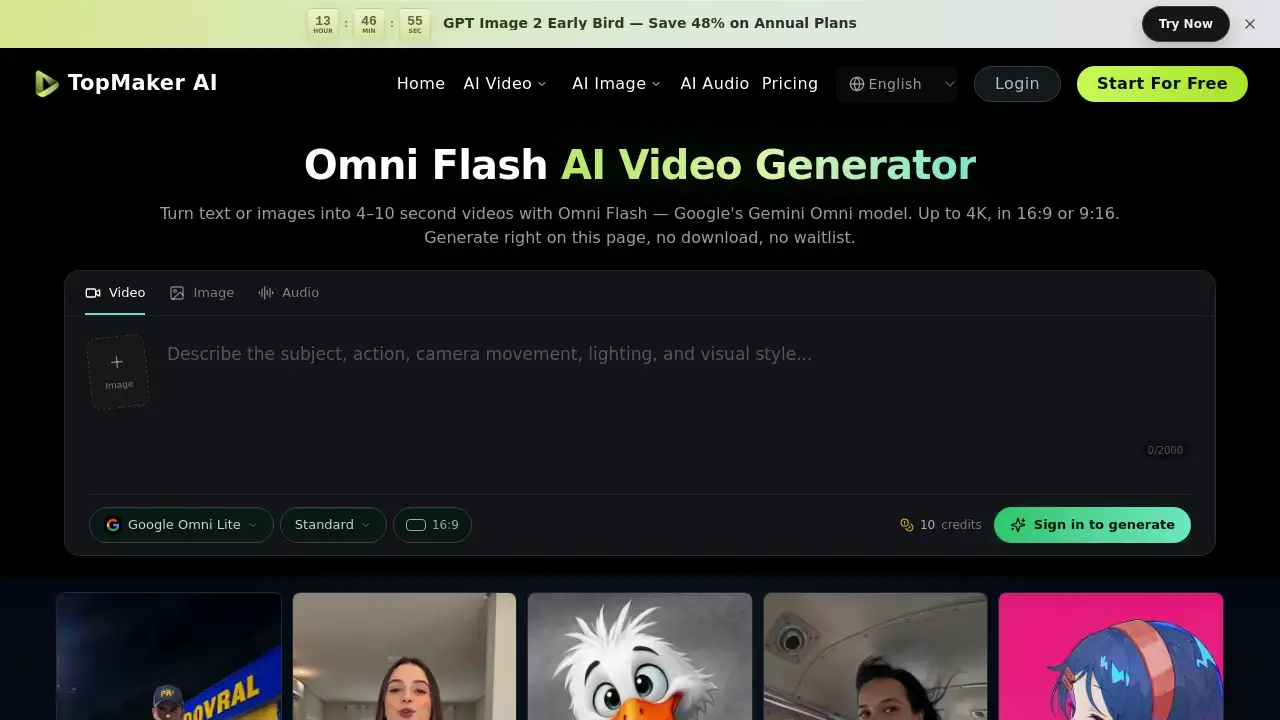
Gemini Omni Flash AI is an independent platform that provides access to a fast video generation workspace. It is a multimodal video creation tool that helps users turn text prompts, image references, and video references into short, usable clips. The platform is designed to solve the problem of slow, fragmented creative workflows by offering a single place for prompt-led editing, generation, and revision. It matters for creators, marketers, and teams who need to produce high volumes of social shorts, cinematic ads, product motion demos, and storyboards quickly without sacrificing creative control or visual consistency.
Key Features of Gemini Omni Flash
Text to Video Generation
Write a simple scene description, and the AI shapes it into a coherent video clip with appropriate camera intent, lighting, and pacing.
Image to Video Animation
Upload a photo, such as a product shot or portrait, and guide motion generation without losing the original image's identity, texture, or visual tone.
Chat-Style Revision
Use natural language to revise elements like lighting, background, or pacing after the initial video is generated, making the editing process feel like a creative conversation.
Reference Remix Control
Remix uploaded image or video references while maintaining steady characters, settings, and brand cues across multiple short video variations for campaign ads or social content.
Fast Iteration Workflow
The platform is built for speed, enabling high-frequency creative work with rapid testing of prompts and concepts to find the best visual direction.
Use Cases for Gemini Omni Flash
Cinematic Ads and Campaigns
Turn marketing briefs into ad-ready clips with stable product framing and clear motion, ideal for paid social testing and campaign ads.
Social Media Shorts
Generate and remix vertical video ideas quickly, maintaining a consistent brand look across platforms like TikTok, Instagram Reels, and YouTube Shorts.
Product Demos and Motion
Animate still product assets into engaging browser-ready demos that clearly showcase features, materials, and use cases.
Creative Storyboarding
Create visual pre-visualizations or storyboards from script notes, allowing filmmakers and directors to review scenes before committing to a full shoot.
Visual Concept Testing
Explore different visual directions, such as framing, lighting, and mood, rapidly to solidify creative concepts for pitches or client reviews.
How to Use Gemini Omni Flash
Using Gemini Omni Flash AI to create a video involves a straightforward three-step process.
- Input Your Prompt or Reference: Start by describing the video you want in text. You can optionally upload an image or a video clip to serve as a visual reference for style and content.
- Set Your Parameters: Choose the desired video duration, aspect ratio (like vertical for social media), and output quality before initiating the generation.
- Generate and Download: Click the generate button. After a brief processing time, you can preview, make chat-based revisions if needed, and then download your HD video.
Target Audience for Gemini Omni Flash
- Social media content creators and managers
- Digital marketers and advertising agencies
- E-commerce managers and brand designers
- Motion designers and video producers
- Filmmakers and directors for pre-visualization
- Game developers and UX designers for concept trailers and demos
Is Gemini Omni Flash Free?
The reference information indicates a free trial is available to generate a first clip. For specific, ongoing pricing plans (e.g., Pro tiers), users are directed to check the official platform's pricing page for the most current details.
| Plan | Price | Key Features |
|---|---|---|
| Free Trial | $0 | Access to generate initial video clips. |
| Pro Plans | Varies | Likely includes higher resolution exports, more generation credits, and advanced features. (Check official site) |
Gemini Omni Flash's Pros and Cons
| Aspect | Pros | Cons |
|---|---|---|
| Speed & Workflow | Enables very fast iteration and prompt-led editing. | As an independent platform, its long-term feature roadmap is unclear. |
| Ease of Use | Simple three-step process and chat editing lower the barrier to entry. | May lack the deep, manual control of professional desktop editing software. |
| Creative Control | Reference remix control helps maintain brand and visual consistency. | Output quality and physics accuracy are dependent on the underlying AI model. |
| Accessibility | Provides independent access to advanced AI video creation workflows via a browser. | Not an official Google product, which may concern some enterprise users. |
Frequently Asked Questions about Gemini Omni Flash
What is Gemini Omni Flash AI?
Gemini Omni Flash AI is a fast multimodal video creation workspace. It turns text prompts, image references, and video references into short clips for ads, social content, product demos, and storyboards.
How is Gemini Omni Flash different from Gemini Omni?
Gemini Omni refers to a broader family of multimodal AI models. Gemini Omni Flash is focused specifically on faster, lighter video iteration for high-frequency creative work, making it practical for rapid drafts and prompt testing.
Can I edit videos after generating them?
Yes. The platform features chat-style revision, allowing you to describe changes in natural language. You can request adjustments like warmer lighting, a different background, or altered pacing without starting from scratch.
Can I use my own images or videos as a starting point?
Yes. Gemini Omni Flash AI supports reference-led workflows. You can upload images or videos to guide the AI, which is helpful for remixing campaign assets or keeping a product recognizable across variations.
Is this the official Google Gemini website?
No. This site is an independent platform that provides access to Gemini Omni Flash AI style workflows. It is not an official model owner page but focuses on a practical browser-based experience for video generation.
Who is Gemini Omni Flash best suited for?
It is useful for marketers, content creators, agencies, e-commerce teams, and video producers who need fast, repeatable clips for short ads, social videos, concept tests, and reference-based creative exploration.
Gemini Omni Flash Tags
Gemini Omni Flash, AI video creation, text to video, image to video, video generator, prompt-led editing, social shorts, cinematic ads, product motion, storyboard tool, fast video AI, multimodal AI, reference remix, chat editing